1OM-1086-002.pdf - 第67页
2.4.4 T ouch Screen V arious types of operations become available by touching the operation buttons and tabs on the touch screen. Fig. 1A13 • • • • • Operation Procedure Press the center of an operation button with your …
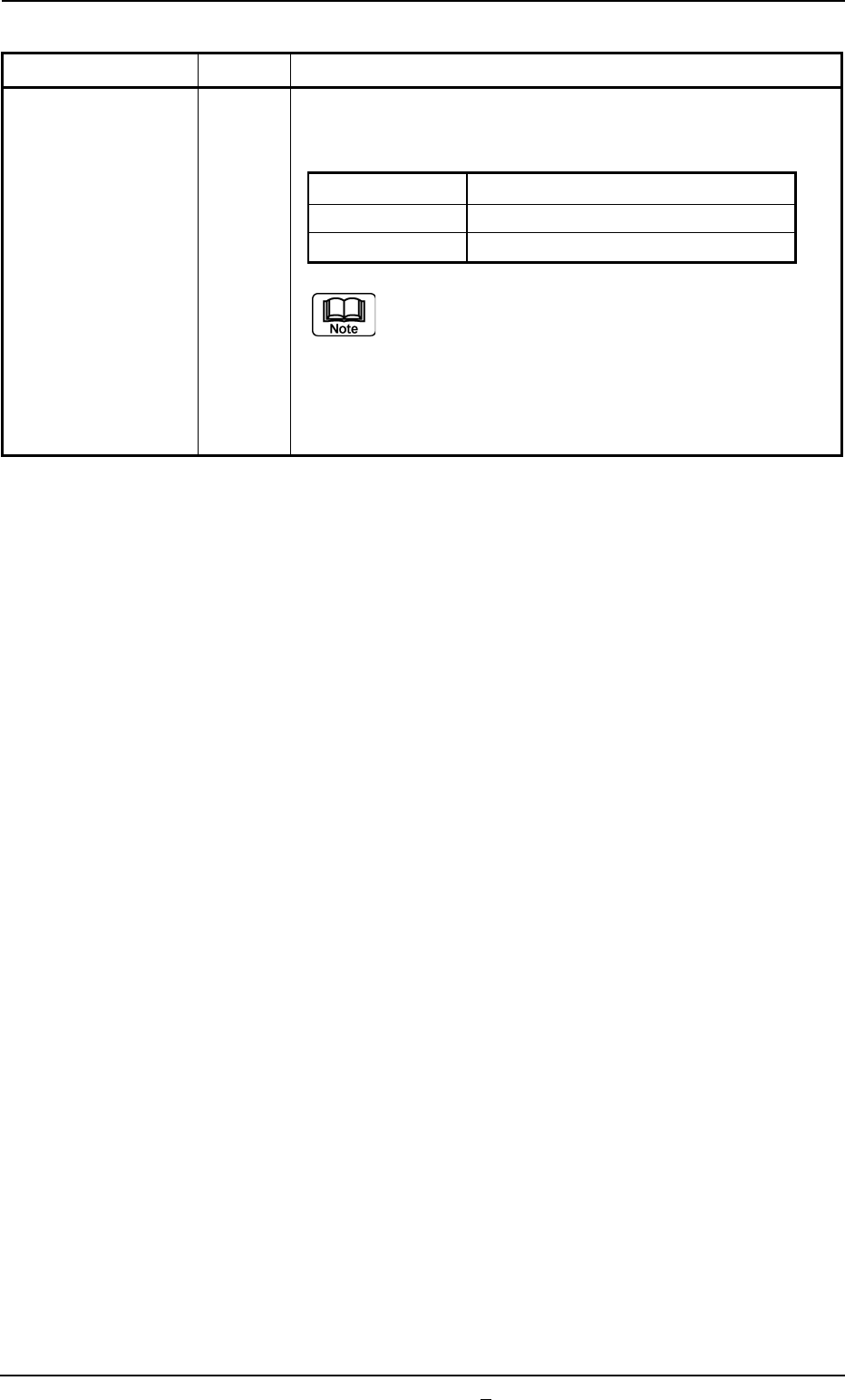
Table 1A3-2
Switch Name Symbols Function
Buzzer H02 • Sounds when an error occurs.
The machine is factory-adjusted as follows upon shipment.
Buzzer Machine Condition
CONTINUOUS Emergency Stop
ON AND OFF Error
The condition of the machine corresponding to the
parameters specified for the buzzer can be
changed in the “MAC. SET-UP” window.
Refer to “2.2 “Tower Lamp/Buzzer Set-up” Tab” in
“Section 4 (Chapter 1 of Vol. 2)” for details.
2.4 Operational Measures
0211-005 Chapter 1 1-9-2 Tg0582-PM-D1
2.4.4 Touch Screen
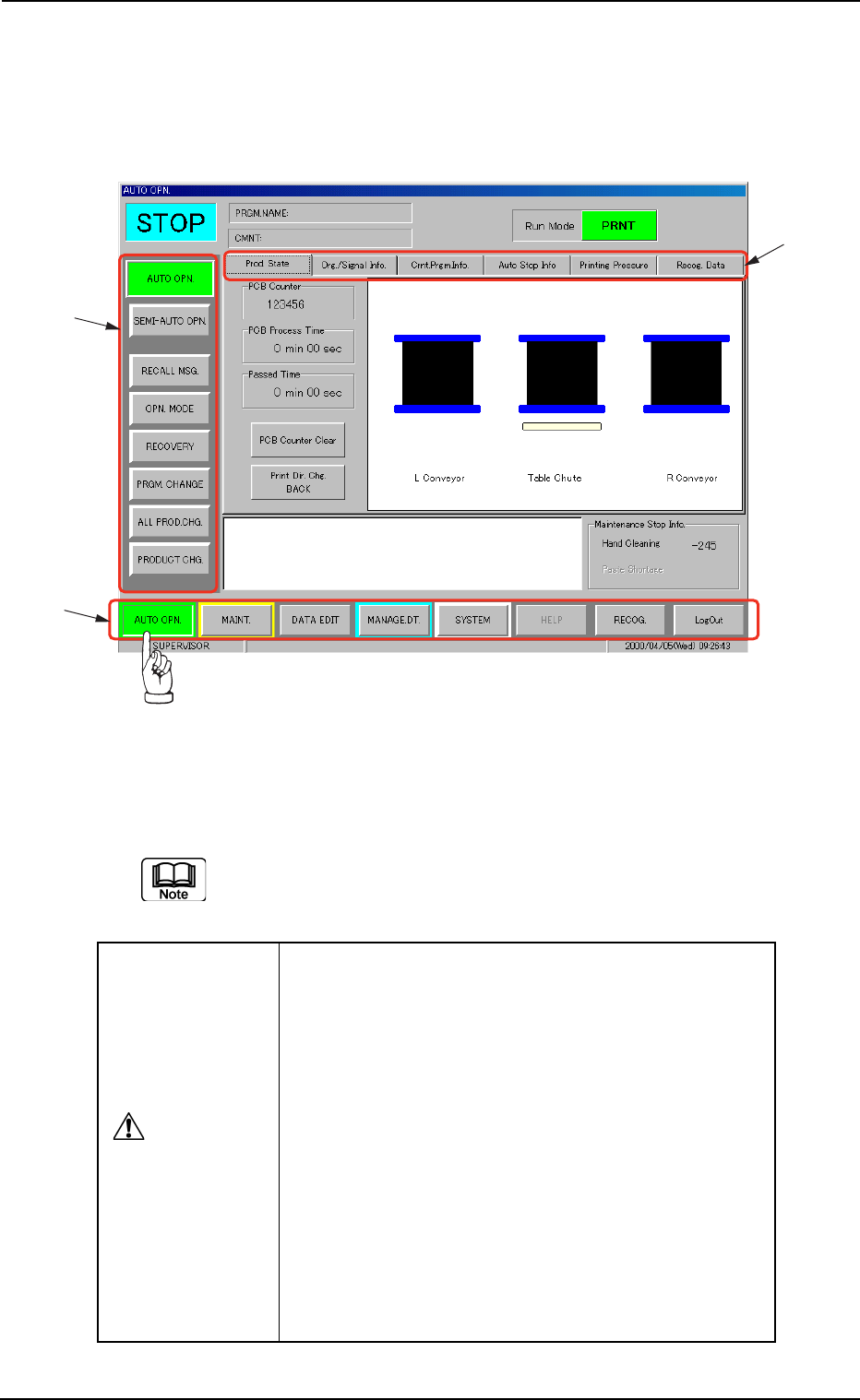
Various types of operations become available by touching the operation
buttons and tabs on the touch screen.
Fig. 1A13
••
••
• Operation Procedure
Press the center of an operation button with your finger.
The touch-sensitive regions of the touch screen reacts to a
force of 49 Ncm
2
(approx. 5 kgf/cm
2
) or less.
Do not press the screen with an excessive force.
2.4 Operational Measures
• Since the touch screen uses the molecules in liquid
crystals, handle it like glass.
Do not apply strong pressure to the touch screen.
Try not to touch the screen except for input opera-
tions.
• The surface of the touch screen is damaged easily,
does not rub, and does not press by using the pen
and the driver, etc.
• The touch screen is not a water-proof and encapsu-
lated type. Avoid dust, water droplet, oil droplet, and
metal pieces.
Especially, when metal pieces or combustible mate-
rial is mixed into the machine, it may lead to fire igni-
tion.
CAUTION
Tab
Operation
Button
Operation
Button
0211-005 Chapter 1 1-10 Tg0582-PM-D1

(a) When temperature is low at power-up, the brightness of
the back light drops and resumes normal after a few min-
utes. The deterioration is not abnormal.
(b) When the power is turned on or off repeatedly at low tem-
perature, the life of the touch screen will be shortened.
2.4 Operational Measures
0211-005 Chapter 1 1-11 Tg0582-PM-D1