1OM-1086-002.pdf - 第60页
2.3 Safety Devices 2.3.1 Emergency Stop Switch Fig. 1A6 The [EMERGENCY STOP] switches can be used to stop machine op- eration in an emergency . When a switch is pressed, all power is shut off and the machine stops runnin…
2.3 Safety Devices
2.3.1 Emergency Stop Switch
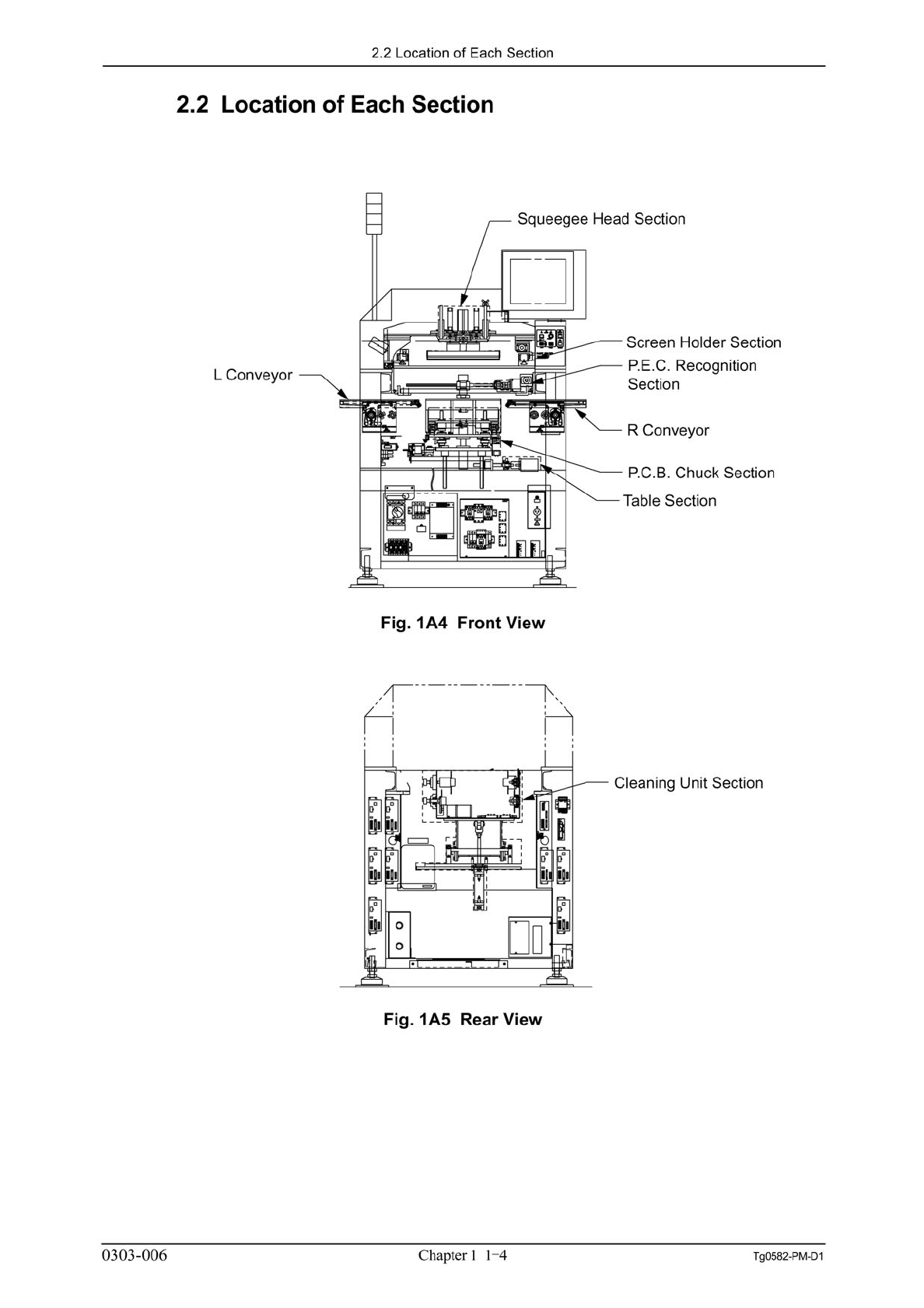
Fig. 1A6
The [EMERGENCY STOP] switches can be used to stop machine op-
eration in an emergency.
When a switch is pressed, all power is shut off and the machine stops
running immediately.
When the power is shut off, the LED of the [POWER ON] button on the
front operation panel illuminates in red.
••
••
• Locking the [EMERGENCY STOP] Switch
When an [EMERGENCY STOP] switch is pressed, all power is shut
off, and the machine stops running, the [EMERGENCY STOP] is
locked to avoid any careless power re-supply to the machine.
••
••
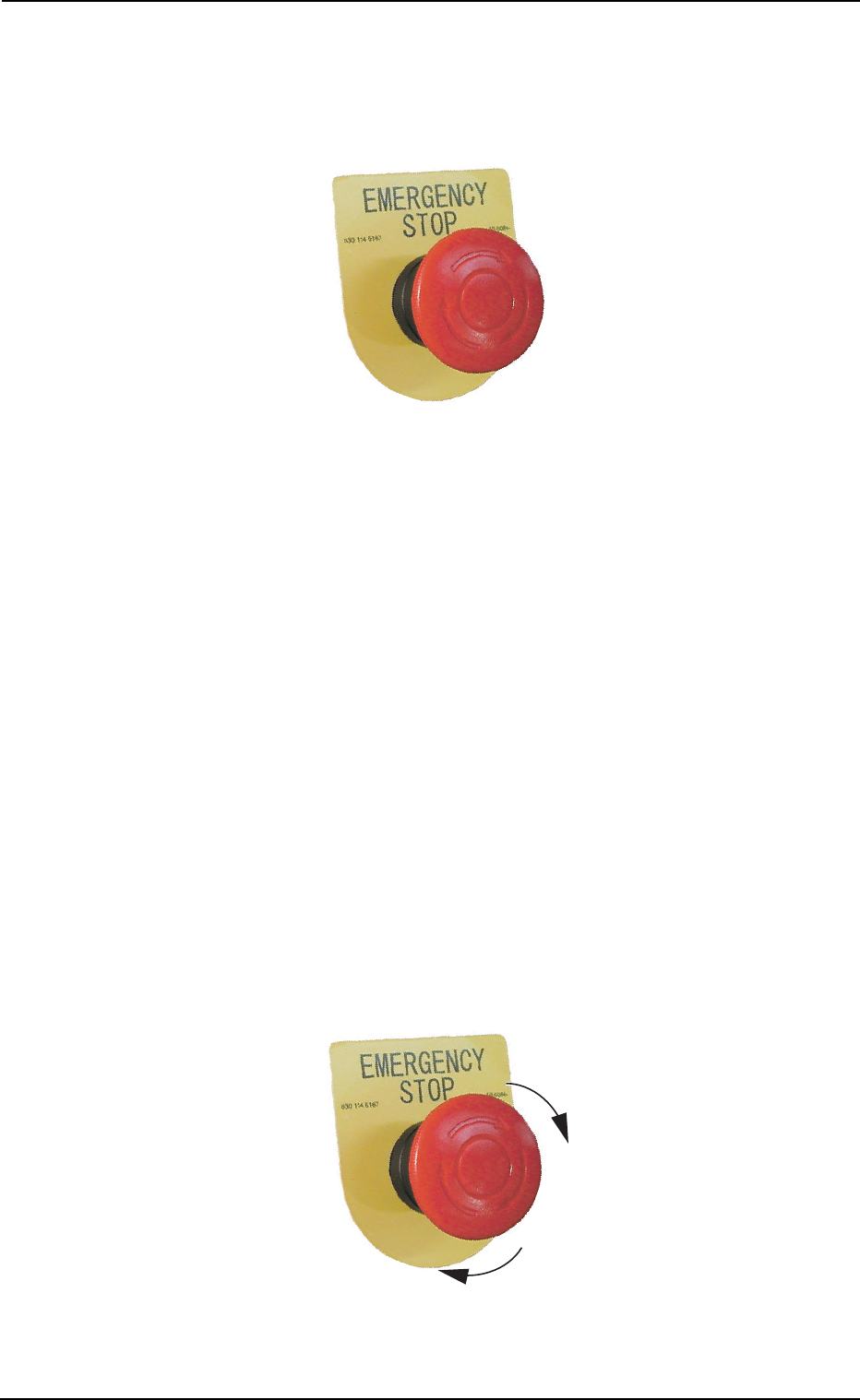
• Unlocking the [EMERGENCY STOP] Switch
Before re-supplying power to the machine, check and remove the
cause of emergency stop and inspect each section of the machine.
Then, unlock the [EMERGENCY STOP] switch.
To unlock the switch, turn the switch clockwise and pull it out.
Fig. 1A7
2.3 Safety Devices
0211-005 Chapter 1 1-5 Tg0582-PM-D1