1OM-1086-002.pdf - 第65页
T able 1A3-1 Switch Name Symbols Function OPERA TION S03 • The selection key must be inserted to change over the SET UP [OPERA TION/SET UP] switch to the "OPERA TION" or the "SETUP" side. The [OPERA T…
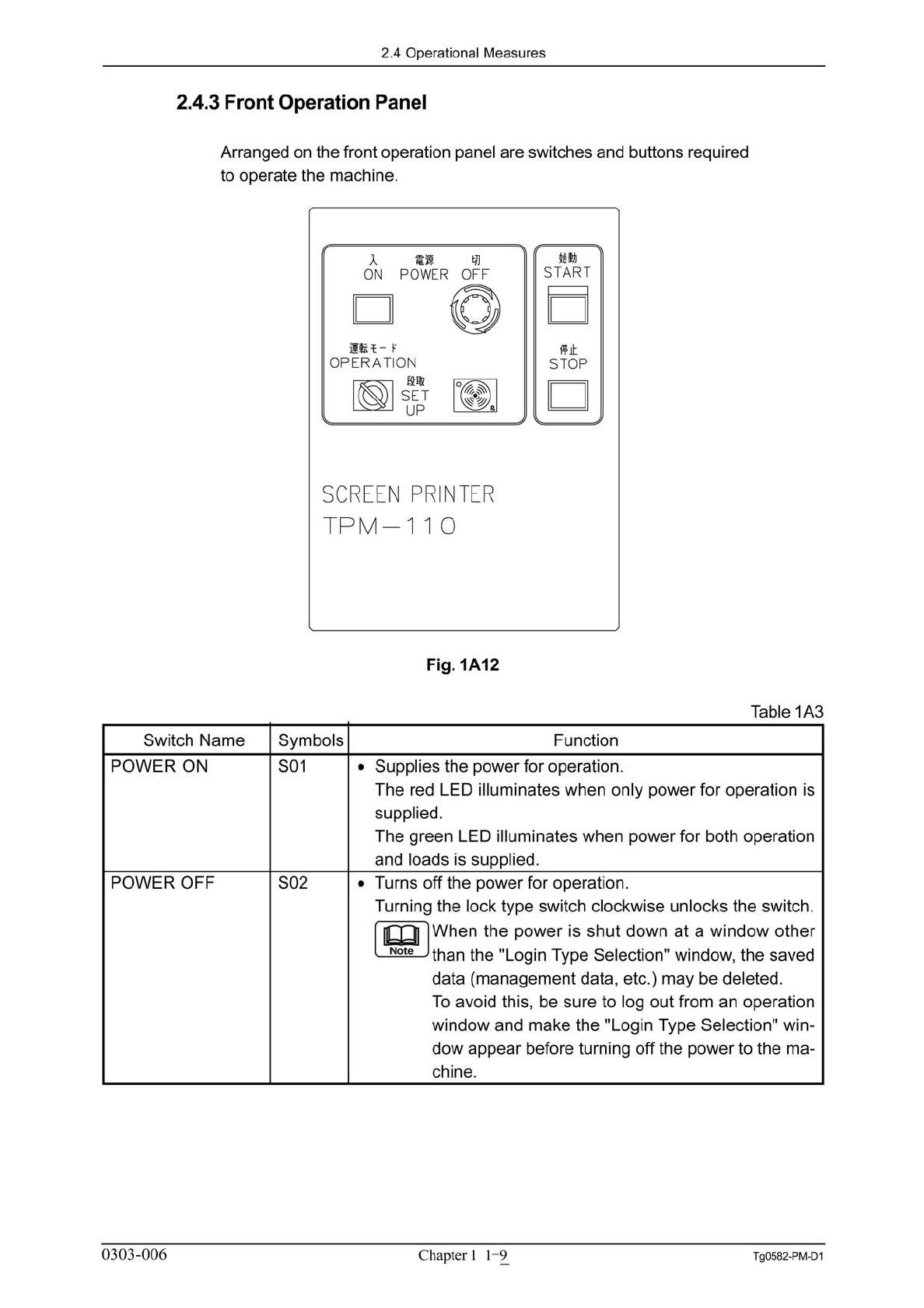
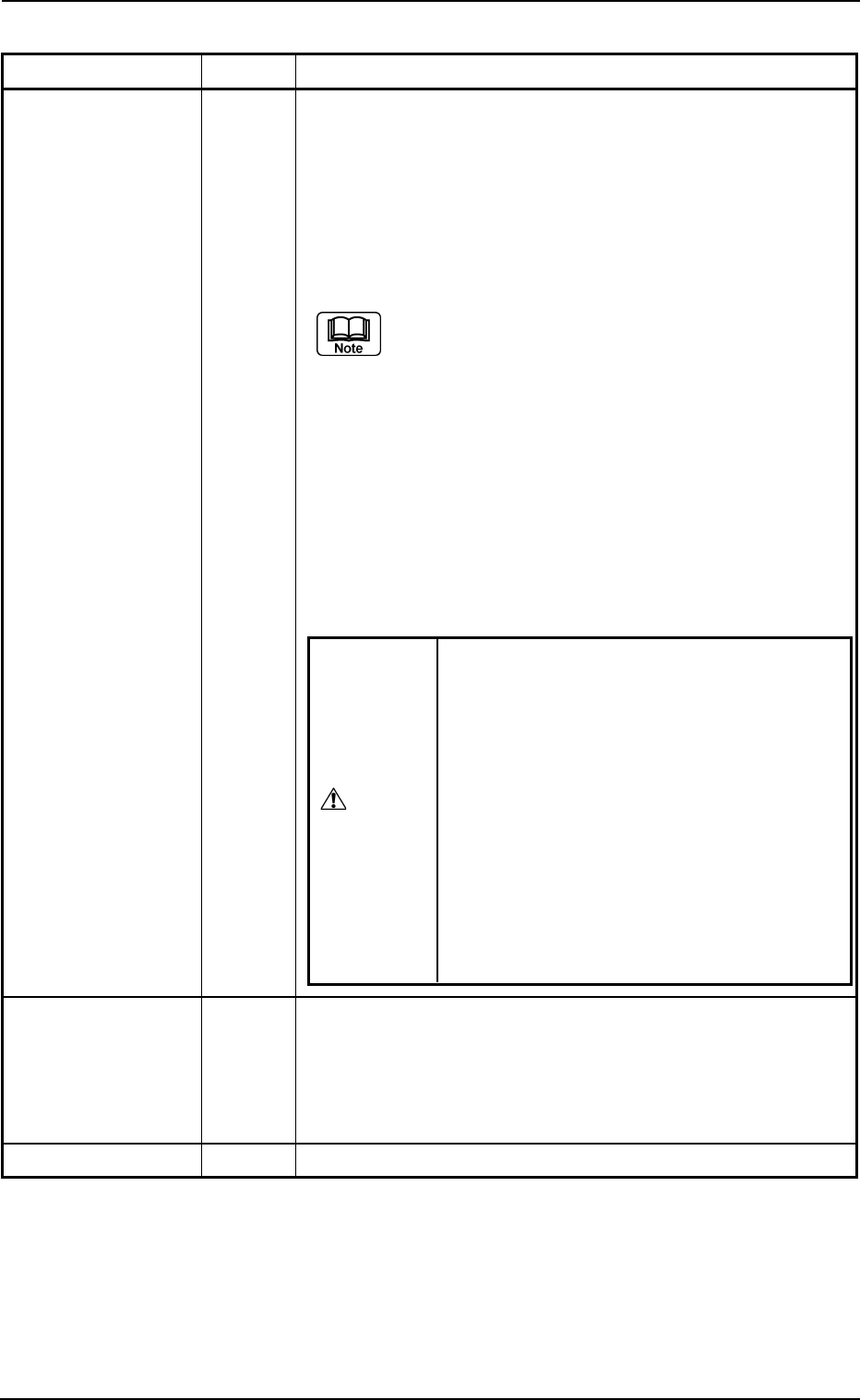
Table 1A3-1
Switch Name Symbols Function
OPERATION S03
• The selection key must be inserted to change over the
SET UP [OPERATION/SET UP] switch to the "OPERATION" or the
"SETUP" side.
The [OPERATION/SET UP] switch must be set to the "OP-
ERATION" side for automatic operation.
The switch can be changed over to "OPERATION" or "SET
UP" only when the machine is in the "STOP" mode.
When the switch is changed to the "SETUP" side,
the machine is set as follows.
(a) The red, yellow, green lamps of the light tower
will illuminate (initial setting of the machine upon
shipment).
(b) The following operations are prohibited regard-
less of the safety door condition (opened/closed).
Automatic Operation, P.C.B. Transfer (Cycle) Op-
eration, Zeroing Operation, Device Test, Unit Ad-
justment, and Teaching Operation
• When the [OPERATION/SET UP] switch
is set to the "SET UP" side, the interlock
function of the front safety door is deacti-
vated and it may cause critical injury to the
operator.
• Do not operate the machine with the [OP-
ERATION] switch in the "SET UP" side ex-
cept for the setup operations.
• Do not keep the selection key inserted un-
less necessary. The key shall be stored by
the person in charge.
START S05 • Starts automatic operation of the machine.
While the LED is ON, it indicates that the machine is run-
ning automatically.
It extinguishes when the [STOP] button is pressed during
operation.
STOP S07 • Stops automatic operation of the machine.
2.4 Operational Measures
0211-005 Chapter 1 1-9-1 Tg0582-PM-D1
Caution
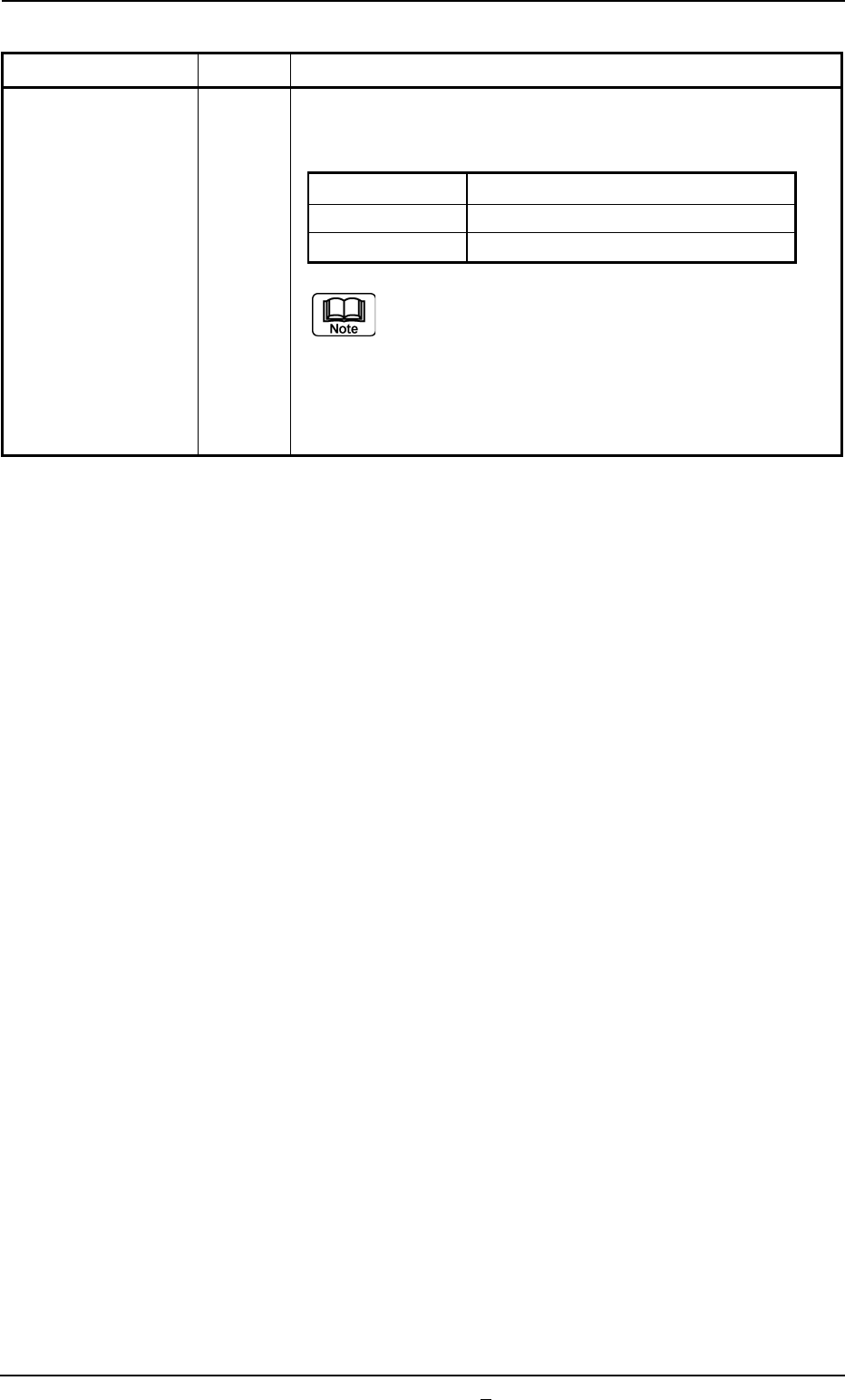
Table 1A3-2
Switch Name Symbols Function
Buzzer H02 • Sounds when an error occurs.
The machine is factory-adjusted as follows upon shipment.
Buzzer Machine Condition
CONTINUOUS Emergency Stop
ON AND OFF Error
The condition of the machine corresponding to the
parameters specified for the buzzer can be
changed in the “MAC. SET-UP” window.
Refer to “2.2 “Tower Lamp/Buzzer Set-up” Tab” in
“Section 4 (Chapter 1 of Vol. 2)” for details.
2.4 Operational Measures
0211-005 Chapter 1 1-9-2 Tg0582-PM-D1