00197723-12_UG_SE3.11_EN.pdf - 第19页
SMA Guide SIPLACE Explorer 3 Getting Started with the SMA from 3.11 (R20-2) Edition 11/2020 EN 1 9 3.1.4.3 Factory Web site - Configuration T ab - Gantry 3 Fig. 3 - 7 Factory W ebsite - Configuration T ab - Gantry Table …
3 Getting Started with the SMA SMA Guide SIPLACE Explorer
Edition 11/2020 EN from 3.11 (R20-2)
18
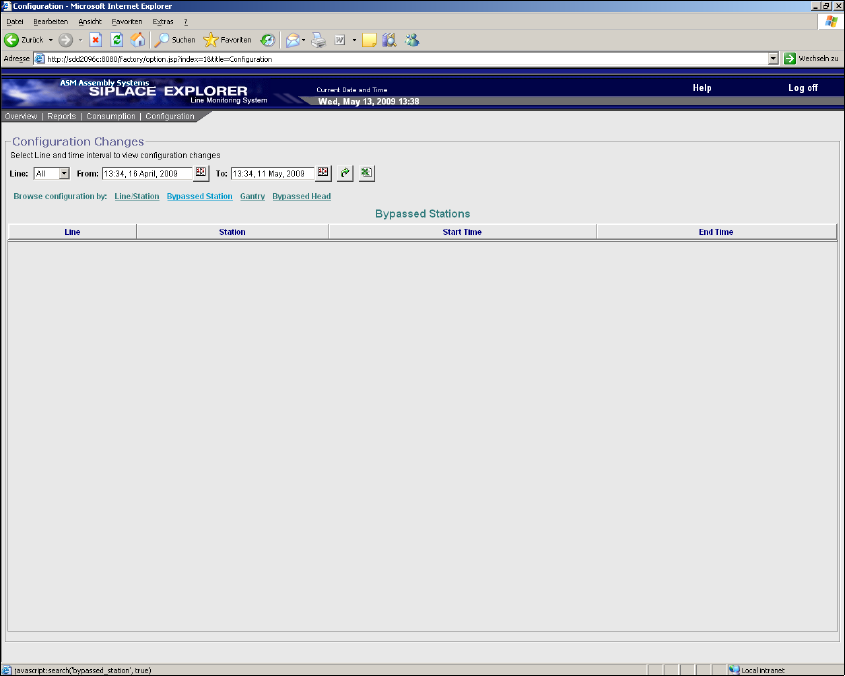
3.1.4.2 Factory Website - Configuration Tab - Bypassed Station
3
Fig. 3 - 6 Factory Website - Configuration Tab - Bypassed Station
Table 3
Line
Production line name from which a station has been set to the "PCB bypass" mode.
Station
Station name which has been set to the "PCB bypass" mode.
Start Time
Start date and time of the "PCB bypass" mode.
End Time
End date and time of the "PCB bypass" mode.
SMA Guide SIPLACE Explorer 3 Getting Started with the SMA
from 3.11 (R20-2) Edition 11/2020 EN
19
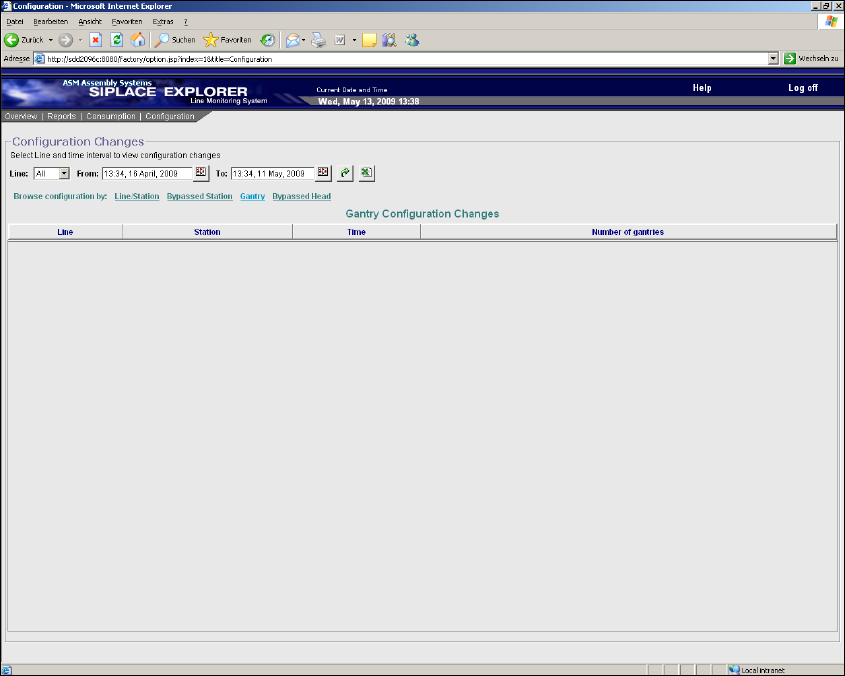
3.1.4.3 Factory Website - Configuration Tab - Gantry
3
Fig. 3 - 7 Factory Website - Configuration Tab - Gantry
Table 3
Line
Production line name.
Station
Station name from which a gantry has been added or removed.
Time
Date and time of addition or removal of a gantry.
Number of gantries
Total number of configured gantries.
3 Getting Started with the SMA SMA Guide SIPLACE Explorer
Edition 11/2020 EN from 3.11 (R20-2)
20
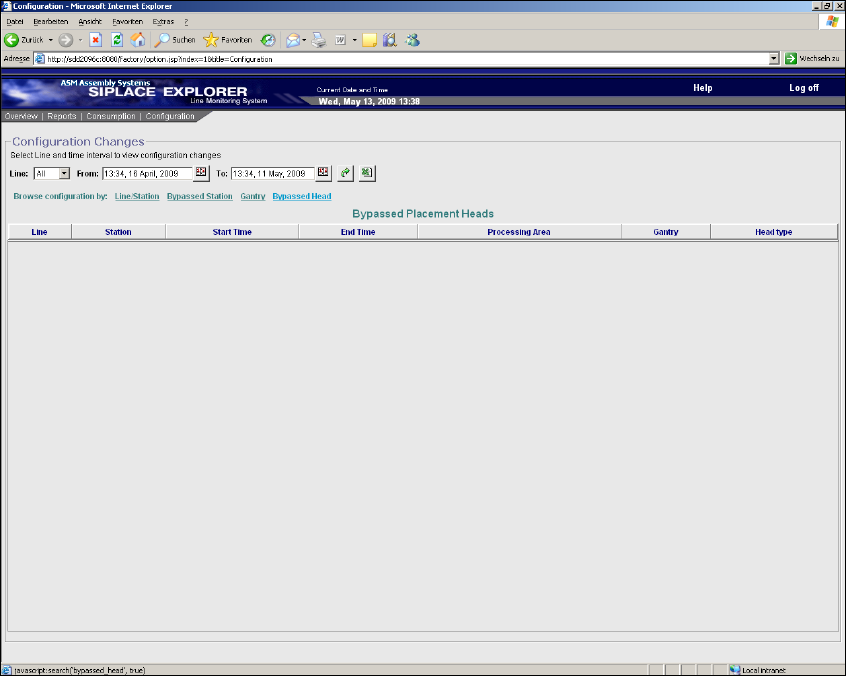
3.1.4.4 Factory Website - Configuration Tab - Bypassed Head
3
Fig. 3 - 8 Factory Website - Configuration Tab - Bypassed Head
Table 3
Line
Production line name.
Station
Station name from which a placement head has been set to the "PCB bypass" mode.
Start Time
Start date and time of the "PCB bypass" mode.
End Time
End date and time of the "PCB bypass" mode.
Processing Area
Processing area at which a placement head has been set to the "PCB bypass" mode.
Gantry
Gantry at which a placement head has been set to the "PCB bypass" mode.