00197723-12_UG_SE3.11_EN.pdf - 第52页
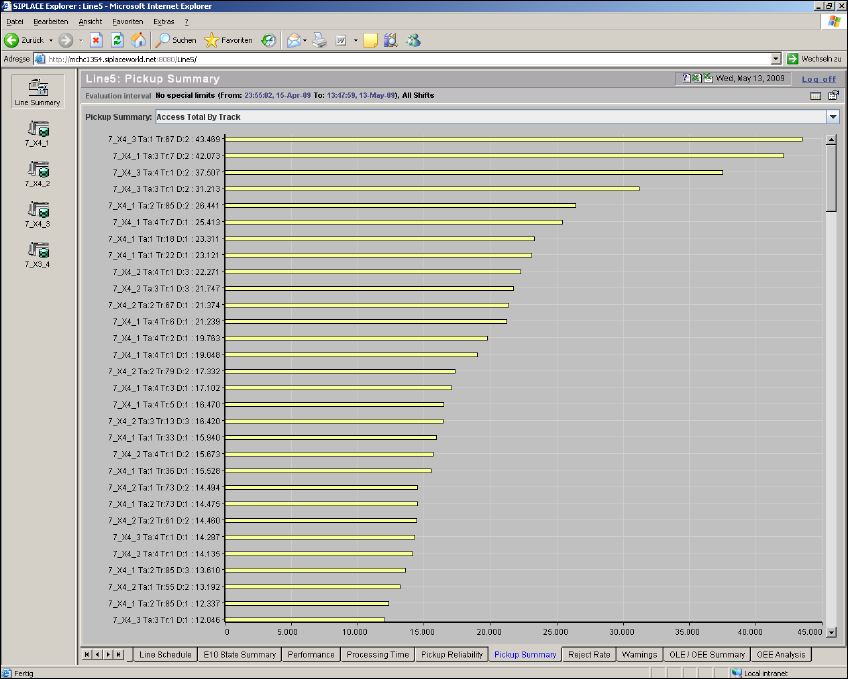
4 Functions Overview SMA Guide SIPLACE Explorer Edition 11/2020 EN from 3.11 (R20-2) 52 4 Fig. 4 - 10 Pickup summary The following procedure can be p erformed on this p age and is de scribed in this SMA Us er Guide: “H…

SMA Guide SIPLACE Explorer 4 Functions Overview
from 3.11 (R20-2) Edition 11/2020 EN
51
NOTE
If data is recorded in the machine status "stand-alone", this data will not be taken into account in
the diagrams Worst Components and Worst Package Forms. The diagram Worst Tracks
shows the data as it is when read out of the OIS and also contains data which was recorded in the
machine status "stand-alone". The overview table shows the data as it is read out of the OIS. 4
The following procedures can be performed on this page and are described in this SMA
User Guide:
“View Further Details by Using the Tracks with the Most Pickup Errors as an Example” on
page 101
“How to Specify the Generation of Line Reports” on page 90
“How to Sort Tables” on page 96
“How to Enable Legends” on page 96
4.1.9 Pickup Summary
This page shows you a summary of picked up and rejected components, by line. 4
The information is shown in a pareto diagram. Select the items you wish to view from the drop-
down menu list: 4
– Rejects by track
– Access total by track
– Rejects by component
– Access total by feeder type
– Rejects by feeder type
– Access total by package form
– Rejects by package form
– Pickup errors by error name
SMA Guide SIPLACE Explorer 4 Functions Overview
from 3.11 (R20-2) Edition 11/2020 EN
53
4.1.10 Reject Rate
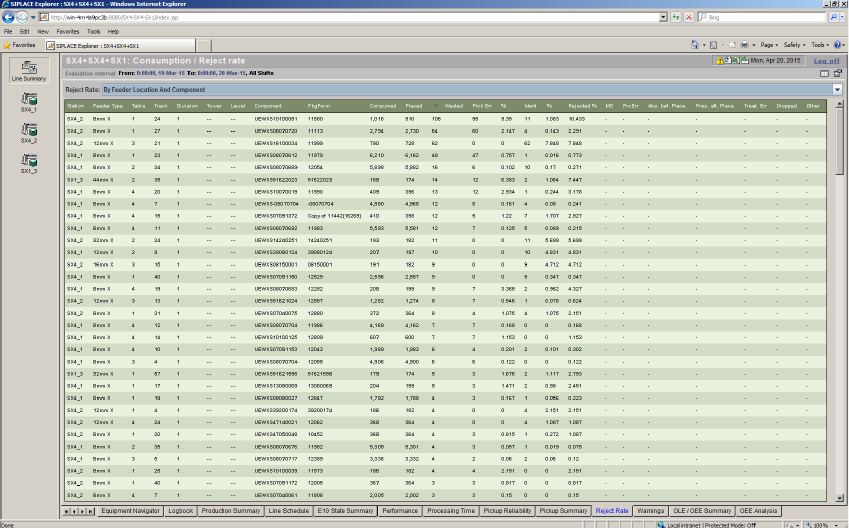
This page shows you a summary of rejected components, by line. 4
The information is shown in a pareto diagram. Select the items you wish to view from the drop-
down menu list: 4
– Reject rate by feeder location and component
– Reject rate by feeder location
– Reject rate by component
– Reject rate by package form
4
Fig. 4 - 11 Reject Rate
The following procedures can be performed on this page and are described in this SMA
User Guide:
“How to Specify the Generation of Line Reports” on page 90
“How to Sort Tables” on page 96
“How to Enable Legends” on page 96