00197001-04_UM_Smart_Pin_Support_X-Series-S_SX12V2_DE_EN.pdf - 第64页
1 Introduction 1.2 Brief Description 64 User Manual / Bedienungsanleitung SIPLACE X-Series S, SX1/SX2 V2 Smart Pin Support Operation and Configura- tion 05/2019 1.2 Brief Description For many products it is necessary to …
1 Introduction
1.1 Safety Instructions
User Manual / Bedienungsanleitung SIPLACE X-Series S, SX1/SX2 V2 Smart Pin Support Operation and Configura-
tion 05/2019
63
1 Introduction
These instructions describe the configuration and operation of the Smart Pin Support function at
the SIPLACE© SX1/SX2 V2 and SIPLACE X-Series S placement machines (except for SIPLACE
X2 S).
1.1 Safety Instructions
DANGER
Nonobservance of these safety instructions may cause injury to personnel and dam-
age to the machine!
► Please observe the safety instructions in the instruction manualof our machine for
all work!
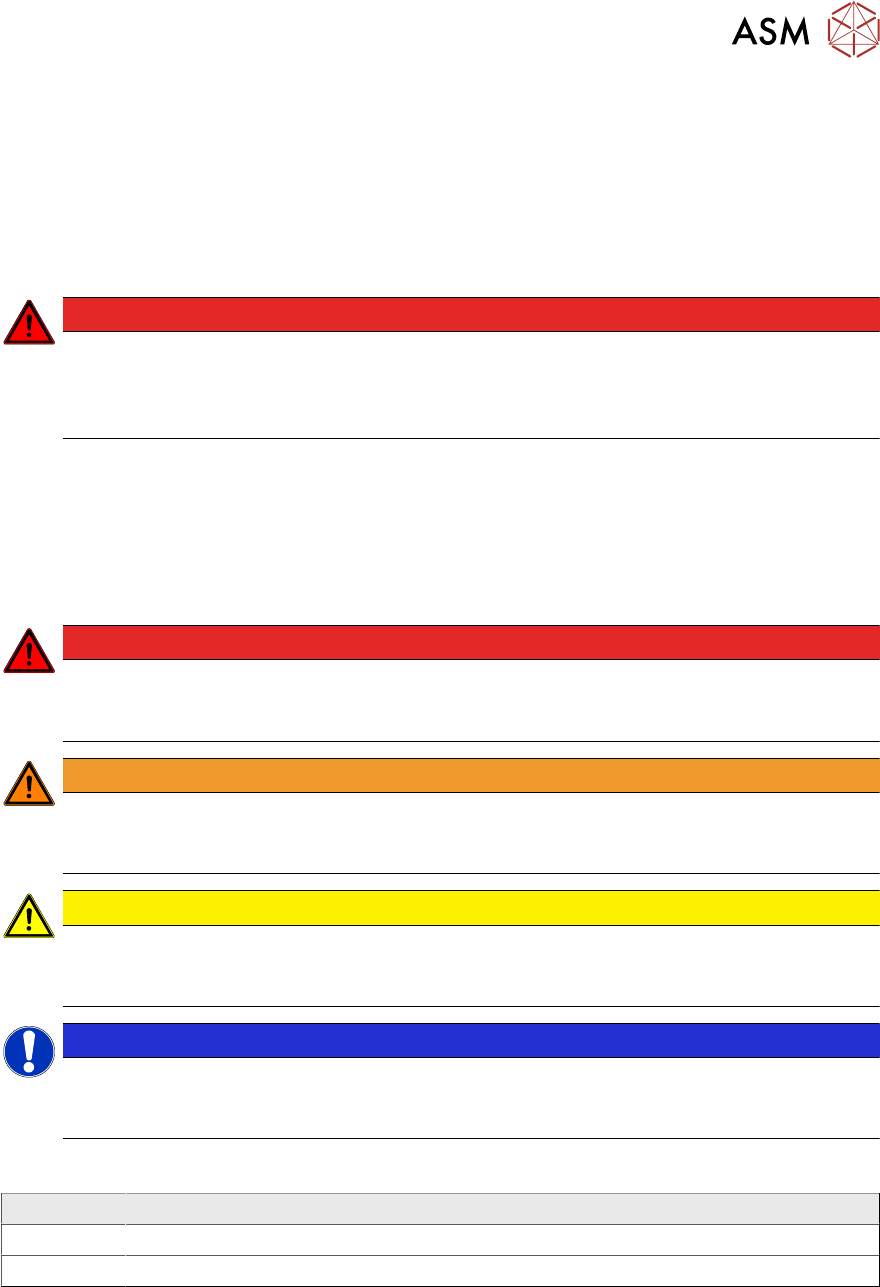
1.1.1 Conventions for the use of safety instructions and symbols
Safety instructions
This manual contains notes that must be observed to guarantee your personal safety and to avoid
damage to equipment. These notes are highlighted by warning triangles and are indicated as fol-
lows according to the level of risk:
DANGER
Definition
For the purposes of this manual, this indicates that fatal or severe injuries or considerable
damage to property will occur if this hazard warning is not observed.
WARNING
Definition
For the purposes of this manual, this indicates that fatal or severe injuries or considerable
damage to equipment may occur if these warning instructions are not followed.
CAUTION
Definition
For the purposes of this manual, this indicates that minor injuries or damage to property
may occur if this caution is not observed.
NOTICE
Definition
For the purposes of this manual, this note provides information about the product or indic-
ates a part of the manual that requires particular attention.
Symbols
Example Description
Next This typeface marks controls and interface elements in the software.
► This symbol indicates actions that have to be performed by the operator.
1 Introduction
1.2 Brief Description
64 User Manual / Bedienungsanleitung SIPLACE X-Series S, SX1/SX2 V2 Smart Pin Support Operation and Configura-
tion 05/2019
1.2 Brief Description
For many products it is necessary to support the board with so-called Support Pins in the pro-
cessing area.
The support pins are placed on the lifting table and are kept at the defined position by a magnet.
This pin positioning can be automatically performed with the SIPLACE© Smart Pin Support func-
tion for the following placement machines:
●
SIPLACE SX1/SX2 V2
●
SIPLACE X-seriesS (except for SIPLACE X2 S)
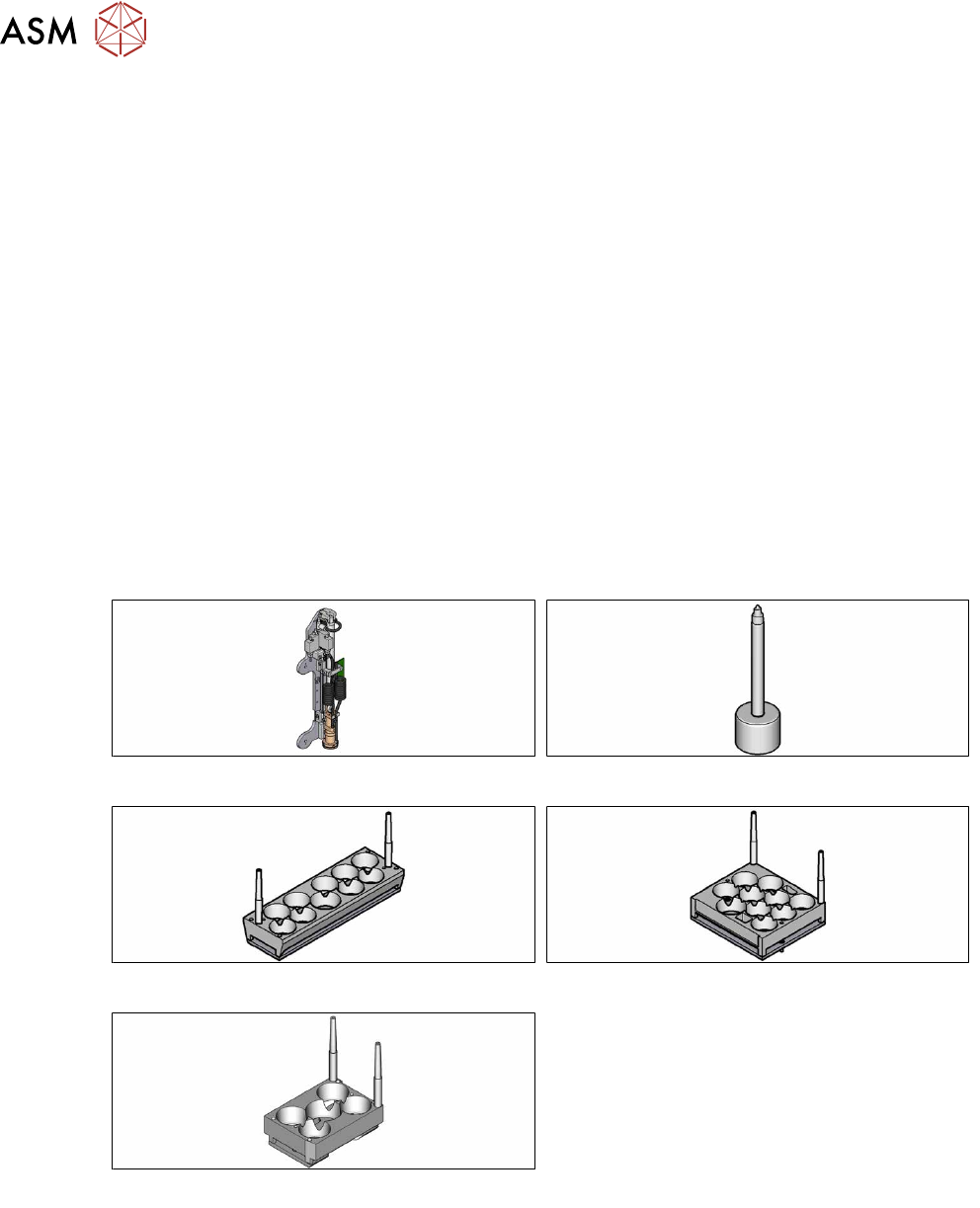
The support pin positioning is performed by a pin picker that is installed at the placement head and
is able to place a definable number of support pins on the lifting table.
The support pins are picked up from the garages of the pin magazines (L10, Q10 or W5).
The support pin positions are defined for a board and a recipe in SIPLACE Pro. When the recipe is
produced at the placement line, the support pins will be positioned fully automatically.
This document describes how to define and configure the automatic support pin positioning in
SIPLACE Pro and modify the settings for Smart Pin Support in the station software.
In addition, application examples and workflows show how to handle problems with Smart Pin Sup-
port and use the support pin positioning in combination with PCB barcode mode and the Long
Board Option (LBO).
Fig.1: Pin picker
Fig.2: Support pin
Fig.3: Pin magazine L10
Fig.4: Pin magazine Q10
Fig.5: Pin magazine W5
1 Introduction
1.3 System Requirements
User Manual / Bedienungsanleitung SIPLACE X-Series S, SX1/SX2 V2 Smart Pin Support Operation and Configura-
tion 05/2019
65
1.3 System Requirements
The necessary system requirements for the Smart Pin Support function can be found in the Smart
Pin Support Assembly Instructions, item no. [00197002-xx].
Support of the function:
●
For SX1/SX2 V2 as of SIPLACE Pro Version 10.0 and station software version 706.0.
●
For X-seriesS as of SIPLACE Pro Version 10.1 and station software version 706.1.
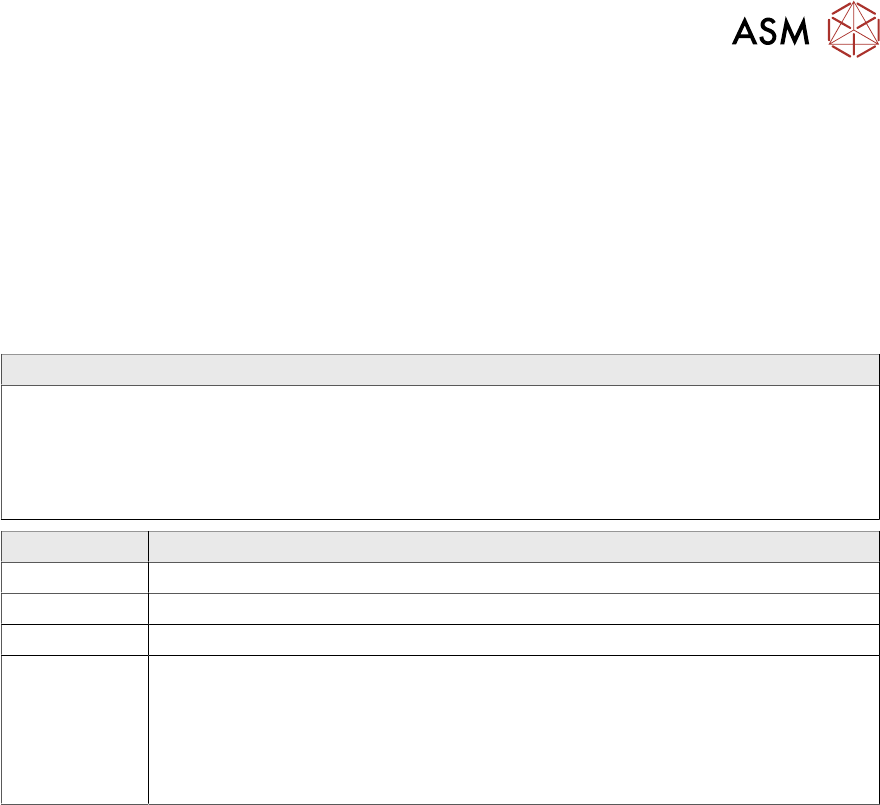
1.4 Release History
Document
Smart Pin Support
SIPLACE SX1/SX2 V2
SIPLACE X-Series S
Operation and configuration
User guide
Release Amendments
04/2012 Initial release
11/2012 Supplements
11/2013 Supplements
05/2019 Supplements
●
Section "Not enough support pins" revised
●
Restrictions supplemented
●
Update of the chapter "Calibrating the pin picker, lifting tables and pin
magazines"
1.5 Document Structure
This user manual is structured as follows:
Chapter 1 contains conventions for the safety instructions, a short description of Smart Pin Sup-
port, the necessary system requirements and information on the release history, the Online help
filesand SIPLACE in World Wide Web.
Chapter 2 describes how to start the hardware and software and calibrate the machine.
Chapter 3 describes how to define and configure Smart Pin Support in SIPLACE Pro.
Chapter 4 describes how to work with Smart Pin Support at the station.
Chapter 5 contains some sample applications and workflows with Smart Pin Support.
Chapter 6 contains restrictions for Smart Pin Support.
1.6 Online Help Files
Make use of the information provided in the Online help files for SIPLACE Pro and the station soft-
ware. These files contain additional, detailed information about Smart Pin Support.