00191369-01.pdf - 第291页
User Manual HS-50 6 Vision functions Software-Version 5.01Edition 01/99 6.6 Test Component 289 This menu is used to – spec ify the l ead measu ring met hod. – sele ct the num ber of lea ds to be measur ed at eac h co…
6 Vision functions User Manual HS-50
6.6 Test Component Software-Version 5.01 Edition 01/99
288
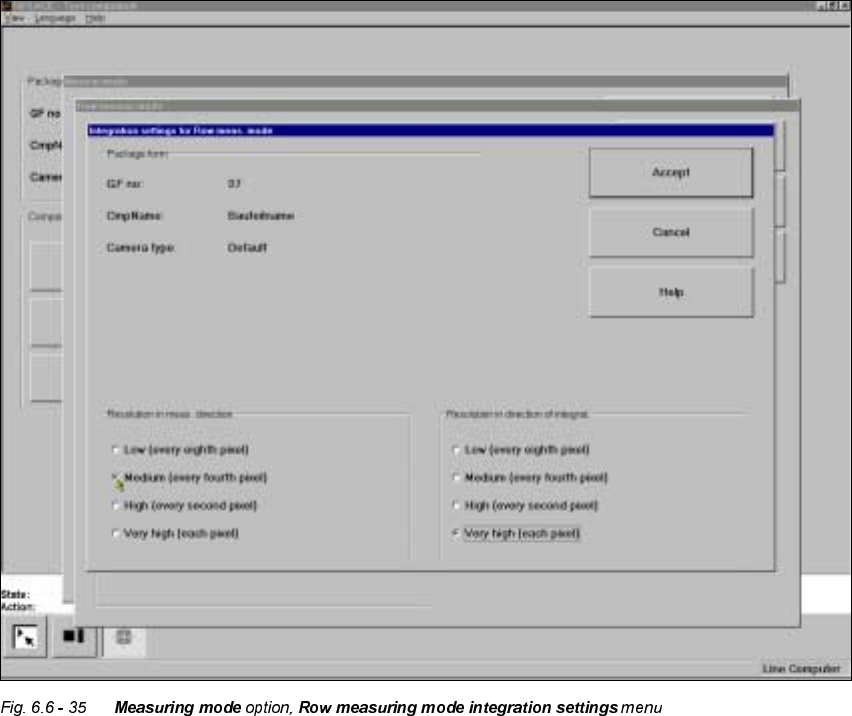
Measuring times can be reduced by lowering the resolution in the measuring or integration direc-
tion. However, you must ensure that the structure to be analyzed has a sufficient number of pixels.
Otherwise, the measuring quality will be compromised.
µ&RUQHU¶PHDVXULQJPRGH
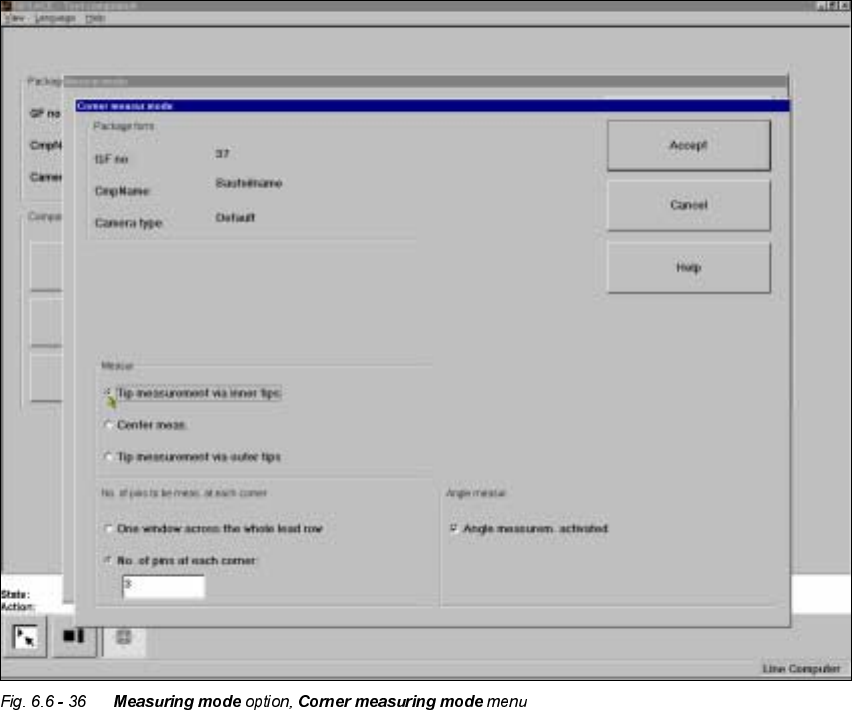
Click on the ‘Setting’ field in the ‘Corner’ measuring mode to call up the &RUQHU PHDVXULQJ PRGH
menu.
User Manual HS-50 6 Vision functions
Software-Version 5.01Edition 01/99 6.6 Test Component
289
This menu is used to
– specify the lead measuring method.
– select the number of leads to be measured at each corner.
– switch the angle measurement on or off.
0HDVXUHPHQW
If the inner lead tips are mapped better than the outer tips, for example, if a shiny lead is bent up-
wards slightly, you can select one of the following options:
– measuring the tips via the inner tips of the leads, for bases, for example
– center of the lead, center measurement, for PLCC, SOI, for example
– measuring the tips via the outer tips of the leads, for QFP, SOT, SO, for example

6 Vision functions User Manual HS-50
6.6 Test Component Software-Version 5.01 Edition 01/99
290
1XPEHURIOHDGVWREHPHDVXUHGDWHDFKFRUQHU
If the lead does no longer stand out well from the background, in the case of white plugs, for ex-
ample, use this option to specify the number of leads to be measured. However, to do this, the
component must be fully described in the line computer (FDC). In this case, there are no further
lead measuring steps.
NOTE
This value should only be modified for special components and plugs.
$ QJOHPHDVXUHPHQW
For single-row components, the angle of rotation is not calculated correctly. Consequently it is bet-
ter to access calculation of the angle of rotation in Row measuring mode. Switch off the angle
measurement in this option.