Oxford-100-Manual.pdf - 第260页
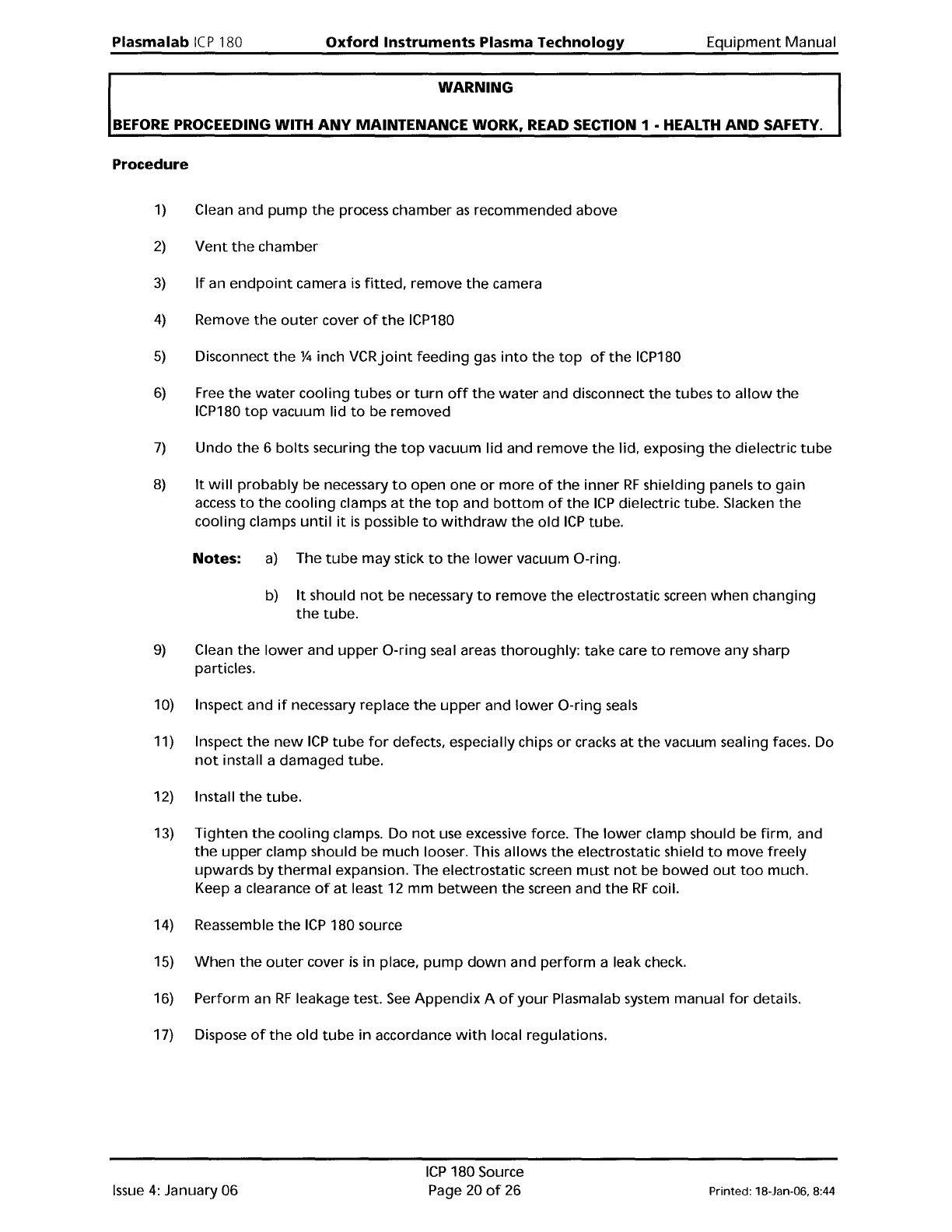
Plasma lab ICP 180 Oxford Instruments Plasma Technology WARNING Equipment Manual BEFORE PROCEEDING WITH ANY MAINTENANCE WORK, READ SECTION 1 • HEALTH AND SAFETY. Procedure 1) Clean and pump the process chamber as recomme…
Equipment
Manual
Oxford
Instruments
Plasma
Technology
WARNING
Plasmalab
ICP
180
BEFORE
PROCEEDING WITH
ANY
MAINTENANCE WORK, READ SECTION 1 • HEALTH
AND
SAFETY.
6.4
Changing
the
ICP180
dielectric
tube
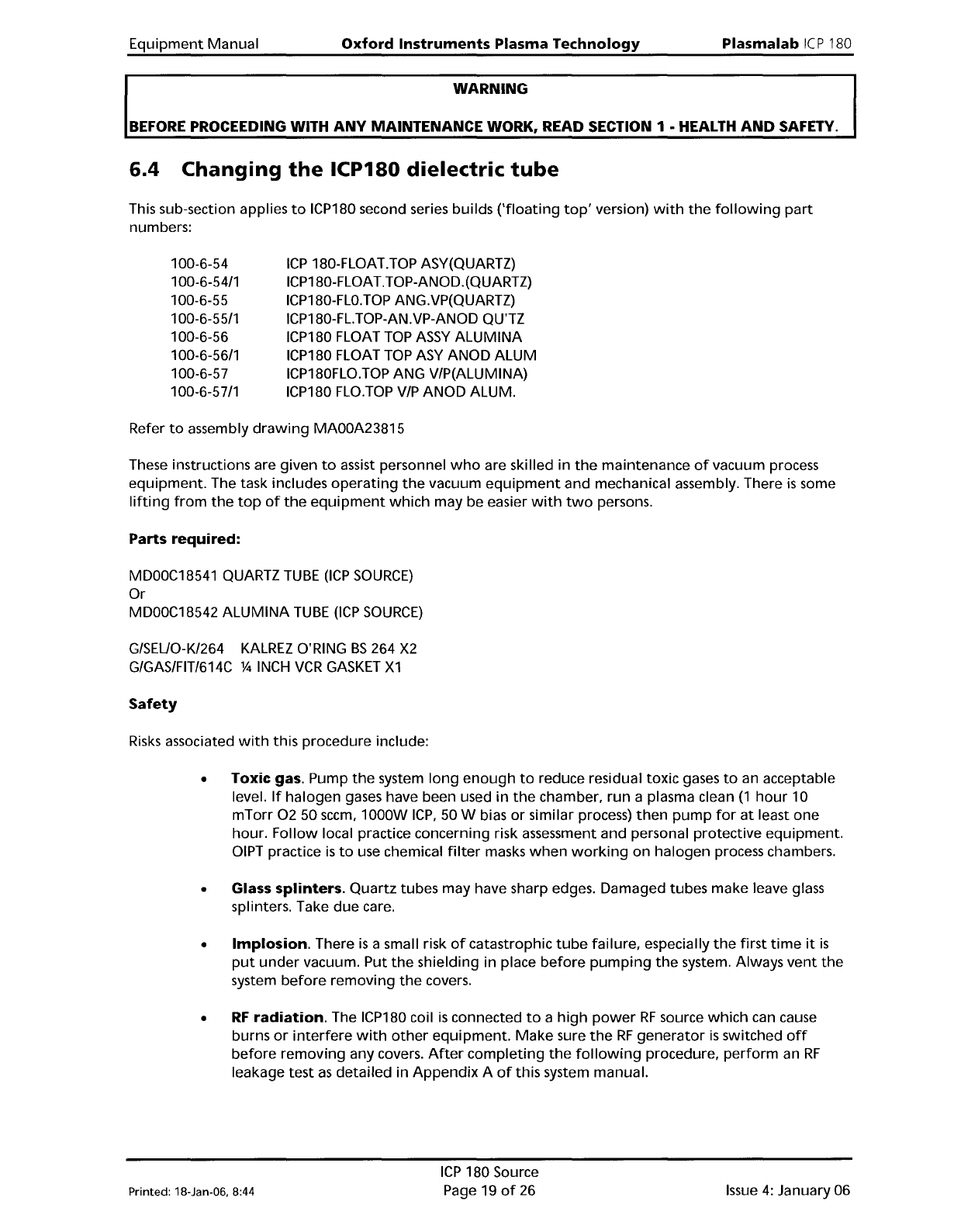
This sub-section applies
to
ICP180 second series builds
('floating
top'
version)
with
the
following
part
numbers:
100-6-54
100-6-54/1
100-6-55
100-6-55/1
100-6-56
100-6-56/1
100-6-57
100-6-57/1
ICP
180-FLOAT.TOP ASY(QUARTZ)
ICP180-FLOAT.TOP-ANOD.(QUARTZ)
ICP180-FLO.TOP
ANG.VP(QUARTZ)
ICP180-FL.TOP-AN.VP-ANOD QU'TZ
ICP180 FLOAT
TOP
ASSY
ALUMINA
ICP180 FLOAT
TOP
ASY
ANOD ALUM
ICP180FLO.TOP ANG V/P(ALUMINA)
ICP180
FLO.TOP
VIP
ANOD ALUM.
Refer
to
assembly
drawing
MAOOA23815
These instructions are given
to
assist personnel
who
are skilled in
the
maintenance
of
vacuum process
equipment.
The task includes
operating
the
vacuum
equipment
and mechanical assembly. There
is
some
lifting
from
the
top
of
the
equipment
which
may be easier
with
two
persons.
Parts
required:
MDOOC18541
QUARTZ
TUBE
(lCP
SOURCE)
Or
MDOOC18542
ALUMINA
TUBE
(lCP
SOURCE)
G/SEUO-K/264
KALREZ
O'RING
BS
264
X2
G/GAS/FIT/614C %
INCH
VCR
GASKET
X1
Safety
Risks
associated
with
this procedure include:
• Toxic gas. Pump
the
system
long
enough
to
reduce residual toxic gases
to
an acceptable
level.
If
halogen
gases have been used
in
the
chamber,
run
a plasma clean
(1
hour
10
mTorr
0250
seem,
1000W
ICP,
50 W bias
or
similar process)
then
pump
for
at
least
one
hour.
Follow
local practice concerning risk assessment and personal protective
equipment.
OIPT
practice
is
to
use chemical
filter
masks
when
working
on
halogen
process chambers.
• Glass
splinters.
Quartz
tubes may have sharp edges. Damaged tubes
make
leave glass
splinters. Take
due
care.
•
Implosion.
There
is
a small risk
of
catastrophic
tube
failure, especially
the
first
time
it
is
put
under
vacuum. Put
the
shielding in place
before
pumping
the
system. Always
vent
the
system
before
removing
the
covers.
•
RF
radiation.
The ICP180 coil
is
connected
to
a
high
power
RF
source
which
can cause
burns
or
interfere
with
other
equipment.
Make
sure
the
RF
generator
is
switched
off
before
removing
any covers.
After
completing
the
following
procedure,
perform
an
RF
leakage test
as
detailed
in
Appendix
A
of
this system manual.
Printed: 18-Jan-06, 8:44
ICP
180 Source
Page 19
of
26
Issue
4:
January 06
Plasma
lab
ICP
180
Oxford
Instruments
Plasma Technology
WARNING
Equipment
Manual
BEFORE
PROCEEDING WITH
ANY
MAINTENANCE WORK, READ SECTION 1 • HEALTH
AND
SAFETY.
Procedure
1)
Clean and
pump
the
process chamber
as
recommended above
2)
Vent
the
chamber
3)
If
an
endpoint
camera
is
fitted,
remove
the
camera
4)
Remove
the
outer
cover
of
the
ICP180
5)
Disconnect
the
% inch
VCRjoint
feeding
gas
into
the
top
of
the
ICP180
6)
Free
the
water
cooling
tubes
or
turn
off
the
water
and disconnect
the
tubes
to
allow
the
ICP180
top
vacuum lid
to
be removed
7)
Undo
the
6 bolts securing
the
top
vacuum lid and remove
the
lid, exposing
the
dielectric
tube
8)
It
will
probably
be necessary
to
open
one
or
more
of
the
inner
RF
shielding panels
to
gain
access
to
the
cooling
clamps
at
the
top
and
bottom
of
the
ICP
dielectric tube. Slacken
the
cooling
clamps
until
it
is
possible
to
withdraw
the
old
ICP
tube.
Notes:
a)
The
tube
may stick
to
the
lower
vacuum D-ring.
b) It should
not
be
necessary
to
remove
the
electrostatic screen
when
changing
the
tube.
9)
Clean
the
lower
and
upper
D-ring
seal areas
thoroughly:
take
care
to
remove any sharp
particles.
10) Inspect and
if
necessary replace
the
upper
and
lower
D-ring
seals
11) Inspect
the
new
ICP
tube
for
defects, especially chips
or
cracks
at
the
vacuum sealing faces. Do
not
install a
damaged
tube.
12) Install
the
tube.
13)
Tighten
the
cooling
clamps. Do
not
use excessive force. The
lower
clamp should be firm, and
the
upper
clamp should be much looser. This allows
the
electrostatic shield
to
move freely
upwards
by
thermal
expansion. The electrostatic screen must
not
be
bowed
out
too
much.
Keep a clearance
of
at
least 12
mm
between
the
screen and
the
RF
coil.
14) Reassemble
the
ICP
180 source
15)
When
the
outer
cover
is
in place,
pump
down
and
perform
a leak check.
16) Perform an
RF
leakage test.
See
Appendix
A
of
your
Plasmalab system manual
for
details.
17) Dispose
of
the
old
tube
in
accordance
with
local regulations.
Issue
4:
January 06
ICP
180 Source
Page 20
of
26 Printed: 18-Jan-06, 8:44
Equipment
Manual
Oxford
Instruments
Plasma
Technology
WARNING
Plasma
lab
Ie
P180
BEFORE
PROCEEDING WITH
ANY
MAINTENANCE
WORK, READ SECTION 1 - HEALTH
AND
SAFETY.
7.
Troubleshooting
7.1
Customer
Support
Faci
lities
Oxford
Instruments Plasma Technology
has
global Customer
Support
Facilities
to
provide a co-
ordinated
response
to
customer's queries. All queries are recorded
on
our
Support Database
and
dealt
with
as
quickly
as
possible.
If
we
are
not
able
to
answer
the
query immediately,
we
will
contact
you
as
soon
as
possible.
Before contacting a Customer
Support
FaCility, please ensure
that
you have referred
to
the
appropriate
section
of
your
system manual, OEM manuals and electrical drawings.
Please
direct
all queries
through
your
nearest
support
facility
(see
below) and have
the
following
details available.
System
Type,
e.g. PlasmalabSystem100 etc.
Works
Order
No.
- This can be
found
on
the
front
cover
of
your
system manual.
Contact
Information
-
Your
name, Company and
how
we
can contact you.
Details
of
your
query
-
nature
of
the
problem,
part
numbers
of
spares required, etc.
You can contact
us
via any
of
the
following:
China
Beijing
Tel:
+861065188160
Email: pt.support@oichina.cn
Shanghai
Tel: +8621
63608530
Email: pt.support@oichaina.cn
Germany
Tel:
+496122937161
Email: info@oxford.de
Japan
Tel:
+81
352453591
Email: oikkpt@oxinst.co.jp
Singapore
Tel:
+656337
6848
Email: pt.support@oxford-instruments.com.sg
Taiwan
Tel:
+88635788696
Email: pt.support@oxford-instruments.com.tw
UK
Customer Support Hotline: +44(0) 1934837070
(0800 - 2000 UK local time)
Fax: +44(0) 1934 837071
Email: pt.support@oxinst.co.uk
USA
Concord, MA
Tel:
+1
9789933
ext. 444
Toll Free:
+1
8004474717
ext. 444
Fax:
+1
978 369 8287
Email: support.pt@ma.oxinst.com
Printed: 18-Jan-06, 8:44
ICP
180 Source
Page
21
of
26
Issue
4:
January 06