Oxford-100-Manual.pdf - 第70页
PiasmaiabSystem100 Oxford Instruments Plasma Technology System Manual 5.2 System power-up This sub-section describes the initial power-up (switch on) of the system. It assumes that the system is switched OFF at the wall-…
System
Manual
Oxford
Instruments
Plasma Technology
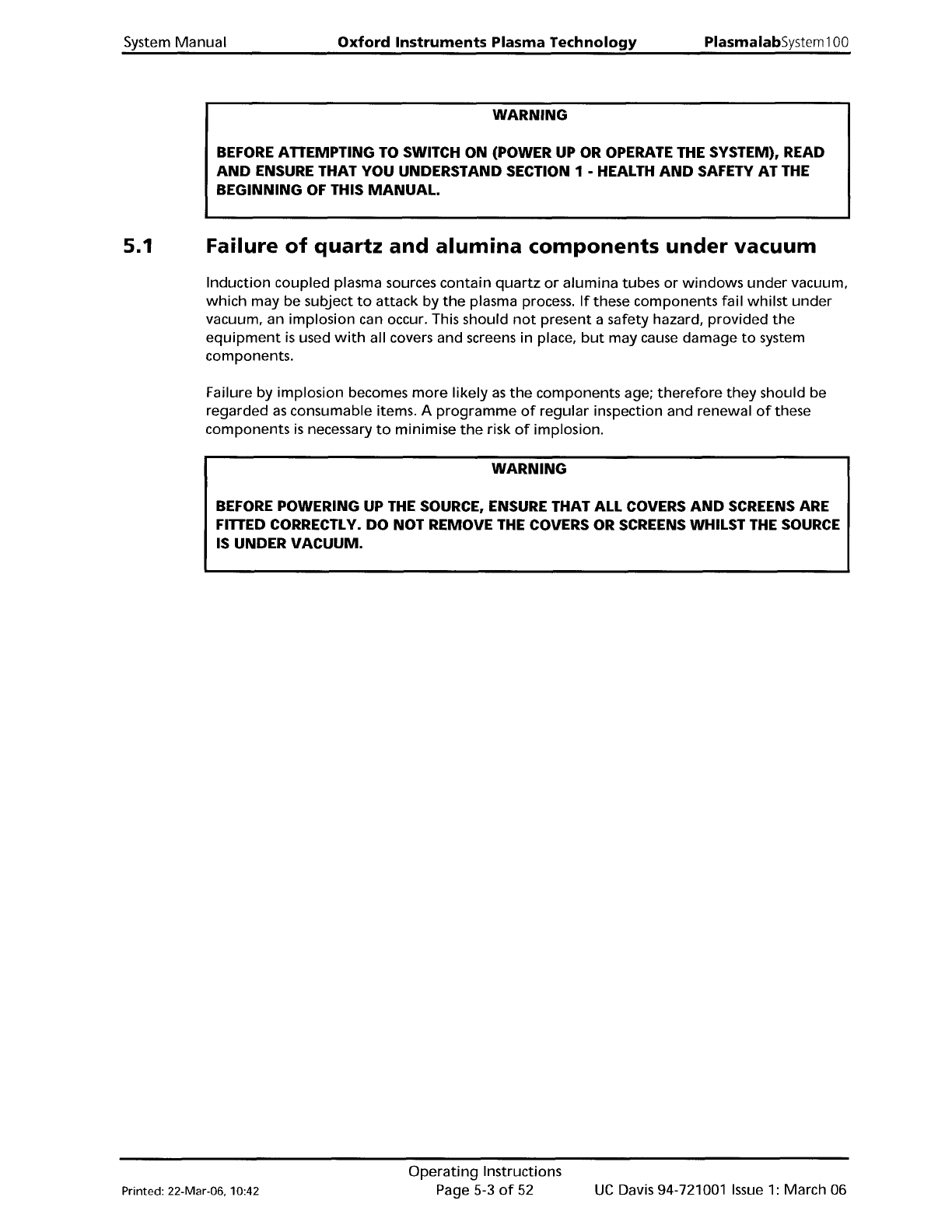
WARNING
PlasmalabSystem100
BEFORE ATTEMPTING TO SWITCH ON (POWER UP OR OPERATE THE SYSTEM), READ
AND
ENSURE THAT
YOU
UNDERSTAND SECTION 1 - HEALTH
AND
SAFETY AT THE
BEGINNING
OF THIS
MANUAL.
5.1
Failure
of
quartz
and
alumina
components
under
vacuum
Induction
coupled plasma sources
contain
quartz
or
alumina
tubes
or
windows
under
vacuum,
which
may be subject
to
attack
by
the
plasma process.
If
these components fail
whilst
under
vacuum, an implosion can occur. This should
not
present a safety hazard,
provided
the
equipment
is
used
with
all covers and screens in place,
but
may cause damage
to
system
components.
Failure by
implosion
becomes
more
likely
as
the
components age;
therefore
they
should be
regarded
as
consumable items. A
programme
of
regular
inspection and renewal
of
these
components
is
necessary
to
minimise
the
risk
of
implosion.
WARNING
BEFORE POWERING UP THE SOURCE, ENSURE THAT ALL COVERS
AND
SCREENS ARE
FITTED CORRECTLY.
DO
NOT REMOVE THE COVERS OR SCREENS WHILST THE SOURCE
IS UNDER
VACUUM.
Printed: 22-Mar-06, 10:42
Operating
Instructions
Page 5-3
of
52
UC
Davis 94-721001
Issue
1:
March 06
PiasmaiabSystem100
Oxford
Instruments
Plasma Technology
System
Manual
5.2
System
power-up
This sub-section describes
the
initial
power-up
(switch on)
of
the
system.
It
assumes
that
the
system
is
switched
OFF
at
the
wall-mounted
safety isolation box.
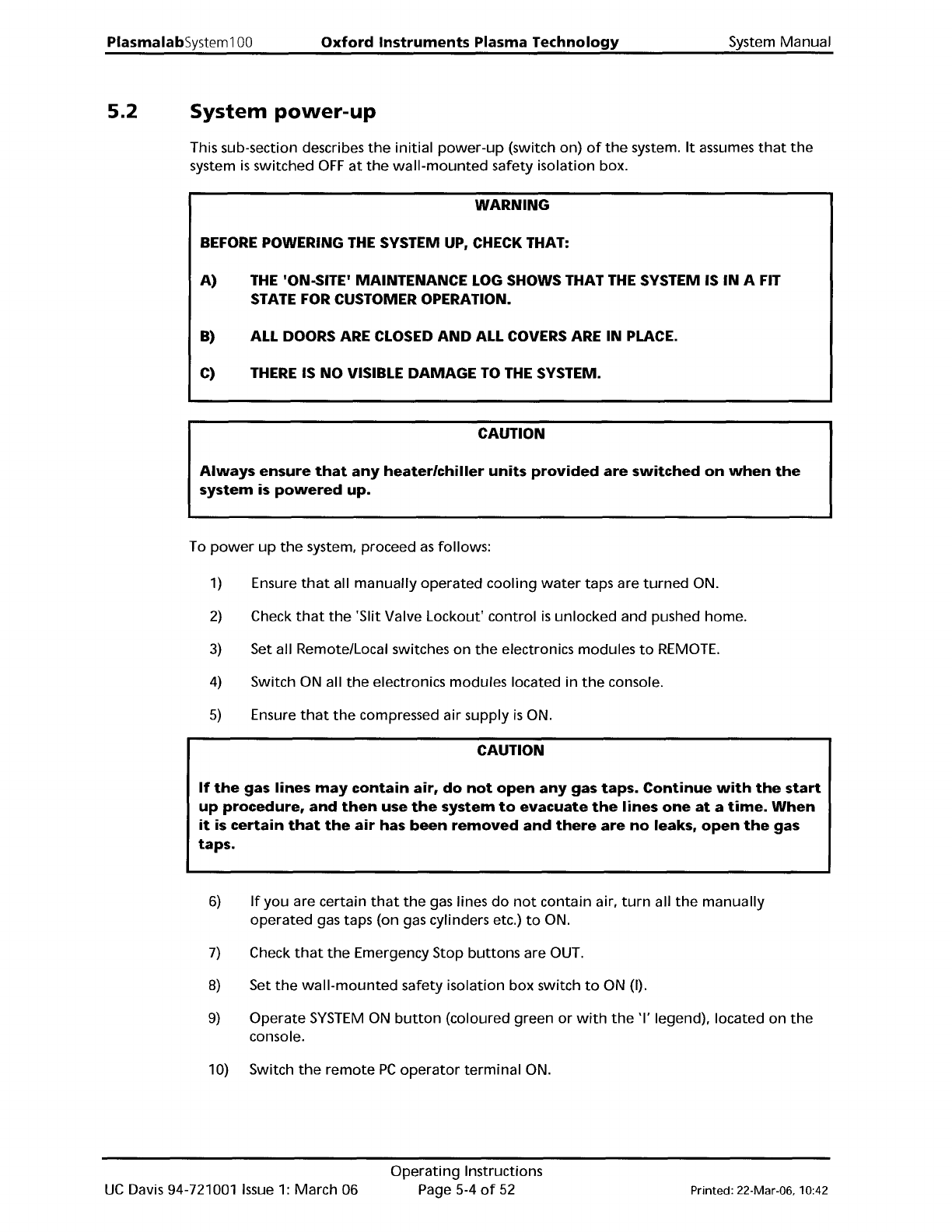
WARNING
BEFORE
POWERING
THE
SYSTEM UP, CHECK THAT:
A)
THE
'ONoSITE' MAINTENANCE
LOG
SHOWS THAT
THE
SYSTEM IS
IN
A FIT
STATE FOR CUSTOMER OPERATION.
B)
ALL DOORS ARE CLOSED
AND
ALL COVERS ARE IN PLACE.
C)
THERE
IS
NO
VISIBLE
DAMAGE
TO
THE
SYSTEM.
CAUTION
Always
ensure
that
any
heater/chiller
units
provided
are
switched
on
when
the
system
is
powered
up.
To
power
up
the
system, proceed
as
follows:
1) Ensure
that
all
manually
operated
cooling
water
taps are
turned
ON.
2)
Check
that
the
'Slit Valve Lockout'
control
is
unlocked and pushed home.
3)
Set all Remote/Local switches
on
the
electronics modules
to
REMOTE.
4)
Switch ON all
the
electronics modules located in
the
console.
5)
Ensure
that
the
compressed air supply
is
ON.
CAUTION
If
the
gas lines
may
contain
air,
do
not
open
any
gas
taps.
Continue
with
the
start
up
procedure,
and
then
use
the
system
to
evacuate
the
lines
one
at
a
time.
When
it
is
certain
that
the
air
has
been
removed
and
there
are
no
leaks,
open
the
gas
taps.
6)
If
you
are certain
that
the
gas lines
do
not
contain air,
turn
all
the
manually
operated
gas taps (on gas cylinders etc.)
to
ON.
7)
Check
that
the
Emergency Stop
buttons
are OUT.
8)
Set
the
wall-mounted
safety isolation box switch
to
ON (I).
9)
Operate
SYSTEM
ON
button
(coloured green
or
with
the
'I'
legend), located
on
the
console.
10) Switch
the
remote
PC
operator
terminal
ON.
UC
Davis 94-721001
Issue
1:
March 06
Operating
Instructions
Page 5-4
of
52
Printed: 22-Mar-06, 10:42
System
Manual
Oxford
Instruments
Plasma
Technology
PlasmalabSystem
100
5.3
System
shut
down
and
restart
The situations,
which
necessitate system
shut
down,
are given in sub-sections
5.3.1
to
5.3.4.
5.3.1
5.3.2
5.3.3
5.3.4
Emergency
shut
down
In an emergency, e.g. risk
of
physical injury, fire, etc.,
shut
the
system
down
by pressing an
Emergency
Off
(EMO)
button.
This
will
disable all
power
outputs
from
the
power
box
(except
for
low
voltage
supplies).
When
any faults have been cleared and
the
system
is
safe
to
operate, restart
the
system using
the
procedure given
in
sub-section 5.3.6.
Routine
shut
down
When
all processing operations are
completed
and
the
system
is
to
be
shut
down
for
maintenance and repair, use
the
shut
down
procedure given
in
sub-section 5.3.5. On
completion
of
maintenance
and/or
repair, restart
the
system using
the
System
power
up
procedure, given in sub-section 5.2.
Mains
Power
failure
A mains
power
failure
will
halt
all system functions.
When
power
is
restored, restart
the
system using
the
procedure given in sub-section 5.3.6.
Software
abort
To
halt
processing and
wafer
transfers, click
on
the
STOP ALL AUTO
PROCESSES
button
which
is
displayed
at
the
top
of
the
page
on
all screens. Clicking on this
button
will
halt
the
current
process and any
further
wafer
transfers. (Any
wafer
transfers
currently
in
progress
will
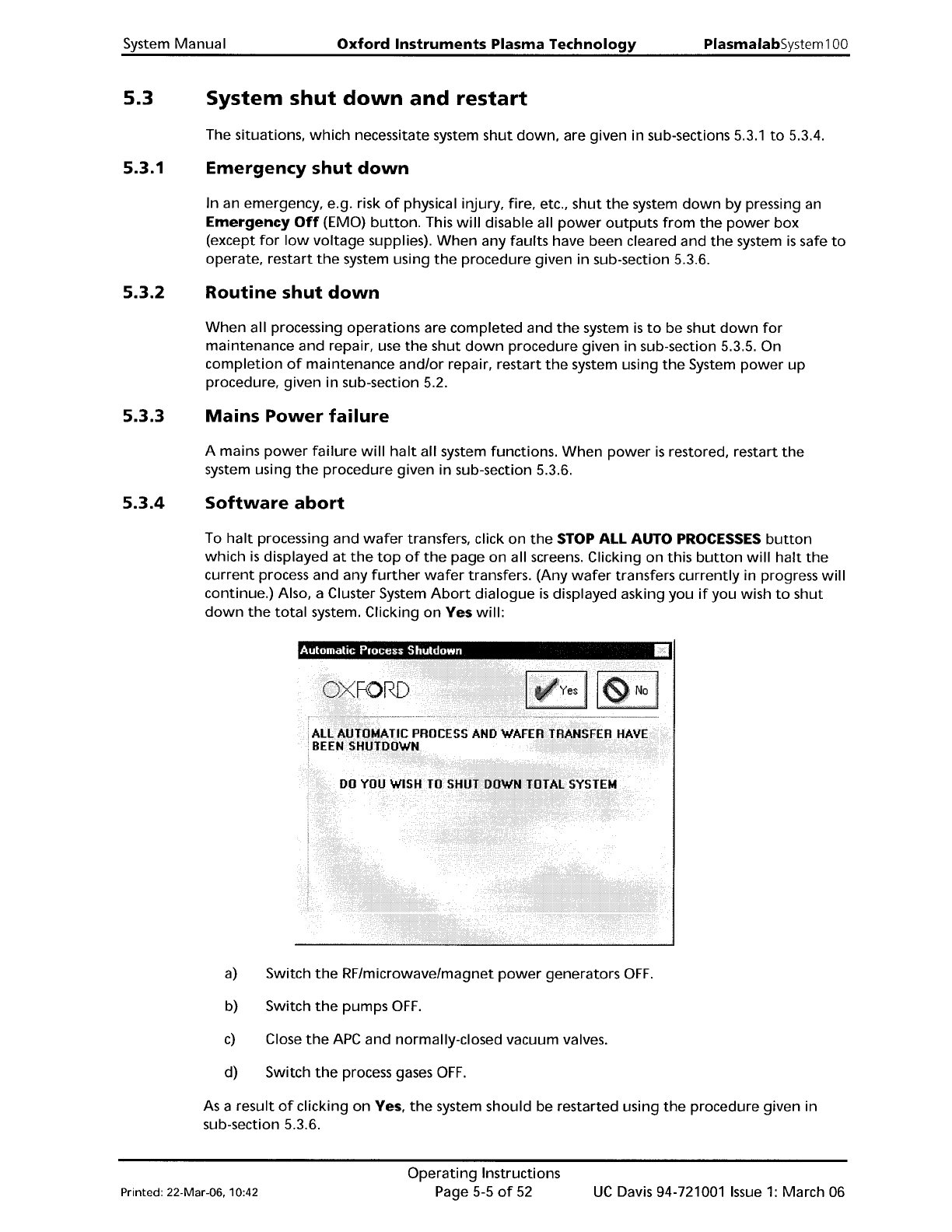
continue.) Also, a Cluster System
Abort
dialogue
is
displayed asking you
if
you wish
to
shut
down
the
total
system. Clicking
on
Yes
will:
a)
Switch
the
RF/microwave/magnet
power
generators
OFF.
b) Switch
the
pumps
OFF.
c)
Close
the
APC
and normally-closed vacuum valves.
d) Switch
the
process gases
OFF.
As
a result
of
clicking
on
Yes,
the
system should be restarted using
the
procedure given in
sub-section 5.3.6.
Printed: 22-Mar-06. 10:42
Operating
Instructions
Page 5-5
of
52
UC
Davis 94-721001
Issue
1:
March 06