2OM-1011-002.pdf - 第234页
0305-001 Tg0858-PM-PM Section 6 TEST MODE Display 6-A This section explains the TEST RUN DA T A display and opera- tion procedures, etc.
0305-001 Tg0858-PM-PM
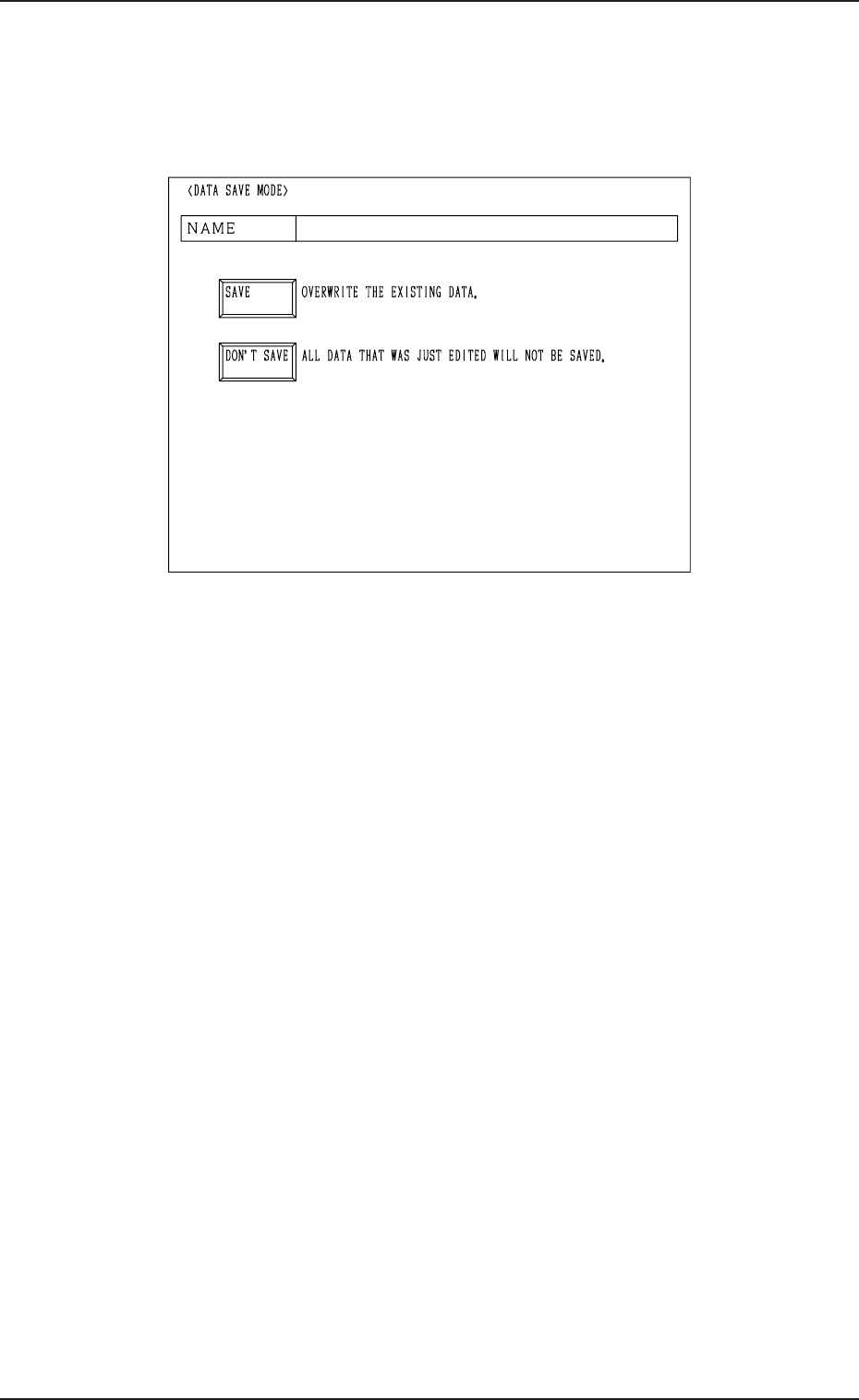
17. DATA SAVE MODE Display
When the [RTN] key is pressed at each display for offset data editing, the
following display appears on the screen.
17. DATA SAVE MODE Display
Fig. 2E123
[SAVE] Key : Press this key to save the data.
[DON’T SAVE] Key : Press this key not to save the data.
The data is not saved and the “OFFSET DATA” dis-
play (Fig. 2E1) appears on the screen.
Note: The edited parameters become invalid.
5-52

0305-001 Tg0858-PM-PM
Section 6
TEST MODE Display
6-A
This section explains the TEST RUN DATA display and opera-
tion procedures, etc.

0305-001 Tg0858-PM-PM6-B