00193631-0602.pdf - 第101页
Adjustment Instructions MTC 2 7 Entering the addresses of the masterdrives 12/2007 Edition 7.1 Masterdrives 101 Choose all software p arts from the Software "Drive Monitor". Clicken the button "Next&qu…
7 Entering the addresses of the masterdrives Adjustment Instructions MTC 2
7.1 Masterdrives 12/2007 Edition
100
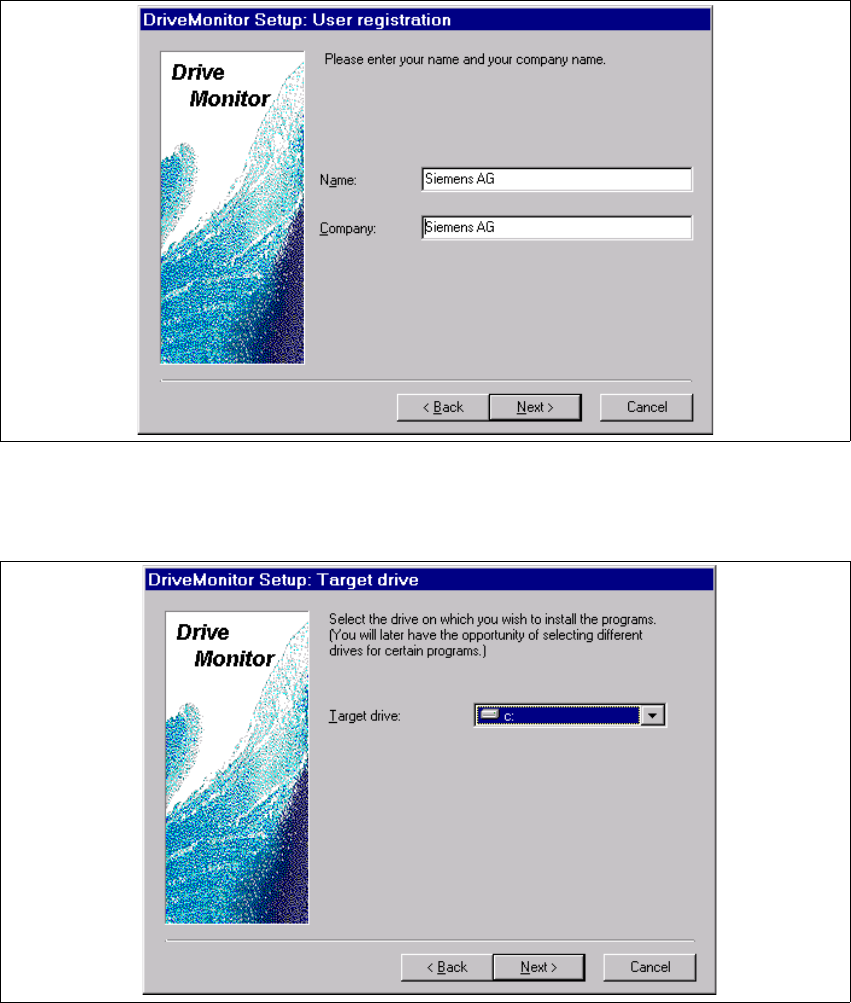
User registration -->Click button "Next".
choose your target drive, on which your wish to install the program.
Click button "Next".
Adjustment Instructions MTC 2 7 Entering the addresses of the masterdrives
12/2007 Edition 7.1 Masterdrives
101
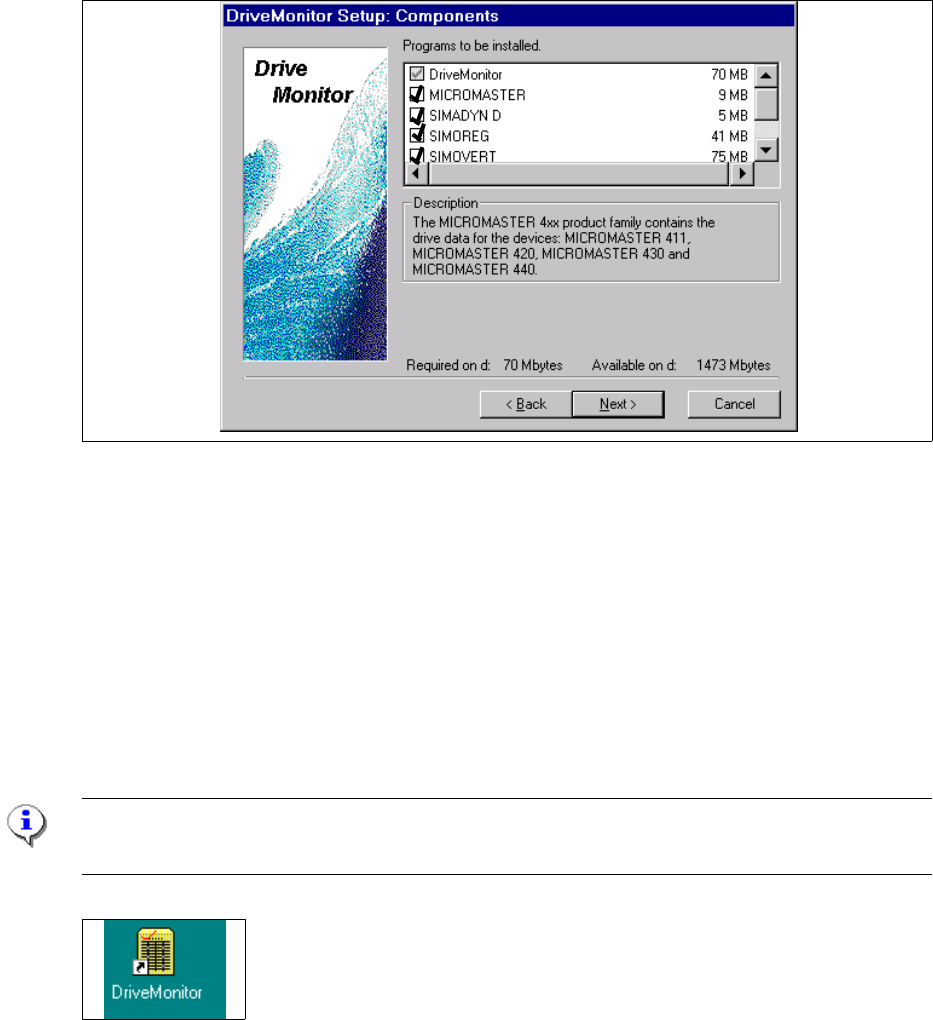
Choose all software parts from the Software "Drive Monitor".
Clicken the button "Next".
Software installation will be started.
Shutdown the computer and start again.
Start Drive Monitor
Connect the cabel (serial interface) between the Masterdrives and Servicenotebook.
Note:
During the installation, the software create an ikon on the desktop.
Double click Ikon "Drive Monitor"
7 Entering the addresses of the masterdrives Adjustment Instructions MTC 2
7.1 Masterdrives 12/2007 Edition
102
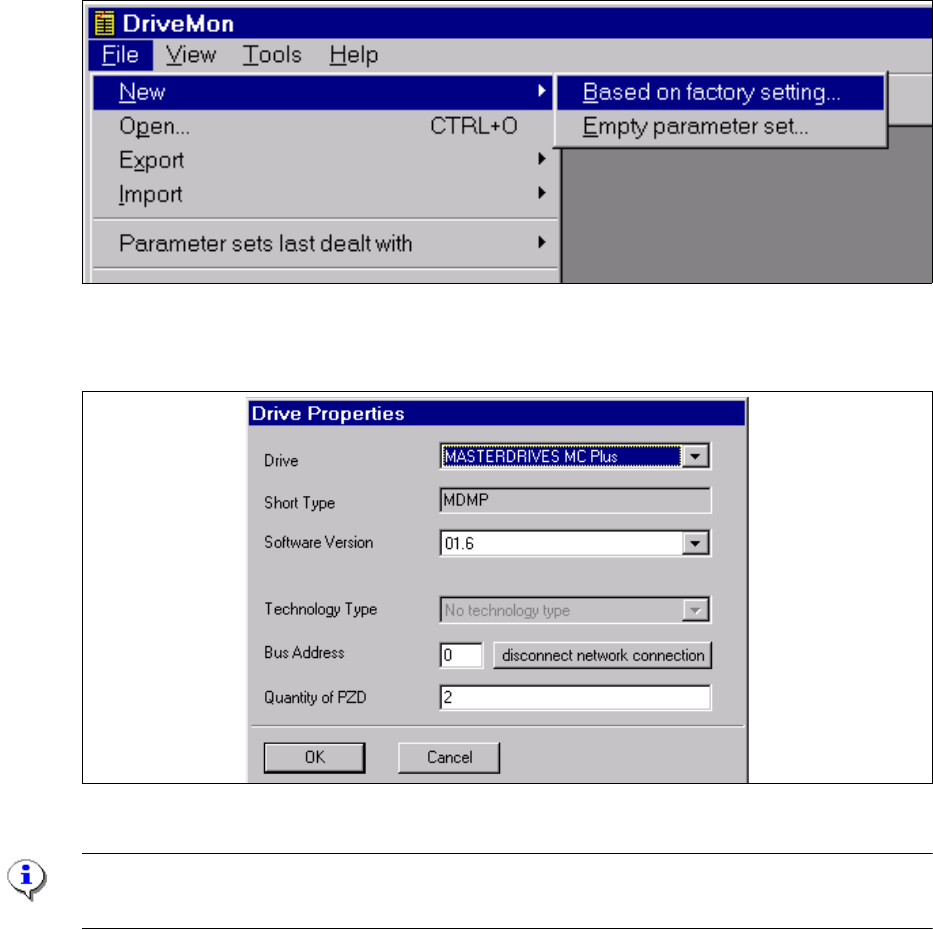
Create a new file based on factory settings, standardconfig.dnl (see picture above), this include
the parameter see picture below.
Choose the drive "Masterdrive MC Plus" and the software for MTC2 it is 1.6.
Note:
Software for the MTC 1 is 1.5!
Click the button "OK".