00193631-0602.pdf - 第93页
Adjustment Instructions MTC 2 7 Entering the addresses of the masterdrives 12/2007 Edition 93 12.S tep through the options with until " P060 " appear s. Now you are back in the me nu sel- ection. 13.Press and s…
7 Entering the addresses of the masterdrives Adjustment Instructions MTC 2
12/2007 Edition
92
detailed information, see the chapter "Parameterization" in the user manual for "SIMOVERT
MASTERDRIVES".
The following addresses are provided for the lifting and feed axes:
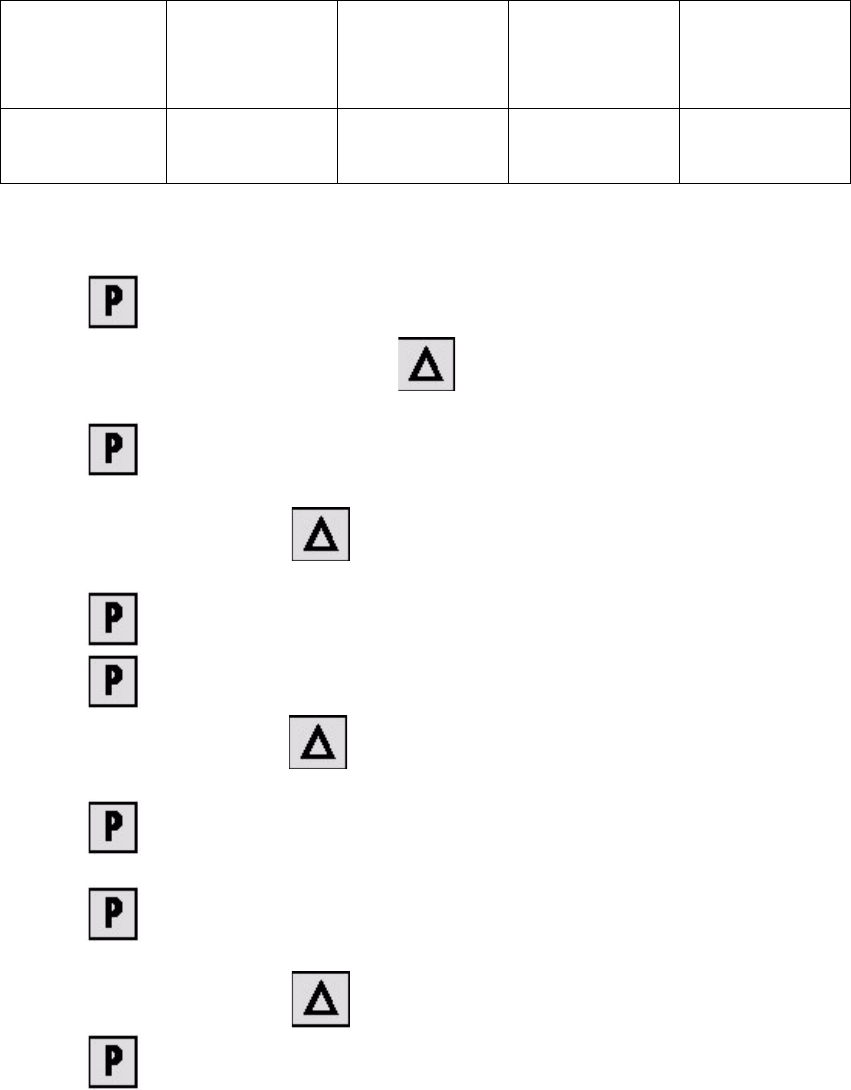
Table 7.0 - 1 Addresses of the Masterdrives
1. Press , to go to the parameter numbers.
2. Step through the parameter numbers with , until "P060" appears on the seven segment
display. This is the menu selection.
3. Press . A number appears on the display. This is the "Parameter menu" menu com-
mand.
4. Step through the options with , until "4" is displayed. ("4" means "Module configura-
tion").
5. Press . "004" is displayed. This is the status indicator for "Module configuration".
6. Press to go to the parameter numbers. "P060" is displayed.
7. Step through the options with until "P918" appears on the seven segment display. This
is the parameter number for the bus address.
8. Press to go to the parameter index. "001" indicates that this is Index 1 (an index is
always indicated by a small line).
9. Press to go to the parameter value. "1" is displayed. This is the address of the lifting
axis for tower 1.
10.Set the relevant address with (see Table 7.0 - 1).
11.Press to return to the parameter numbers. "P918" is displayed again.
Lifting axis
Tower 1
Feed axis
Tower 1
Lifting axis
Tower 2
Feed axis
Tower 2
Address 1234
Adjustment Instructions MTC 2 7 Entering the addresses of the masterdrives
12/2007 Edition
93
12.Step through the options with until "P060" appears. Now you are back in the menu sel-
ection.
13.Press and set "1" with . This returns you to the menu command "Parameter
menu".
14.Press . "009" is displayed.
15.Press . "P60" is displayed.
16.Set "r000" with .
17.Press . The initial state is restored.
7 Entering the addresses of the masterdrives Adjustment Instructions MTC 2
7.1 Masterdrives 12/2007 Edition
94
7.1 Masterdrives
7.1.1 Operating the master drive with the parametrization unit (PMU)
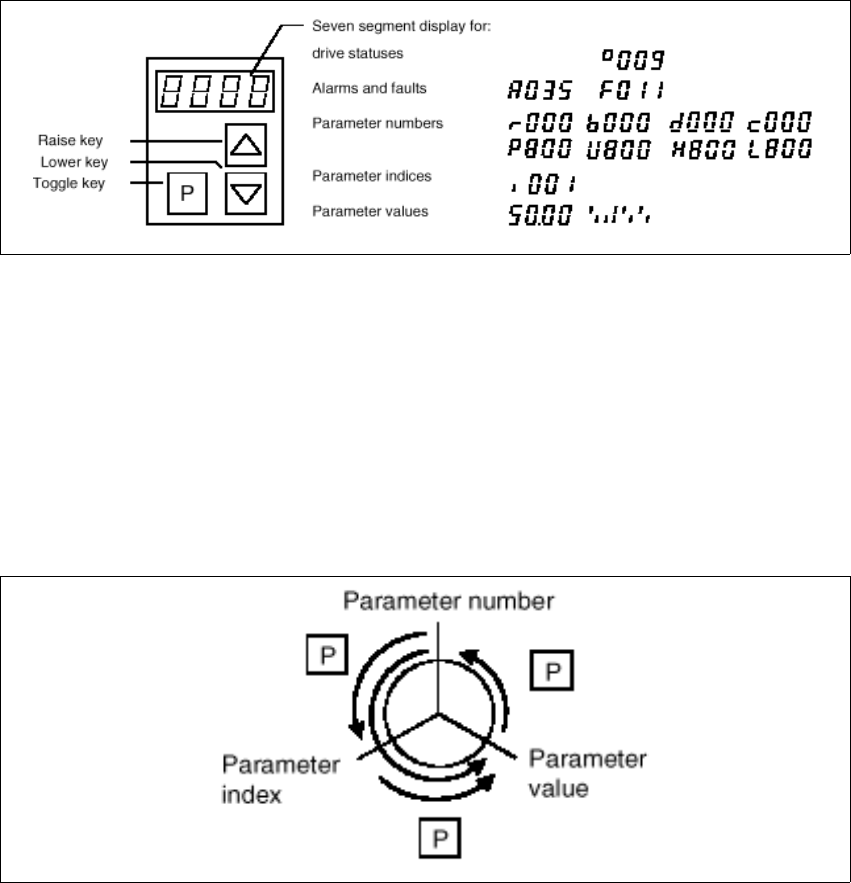
The PMU parameterizing unit enables parameterization, operator control and visualization of the
converters and inverters directly on the unit itself.
Fig. 7.1 - 1 PMU parameterizing unit
With the toggle key, you can change over:
– from the parameter number to the parameter index
– from the parameter index to the parameter value
– from the parameter value to the parameter number
If the parameter is not indexed, you can jump directly from the parameter number to the parameter
value.
Fig. 7.1 - 2 Toggle key of the PMU