80S-20用户手册.pdf - 第148页
3 Introduction and basic concepts SIPLACE 80S-20/F4 User Manual 3.3 User interface - views and me nus Software version S R.407.xx 01/2001 US Edition 148 3.3.2.5 "Help" m enu This m enu give s you ac cess t o al…
SIPLACE 80S-20/F4 User Manual 3 Introduction and basic concepts
Software version SR.407.xx 01/2001 US Edition 3.3 User interface - views and menus
147
3
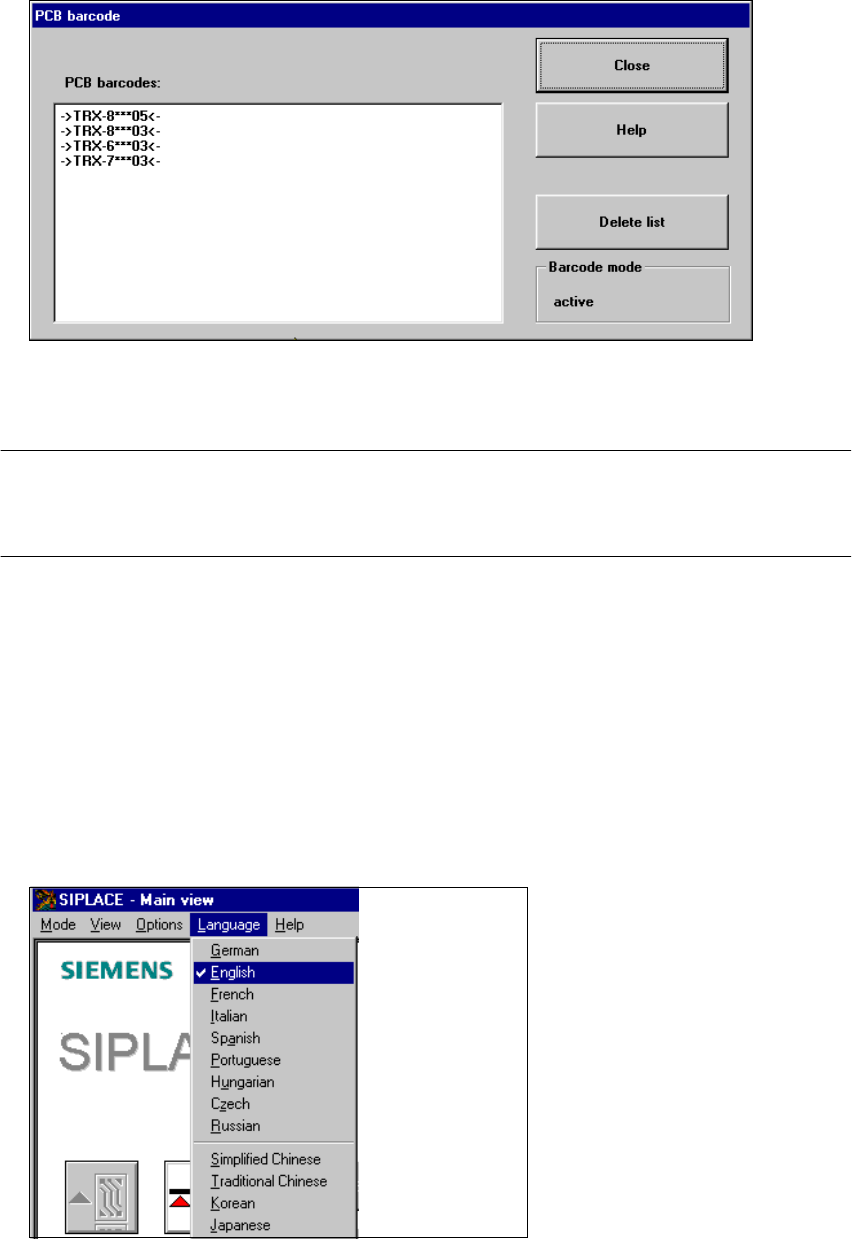
Å Click the Delete list button if you want to delete all the entries in the list.
Å Click the Close button to close the dialog box.
NOTE
The current status of barcode operation is displayed below the "Delete list" button. Barcode
operation is activated or deactivated in the LC program. 3
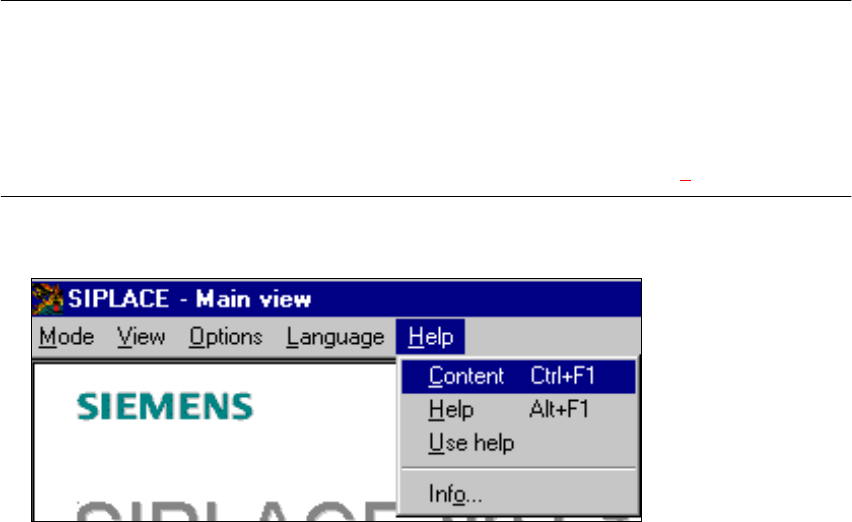
3.3.2.4 "Language" menu
You can use the "Language" menu to select between the language versions which are integrated
in the SC software.
You can chose between the languages "German", "English", "French", "Italian", "Spanish", "Portu-
guese", "Hungarian", "Czech", "Russian", "Simplified Chinese", "Traditional Chinese", "Korean"
and "Japanese". 3
Å Click the menu item corresponding to the required language.
The user interface texts are displayed in the selected language.
3
3 Introduction and basic concepts SIPLACE 80S-20/F4 User Manual
3.3 User interface - views and menus Software version SR.407.xx 01/2001 US Edition
148
3.3.2.5 "Help" menu
This menu gives you access to all the functions required to call the help system and general infor-
mation concerning the station computer or the software. 3
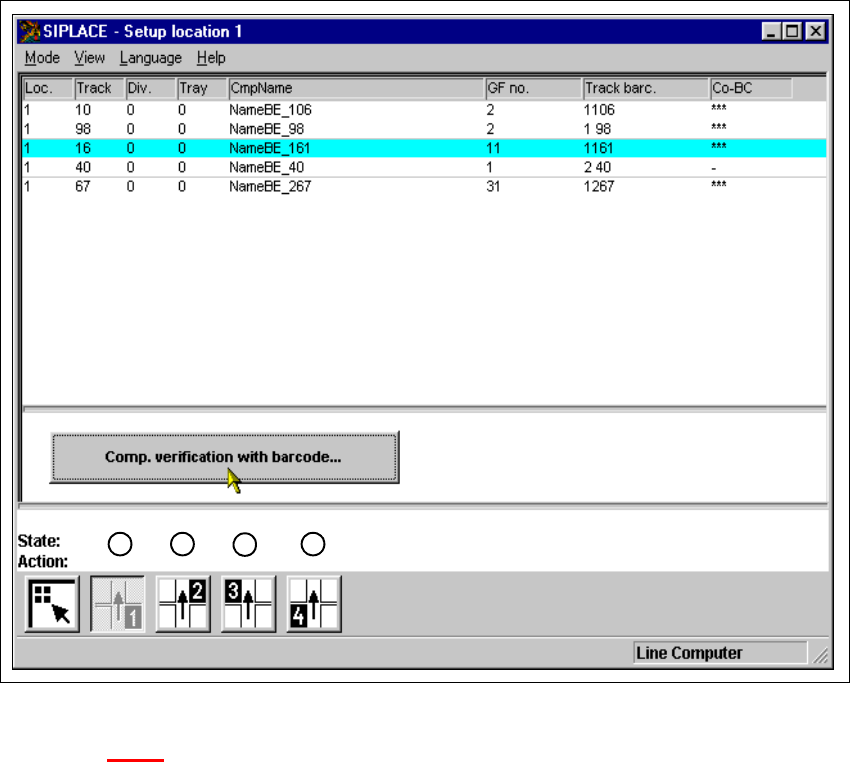
Content Ctrl+F1 3
This calls on-line help. 3
Help Alt+F1 3
Help information relating to the current view is displayed. 3
Use help 3
Information on how to use Help is displayed. 3
Info ... 3
This displays information on the currently installed software version (SC , MC, WPC, GEM
version) together with general information on the station computer. 3
NOTE
You can use the key combination CTRL+F1 to call the on-line Help function from within any view
in the user interface.
You can use the key combination Alt+F1 to call up help on the current view and the key combi-
nation Shift+F1 to access help on menu items, icons and buttons.
For a detailed description of the functions in the Help menu, refer to Chapter 9. 3
Å Click the required menu item in the "Help" menu or press the corresponding key combination.
3
SIPLACE 80S-20/F4 User Manual 4 Placement functions
Software version SR.407.xx 01/2001 US Edition 4.1 Setup display
149
4 Placement functions
4.1 Setup display
If the cluster has been specified with its corresponding setup, then the setup of each of the 4
locations can be displayed in this view.
4
Fig. 4.1 - 1 ’Setup location 1’ view
Key to Fig. 4.1 - 1
(1) Display setup for location 1
(2) Display setup for location 2
(3) Display setup for location 3
(4) Display setup for location 4
1
2
3
4