80S-20用户手册.pdf - 第500页
11 Station extensions /Hardware SIPLACE 80S-20 /F4 User Manual 11.8 Coplanarity laser module (80F4) Sof tware version SR.407.xx 01/2001 US Edition 500 DANGER The safe ty guarantee is autom atically invalida ted if safe t…
SIPLACE 80S-20/F4 User Manual 11 Station extensions /Hardware
Software version SR.407.xx 01/2001 US Edition 11.8 Coplanarity laser module (80F4)
499
11.8.3 Safety instructions
DANGER
NEVER modify or bypass safety devices on the coplanarity laser module. 11
11
With no protective measures, the coplanarity
laser module conforms to laser class 3B.
This means there is a risk of injury to eyes
and skin.
For this reason, you should NEVER
bypass the safety
devices. 11
11
11
11
11
11
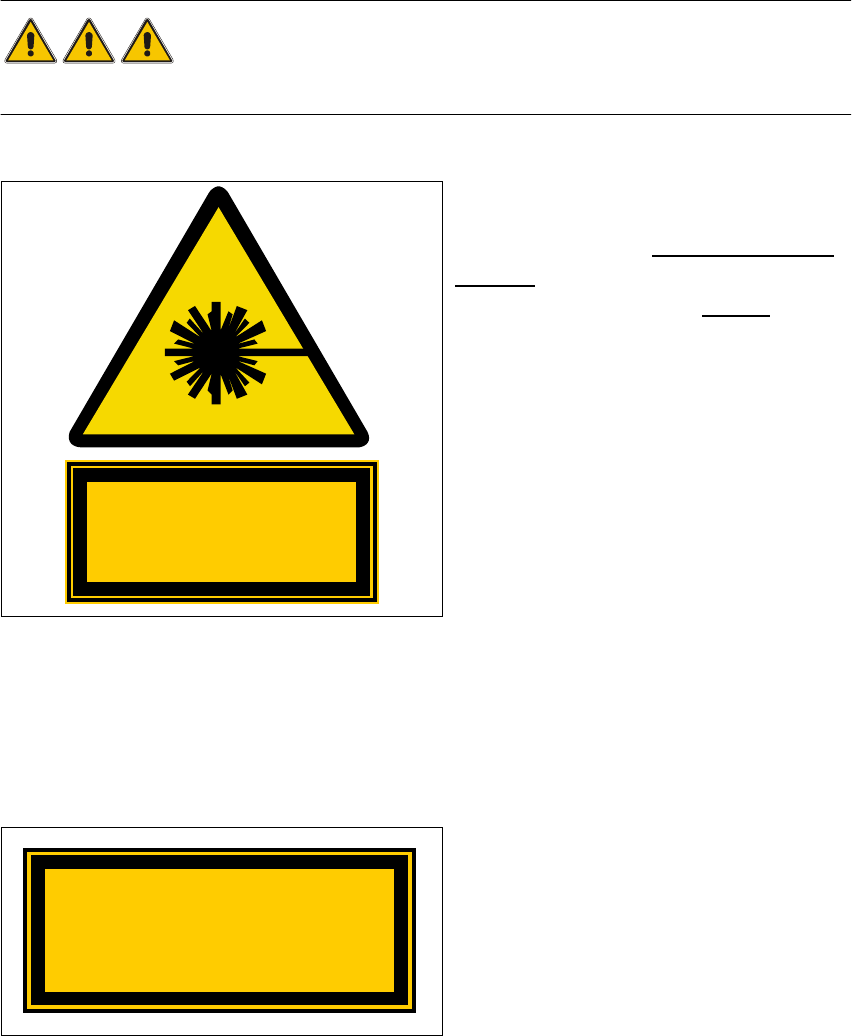
Fig. 11.8 - 2 Identification for laser class 3B
11
The following safety devices must be installed on the machine if the laser module is to be operated
in laser class 1 without risk to the eyes and skin. 11
11
The interlock line is connected in series with
the switches for the protective hood. This pro-
tective function is maintained even if the key
switch is turned to bypass the protection. This
means that the laser module can only be
used if the machine is closed. 11
Fig. 11.8 - 3 Identification of laser class 1
Invisible laser radiation
Do not expose the beam
Class 3 B Laser Product
1mW max., 670 nm; n. IEC 825-1(1993)
Class 1 Laser Product
11 Station extensions /Hardware SIPLACE 80S-20/F4 User Manual
11.8 Coplanarity laser module (80F4) Software version SR.407.xx 01/2001 US Edition
500
DANGER
The safety guarantee is automatically invalidated if safety devices are modified or bypassed.
The user must also conform to the guidelines issued by the umbrella organization of employers’
liability insurance associations – VBG 93 – i.e.:
- Registration with the employers’ liability insurance association
- Appointment of a laser protection officer
Drawing up guidelines for use of the module 11
11.8.4 Overview
11.8.4.1 Vision evaluation unit
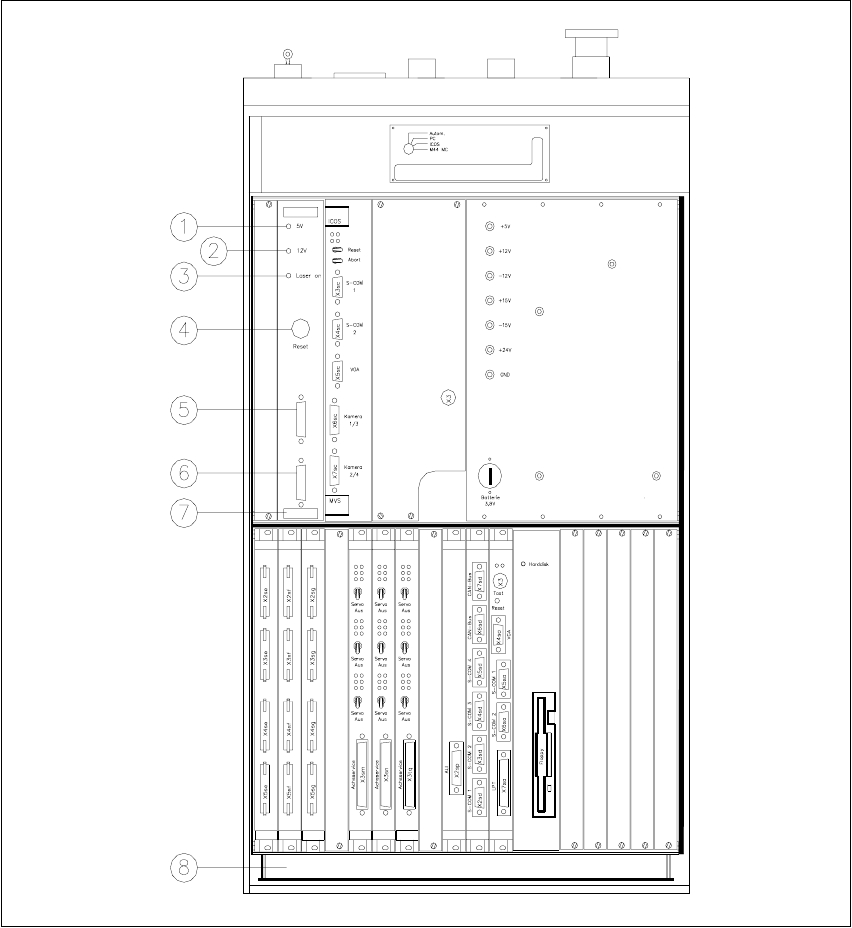
The coplanarity laser module consists of two components: the vision evaluation unit with its control
section, and the laser module. The vision evaluation unit is located in the control unit (see Fig. 11.8
- 4). The operating state is indicated by three green LEDs on the front panel of the vision evalua-
tion unit. 11
Press the RESET key to initialize the coplanarity laser module. 11
11.8.4.2 Laser module
The laser module is fixed to a supporting frame on the right-hand side of the machine (see Fig.
11.8 - 5
).
Two red LEDs and one green LED signal the operating states of the laser module. 11
11
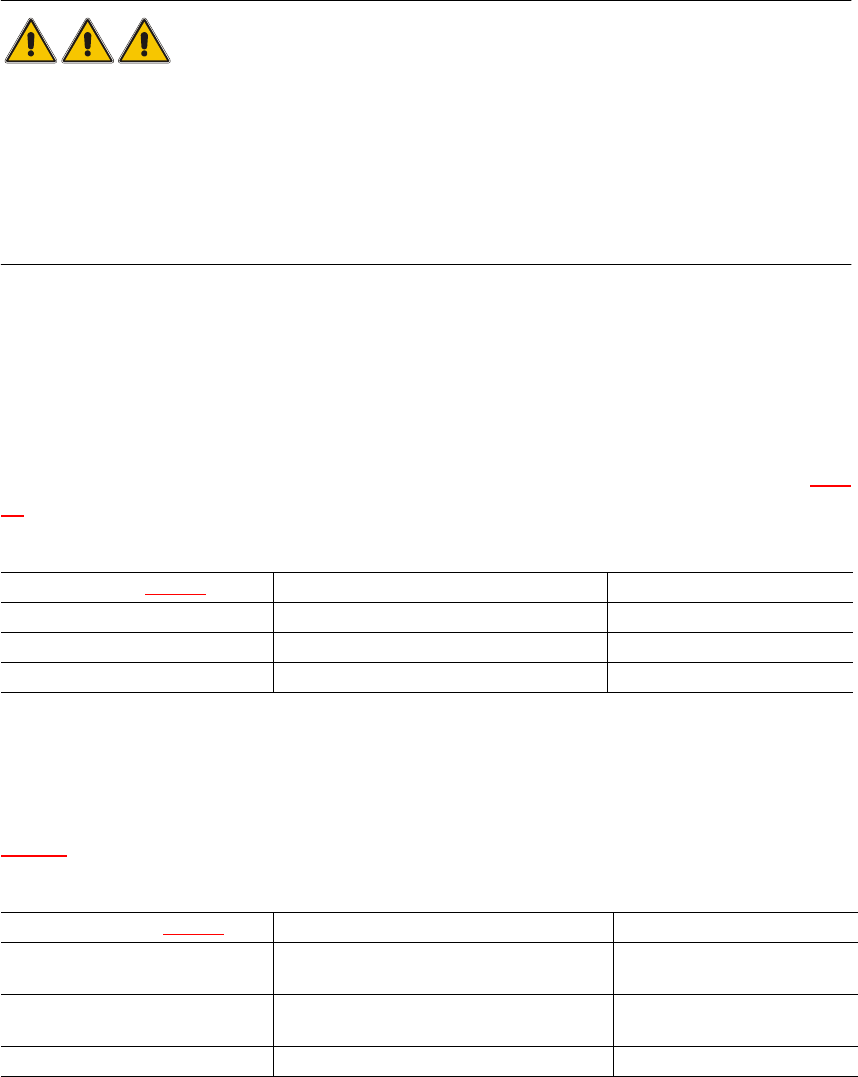
LED (see 11.8 - 4)On Off
1 green 5V operating voltage No voltage
2 green 12V operating voltage No voltage
3 green Laser module in use Laser module switched off
LED (see Fig. 11.8 - 5)On Off
4 red OUT OF RANGE
(outside the measuring range)
–
5 red POOR TARGET
(component is insufficiently reflective)
–
6 green Laser module in use Laser module switched off
SIPLACE 80S-20/F4 User Manual 11 Station extensions /Hardware
Software version SR.407.xx 01/2001 US Edition 11.8 Coplanarity laser module (80F4)
501
Fig. 11.8 - 4 Overview of the coplanarity laser module
(1) Green LED: 5V operating voltage
(2) Green LED: 12V operating voltage
(3) Green LED: Laser module switched on
(4) RESET key
(5) SUB-D connector, 9-pin, COM2: to the machine controller
(6) SUB-D connector, 15-pin: to the laser module
(7) Vision evaluation unit with control section
(8) Control unit