80S-20用户手册.pdf - 第308页
6 Vision functions SIPLA CE 80S-20/F4 User Manual 6.6 Test Co mponent Software version SR.407.xx 01/2001 US Edition 308 Fig. 6.6 - 24 Test component menu, Evaluat. time video image Å Press the RETURN key to start the mea…
SIPLACE 80S-20/F4 User Manual 6 Vision functions
Software version SR.407.xx 01/2001 US Edition 6.6 Test Component
307
6.6.4.6 Evaluat. time Option
NOTE 6
You cannot click on this option until a package form number has been loaded.
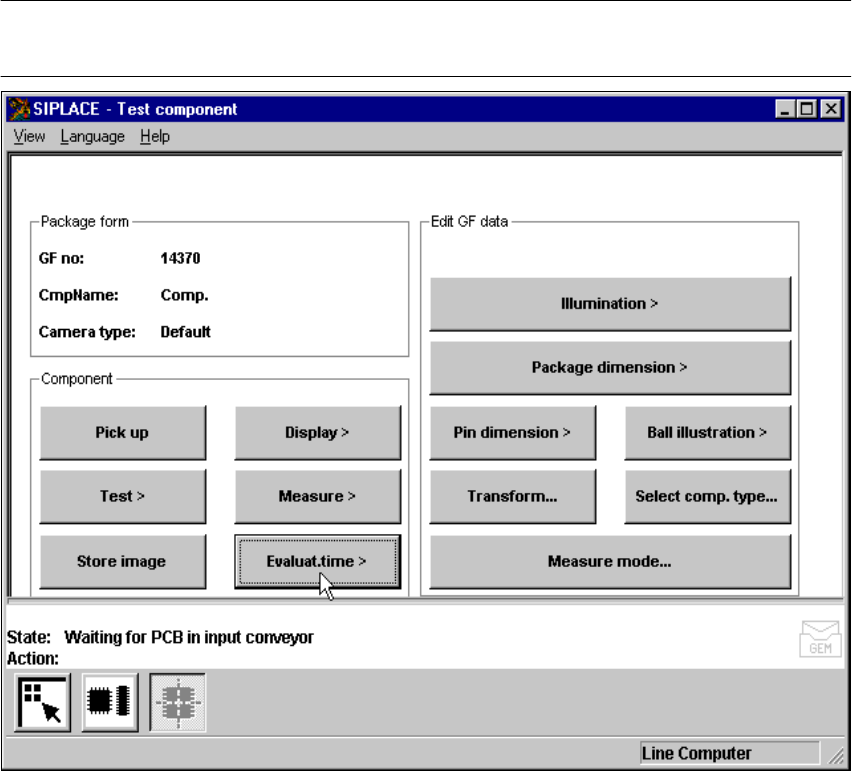
Fig. 6.6 - 23 Test component menu, Evaluat. time option
This option is used to display the evaluation time for a selected component. Once you have acti-
vated the function, the following actions are started: 6
– The measuring procedure is activated.
– The video image appears on the screen
– The evaluation time is overlaid.
6 Vision functions SIPLACE 80S-20/F4 User Manual
6.6 Test Component Software version SR.407.xx 01/2001 US Edition
308
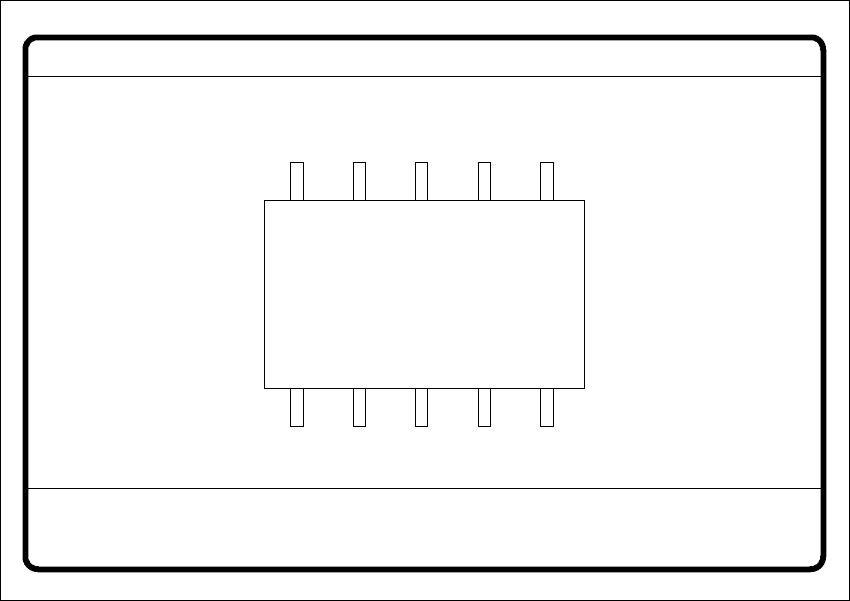
Fig. 6.6 - 24 Test component menu, Evaluat. time video image
Å Press the RETURN key to start the measurement. Once the measuring procedure has ended,
the measuring time in msec is overlaid.
Å Press ESC to leave the option. The video image will disappear and the ‘Test component’ menu
will appear once more.
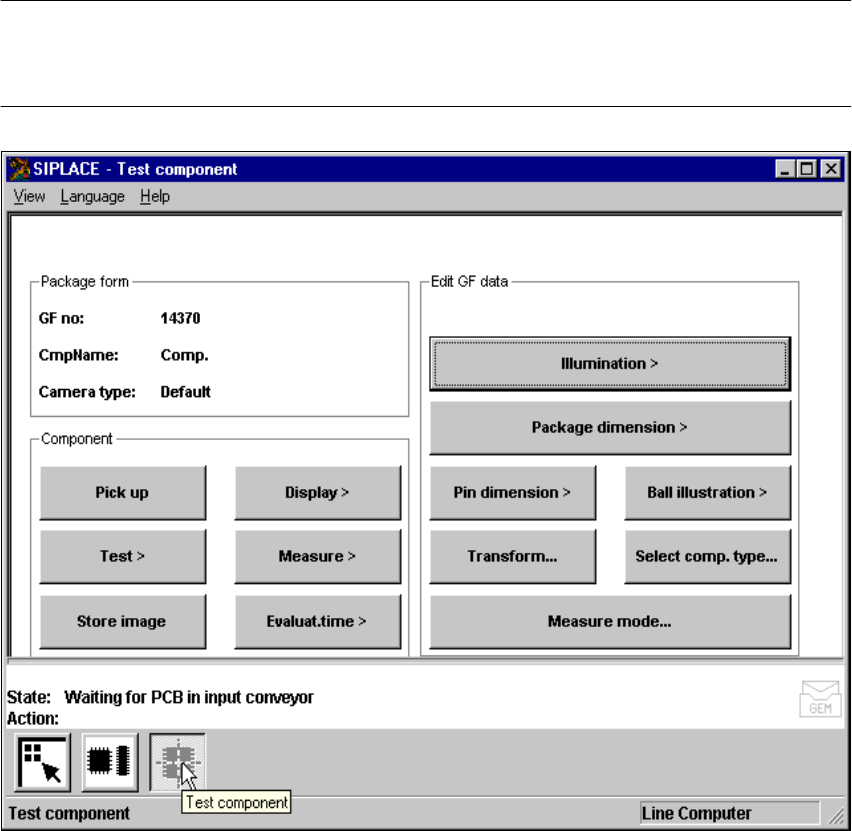
6.6.4.7 Information on the Group of Edit GF Data Options
The following options belong to the Edit GF data group of options: 6
– Lighting
– Package dimensions
– Lead dimensions
– Ball illustration
– Transformation table
– Select component type (F machines only)
– Measure mode
GF No. = 5
Evaluation time
Evaluation time [ms] =
RET: Measure component
SIPLACE 80S-20/F4 User Manual 6 Vision functions
Software version SR.407.xx 01/2001 US Edition 6.6 Test Component
309
The GF or package form file is stored in the line computer. Basically it consists of two main parts:6
– the geometric package form data and
– the sensor-specific data.
The sensor-specific part contains 6
– the measurement conditions for the component,
– the type of lighting and
– the transformation table data.
NOTE 6
The buttons of the options of the Test component menu will only be active if you have already
loaded a package form.
6
Fig. 6.6 - 25 Test component menu, options