Oxford-100-Manual.pdf - 第263页
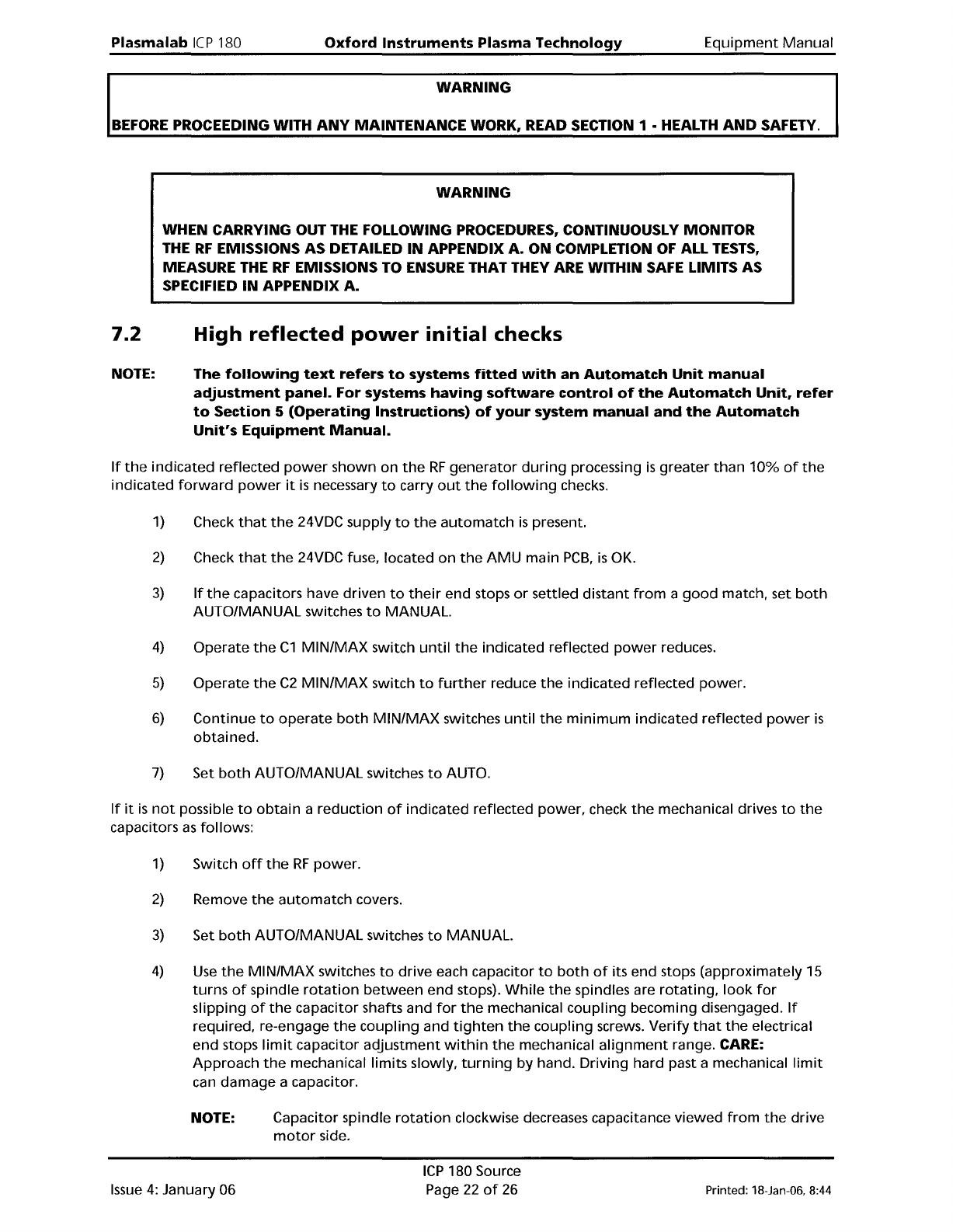
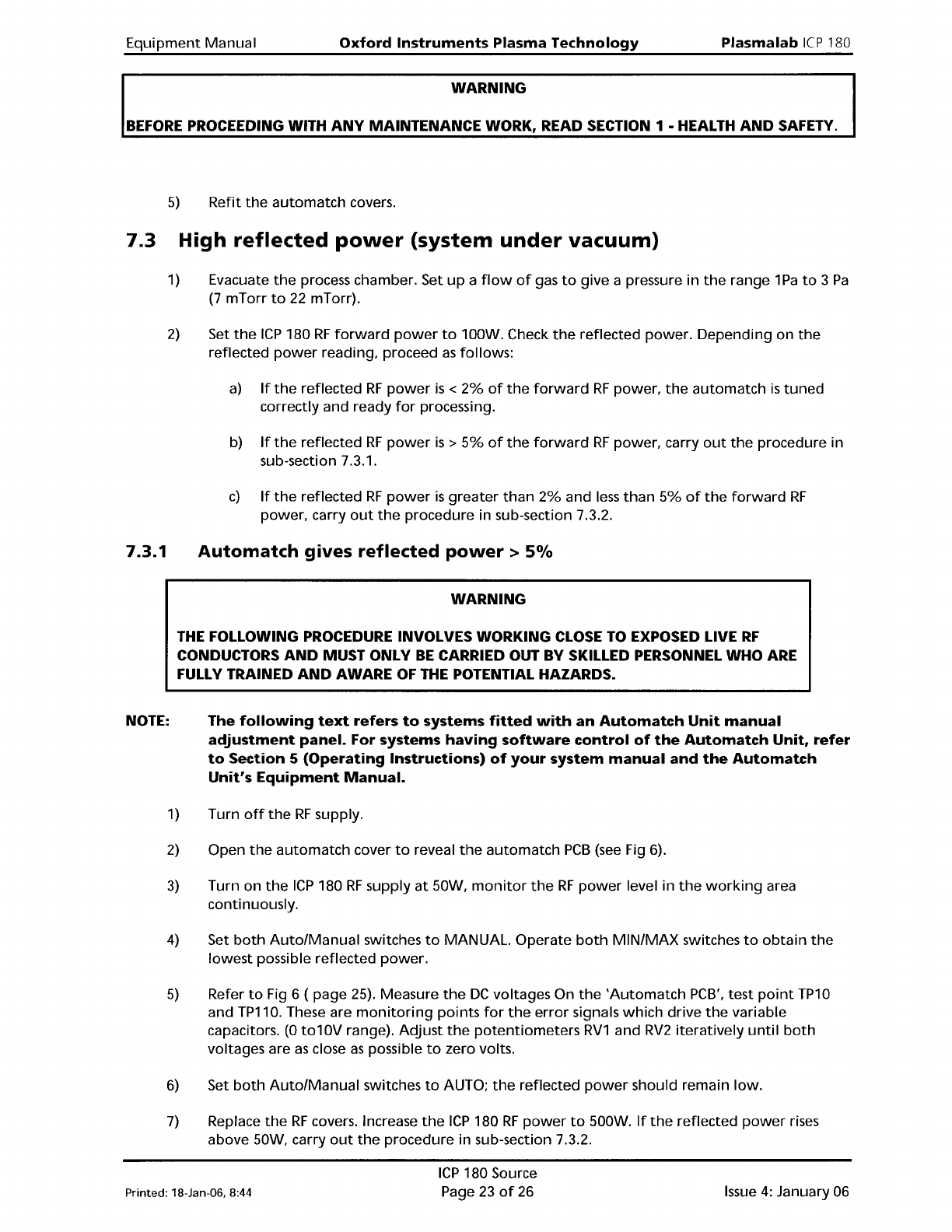
Equipment Manual Oxford Instruments Plasma Technology WARNING Plasma lab ICP 180 BEFORE PROCEEDING WITH ANY MAINTENANCE WORK, READ SECTION 1 • HEALTH AND SAFETY. 5) Refit the automatch covers. 7.3 High reflected power (s…
Plasma
lab
Ie
P180
Oxford
Instruments
Plasma Technology
WARNING
Equipment
Manual
BEFORE
PROCEEDING WITH
ANY
MAINTENANCE WORK, READ SECTION
1·
HEALTH
AND
SAFETY.
WARNING
WHEN CARRYING OUT
THE
FOLLOWING PROCEDURES, CONTINUOUSLY MONITOR
THE
RF
EMISSIONS AS DETAILED
IN
APPENDIX A. ON COMPLETION
OF
ALL
TESTS,
MEASURE
THE
RF
EMISSIONS TO ENSURE THAT THEY
ARE
WITHIN
SAFE
LIMITS AS
SPECIFIED IN APPENDIX A.
7.2
NOTE:
High
reflected
power
initial
checks
The
following
text
refers
to
systems
fitted
with
an
Automatch
Unit
manual
adjustment
panel.
For systems
having
software
control
of
the
Automatch
Unit,
refer
to
Section
5
(Operating
Instructions)
of
your
system
manual
and
the
Automatch
Unit's
Equipment
Manual.
If
the
indicated reflected
power
shown on
the
RF
generator
during
processing
is
greater
than
10%
of
the
indicated
forward
power
it
is
necessary
to
carry
out
the
following
checks.
1)
Check
that
the
24VDC supply
to
the
automatch
is
present.
2)
Check
that
the
24VDC fuse, located
on
the
AMU
main
PCB,
is
OK.
3)
If
the
capacitors have driven
to
their
end stops
or
settled
distant
from
a
good
match, set
both
AUTO/MANUAL switches
to
MANUAL.
4)
Operate
the
C1
MIN/MAX
switch
until
the
indicated reflected
power
reduces.
5)
Operate
the
C2
MIN/MAX
switch
to
further
reduce
the
indicated reflected power.
6)
Continue
to
operate
both
MIN/MAX
switches
until
the
minimum
indicated reflected
power
is
obtained.
7)
Set
both
AUTO/MANUAL switches
to
AUTO.
If
it
is
not
possible
to
obtain
a
reduction
of
indicated reflected
power,
check
the
mechanical drives
to
the
capacitors
as
follows:
1)
Switch
off
the
RF
power.
2)
Remove
the
automatch
covers.
3)
Set
both
AUTO/MANUAL switches
to
MANUAL.
4)
Use
the
MIN/MAX
switches
to
drive
each capacitor
to
both
of
its end stops (approximately 15
turns
of
spindle
rotation
between
end stops).
While
the
spindles are
rotating,
look
for
slipping
of
the
capacitor shafts and
for
the
mechanical
coupling
becoming disengaged.
If
required, re-engage
the
coupling
and
tighten
the
coupling
screws. Verify
that
the
electrical
end stops
limit
capacitor
adjustment
within
the
mechanical
alignment
range.
CARE:
Approach
the
mechanical limits slowly,
turning
by hand. Driving hard past a mechanical
limit
can
damage
a capacitor.
NOTE:
Capacitor spindle
rotation
clockwise decreases capacitance viewed
from
the
drive
motor
side.
Issue
4:
January 06
ICP
180 Source
Page
22
of
26
Printed: 18-Jan-06, 8:44
Equipment
Manual
Oxford Instruments Plasma Technology
WARNING
Plasma
lab
ICP
180
BEFORE
PROCEEDING WITH
ANY
MAINTENANCE WORK, READ SECTION 1 • HEALTH
AND
SAFETY.
5)
Refit
the
automatch
covers.
7.3 High
reflected
power
(system
under
vacuum)
1)
Evacuate
the
process chamber. Set
up
a
flow
of
gas
to
give a pressure in
the
range 1
Pa
to
3
Pa
(7
mTorr
to
22 mTorr).
2)
Set
the
ICP
180
RF
forward
power
to
100W. Check
the
reflected
power.
Depending on
the
reflected
power
reading, proceed
as
follows:
a)
If
the
reflected
RF
power
is
<
2%
of
the
forward
RF
power,
the
automatch
is
tuned
correctly and ready
for
processing.
b)
If
the
reflected
RF
power
is
>
5%
of
the
forward
RF
power,
carry
out
the
procedure in
sub-section 7.3.1.
c)
If
the
reflected
RF
power
is
greater
than
2%
and
less
than
5%
of
the
forward
RF
power, carry
out
the
procedure in sub-section 7.3.2.
7.3.1
NOTE:
Automatch
gives
reflected
power>
5%
WARNING
THE
FOLLOWING
PROCEDURE
INVOLVES WORKING
CLOSE
TO
EXPOSED LIVE
RF
CONDUCTORS
AND
MUST ONLY
BE
CARRIED OUT
BY
SKILLED PERSONNEL WHO
ARE
FULLY
TRAINED
AND
AWARE
OF
THE
POTENTIAL HAZARDS.
The
following
text
refers
to
systems
fitted
with
an
Automatch
Unit
manual
adjustment
panel.
For systems
having
software
control
of
the
Automatch
Unit,
refer
to
Section 5
(Operating
Instructions)
of
your
system
manual
and
the
Automatch
Unit's
Equipment
Manual.
1)
2)
3)
4)
5)
6)
7)
Turn
off
the
RF
supply.
Open
the
automatch
cover
to
reveal
the
automatch
PCB
(see
Fig 6).
Turn on
the
ICP
180
RF
supply
at
50W,
monitor
the
RF
power
level in
the
working
area
continuously.
Set
both
Auto/Manual
switches
to
MANUAL.
Operate
both
MIN/MAX
switches
to
obtain
the
lowest
possible reflected
power.
Refer
to
Fig 6 ( page 25). Measure
the
DC
voltages On
the
'Automatch
PCB',
test
point
TP10
and TP110. These are
monitoring
points
for
the
error
signals
which
drive
the
variable
capacitors.
(0
to1
OV
range).
Adjust
the
potentiometers
RV1
and
RV2
iteratively
until
both
voltages are
as
close
as
possible
to
zero volts.
Set
both
Auto/Manual
switches
to
AUTO;
the
reflected
power
should remain
low.
Replace
the
RF
covers. Increase
the
ICP
180
RF
power
to
500W.
If
the
reflected
power
rises
above 50W, carry
out
the
procedure in sub-section 7.3.2.
Printed: 18-Jan-06, 8:44
ICP
180 Source
Page
23
of
26
Issue
4:
January 06
Plasma
lab
ICP
180
Oxford
Instruments
Plasma Technology
WARNING
Equipment
Manual
BEFORE
PROCEEDING WITH
ANY
MAINTENANCE WORK, READ SECTION
1·
HEALTH
AND
SAFETY.
7.3.2
Automatch
gives
reflected
power
of
2%
to
5%
1)
Ensure
that
the
automatch
covers are securely
fitted
and
that
both
Auto/Manual
switches are
set
to
AUTO.
2)
Switch
on
the
ICP
RF
supply,
then
set
the
forward
power
to
500W.
3)
Observe
the
reflected power.
Adjust
error
signal
potentiometer
RV1
by
about
one
turn
each
way. The capacitors
will
adjust
automatically
in response:
find
the
lowest
reflected
power
point.
4)
Adjust
error
signal
potentiometer
RV2
by
about
one
turn
each way. The capacitors
will
adjust
automatically
in
response:
find
the
lowest
reflected
power
point.
5)
Repeat Steps
3)
and
4)
until
the
best match in obtained; <2% reflected
power
should be
possible.
6)
Increase
the
RF
power
to
1000W and
if
required,
repeat
Steps
3)
to
5).
7)
SAFETY Always measure
the
RF
radiation
during
and
after
adjustments
to
the
automatch.
Issue
4:
January 06
ICP
180 Source
Page
24
of
26
Printed:
1B-Jan-06. B:44