Oxford-100-Manual.pdf - 第67页
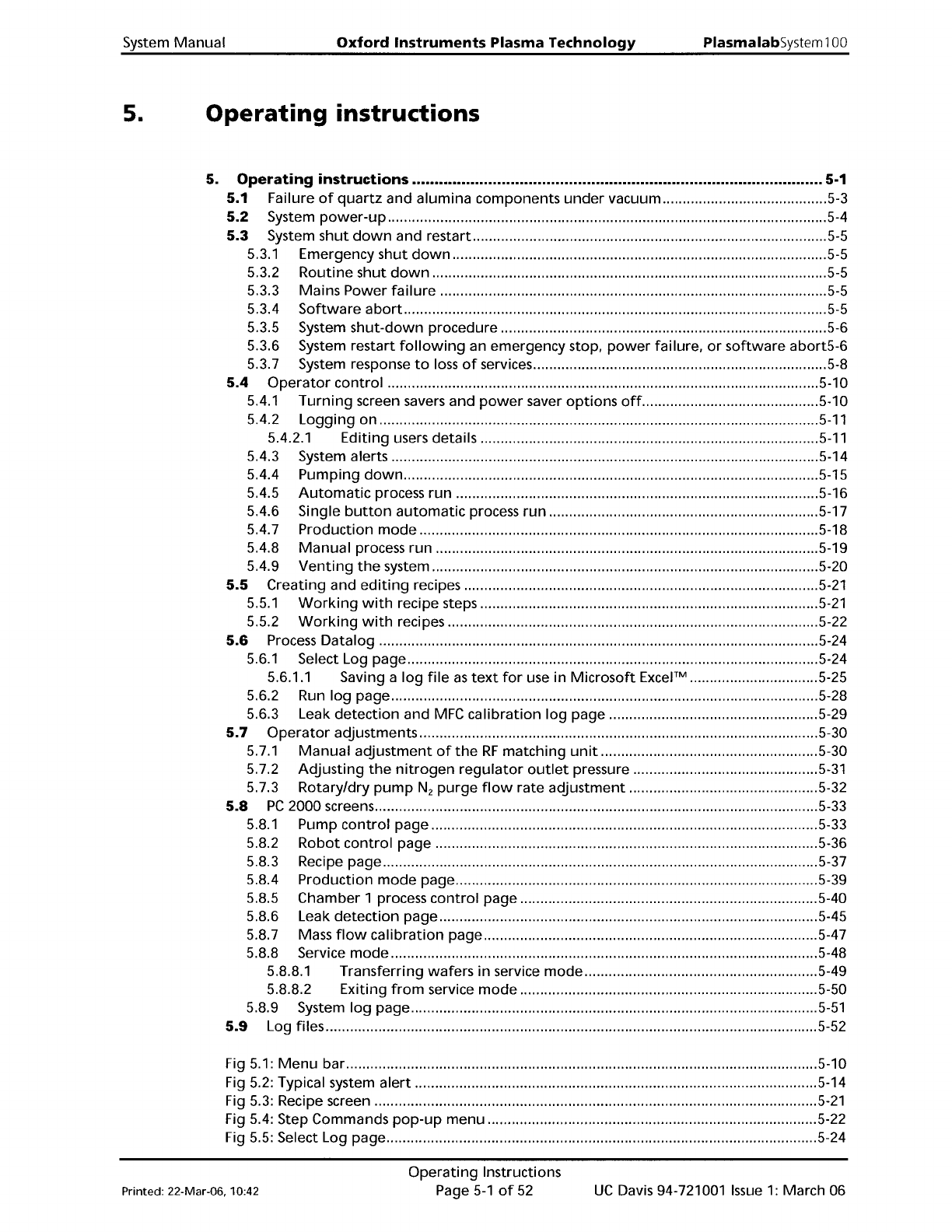
System Manual Oxford Instruments Plasma Technology PlasmalabSystem 100 5. Operating instructions 5. Operating instructions 5-1 5.1 Failure of quartz and alumina components under vacuum 5-3 5.2 System power-up 5-4 5.3 Sys…
Plasmalab
System
100
NOTES:
Issue
4:
March
05
Oxford
Instruments
Plasma
Technology
Installation and Commissioning
Page 4-8
of
8
System Manual
Printed: 16 March 200611:59
System
Manual
Oxford
Instruments
Plasma Technology
PlasmalabSystem100
5.
Operating
instructions
5.
Operating
instructions
5-1
5.1
Failure
of
quartz
and alumina components
under
vacuum
5-3
5.2
System
power-up
5-4
5.3
System
shut
down
and restart
5-5
5.3.1
Emergency
shut
down
5-5
5.3.2
Routine
shut
down
5-5
5.3.3 Mains Power
failure
5-5
5.3.4
Software
abort
5-5
5.3.5 System
shut-down
procedure 5-6
5.3.6 System restart
following
an emergency stop.
power
failure.
or
software
abort5-6
5.3.7 System response
to
loss
of
services
5-8
5.4
Operator
control
5-1
0
5.4.1
Turning
screen savers and
power
saver
options
off
5-10
5.4.2
Logging
on
5-11
5.4.2.1
Editing
users details
5-11
5.4.3 System alerts 5-14
5.4.4
Pumping
down
5-15
5.4.5
Automatic
process
run
5-16
5.4.6 Single
button
automatic
process
run
5-17
5.4.7 Production
mode
5-18
5.4.8
Manual
process run 5-19
5.4.9
Venting
the
system 5-20
5.5 Creating and
editing
recipes
5-21
5.5.1
Working
with
recipe steps
5-21
5.5.2
Working
with
recipes 5-22
5.6
Process
Datalog
5-24
5.6.1
Select Log page 5-24
5.6.1.1 Saving a
log
file
as
text
for
use in
Microsoft
Excel™
5-25
5.6.2 Run
log
page 5-28
5.6.3 Leak
detection
and
MFC
calibration
log
page 5-29
5.7
Operator
adjustments 5-30
5.7.1
Manual
adjustment
of
the
RF
matching
unit..
5-30
5.7.2
Adjusting
the
nitrogen
regulator
outlet
pressure
5-31
5.7.3 Rotary/dry
pump
N
2
purge
flow
rate
adjustment
5-32
5.8
PC
2000 screens 5-33
5.8.1
Pump
control
page 5-33
5.8.2
Robot
control
page 5-36
5.8.3 Recipe page 5-37
5.8.4 Production
mode
page 5-39
5.8.5 Chamber 1 process
control
page 5-40
5.8.6 Leak
detection
page 5-45
5.8.7 Mass
flow
calibration
page 5-47
5.8.8 Service
mode
5-48
5.8.8.1 Transferring
wafers
in
service
mode
5-49
5.8.8.2 Exiting
from
service
mode
5-50
5.8.9 System
log
page
5-51
5.9
Log files 5-52
Fig 5.1:
Menu
bar
5-1
0
Fig 5.2: Typical system
alert
5-14
Fig 5.3: Recipe screen
5-21
Fig 5.4: Step Commands
pop-up
menu 5-22
Fig 5.5: Select Log page 5-24
Printed: 22-Mar-06. 10:42
Operating
Instructions
Page
5-1
of
52
UC
Davis 94-721001
Issue
1:
March 06
PlasmalabSystem100
Oxford
Instruments
Plasma
Technology
System Manual
Fig
5.6: Run log page 5-28
Fig 5.7: Typical leak detection and
MFC
calibration log page 5-29
Fig 5.8: Typical
AMU
control
panel 5-30
Fig
5.9: N
z
Pressure regulator/gauge
5-31
Fig
5.10: Pump
control
page 5-33
Fig 5.11: Pump
control
page vacuum mimic 5-34
Fig
5.12: Pump
control
page
operator
interface 5-34
Fig 5.13: Robot
control
page 5-36
Fig
5.14: Recipe page 5-37
Fig 5.15: Production
mode
page 5-39
Fig
5.16: Chamber 1 process
control
page 5-40
Fig 5.17: Leak
detection
page 5-45
Fig
5.18: Mass
flow
calibration page 5-47
Fig 5.19: Service
mode
page 5-48
Fig
5.20:
Wafer
transfer in service mode 5-49
Fig 5.21: System
log
page 5-51
UC
Davis 94-721001
Issue
1:
March 06
Operating
Instructions
Page
5-2
of
52
Printed: 22-Mar-06. 10:42