Oxford-100-Manual.pdf - 第68页
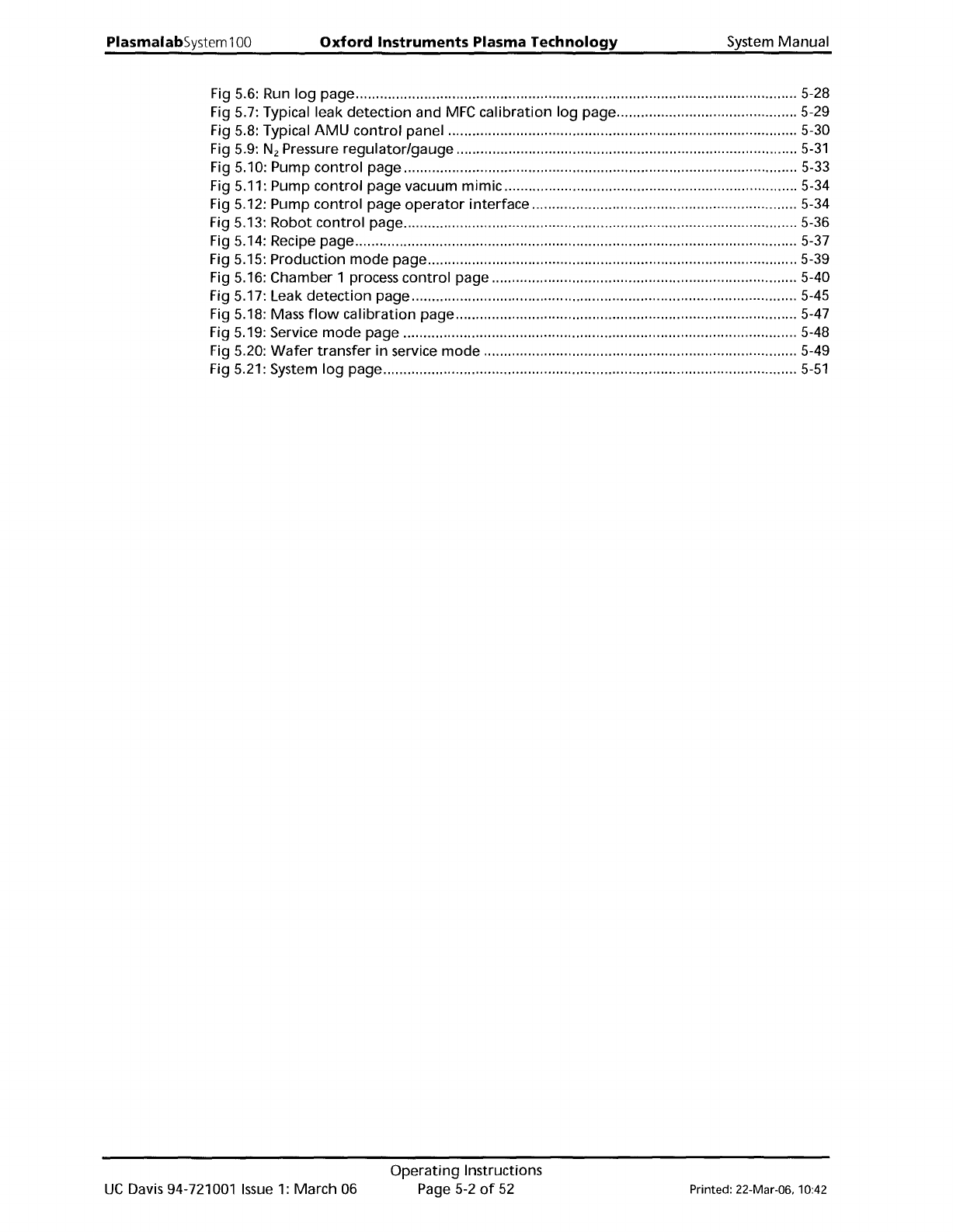
PlasmalabSystem 1 00 Oxford Instruments Plasma Technology System Manual Fig 5.6: Run log page 5-28 Fig 5.7: Typical leak detection and MFC calibration log page 5-29 Fig 5.8: Typical AMU control panel 5-30 Fig 5.9: N z Pr…
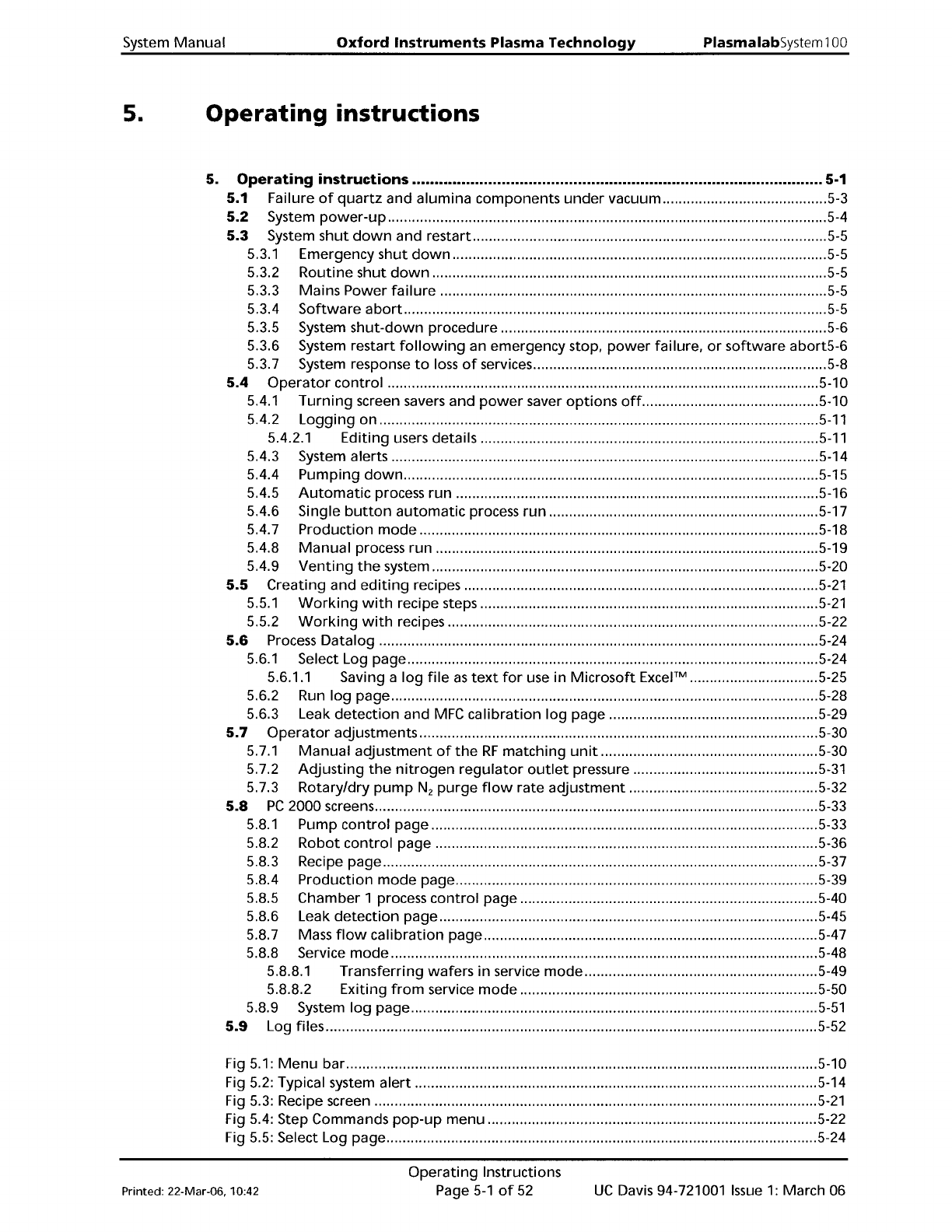
System
Manual
Oxford
Instruments
Plasma Technology
PlasmalabSystem100
5.
Operating
instructions
5.
Operating
instructions
5-1
5.1
Failure
of
quartz
and alumina components
under
vacuum
5-3
5.2
System
power-up
5-4
5.3
System
shut
down
and restart
5-5
5.3.1
Emergency
shut
down
5-5
5.3.2
Routine
shut
down
5-5
5.3.3 Mains Power
failure
5-5
5.3.4
Software
abort
5-5
5.3.5 System
shut-down
procedure 5-6
5.3.6 System restart
following
an emergency stop.
power
failure.
or
software
abort5-6
5.3.7 System response
to
loss
of
services
5-8
5.4
Operator
control
5-1
0
5.4.1
Turning
screen savers and
power
saver
options
off
5-10
5.4.2
Logging
on
5-11
5.4.2.1
Editing
users details
5-11
5.4.3 System alerts 5-14
5.4.4
Pumping
down
5-15
5.4.5
Automatic
process
run
5-16
5.4.6 Single
button
automatic
process
run
5-17
5.4.7 Production
mode
5-18
5.4.8
Manual
process run 5-19
5.4.9
Venting
the
system 5-20
5.5 Creating and
editing
recipes
5-21
5.5.1
Working
with
recipe steps
5-21
5.5.2
Working
with
recipes 5-22
5.6
Process
Datalog
5-24
5.6.1
Select Log page 5-24
5.6.1.1 Saving a
log
file
as
text
for
use in
Microsoft
Excel™
5-25
5.6.2 Run
log
page 5-28
5.6.3 Leak
detection
and
MFC
calibration
log
page 5-29
5.7
Operator
adjustments 5-30
5.7.1
Manual
adjustment
of
the
RF
matching
unit..
5-30
5.7.2
Adjusting
the
nitrogen
regulator
outlet
pressure
5-31
5.7.3 Rotary/dry
pump
N
2
purge
flow
rate
adjustment
5-32
5.8
PC
2000 screens 5-33
5.8.1
Pump
control
page 5-33
5.8.2
Robot
control
page 5-36
5.8.3 Recipe page 5-37
5.8.4 Production
mode
page 5-39
5.8.5 Chamber 1 process
control
page 5-40
5.8.6 Leak
detection
page 5-45
5.8.7 Mass
flow
calibration
page 5-47
5.8.8 Service
mode
5-48
5.8.8.1 Transferring
wafers
in
service
mode
5-49
5.8.8.2 Exiting
from
service
mode
5-50
5.8.9 System
log
page
5-51
5.9
Log files 5-52
Fig 5.1:
Menu
bar
5-1
0
Fig 5.2: Typical system
alert
5-14
Fig 5.3: Recipe screen
5-21
Fig 5.4: Step Commands
pop-up
menu 5-22
Fig 5.5: Select Log page 5-24
Printed: 22-Mar-06. 10:42
Operating
Instructions
Page
5-1
of
52
UC
Davis 94-721001
Issue
1:
March 06
PlasmalabSystem100
Oxford
Instruments
Plasma
Technology
System Manual
Fig
5.6: Run log page 5-28
Fig 5.7: Typical leak detection and
MFC
calibration log page 5-29
Fig 5.8: Typical
AMU
control
panel 5-30
Fig
5.9: N
z
Pressure regulator/gauge
5-31
Fig
5.10: Pump
control
page 5-33
Fig 5.11: Pump
control
page vacuum mimic 5-34
Fig
5.12: Pump
control
page
operator
interface 5-34
Fig 5.13: Robot
control
page 5-36
Fig
5.14: Recipe page 5-37
Fig 5.15: Production
mode
page 5-39
Fig
5.16: Chamber 1 process
control
page 5-40
Fig 5.17: Leak
detection
page 5-45
Fig
5.18: Mass
flow
calibration page 5-47
Fig 5.19: Service
mode
page 5-48
Fig
5.20:
Wafer
transfer in service mode 5-49
Fig 5.21: System
log
page 5-51
UC
Davis 94-721001
Issue
1:
March 06
Operating
Instructions
Page
5-2
of
52
Printed: 22-Mar-06. 10:42
System
Manual
Oxford
Instruments
Plasma Technology
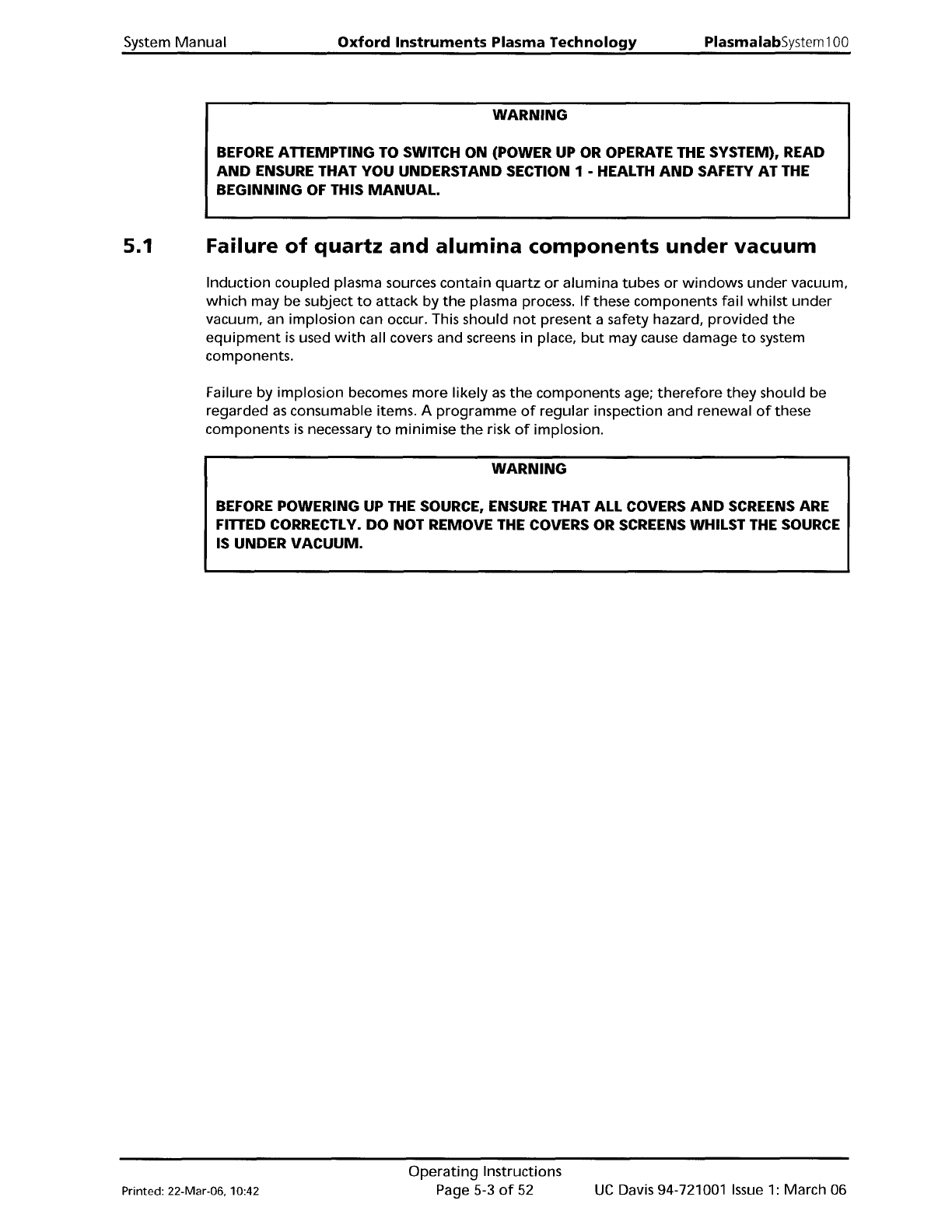
WARNING
PlasmalabSystem100
BEFORE ATTEMPTING TO SWITCH ON (POWER UP OR OPERATE THE SYSTEM), READ
AND
ENSURE THAT
YOU
UNDERSTAND SECTION 1 - HEALTH
AND
SAFETY AT THE
BEGINNING
OF THIS
MANUAL.
5.1
Failure
of
quartz
and
alumina
components
under
vacuum
Induction
coupled plasma sources
contain
quartz
or
alumina
tubes
or
windows
under
vacuum,
which
may be subject
to
attack
by
the
plasma process.
If
these components fail
whilst
under
vacuum, an implosion can occur. This should
not
present a safety hazard,
provided
the
equipment
is
used
with
all covers and screens in place,
but
may cause damage
to
system
components.
Failure by
implosion
becomes
more
likely
as
the
components age;
therefore
they
should be
regarded
as
consumable items. A
programme
of
regular
inspection and renewal
of
these
components
is
necessary
to
minimise
the
risk
of
implosion.
WARNING
BEFORE POWERING UP THE SOURCE, ENSURE THAT ALL COVERS
AND
SCREENS ARE
FITTED CORRECTLY.
DO
NOT REMOVE THE COVERS OR SCREENS WHILST THE SOURCE
IS UNDER
VACUUM.
Printed: 22-Mar-06, 10:42
Operating
Instructions
Page 5-3
of
52
UC
Davis 94-721001
Issue
1:
March 06