YG300_Ope_E.pdf - 第8页
iii About this manual 2 . C o n t e n t s o f e a c h c h a p t e r T h i s m a n u a l i s c o m p r i s e d o f t h e f o l l o w i n g c h a p t e r s . A b o u t t h i s m a n u a l S a f e t y i n s t r u c t i o n …

ii
About this manual
1.2 Manual contents
The contents of each manual are briefly explained below.
n
Contents of manuals supplied with machine
Operator's Manual Programming Manual
This manual is intended for machine operators. It provides
an overview of the machine and information necessary to
operate the machine.
About this manual
Safety instructions
Chapter 1: Part names and functions
Chapter 2: Basic operation
Chapter 3: Starting and ending production
This manual is intended for those who program board
data. It describes how to create and edit data needed for
machine operation and board production.
About this manual
Safety instructions
Operator management function
Chapter 1: Overview of board data
Chapter 2: Setting the board parameters
Chapter 3: Parameters for using options
Chapter 4: Using the advance functions
Chapter 5: Using the Editor
Chapter 6: Managing the data
Maintenance Manual
This manual is for daily and periodic machine maintenance
needed to maintain machine performance. It describes,
for example, how to clean the nozzles and shafts of the
machine you purchased and how to replace filters.
Before using the machine
Chapter 1: Maintenance
Chapter 2: Daily maintenance items
Chapter 3: Periodic maintenance items
Chapter 4: How to replace consumable parts
n
Contents of option manuals
Option Manual User's Manual
This manual is supplied with each option for surface
mounters, YHP-2, solder printers and inspection
equipment, and explains how to handle the option.
• Single-volume manual containing all information about
operation, programming, and maintenance. (Green spine)
• Manual describing the software-related functions and
software operation. (Yellow spine)
n
Other manuals and documents
Maintenance Guide Reference Manual Maintenance Parts List
* Available at training (fee required)
This guide contains maintenance
information needed for maintenance
personnel. Only those who have
received our training are permitted
to perform the tasks described in
this guide because a high skill level
is required to handle or overhaul the
maintenance parts. Machine data
accuracy must be readjusted after this
maintenance.
*
Only available on the "Y-DO" website.
This manual is provided for middle to
high level personnel (administrator
level) who wish to know about
machine function settings and other
information. This manual does not
contain information on tasks that
involve accuracy adjustment.
This parts list contains service parts
necessary to maintain machine
performance.
c
CAUTION
The contents of these manuals are subject to change without prior notice. Please be sure to contact our sales office or
representative to obtain the latest information on part names and part numbers.

iii
About this manual
2. Contents of each chapter
This manual is comprised of the following chapters.
About this manual
Safety instructions
This section provides safety instructions essential when using the machine.
Chapter 1 Part names and functions
Explains major part names and functions of the machine that you should know before attempting operation.
Chapter 2 Basic operation
• Explains how to use buttons and on-screen menus for machine operation.
• Explains the basic operation for board production including the conveyor unit setups.
• Explains the procedure from how to start up the machine to how to turn it off.
• Shows typical errors and troubleshooting.
Chapter 3 Starting and ending production
Describes the procedure from production start to end, as well as the production monitor display that appears during
operation.
Appendix
Contains machine specifications.
Index
The index at the end of this manual helps you quickly find where necessary items are explained.
iv
About this manual
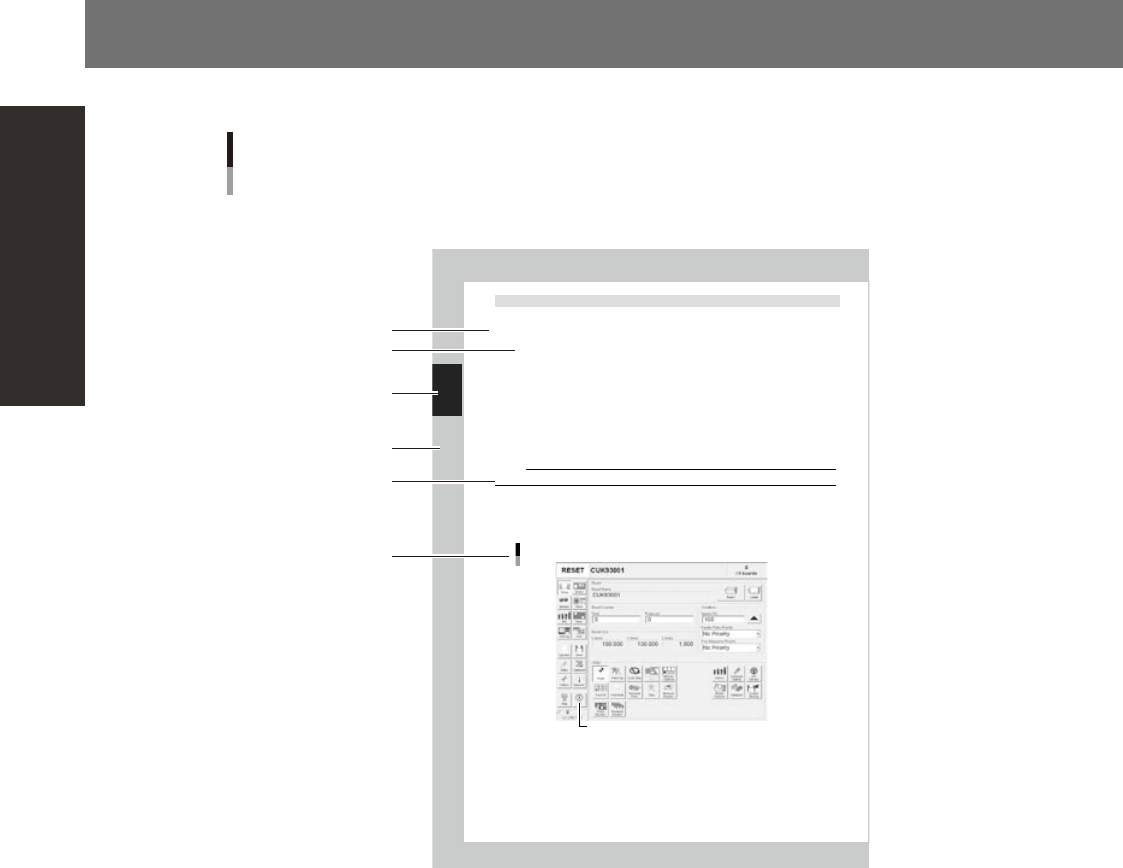
3. Page layout
The description below shows a typical page layout used in this manual.
2-32
2
Ba
s
ic oper
a
t
i
on
4.2 Finishing board production
To finish board production, follow these steps.
Stop machine operation.
The re are four methods for stopping the machin e.
1. Eme rgency stop button:
Press this button to trigger emergency stop. Do not use this button in normal operation .
2. [ST OP] bu tton (operation panel):
Pressing the [STOP] button stops the machine imme d ia te ly . To resume operation, pre ss t he [ STAR T]
but ton on the operation panel.
3. [C y cl e St op] button:
Pressing this button stops the machine operatio n j us t after component mounting on the curren t
boa rd has been completed.
4. [C o nv ey -out stop] button:
Use t hi s button when you want to finish production just after components have been mounted on
the b oard currently on the conveyor. All boards on the conve yor are carried out after component
mou nting, but new boards are not carried in from t he u pstream side.
CAUTION
Do not press the emergency stop button during operation except in case of emergency.
Reset the operation.
Press the [RESET] button on th e operation panel. The machine stops operati on immediately and returns
to th e board productio n standby status.
Press the [Off ] button on the screen.
[Off] button
[Off] button
2422 6-F 9-0 0
Typical page layout
Step
Chapter number
Chapter title
Substep or
description of step
Figure, picture
or table caption
Note, Caution
or Warning
23002-F9-00
n
Step
This describes the procedure for each operation.
n
Substep or description of step
This provides detailed information on the steps in the procedure.
n
Figure or table caption
This is the title of the figure or table and appears at the upper left.
n
Note, Caution or Warning
These are explained in detail in "Safety instructions".