Process Lens PL Service Manual_EN.pdf - 第68页
3 Replacing spare parts 68 Se rv ic e Ma nu al P ro ce ss L en s PL - 0 3/ 20 25 Fig.88: Cable tie ► Remove the cable tie (1) around the con- veyor drive. Fig.89: Electrical connections ► Unplug all electrical connect…
3 Replacing spare parts
Service Manual Process Lens PL - 03/2025 67
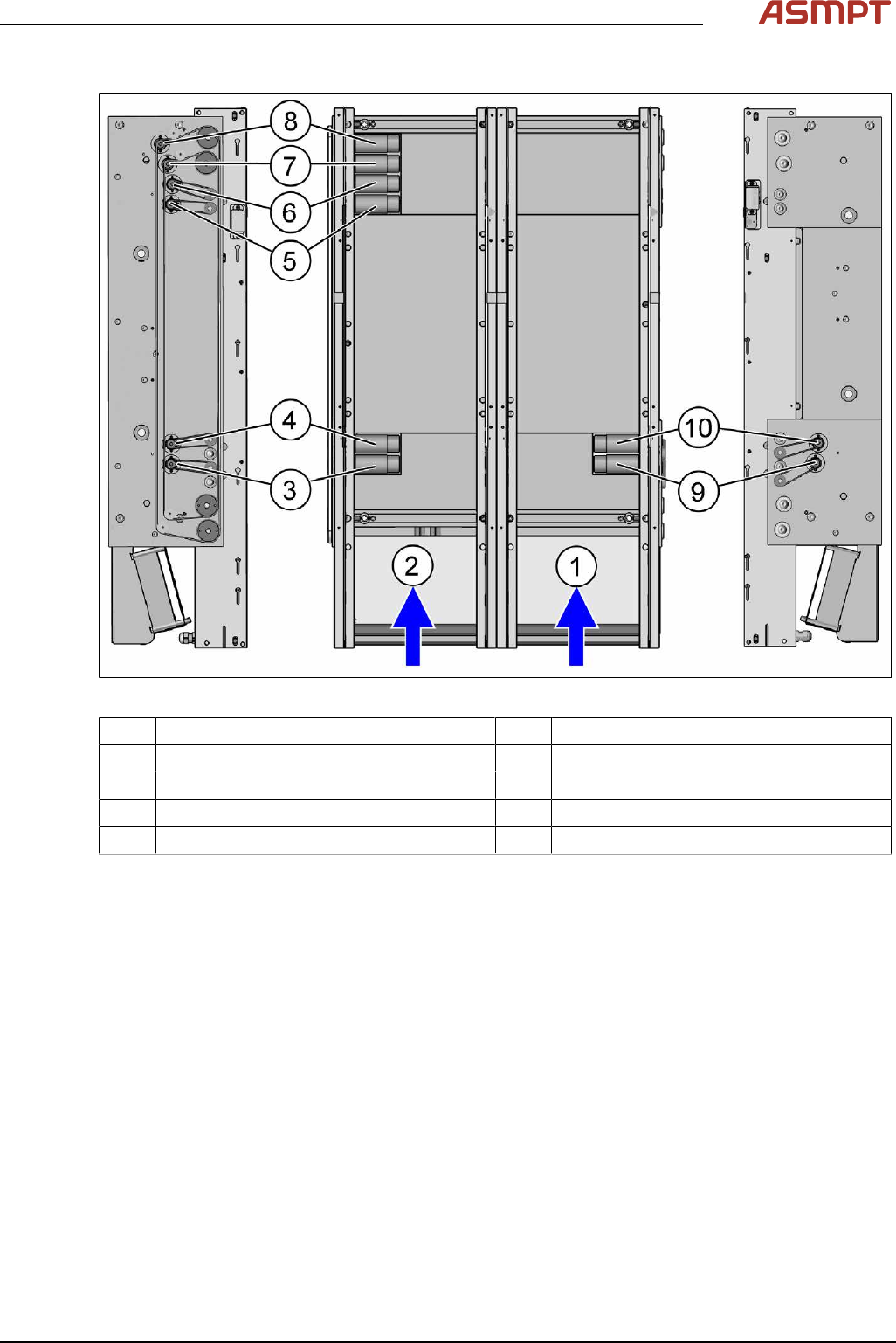
Overview
Fig.87: Overview of the conveyor drives
1 Conveyer Track 1 2 Conveyer Track 2
3 Conveyor drive input conveyor track 2 4 Conveyor drive placement area track 2
5 Conveyor drive output conveyor track 1 6 Conveyor drive output conveyor track 2
7 Width adjustment motor track 1 8 Width adjustment motor track 2
9 Conveyor drive input track 1 10 Conveyor drive placement area track 1
Removal
► Use the software or manually move the conveyor rail into a position which allows you best
access.
To move the conveyor side wall manually, pull the toothed belt of the width adjustment unit.
► Switch off the machine, disconnect it from the power supply and secure it to prevent unauthorized
reactivation.
► The fastening screws of the conveyor drives are on the outer side of the conveyor.
3 Replacing spare parts
68 Service Manual Process Lens PL - 03/2025
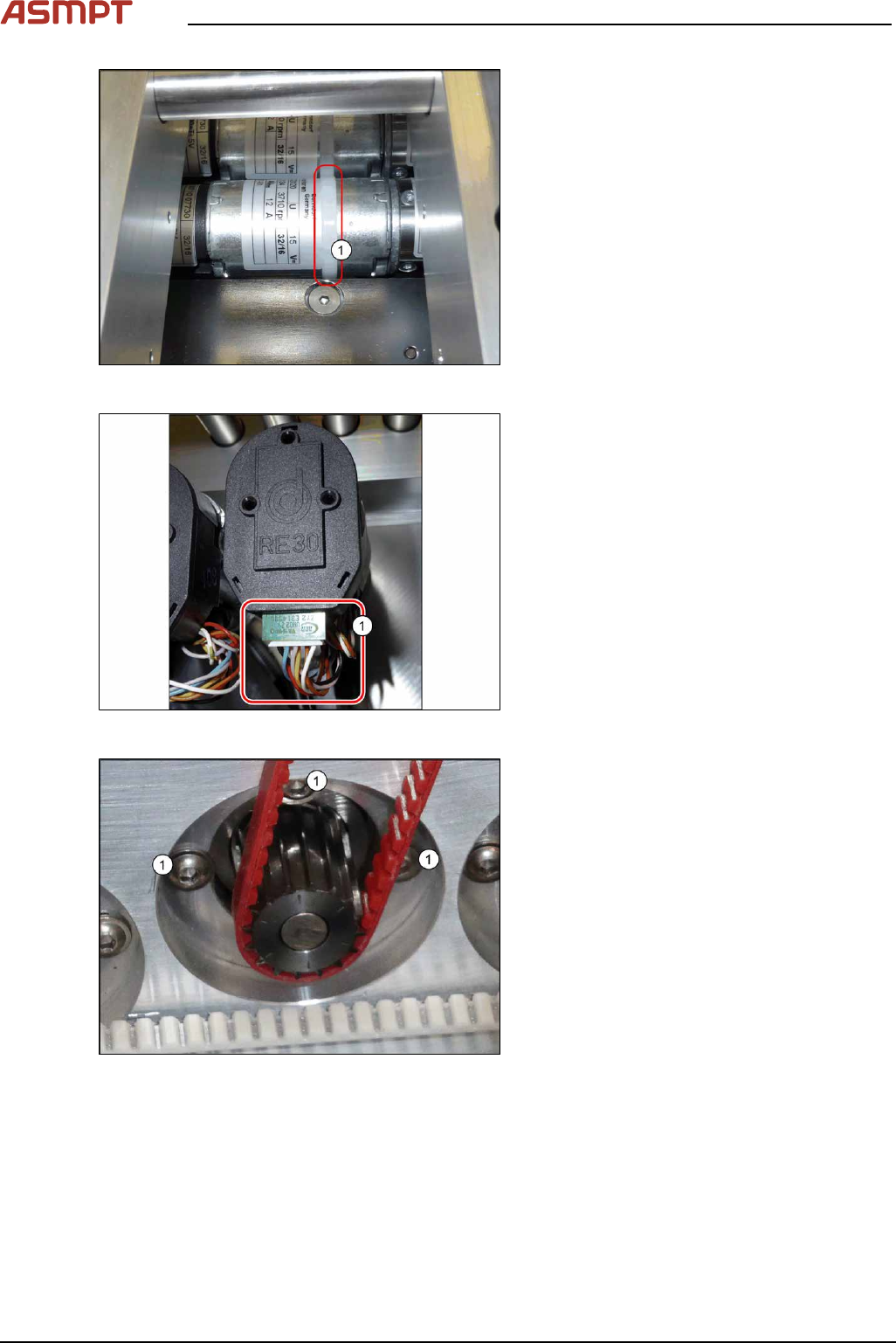
Fig.88: Cable tie
► Remove the cable tie(1) around the con-
veyor drive.
Fig.89: Electrical connections
► Unplug all electrical connections from the
conveyor drive(1). You may want to mark
their positions for easier exact replace-
ment later on.
Fig.90: Fastening screws
► Remove the three screws(1) fastening the
conveyor drive.
► Carefully unthread the motor from the
toothed belt and remove the motor from
the machine.
3 Replacing spare parts
Service Manual Process Lens PL - 03/2025 69
Installation
► Follow the removal instructions in reverse order for installation. Also observe the following
instructions:
CAUTION
Installation instructions
► Make sure that the toothed belt is not folded or otherwise damaged.
► Make sure that the toothed belt is accurately positioned in the guidance on the motor shaft.
► Carefully thread in the toothed belt. To do this, carefully lift the toothed belt a little (e.g. with the
shorter end of an Allen key).
► Replace any cables ties where needed.
Replace, in particular, the cable tie on the motor. Make sure that the cables, cable ties and, in
particular, the cable tie heads are not damaged on edges or rubbed against anything when you
adjust the conveyor rails.
Also pay attention to the cable ties on the trailing cable and to the shield connection on the con-
veyor drive.
Perform these checks along the whole width of the conveyor.
Replacing the toothed belt (conveyor drive)
Parts
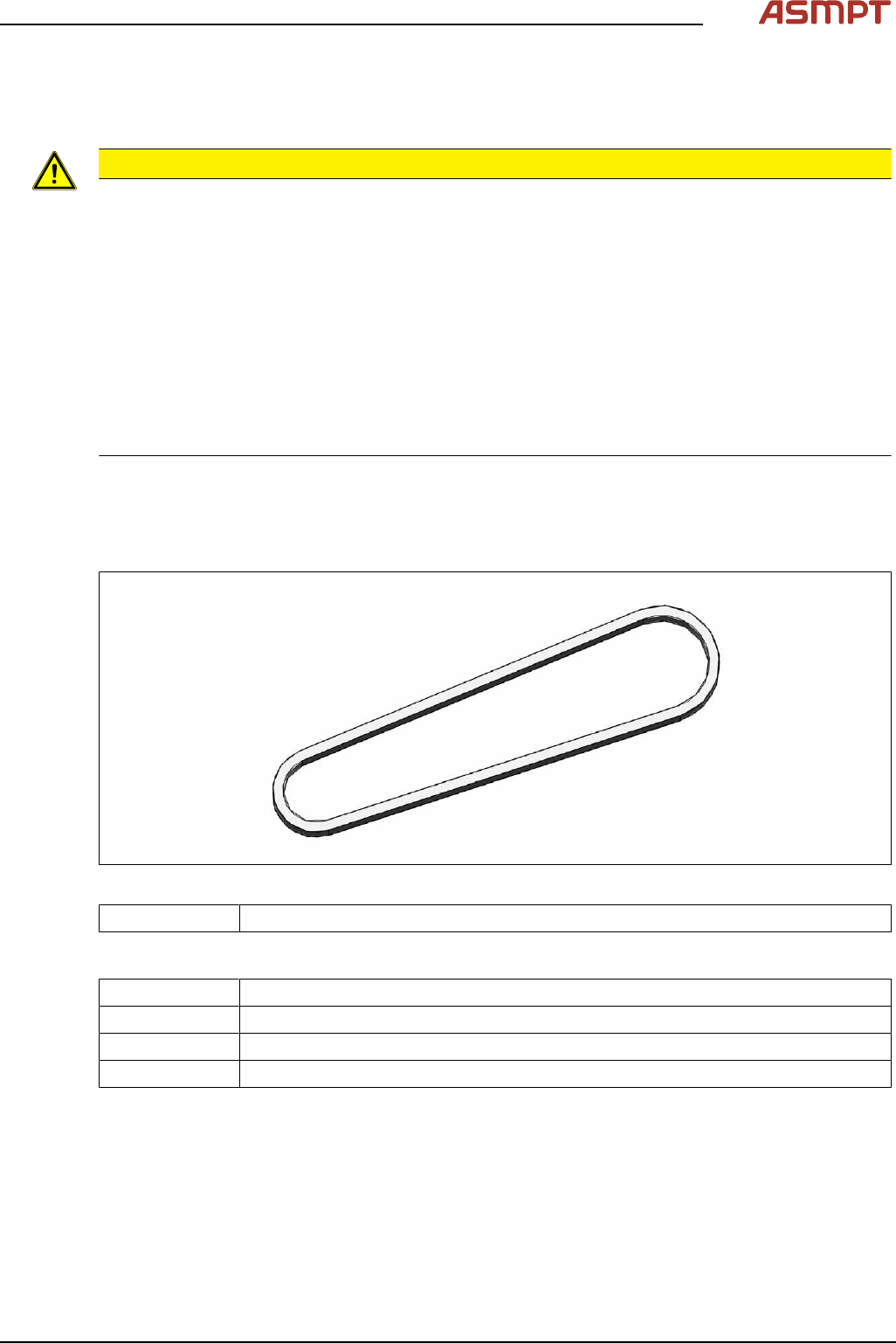
Fig.91: Toothed belt (conveyor drive)
03121566‑xx Toothed belt Synchroflex 5+-0.1 AT3/201
Equipment and tools
00326015‑xx Belt tension measuring device
00353832-xx Allen key set
Side cutter
Cable ties