DECAN_S2_Admin(Eng_Ver4.5).pdf - 第109页
4-28 Advanced Chip Shooter DECAN S2 Admi nistra t or’s Guide 4.12. Data Logging Use to record and manage various items r elated to the use of the machine . It is mainly utilized to solve problems occurrin g in the machin…
4-27
Tools Shortcut Menu
<Clear> button
Deletes the details about the part and feeder from the message window.
<Oldest Order> option button
Displays the details about the part and feeder in order from the oldest one in the
message window.
<Latest Order> option button
Displays the details about the part and feeder in order from the latest one in the
message window.
4.9. Part Dump All
Used for dumping all the parts picked up by the head in the dump box.
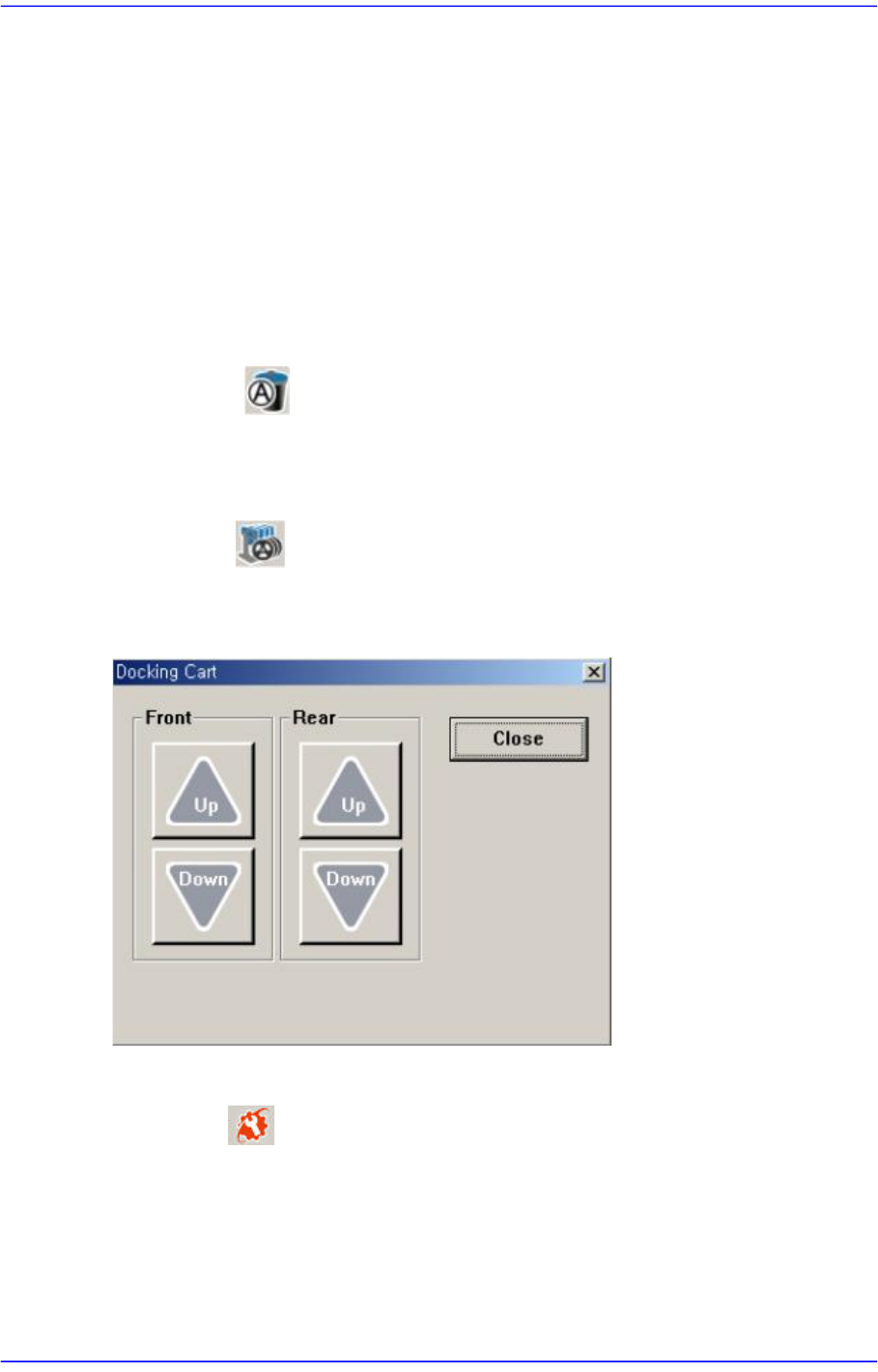
4.10. Docking Cart
Used to manipulate the movement of the front or rear side docking cart clamp when
applying the docking cart to the machine. Docking cart is option.
4.11. PM Manager
The PM Manager is a management menu that is used for the maintenance of the machine
in the MMI (Man-Machine Interface), an application program for machine operation. The
items to be inspected as well as check periods can be checked through the PM Manager,
and the machine can be managed more efficiently through the schedule check function.
For more details, refer to “Appendix. PM Manager” of the “Administrator’s Guide”
4-28
Advanced Chip Shooter DECAN S2 Administrator’s Guide
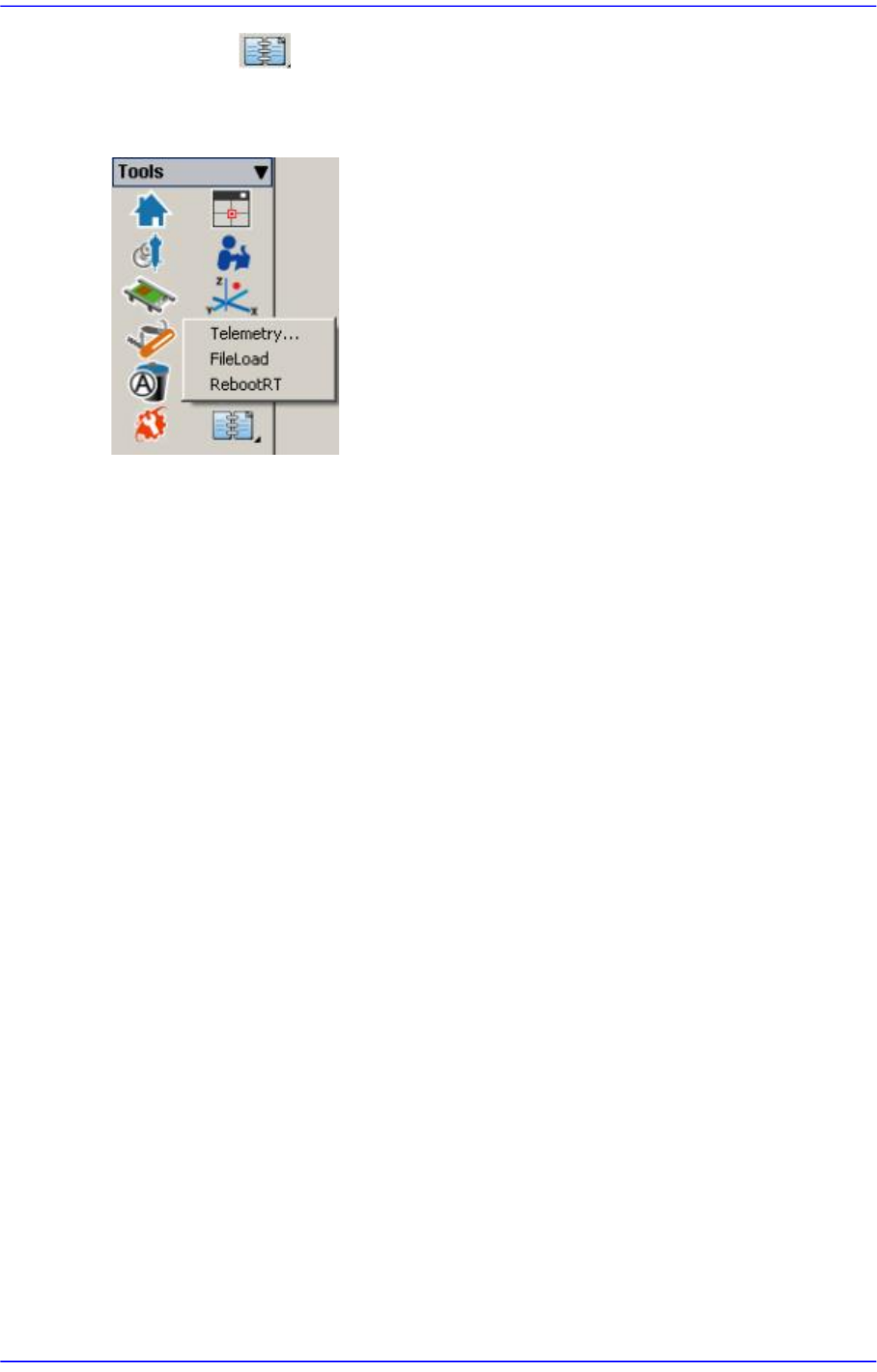
4.12. Data Logging
Use to record and manage various items related to the use of the machine. It is mainly
utilized to solve problems occurring in the machine using the log file recorded here.
5-1
Help Shortcut Menu
Chapter5. Help Shortcut Menu
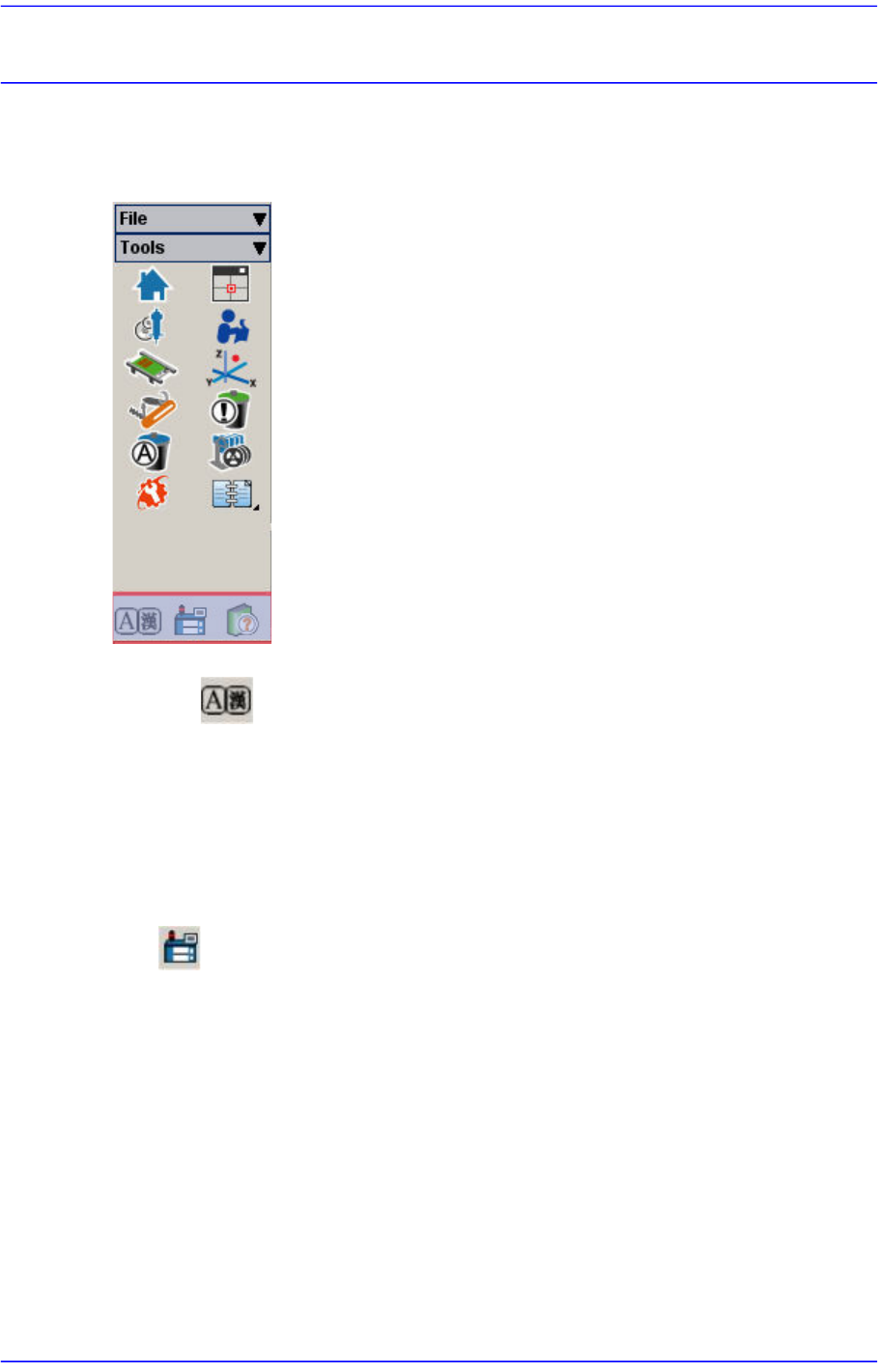
The <Help> menu has Language, Help and About command.
Figure5.1 Help Shortcut Menu
5.1. Language
Used to convert the language indicated on the MMI screen from the user defined language
to English and vice versa. (Ex. Chinese <-> English, German <-> English)
Language conversion can only be carried out when the machine is running and the
language is changed to the designated default language.
5.2. About
When the <About SM411…> submenu is selected, the following message box is
displayed.