DECAN_S2_Admin(Eng_Ver4.5).pdf - 第43页
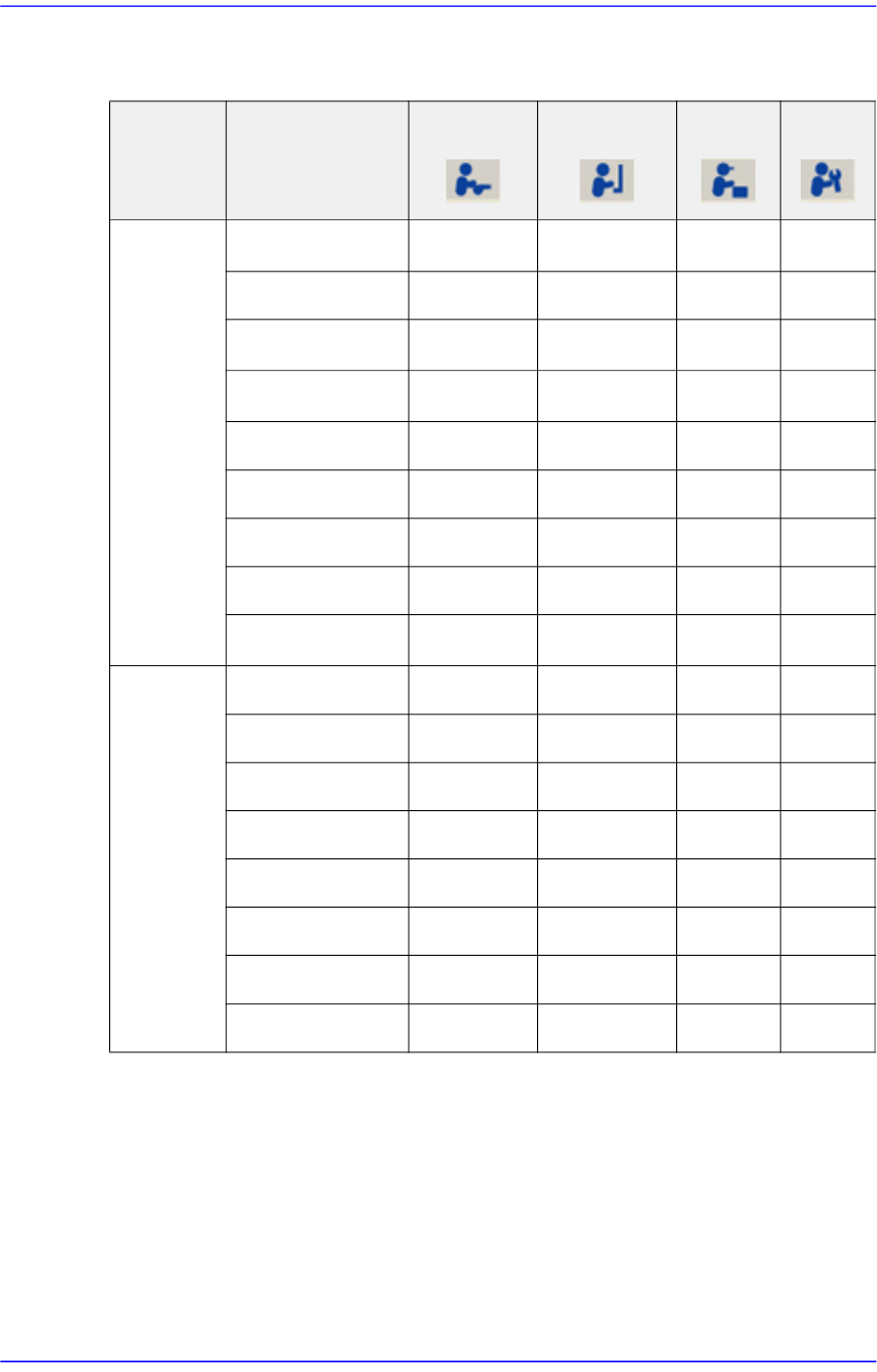
1-4 Advanced Chip Shooter DECAN S2 Admi nistra t or’s Guide The following table shows the authoriza tion for the MMI menu according to the users. . O: Perm ission, △ :Partly Access, :Access Deny Table1.1 User Access Li…

1-3
Operation Mode and Password Change
Select the MMI to set it as the operation mode for a plain user.
<Programmer> option button
Select the MMI to set it as the operation mode for a programmer.
<Manager> option button
Set the MMI as the operation mode for a manager.
<Service> option button
Set the MMI as the operation mode for service.
<Insert within 8 Characters> group
The password for the corresponding mode can be changed.
<Password> Edit Box
Used to enter the password of the corresponding operation mode in order to
change the operation mode.
<Access Limit Use> group
Performs setup so that the authorization to access the MMI menus can be limited
according to users. This function can be used only in the operation mode higher
than the manager mode.
<Use Access Limit> Check Box
Select the check box when limiting the access to the MMI menu according to
the users.
1-4
Advanced Chip Shooter DECAN S2 Administrator’s Guide
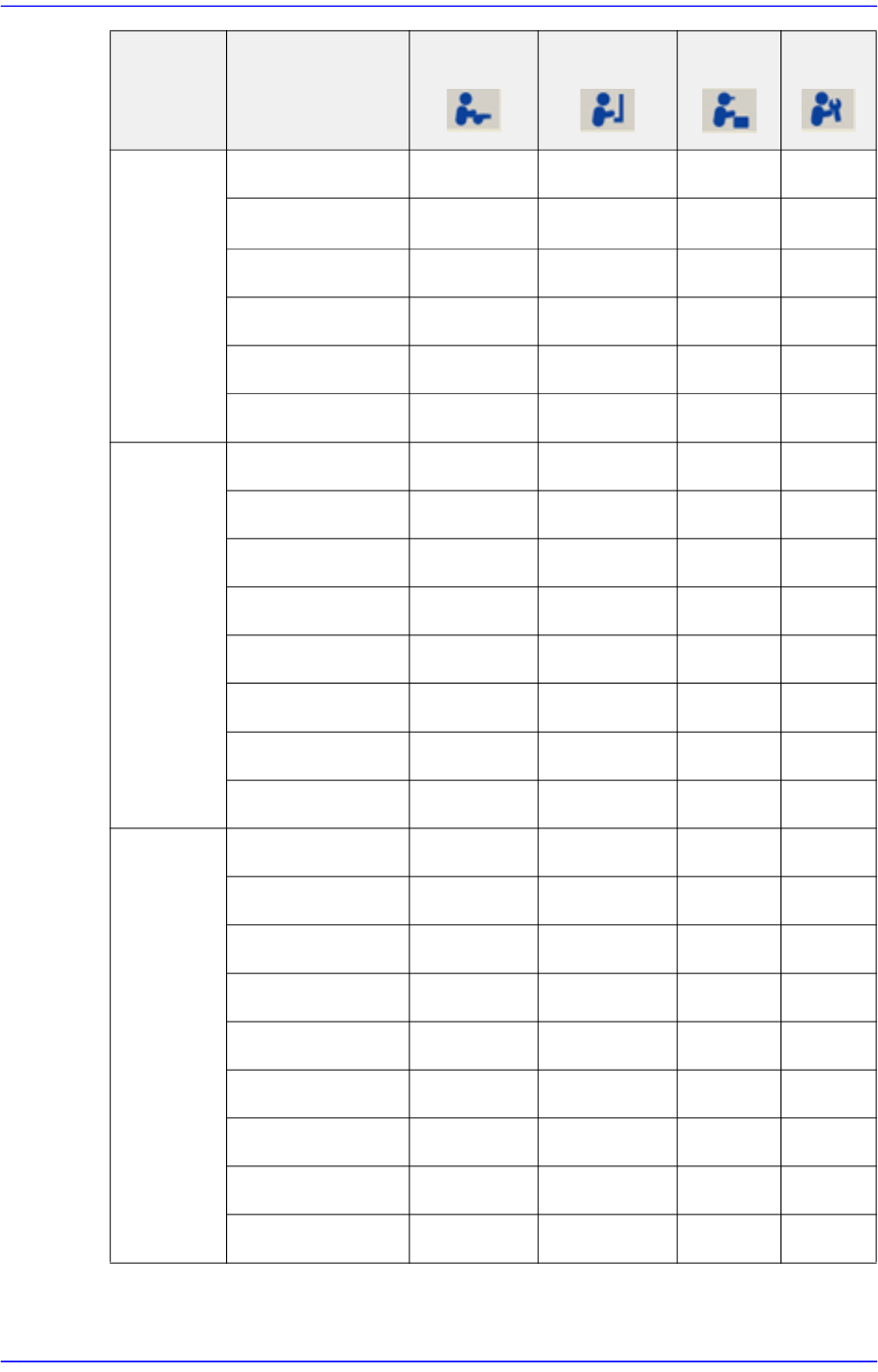
The following table shows the authorization for the MMI menu according to the users..
O: Permission, △ :Partly Access, :Access Deny
Table1.1 User Access Limit
Menu bar Sub Toolbar
Operator Programmer
Manager
Service
PCB Edit
Board △ ○ ○ ○
Part
△ ○ ○ ○
Feeder △ ○ ○ ○
Step △ ○ ○ ○
ANC Cfg
○ ○ ○ ○
Cycle
○ ○ ○ ○
Opti ×
○ ○ ○
Cancel
○ ○ ○ ○
Layout ○ ○ ○ ○
Product Start
○ ○ ○ ○
Stop
○ ○ ○ ○
Cont.
○ ○ ○ ○
Finish
○ ○ ○ ○
T/F Cnt
○ ○ ○ ○
PCB D/L
○ ○ ○ ○
Pd.Info
○ ○ ○ ○
Flux
○ ○ ○ ○
1-5
Operation Mode and Password Change
Utility Print
○ ○ ○ ○
Util/ Pd.Info ○ ○ ○ ○
Copy ×
○ ○ ○
File Man ×
○ ○ ○
Bypass
○ ○ ○ ○
Warmup
○ ○ ○ ○
Diagnosis I/O Status ×
○ ○ ○
Conveyor ×
○ ○ ○
Light ×
○ ○ ○
Vacuum ×
○ ○ ○
Jog box ×
○ ○ ○
Tray ×
○ ○ ○
Head ×
○ ○ ○
Motor I/O ×
○ ○ ○
Sys.Setup Head × ×
○ ○
Conveyor × ×
○ ○
Position × ×
○ ○
Camera × ×
○ ○
Periph. × ×
○ ○
Calib. × ×
○ ○
Pref. × ×
○ ○
Device × ×
○ ○
Light × ×
○ ○
Menu bar Sub Toolbar
Operator Programmer
Manager
Service