OM-1012-001.pdf - 第148页
Tg0869-PM-OM 0305-001 Chapter 1 4-7 3.2 TRA VERSE UNIT Display When the [TRA VERSE UNIT] key is pressed at the “MANUAL MODE” dis- play (Fig. A99), the following display appears on the screen. Fig. A101 (2) Select the [CA…
Tg0869-PM-OM
0305-001 Chapter 1 4-6
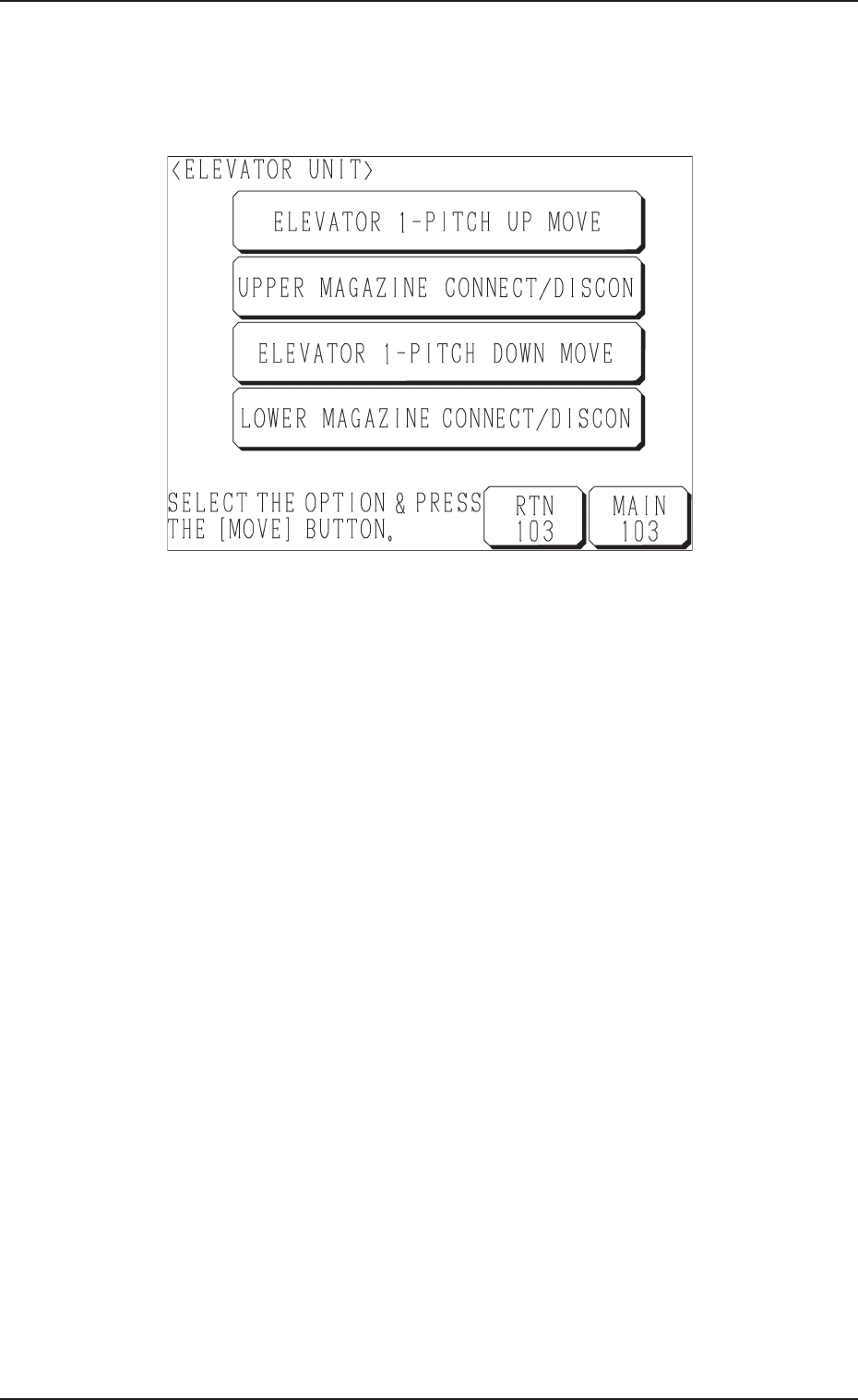
3.1 ELEVATOR UNIT Display
When the [ELEVATOR UNIT] key is pressed at the “MANUAL MODE” dis-
play (Fig. A99), the following display appears on the screen.
Fig. A100
(2) Select the desired key and press the [MOVE] button.
• When the [ELEVATOR 1-PITCH UP MOVE] key is selected, the el-
evator shaft moves up as far as 1 pitch of the pallet.
• When the [UPPER MAGAZINE CONNECT/DISCON] key is selected
with the upper magazine connected to the elevator shaft, the machine
works to separate the magazine from the shaft. When the upper maga-
zine is not connected, the machine works to connect the magazine to
the shaft.
• When the [ELEVATOR 1-PITCH DOWN MOVE] key is selected, the
elevator shaft moves down as far as 1 pitch of the pallet.
• When the [LOWER MAGAZINE CONNECT/DISCON] key is selected
with the lower magazine connected to the elevator shaft, the machine
works to separate the magazine from the shaft. When the lower maga-
zine is not connected, the machine works to connect the magazine to
the shaft.
3.1 ELEVATOR UNIT Display
Tg0869-PM-OM
0305-001 Chapter 1 4-7
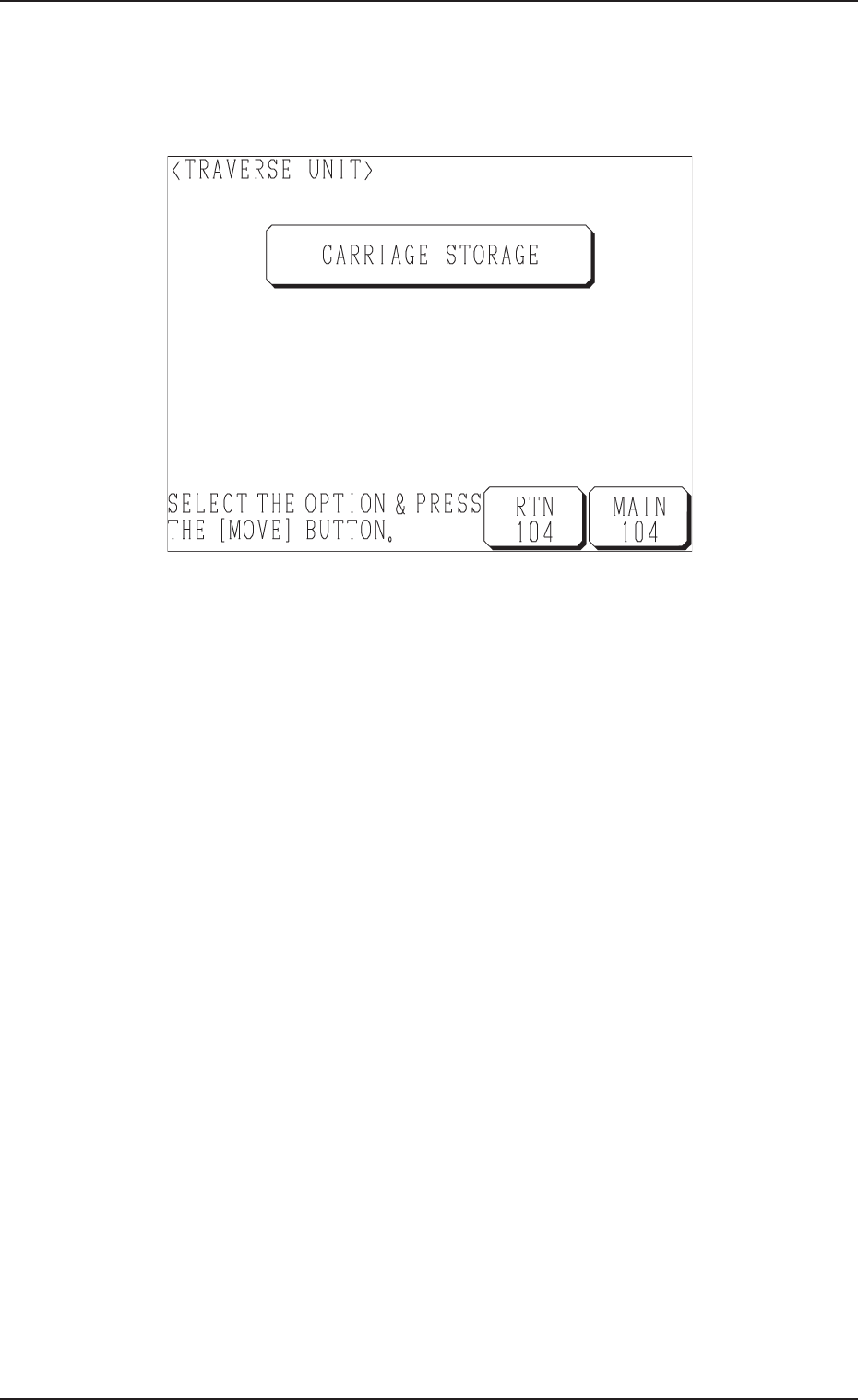
3.2 TRAVERSE UNIT Display
When the [TRAVERSE UNIT] key is pressed at the “MANUAL MODE” dis-
play (Fig. A99), the following display appears on the screen.
Fig. A101
(2) Select the [CARRIAGE STORAGE] key and press the [MOVE] button.
Unless the traverse unit has pulled out the pallet, the pallet located at the
pullout position is pulled out. When the traverse unit has pulled it out, the
machine tries to store the pallet in the magazine.
3.2 TRAVERSE UNIT Display

Tg0869-PM-OM
0305-001 Chapter 1 4-8