CP-842E-842ME System Reference-SYS-CP842-10E.pdf - 第134页
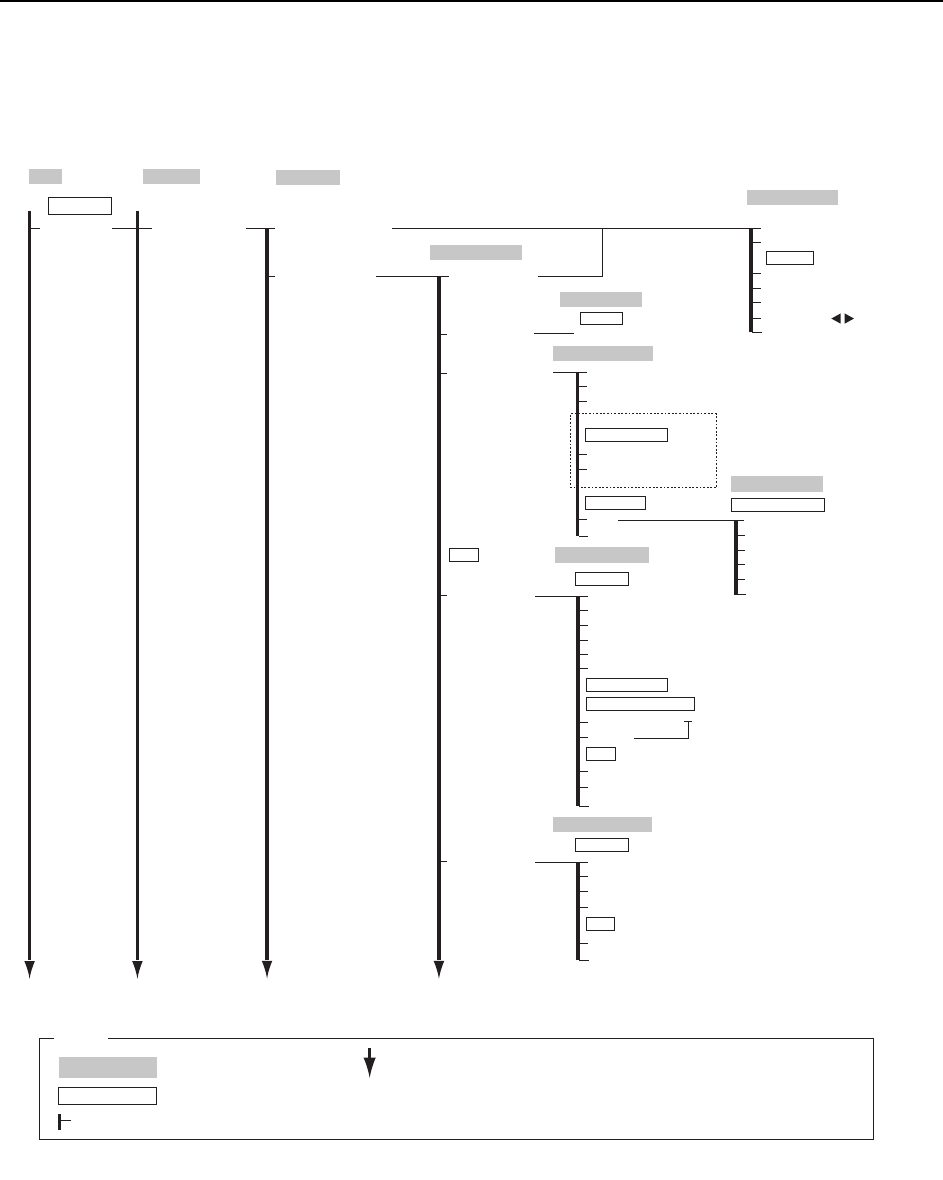
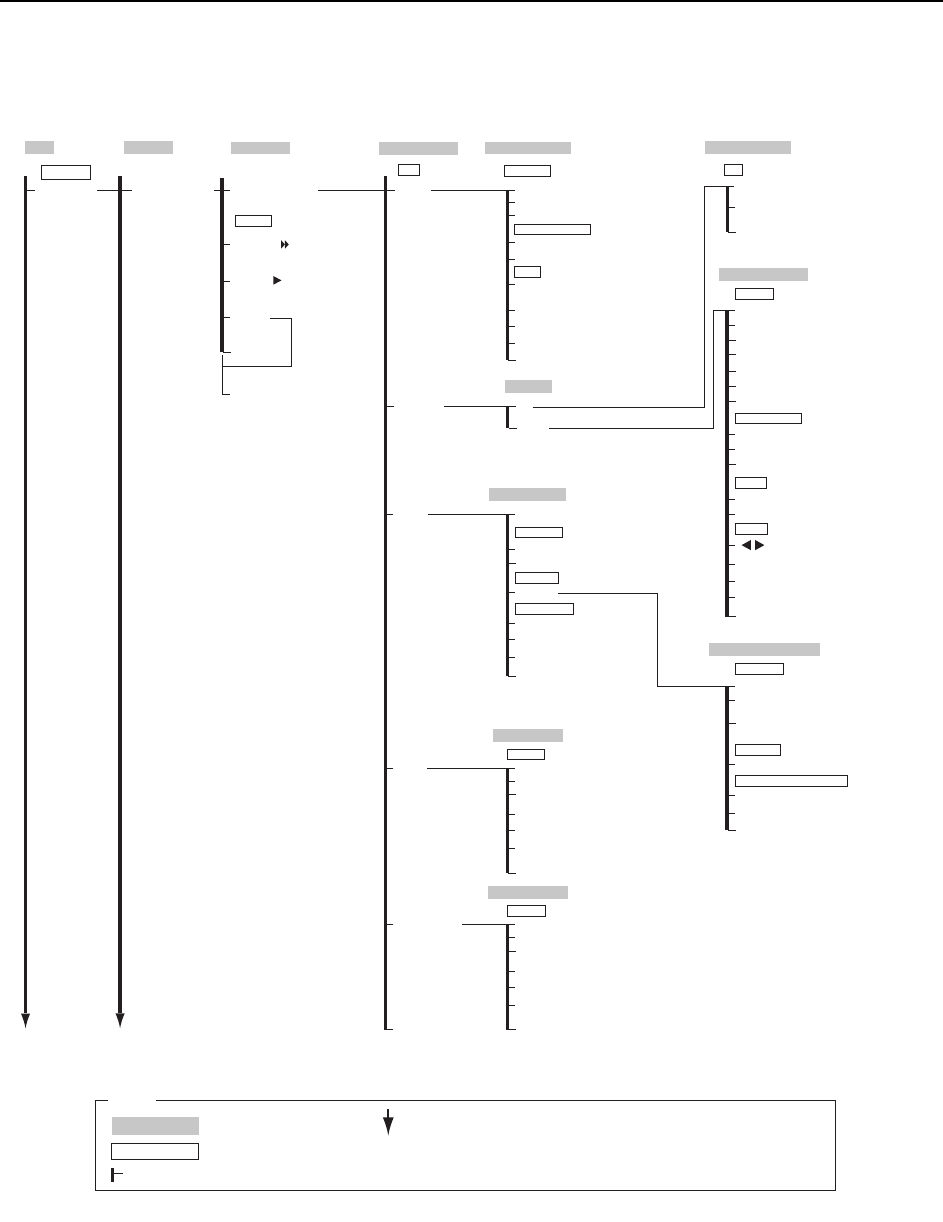
Commands >> Command Hierarchy 5-6 SYS-CP842-1.0E 2TQITCO'FKVQT Program 6GUV2TQFWEV 6GUV Production Program Set Body Data Editor Body Element X length → Numeric Keypad Body Length X → Numeric Keypad Body Leng…
Commands >> Command Hierarchy
SYS-CP842-1.0E 5-5
Program Editor Sequence number
5VCTVKPI5GSWGPEG
Reference Search
→ Virtual Keyboard
Sequence number
→ Numeric Keypad
ZOOM +
ZOOM -
Move Cursor
Move
Close
Select Mode
2TQITCO
6GUV2TQFWEV
Sequence Search
6GUV
Board Information
Production Program
Panel Thickness → Numeric Keypad
Sequence Data Editor
Board Data Editor
Sequence Data Editor
Y-coordinate
→ Numeric Keypad
X-coordinate
→ Numeric Keypad
Setup
Q-rotation → Numeric Keypad
Yes
No
Close
Board Data
Pickup Location
Apply for multi-boards
Mark
F Mark
F Mark Data Editor
BS Mark Data Editor
Static
Shape
Y
X
Reading Deviation
Pitch
Reading area
Size A
Size B
Size C
Close
Read Limit / Result
Mark reading tolerance values
Result
Mark Data
Numeric Keypad
BS Mark
Color
Size X
Size Y
Brightness
Close
Result
Mark Data
***
/CKP
C73SC002c-4
2TQITCO
%JCPIGQXGT
Group → Numeric Keypad
Stage
→ Numeric Keypad
Subslot
→ Numeric Keypad
Cancel
Slot → Numeric Keypad
OK
Specify the slot position
5GV5NQV2QUKVKQP
<For multi-board programs>
Production
Operation Mode
: Command name
: Screen name
Production
: Command group
L
: Continued on the next page
: Press to scroll upwards
Legend
M
: Press to scroll downwards
( )
: General description
[ ]
: Push button
→
: Displays separate dialog box
Commands >> Command Hierarchy
5-6
SYS-CP842-1.0E
2TQITCO'FKVQT
Program
6GUV2TQFWEV
6GUV
Production Program
Set
Body Data Editor
Body
Element
X length
→
Numeric Keypad
Body Length X
→
Numeric Keypad
Body Length Y
→
Numeric Keypad
Part height
→
Numeric Keypad
Close
Check tolerance values
Detection Tolerance
→
Numeric Keypad
Lead
Size Data
Edit Acquire Image
Pickup Data Editor
Edit
Pickup Offset
Pickup Data
Y length
→
Numeric Keypad
Vision Type
→
To Vision Type Editor
Element
→
To Question
Lead
→
To Lead Data Editor
Pickup
Acquire New Image
→
[START button]
Save Image
Close
Question
OK
Cancel
Part supply direction Lead
→
Numeric Keypad
Details
Pickup Tolerance
X
→
Numeric Keypad
Y
→
Numeric Keypad
Q
→
Numeric Keypad
Close
X
→
Numeric Keypad
Z
→
Numeric Keypad
Lead Data Editor
Lead Data
Lead
Detection Point
→
Numeric Keypad
Vision Type
→
To Vision Type Editor
Element
→
To Question
Body
→
To Body Data Editor
Close
Check limit
→
Numeric Keypad
Brightness
→
Numeric Keypad
Vision Type Editor
Basic Data
ࡆ࡚ࠫࡦ࠲ࠗࡊ
㐽ߓࠆ
Vision type
→
Numeric Keypad
Body
→
To Body Data Editor
Element
→
To Question
Lead
→
To Lead Data Editor
Close
Camera type
→
Numeric Keypad
Lighting
→
Numeric Keypad
Pickup Data Editor Details
Pickup Nozzle
Pickup Check
Maximum Nozzle Diameter
→
Numeric Keypad
Setup
→
Numeric Keypad
Pickup Position Auto Compensation
On
Off
Close
Minimum Nozzle Diameter
→
Numeric Keypad
Backlight diameter
→
Numeric Keypad
Element Data Editor
Lead Data
Length
→
Numeric Keypad
Lead tolerance value
Close
Width
→
Numeric Keypad
Pitch
→
Numeric Keypad
Length
→
Numeric Keypad
Width
→
Numeric Keypad
Deviation
→
Numeric Keypad
Position
X
→
Numeric Keypad
Y
→
Numeric Keypad
Element
Count
→
Numeric Keypad
Side number
→
Numeric Keypad
P pattern
→
Numeric Keypad
Result
→
Numeric Keypad
Main
C73SC002c-5
Program
Changeover
Vision Type
→
To Vision Type Editor
Body
→
To Body Data Editor
Lead
→
To Lead Data Editor
Step
7PNQCF
%QPVKPWQWU
Close
േࡕ࠼
[START button]
Production
Operation Mode
: Command name
: Screen name
Production
: Command group
L
: Continued on the next page
: Press to scroll upwards
Legend
M
: Press to scroll downwards
( )
: General description
[ ]
: Push button
→
: Displays separate dialog box
Commands >> Command Hierarchy
SYS-CP842-1.0E 5-7
Seq. Search
→
To Sequence Search
Program
Device Check
Recipe Edit
Selection Display Mode
Recipe Edit
Sequence Offset
Target
Offset value
All Boards
Close
Select Board
Select Device
Setting
→
Numeric Keypad
Setting (Device number)
Offset X
→ Numeric Keypad
Offset Y
→ Numeric Keypad
Offset Q
→ Numeric Keypad
Offset
Close
C73SC002Ed-6
Program
Changeover
Offset
Close
Device Info
Skip Info
Part Out Warning Info
Next Prog. Device Info
Error Device
Used Device
All Device
OK
Cancel
Device Select
Close
(Display Change)
Device Check
Close
Display Mode
Select All
Set Devices
Statistical Error Reset
Select device check display mode
Check
Close
Close
Nozzle Allocation
Holder1-6
Set
Nozzle Allocation
Nozzle Detail
Close
Conveyor
Conveyor Width
Conveyor Width Select
Close
Panel Width
Conveyor Width
Width Change Settings
Margin → Numeric Keypad
Width Change Preparation [START button]
Maximum Width
Specified Width
Margin Measurement
Width Change Selection
Production
Operation Mode
: Command name
: Screen name
Production
: Command group
: Continued on the next page
: Press to scroll upwards
Legend
: Press to scroll downwards
( )
: General description
[ ]
: Push button
→
: Displays separate dialog box
Main