CP-842E-842ME System Reference-SYS-CP842-10E.pdf - 第148页
Commands >> Command Hierarchy 5-20 SYS-CP842-1.0E Maintenance Configuration (Continued) C73SC008E-10 Machine Configuration Data (Continued) Configuration (Continued) Machine Function Settings (Continued) Panel Chec…
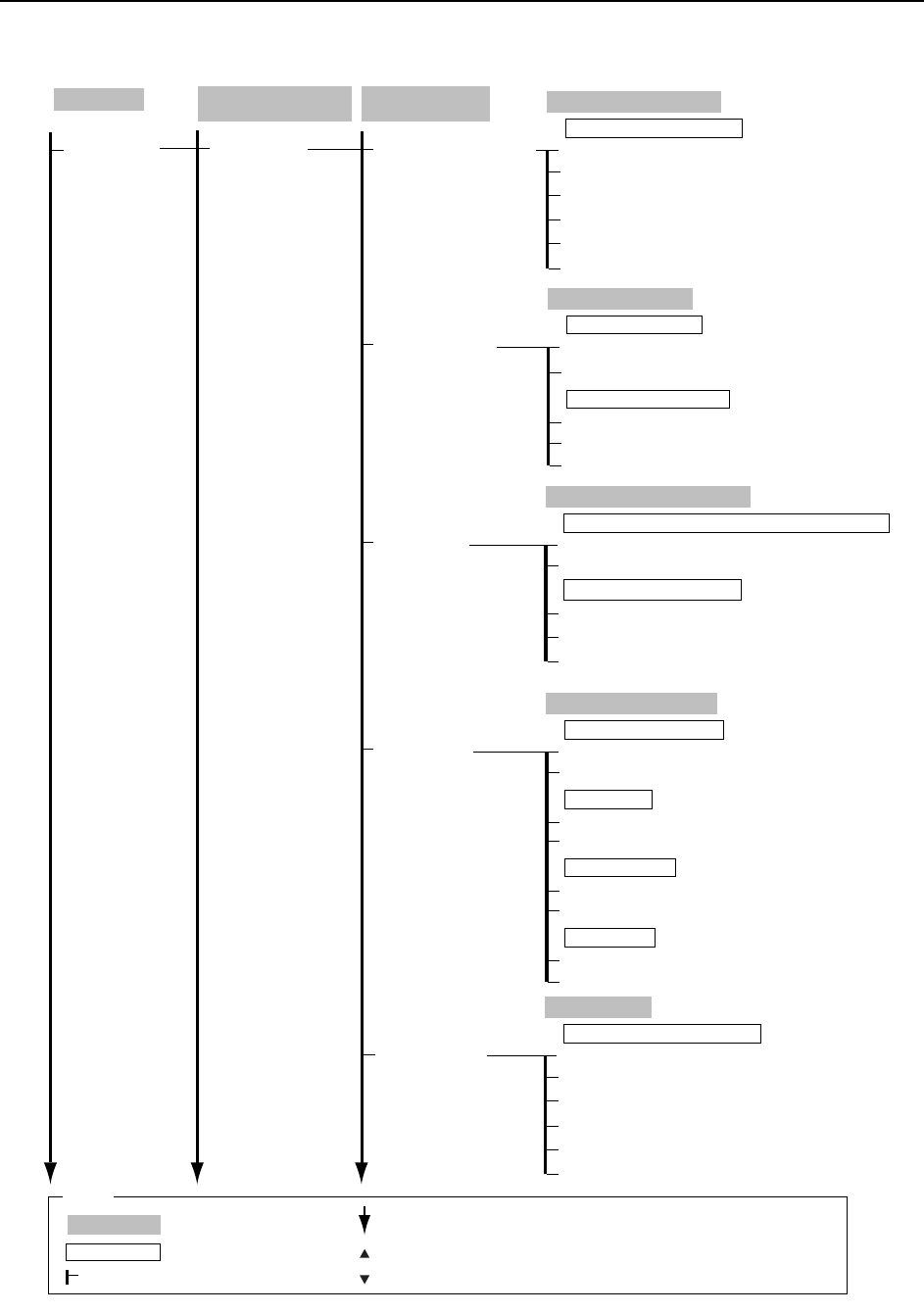
Commands >> Command Hierarchy
SYS-CP842-1.0E 5-19
Maintenance
Configuration
(Continued)
C73SC008E-9
Machine Configuration
Data
(Continued)
Machine Function
Settings
(Continued)
Machine Function
Settings
(Continued)
Nozzle Skip Conditions
Changeover Check
Auto Display
Parts Height
Vision Monitor
Condition of Nozzle Check Skip
Changeover Checks
Enabled
Enabled
Disabled
Close
Compulsory Mid-stopper Check
Disabled
Compulsory Nozzle Check
Parts Height Detection
Used
Used
Not used
Close
Auto Recovery
Not used
Machine
Recovery Reference
Part Data
Change → Numeric Keypad
Recovery Limit
Part Height Detection Sensor
Automatic Operation Display
Sequence Progress Status
Yes
No
Close
Select up to two items for display.
Cam Speed Display
Display nozzle and device information screen during production?
Nozzle Check Conditions
Nozzle Size
Close
Nozzle Length
Nozzle Bend
Errors
Nozzle Center
Vision Monitor Configuration Method
Vision Monitor
No Use
Close
4 Divisions
All
16 Divisions
9 Divisions
Production
Operation Mode
: Command name
: Screen name
Production
: Command group
: Continued on the next page
: Press to scroll upwards
Legend
: Press to scroll downwards
( )
: General description
[ ]
: Push button
→
: Displays separate dialog box
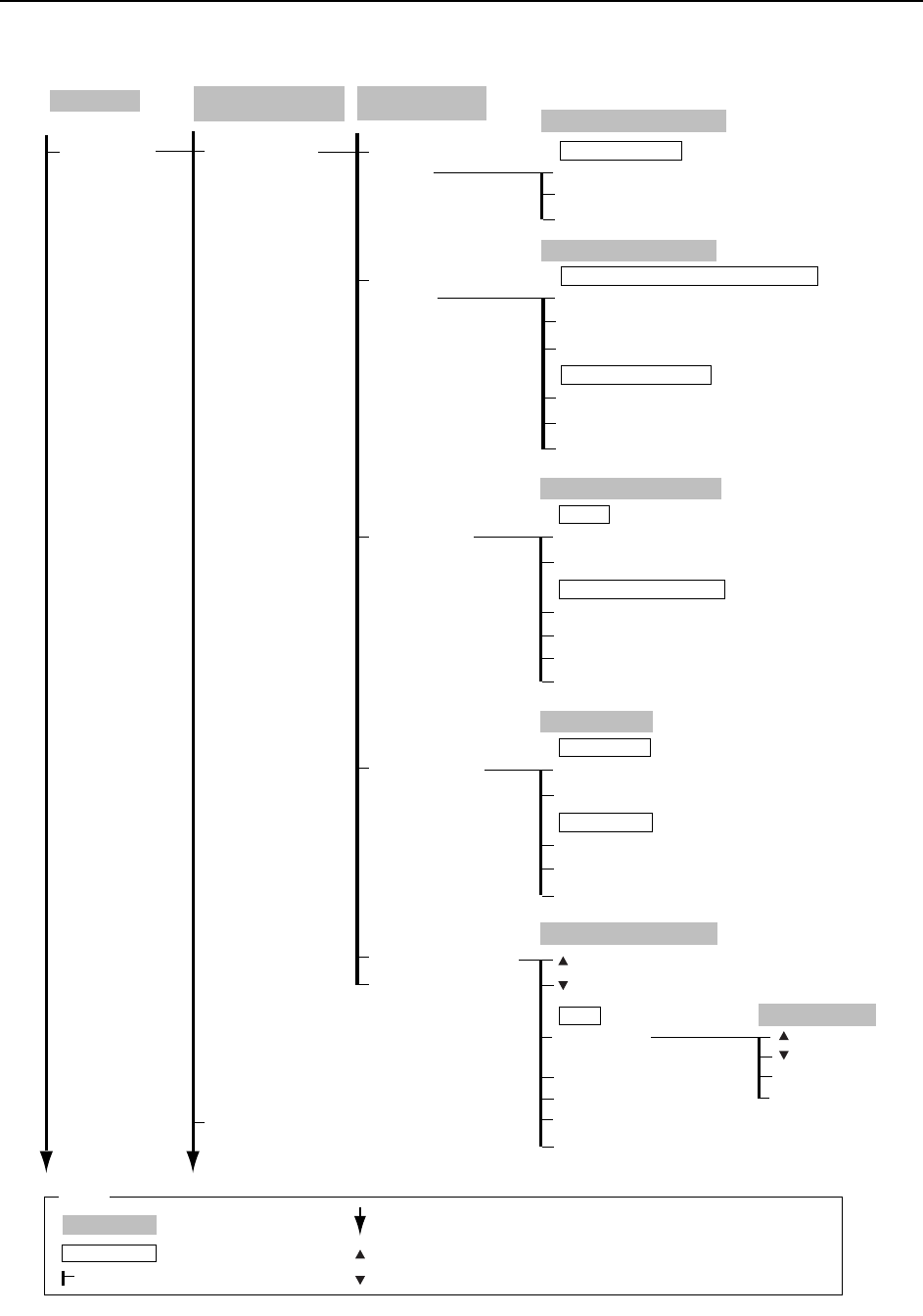
Commands >> Command Hierarchy
5-20
SYS-CP842-1.0E
Maintenance
Configuration
(Continued)
C73SC008E-10
Machine Configuration
Data
(Continued)
Configuration
(Continued)
Machine Function
Settings
(Continued)
Panel Check Pos.
Setting
Parts Set Switch
Settings
Both Switches Enabled
Hard Switches Enabled
Panel Switches Enabled
Enable
Close
Enable next program setup?
Make the required settings for the Parts Set Switch.
Panel Check Position
Panel Check Pos. Settings
Parts Set Switch Settings
Panel Check Ref. Pos.
Close
Mark Sequence
Option Settings
Configuration Editor
Close
Non-stop Loader
Non-stop Loader Function
Use
Not Use
Close
Disable
Enable
Production Information Settings
Settings
Option Settings
ON
OFF
Close
High Resolution
Standard
Narrow Camera
Pallet Exchange
Configuration Data Editor
Close
Search
(1 - 208)
(1 - 208)
Select Category
OK
Cancel
By Number
→ Numeric Keypad
By Category
By CCIMF
→ Virtual Keyboard
By Name
→ Virtual Keyboard
Servo Check
?(Help Button)
→
?(Help Button)
→
Production
Operation Mode
: Command name
: Screen name
Production
: Command group
: Continued on the next page
: Press to scroll upwards
Legend
: Press to scroll downwards
( )
: General description
[ ]
: Push button
→
: Displays separate dialog box
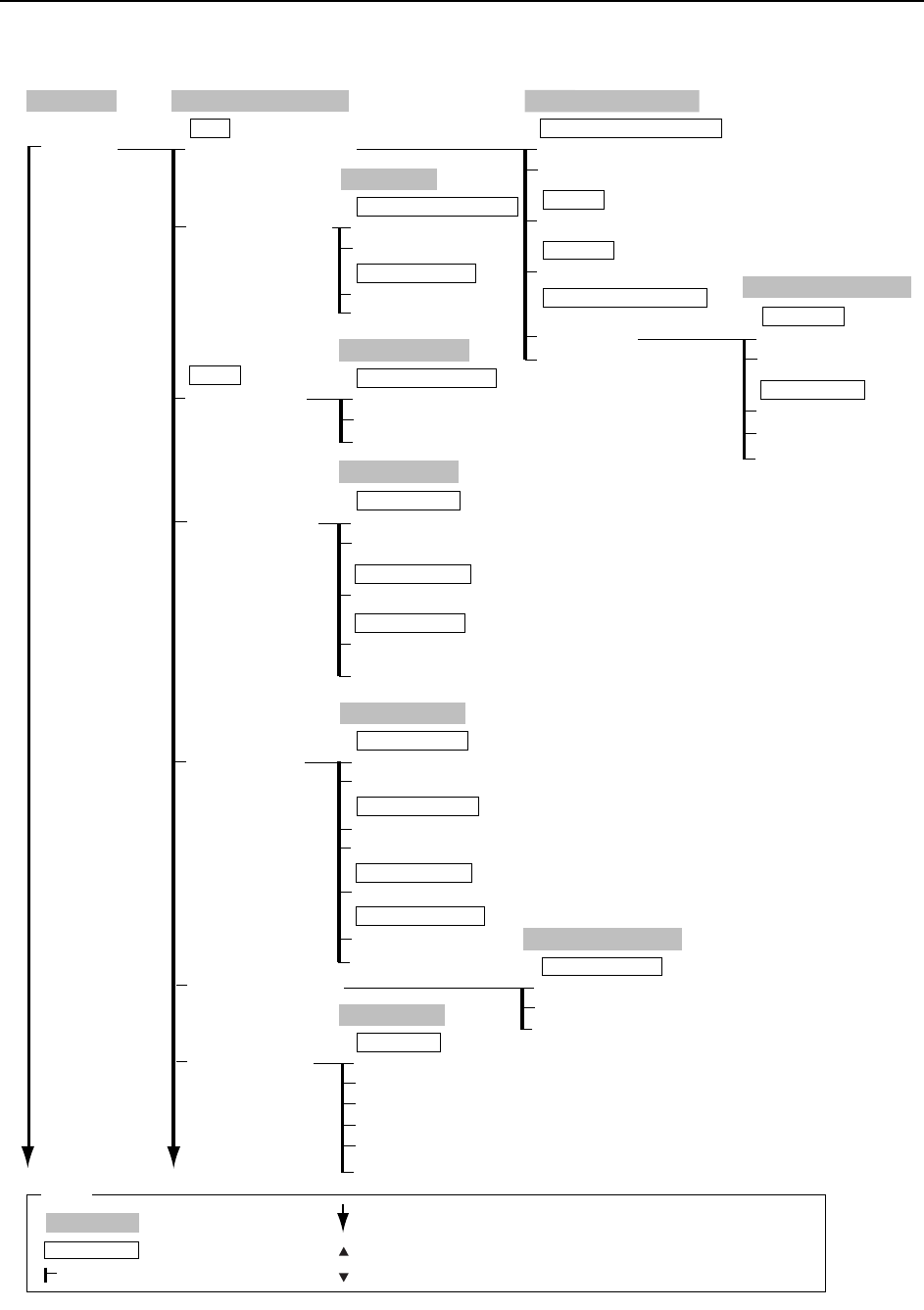
Commands >> Command Hierarchy
SYS-CP842-1.0E 5-21
Maintenance
Calibration
Machine Calibration Data
Parts Camera Resolution
Mark Camera Resolution
Image
Placing Reference
Pick-up Reference
Loading Position
Pallet Change Position
Origin Pos. Offset
Positions
Parts Camera Resolution
Move
Return
Close
Parts Camera Reading Preparation
Measure
Wide View
Measure
Narrow View
Camera Gain
Parts Camera Gain Adjustment
Mark Camera
Mark Lamp
Move
Close
Mark Camera Read Preparation
Measure
Mark Camera Reading
Placing Reference
Set
Set
Close
Placing Reference Position
Pick-up Position
Set (D1)
Set (D2)
Close
D Pickup Position
Set
NZ Origin Position
Set
NY Pickup Position
Camera Gain Adjustment
Wide Camera
Narrow Camera
Close
Camera Select
Start
Stop
Gain Measurement
Loading Position
Set (XL, YL)
Set (ZL)
Close
Panel Load Position
Set (ZL)
Panel Release Position
Set (XL, YL)
Panel Check Position
Set
Middle Loading Position
Set
Pallet Change Position
Set (D1)
Set (D2)
Close
Pallet Change Position
Origin Position
Set (CAM)
Set (PQ)
Set (FQ)
Set (RQ)
Set (NC)
Close
Origin Position
C73SC009Ea-2
Production
Operation Mode
: Command name
: Screen name
Production
: Command group
: Continued on the next page
: Press to scroll upwards
Legend
: Press to scroll downwards
( )
: General description
[ ]
: Push button
→
: Displays separate dialog box