KE-750_MAINTE.pdf - 第105页
- 102 - 68 Big Part The shade of the part exceeded one end or both ends of the window. When Error Level is set 2, this error will not occur in most cases, and the codes 76 to 82 appear. Check whether the dimensions of th…
- 101 -
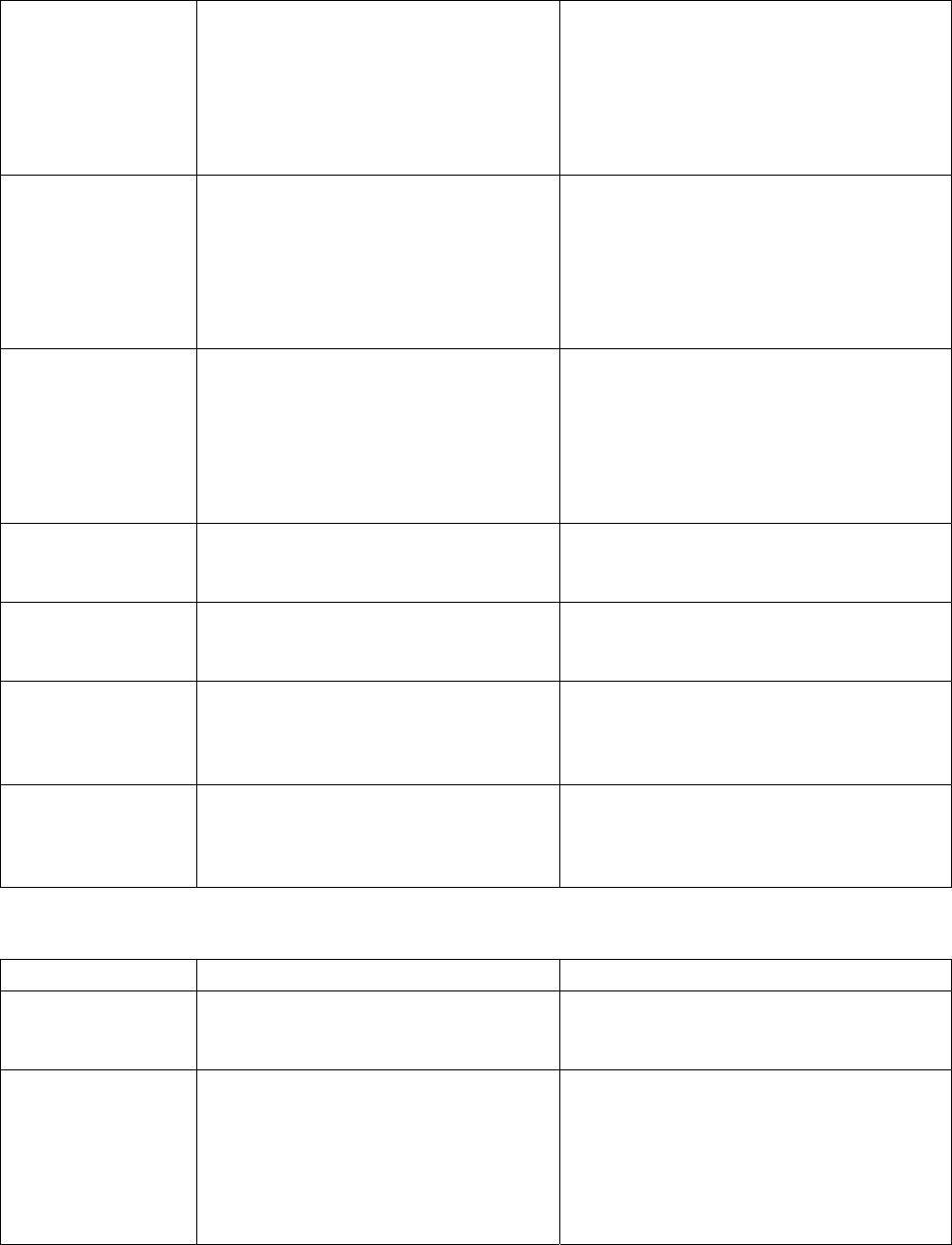
67
Scan Aborted
Before detecting the minimum width,
any command other than REPORTW
command has been sent and
scanning is interrupted. This can
occur when the nozzle is blocked by
the laser.
If this occurs again after retry, the data
entered can be largely incorrect.
Temporarily stop the production, and
check the part height of the part data. If
the error is not recovered, the height of
the nozzle of the Z axis is incorrect.
Check again the laser height.
71
Too Many Edges
Only the lead part at the bottom of the
plastic body of PLCC, etc. is detected.
If this occurs again after retry, the data
entered can be largely incorrect.
Temporarily stop the production, and
check the part height of the part data. If
the error is not recovered, the height of
the nozzle of the Z axis is incorrect.
Check again the laser height.
80
Left Edge of
Window Blocked
The part is too large with respect to
the window width, and the edge at the
left has been blocked. Normally,
when the appropriate size part is
used, the pick up position is largely
different and the window was blocked
during measurement.
If the part size does not exceed the
maximum applicable size, check whether
the pick position is largely different.
81
Right Edge of
Window Blocked
The same as above, the edge at the
right has been blocked.
Ditto
82
Both Edges of
Window Blocked
The same as above, the edges at the
left and right have been blocked.
Ditto
97
End Min
The minimum width has been
detected at the scanning end. This
can happen when the laser detects
the nozzle, not the part.
The same process as Scan Aborted.
98
Scan Limit
Before detecting the minimum width,
the angle exceeded the specified
value. This can happen when the
nozzle was blocked by the laser.
The same process as Scan Aborted.
Production interruption error
Error code Cause of error Action
06
Dirty Sensor
Windows
The sensor window is dirty. Clean the window. After cleaning is
complete, obtain again the laser height of
the nozzle.
65
Processor Unable
to Keep Up with
Frame Rate
The processor of Laser Align does not
follow the frame rate. In other words,
the data speed entered is too fast,
and measurement is impossible.
This can occur when the part is not
correctly picked, and there are too
many changes in the shade.
Check the pick position if the part is
correctly picked.

- 102 -
68
Big Part
The shade of the part exceeded one
end or both ends of the window.
When Error Level is set 2, this error
will not occur in most cases, and the
codes 76 to 82 appear.
Check whether the dimensions of the
part exceeds the specified value.
76
Width Error for
Algorithm 11
With algorithm 14, an appropriate
slant in the change of width to the
angle could not be obtained. The
part is not completely block the laser
stripe, or algorithm to be set 14 is set
11.
Check that the laser height and the part
data of the part is correct.
77
Width Error for
Algorithm 14
With algorithm 14, an appropriate
slant in the change of width to the
angle could not be obtained. The
part is not completely block the laser
stripe, or algorithm to be set 14 is set
11.
Check that the laser height of the part is
correct.
79
Window Blocked
Entire window has been blocked.
The part is too large, or the amount of
laser beam has decreased.
The operator is instructed to check
whether the part size is within the
specified value. If this occurs many
times even when the part size is within
the specified value, the amount of the
laser beam decreases. Therefore,
check the output level of the sensor (the
Milky Way). If it is not within the
specified level, the sensor head has to be
replaced.
99
Overrun
Before the detection of the next
minimum value specified for hold off
angle starts, the necessary process
has not been completed. The
detailed error of code 65 (Error Level
2). The part is not correctly picked,
and there are too many changes in
the shade of the part. Or, the hold
off angle of 2nd and after is too small,
and start angle is set within the
previous data collection area.
Check whether the dimensions of the
part exceeds the specified value.
Reset/power on again error
Error code Cause of error Action
03, 04
No FIFO Data,
No RAM Data
The sensor is not connected, or the
hardware is faulty.
The operator is asked, to turn off the
power, to check the connection of the
cables, and then to turn on the power
again. If the same error occurs after
recovery of the possible cause, the
hardware is faulty and it shall be
replaced.
08
No Start
Ditto Ditto
10
Sensor Error
A hardware error whose cause cannot
be specified but related to the sensor
and the coaxial link.
Ditto
- 103 -
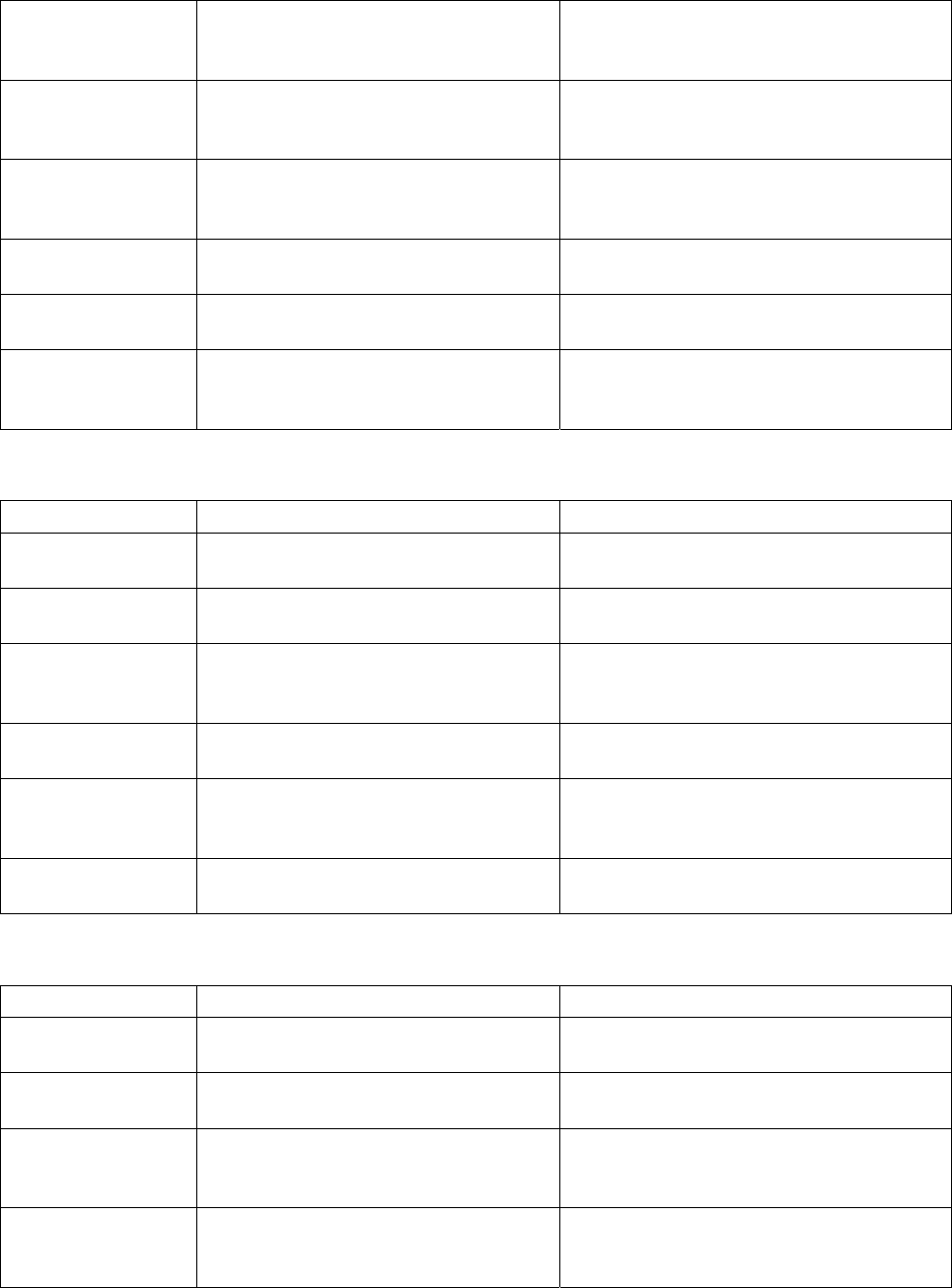
11
SCM Error
A hardware error whose cause cannot
be specified but related to the CPU
board of the SCM.
Ditto
13
Bad EEPROM
Data
SCM EEPROM reports a data error. If the error occurs again when the power
is turned off and on, it shall be replaced.
14
Bad EEPROM
Sync
Ditto Ditto
83
Bad Checksum
A software error has been detected
when reading the data in EEPROM.
Ditto
84
Duplicate Start
Ditto Ditto
85
No EEPROM Start
of Data
Ditto Ditto
Hardware replacement error
Error code Cause of error Action
02
Laser Fail
The laser diode is faulty. The sensor has to be replaced.
09
FIFO Error
The hardware of the SCM is faulty. The SCM board has to be replaced.
12
Bad EEPROM
Version
The software does not recognize the
EEPROM version of the SCM.
The ROM of the SCM board has to be
replaced.
103
Low Background
The amount of laser beam is too small
for image check.
The sensor has to be replaced.
104
Bad Image Check
Region
The boundary of the image check
range has not been correctly set.
The sensor has to be replaced.
105
Image Check Fail
Image check failed the parameter
comparison.
The sensor has to be replaced.
Software fault error
Error code Cause of error Action
70
Algorithm Error
Impossible status of firmware has
been detected.
Consult JUKI (Developer).
90
Too Few Frames
The software is faulty. Consult
CyberOptics.
Ditto
91
Minimum Out of
Range 1
Ditto Ditto
92
Minimum Out of
Range 2
Ditto Ditto