KE-750_MAINTE.pdf - 第163页
- 2 2 - 4.3.4 Others (1 ) INPUT Selecting [4/Others] of [8/Others] from [1/Input] on the menu bar displays th e input screen of mechanism control parameters. How to set Enter the desired value in decimal notation. Refer …
- 21 -
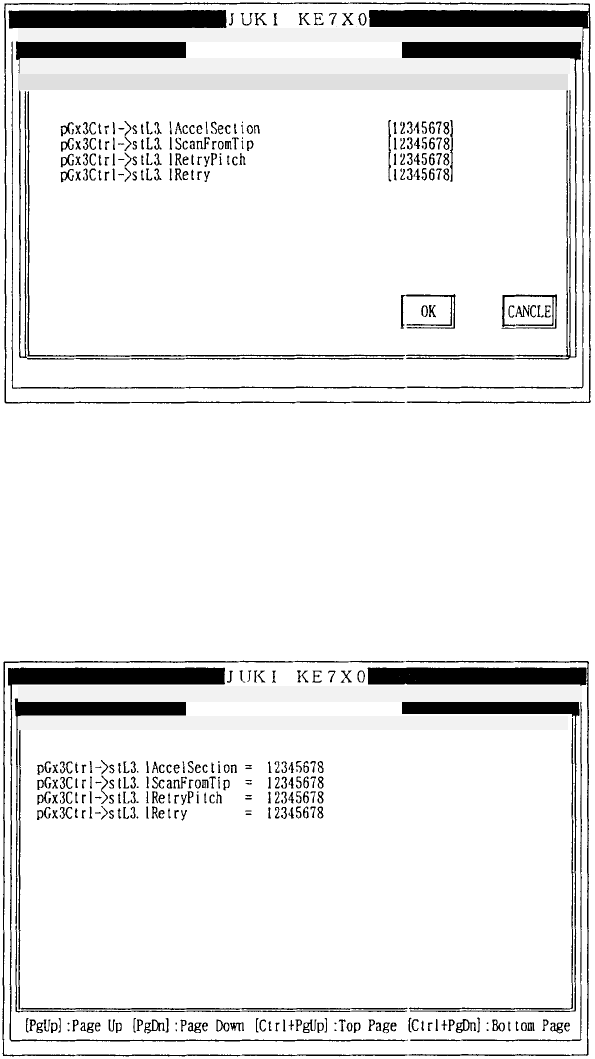
4.3.3 Laser read locator
(1) INPUT
Selecting [3/Read locator] of [8/Others] from [1/Input] on the menu bar
displays the input screen of mechanism control parameters.
How to set
Enter the desired value in decimal notation.
Refer to 3.3 (1) for operation on the screen.
(2) DISPLAY
Selecting [3/Read locator] of [8/Others] from [2/Display] on the menu bar
displays the display screen of mechanism control parameters.
Refer to 3.3 (2) for operation on the screen.
Mechanical control parameter
Mechanical control parameter
1/File 2/Data in
p
ut 3/Prod. 4/Setu
p
5/Mainte. 6/Print 7/Others 9/
E
1/File 2/Data input 3/Prod. 4/Setup 5/Mainte. 6/Print 7/Others 9/
E
1/Input 2/Display 3/Print 9/Exit
1/In
p
ut 2/Dis
p
la
y
3/Print 9/Exit Read locator Pa
g
e
(1
Read locator
- 22 -
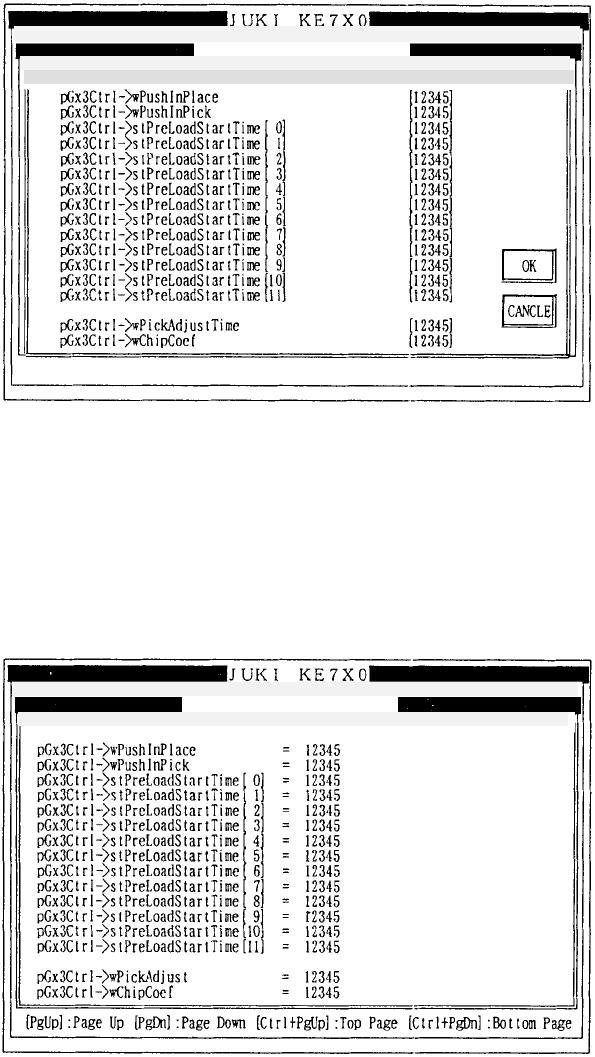
4.3.4 Others
(1) INPUT
Selecting [4/Others] of [8/Others] from [1/Input] on the menu bar displays the
input screen of mechanism control parameters.
How to set
Enter the desired value in decimal notation.
Refer to 3.3 (1) for operation on the screen.
(2) DISPLAY
Selecting [4/Others] of [8/Others] from [2/Display] on the menu bar displays
the display screen of mechanism control parameters.
Refer to 3.3 (2) for operation on the screen.
Mechanical control parameter
Mechanical control parameter
1/File 2/Data input 3/Prod. 4/Setup 5/Mainte. 6/Print 7/Others
1/File 2/Data in
p
ut 3/Prod. 4/Setu
p
5/Mainte. 6/Print 7/Others
1/In
p
ut 2/Dis
p
la
y
3/Print 9/Exit
1/In
p
ut 2/Dis
p
la
y
3/Print 9/Exit Others P
a
Others
- 23 -
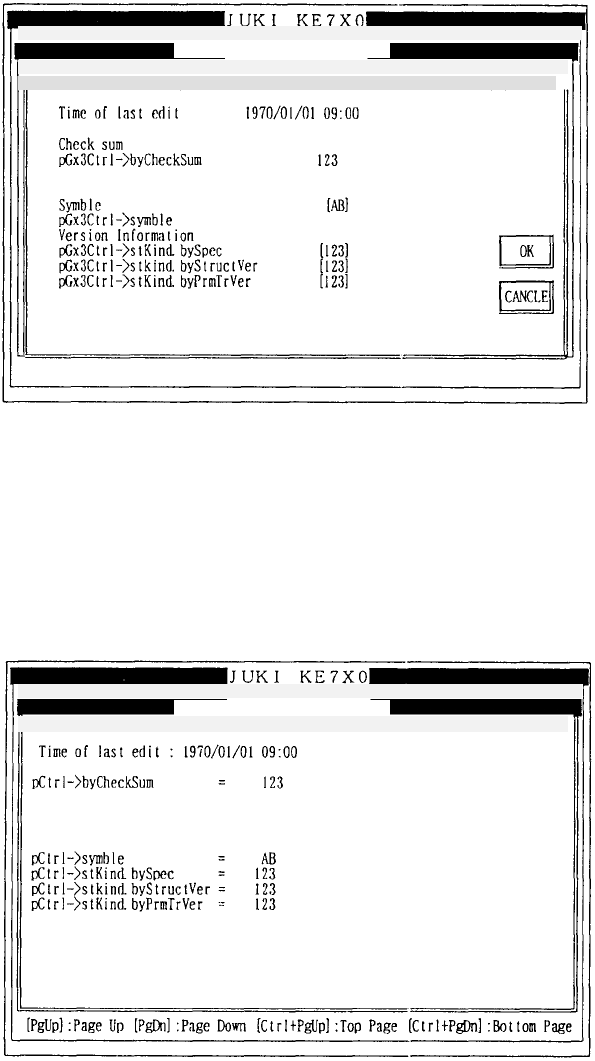
4.3.5 Version
(1) INPUT
Selecting [5/Version] of [8/Others] from [1/Input] on the menu bar displays
the input screen of mechanism control parameters.
How to set
Enter the desired value in decimal notation.
Refer to 3.3 (1) for operation on the screen.
(2) DISPLAY
Selecting [5/Version] of [8/Others] from [2/Display] on the menu bar displays
the display screen of mechanism control parameters.
Refer to 3.3 (2) for operation on the screen.
Mechanical control parameter
Mechanical control parameter
1/File 2/Data in
p
ut 3/Prod. 4/Setu
p
5/Mainte. 6/Print 7/Others
1/File 2/Data in
p
ut 3/Prod. 4/Setu
p
5/Mainte. 6/Print 7/Others
1/In
p
ut 2/Dis
p
la
y
3/Print 9/Exit
1/Input 2/Display 3/Print 9/Exit Version Pa
g
Version