Vermes MDS 358X user Manual.pdf - 第162页
Error Me ssag es VTK - TR -BA- 072e - 1 - User Manua l MDS 358X S eries 151 Error handl ing: • Pre ss [enter] key to ackn owledge the error mes sage. Cooling status w ill be sw itched “ OFF” in the su bmenu “ Cooler “. •…
Error Messages
150
VTK-TR-BA-072e-1 - User Manual MDS 358X Series
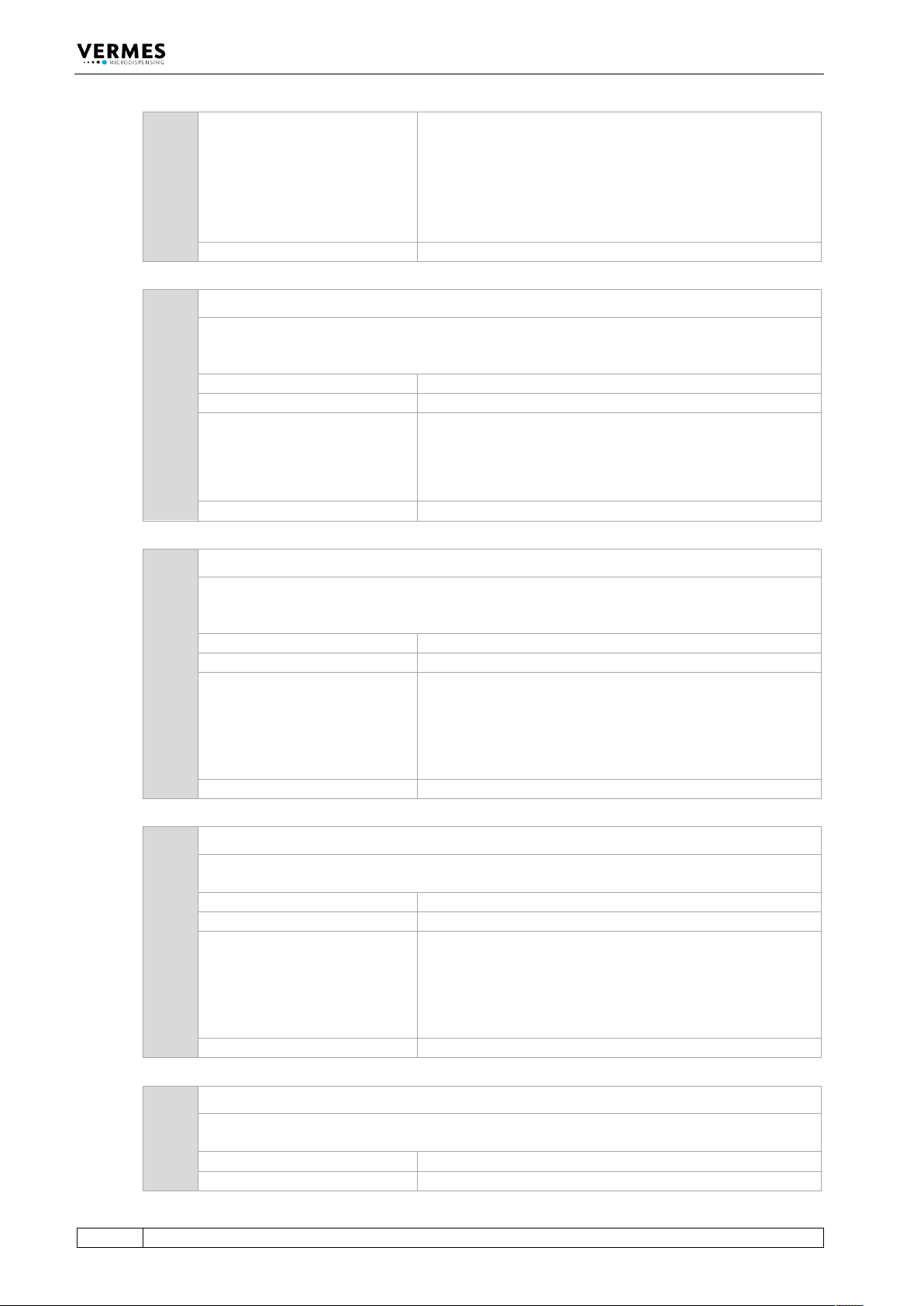
Error handling:
• Press [enter] key to acknowledge the error message.
Heater status will be switched “OFF” in the submenu
“Heater”.
• Change the heater cable and try again.
• For further information, contact the Technical Support
(see Page 7).
Valve:
Valve is closed
840 840 heater unplugged
Is the heater not connected, although the heater is activated in the submenu “Heater”, the
error message “840 heater unplugged” appears. The display then switches between this
message and the message “Press enter”.
Error code display:
840 heater unplugged
Error code status menu:
840 heater unplugged
Error handling:
• Press [enter] key to acknowledge the error message.
Heater status will be switched “OFF” in the submenu
“Heater”.
• Connect the heater.
Valve:
Valve is closed
850 850 MDC not calibrated!
The error message “850 not calibrated! pr. Enter” appears, if the calibration values of the
heater are incorrect at the start-up of the MDC. The values will be overwritten with the factory
settings. There will be no entry in the error list.
Error code display:
850 MDC not calibrated!
Error code status menu:
No entry
Error handling:
• Press [enter] key to acknowledge the error message. If
no heater or cooling are needed, you can keep working
without calibration.
• For further information, contact the Technical Support
(see Page 7).
Valve:
Valve is closed
855 855 incorrect bus data
There is a problem with the internal communication. The transfer of data between MDC and
heater or cooling is interrupted.
Error code display:
855 incorrect bus data
Error code status menu:
855 incorrect bus data
Error handling:
• Press [enter] key to acknowledge the error message.
Heater status will be switched “OFF” in the submenu
“Heater“.
• For further information, contact the Technical Support
(see Page 7).
Valve:
Valve is closed
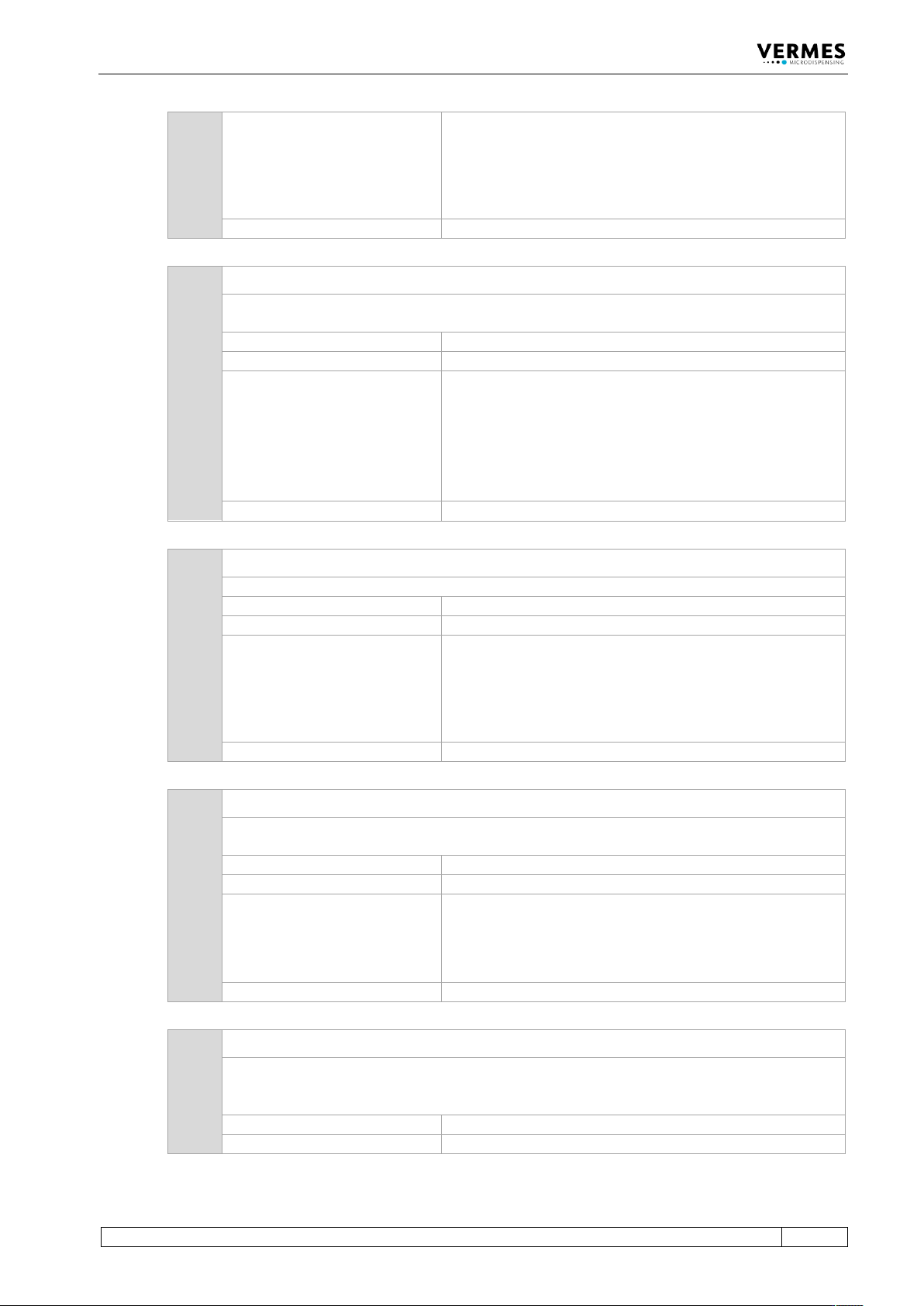
860 860 incorrect cooler data
There is an error with the internal communication. The communication between MDC and
cooling is interrupted.
Error code display:
860 incorrect cooler data
Error code status menu:
860 incorrect cooler data
Error Messages
VTK-TR-BA-072e-1 - User Manual MDS 358X Series
151
Error handling:
• Press [enter] key to acknowledge the error message.
Cooling status will be switched “OFF” in the submenu
“Cooler“.
• For further information, contact the Technical Support
(see Page 7).
Valve:
Valve is closed
870 870 wrong cooler
The MDC cannot read the data from the cooling valve correctly. Either the cooling valve is
defect or the connection cable.
Error code display:
870 wrong cooler
Error code status menu:
870 wrong cooler
Error handling:
• Press [enter] key to acknowledge the error message.
Cooling status will be switched “OFF” in the submenu
“Cooler“.
• Change the connection cable and try again.
• For further information, contact the Technical Support
(see Page 7).
Valve:
Valve is closed
875 875 wrong cooler PT100-signal
The MDC receives an incorrect PT100 signal.
Error code display:
875 wrong cooler PT100-signal
Error code status menu:
875 wrong cooler PT100-signal
Error handling:
• Press [enter] key to acknowledge the error message.
Cooling status will be switched “OFF” in the submenu
“Cooler“.
• For further information, contact the Technical Support
(see Page 7).
Valve:
Valve is closed
880 880 cooler unplugged
Is the cooling valve not connected, although the cooling valve is activated in the submenu
“Cooler”, the error message “880 cooler unplugged” appears.
Error code display:
880 cooler unplugged
Error code status menu:
880 cooler unplugged
Error handling:
• Press [enter] key to acknowledge the error message.
Cooling status will be switched “OFF” in the submenu
“Cooler“.
• Connect the cooling valve.
Valve:
Valve is closed
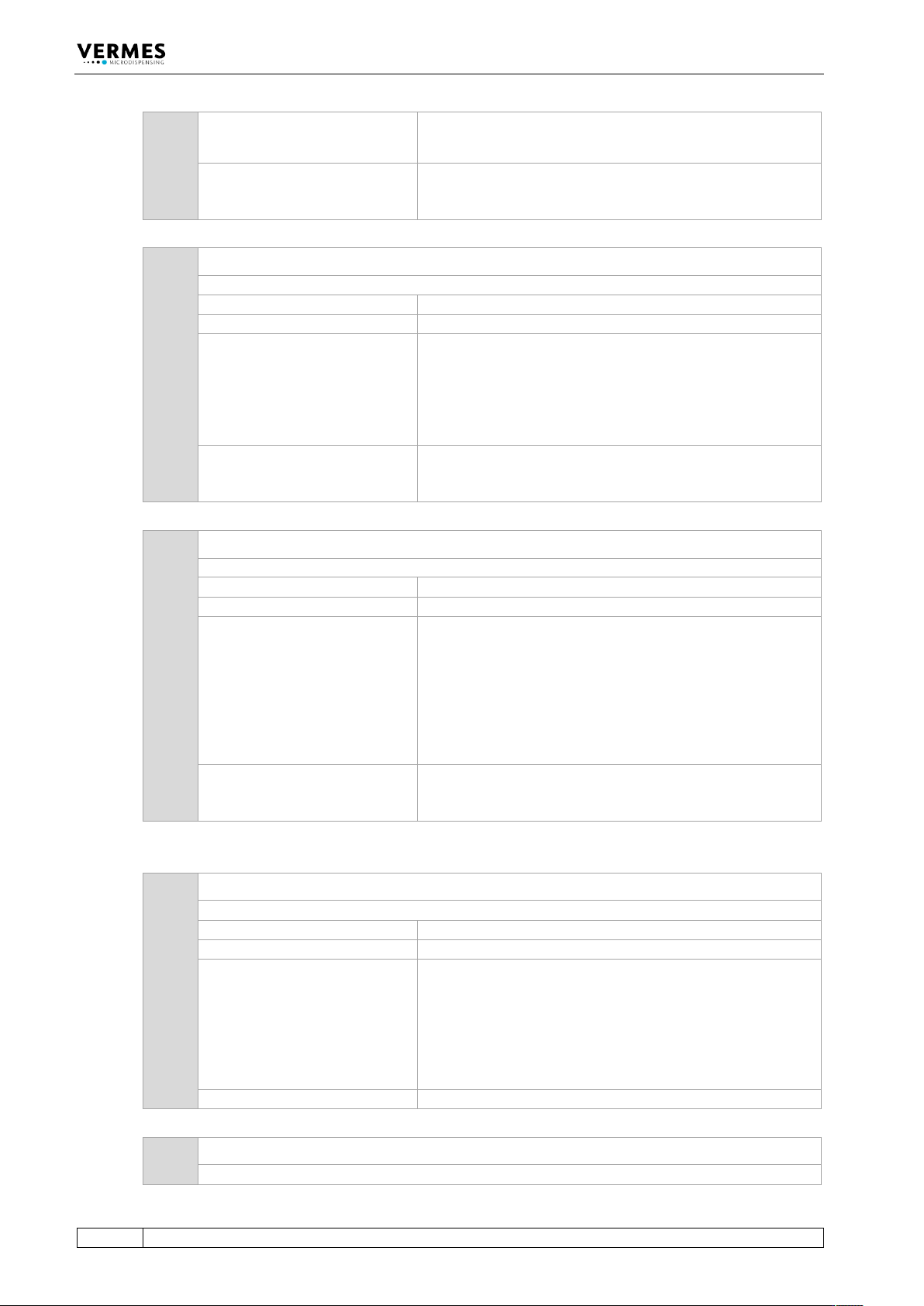
901 901 RAM Data Error
During the check of RAM data, a problem arises. The message has to be acknowledged by the
[enter]-key. The system reformats the EEPROM, replacing current values with the factory
settings.
Error code display:
901 RAM Data Error pr. Enter
Error code status menu:
901 RAM Data Error
Error Messages
152
VTK-TR-BA-072e-1 - User Manual MDS 358X Series
Error handling:
• Press [enter]-key to acknowledge error message.
• Reenter the working configuration.
Valve:
Valve remains unchanged. If the error message appears
during the start of the MDC, the valve is open, otherwise it
is closed.
902 902 EEPROM not formatted
A corrupted memory area becomes obvious when reading the EEPROM.
Error code display:
902 EEPROM not formatted Enter
Error code status menu:
902 EEPROM not Formatted
Error handling:
• Press [enter]-key to acknowledge error message – the
factory settings will be loaded
• You have to reenter your dispensing parameters
• In case the error appears again, send the MDC to
VERMES Microdispensing or to your supplier
Valve:
Valve remains unchanged. If the error message appears
during the start of the MDC, the valve is open, otherwise it
is closed.
903 903 EEPROM Write Error
The problem can occur when writing data to the EEPROM.
Error code display:
903 EEPROM Write Error pr. Enter
Error code status menu:
903 EEPROM Write Error
Error handling:
• Press [enter] key to acknowledge error message.
• If the problem arises when modifying program
parameters, the new values are not saved in the
EEPROM. After restart of the MDC, the former values of
the EEPROM will be loaded.
• In case the error appears again, send the MDC to
VERMES Microdispensing or to your supplier
Valve:
Valve remains unchanged. If the error message appears
during the start of the MDC, the valve is open, otherwise it
is closed.
904 904 Setup Save Error
The storing procedure for a setup, initiated by [save] key, fails.
Error code display:
904 Setup Save Error pr. Enter
Error code status menu:
904 Setup Save Error
Error handling:
• Press [enter] key to acknowledge error message. After
restart of the MDC, the factory settings will not be
loaded.
• You have to reenter your dispensing parameters.
• In case the error appears again, send the MDC to
VERMES Microdispensing or to your supplier.
Valve:
Valve is closed
905 905 Setup Load Error
This problem may arise during the retrieval of a setup by [recall] key.