2500_Users_Manual.pdf - 第230页
Troubleshootin g 6-8 ProMa ster 25 00 U ser Ma nual Figure 6-1 Power-u p Failure s (pag e num bers ar e in pare ntheses ) Does 2500 power up in remote or local mode? Does 2500 display handler message? Does PE* unit commu…

Troubleshooting
ProMaster 2500 User Manual 6-7
The beam moves quickly. To avoid injury, keep your
hands, hair, and loose clothing away from the path of the
beam.
Troubleshooting
6-8 ProMaster 2500 User Manual
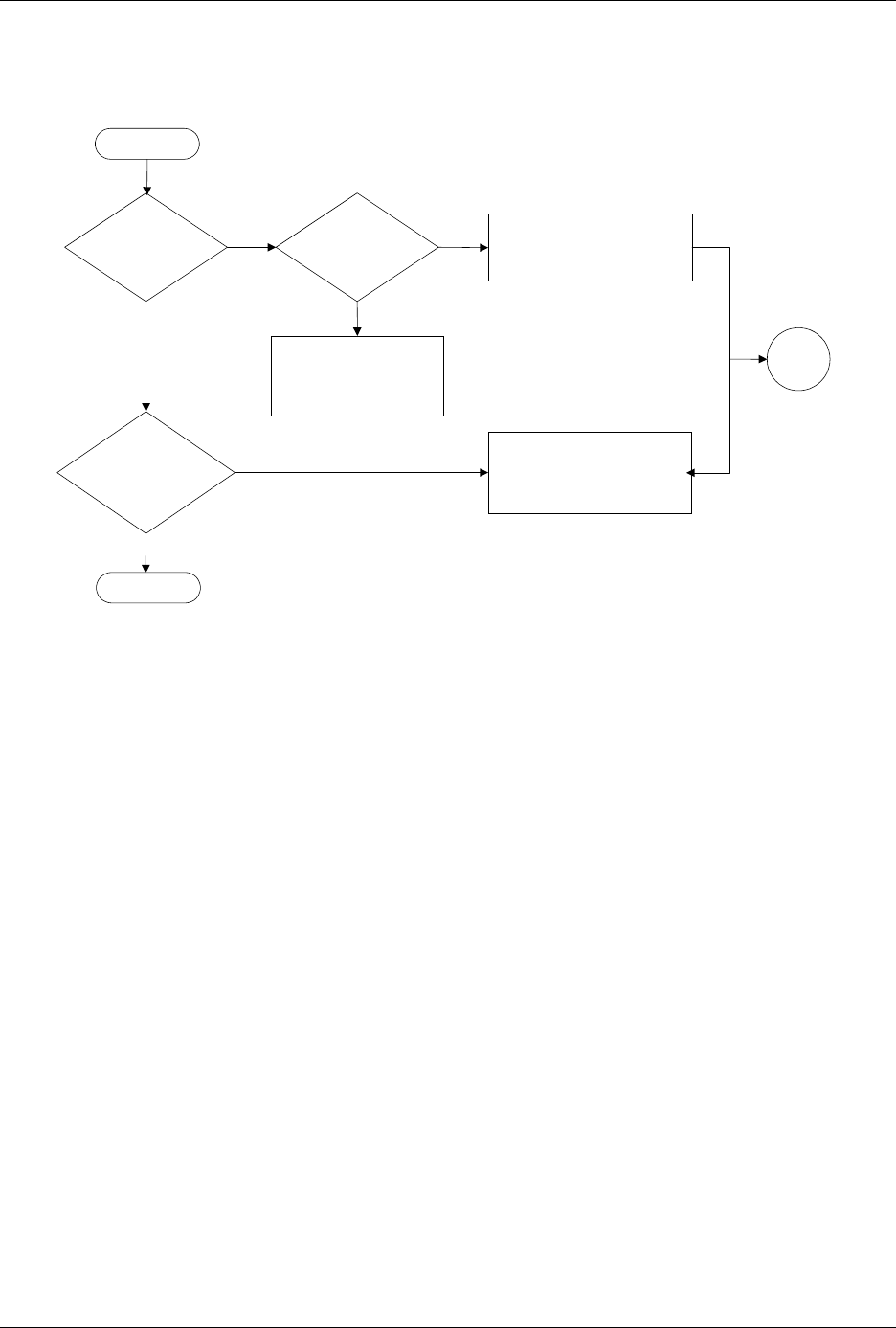
Figure 6-1
Power-up Failures (page numbers are in parentheses)
Does
2500 power up in
remote or local
mode?
Does
2500 display
handler
message?
Does
PE* unit communicate
with TaskLink?
Check main fuse (7-2)
Check Toroid & controller
board power supplies (5-13)
Record message & try to
solve problem.
If unsuccessful, call
Customer Support.
Check RS-232C cable
connection (2-16, 2-19)
Check PE reference voltages
(5-51)
* PE = Programming Electronics
Yes
No
Yes
No
Yes
No
Start
Go to
Start
End

Troubleshooting
ProMaster 2500 User Manual 6-9