2500_Users_Manual.pdf - 第436页
Keep Current Su bscription Service 2 Keep Current Procedure Overview

Keep Current 1
K
eep Current Subscription Service
The Keep Current™ subscription service keeps your programmer up-to-
date with the latest features and device support. You gain immediate
access to new and improved programming algorithms via the Keep
Current Library accessible through the Internet or via the Data I/O BBS.
Semiconductor companies constantly introduce new devices and issue
specification changes for existing devices. Incorporating these changes
swiftly into your programming system ensures that you obtain the
highest programming yields and best device reliability possible. Periodic
update kits incorporate all changes since the previous update.
The Keep Current device support files are located on the Data I/O
Bulletin Board System, on the Data I/O Web page, and through
anonymous FTP.
Computer Requirements
To access and download the Keep Current files, you need the following:
• The ability to create 3.5-inch DOS diskettes: 720KB if you are using a
UniSite, 1.44MB for all other programmers.
• The ability to connect to the Keep Current Library through a modem
or the Internet.
Note: The modem for BBS connection must be capable of handling 2400 baud or
greater. Modem speeds less than 2400 baud are no longer supported.

Keep Current Subscription Service
2 Keep Current
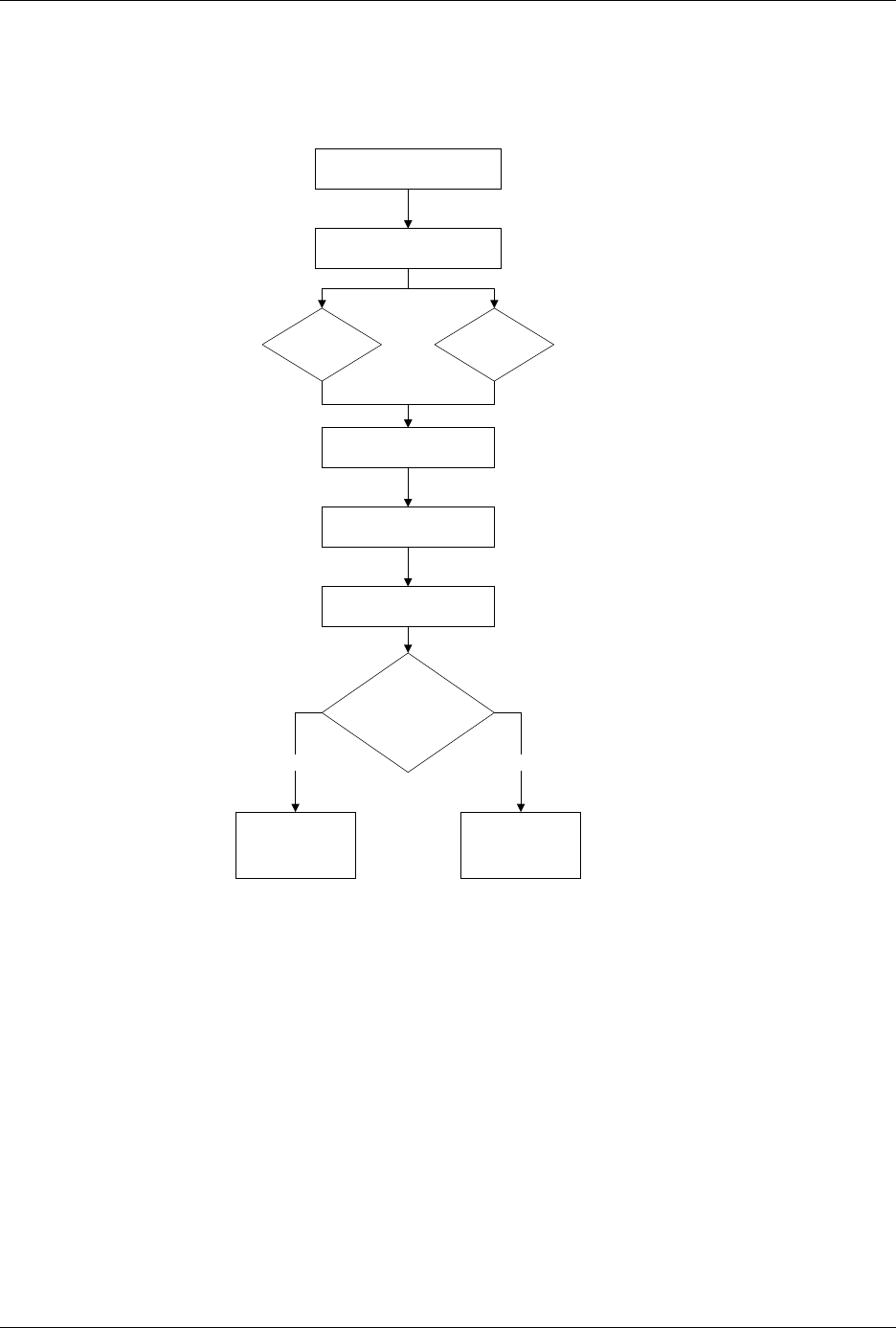
Procedure Overview
Keep Current Subscription Service
Keep Current 3
1. Gather Device Information
2. Connect to Keep Current
3. Find Device Algorithm
BBS Web Page
4. Download Algorithm
5. Use Algorithm
Does the algorithm
appear on the
standard device list?
Select Device/
(1)Keep Current
More Commands/
Configure System/
Keep Current/
Replace-Restore
No Yes