2500_Users_Manual.pdf - 第236页
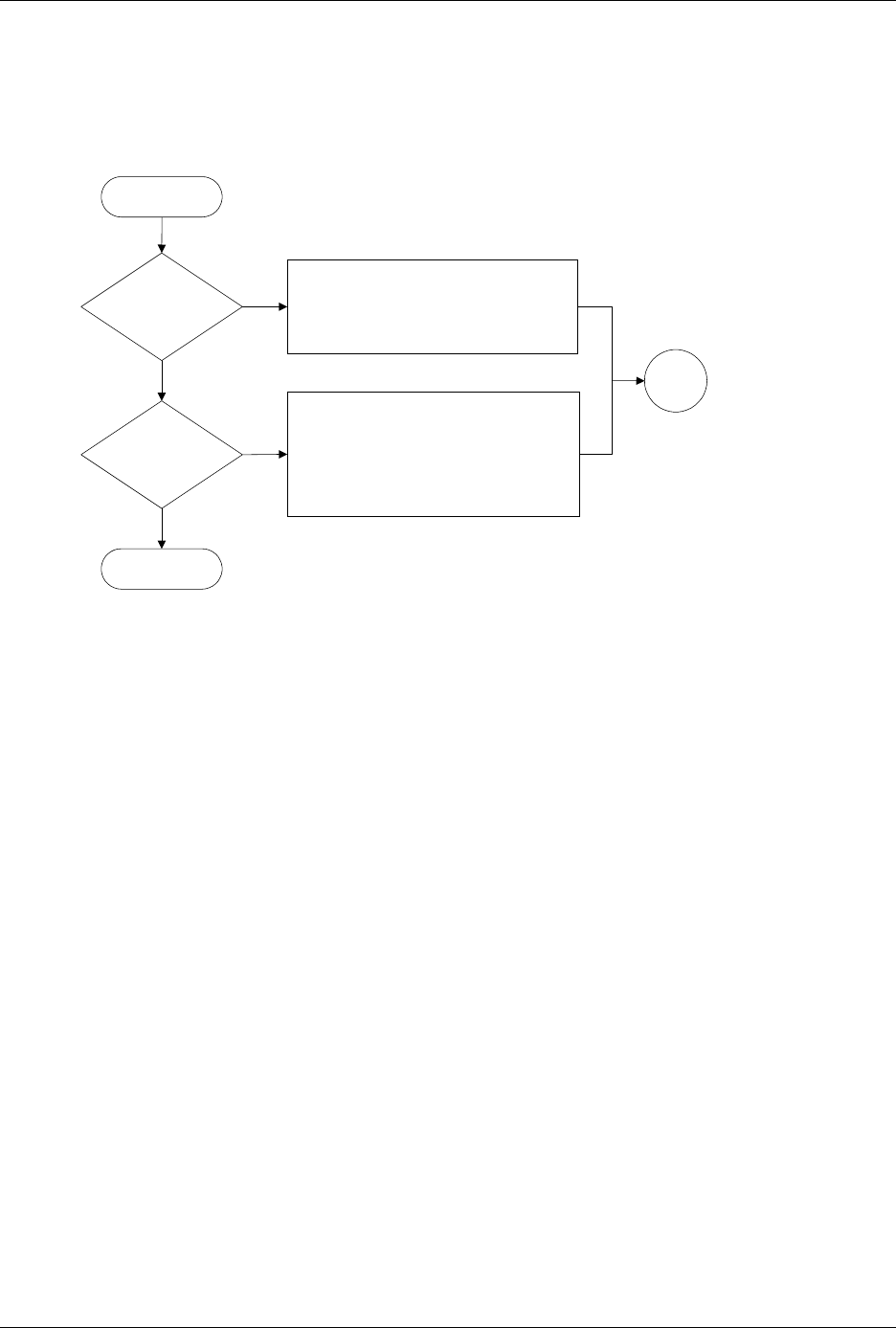
Troubleshootin g 6-14 ProMa ster 25 00 U ser Ma nual Figure 6-4 Program ming Failures (pag e number s are i n parent heses) Acceptable continuity/device insertion failure rate? Acceptable program/verify failure rate? No …

Troubleshooting
ProMaster 2500 User Manual 6-13
Troubleshooting
6-14 ProMaster 2500 User Manual
Figure 6-4
Programming Failures (page numbers are in parentheses)
Acceptable
continuity/device
insertion failure
rate?
Acceptable
program/verify
failure rate?
No
Yes
No
Yes
Try another programming module & check
alignment (4-27)
Clean programming module contacts (5-61)
Replace programming module contacts
(7-28) or block (7-36)
End
Check PE reference voltage (5-51)
Run PE self test (5-50)
Try another programming module & check
alignment (4-27)
Clean programming module contacts (5-61)
Replace programming module contacts
(7-28) or block (7-36)
Go to
Start
Start

Troubleshooting
ProMaster 2500 User Manual 6-15