SME_Jig_User_Guide(Eng_Ver1).pdf - 第17页
Preface vii § Check Box Allows the user to decide whether to use the function presented or make multiple selections of opt ions from various options. § Option Button Used when selecting only one option fro m many options…
User's Guide For Tape Feeder Calibration Jig
vi
About This Manual
w Symbols other than safety marks used in this manual
The meanings of the symbols used in this manual are as follows:
Reference
Shows an item or section mentioning the contents related to that
which is being explained.
Memo
Shows useful information or definitions of terms related to
descriptions in the text.
w Items in a dialog box or message box
Terms used in explaining the program screen are as follows
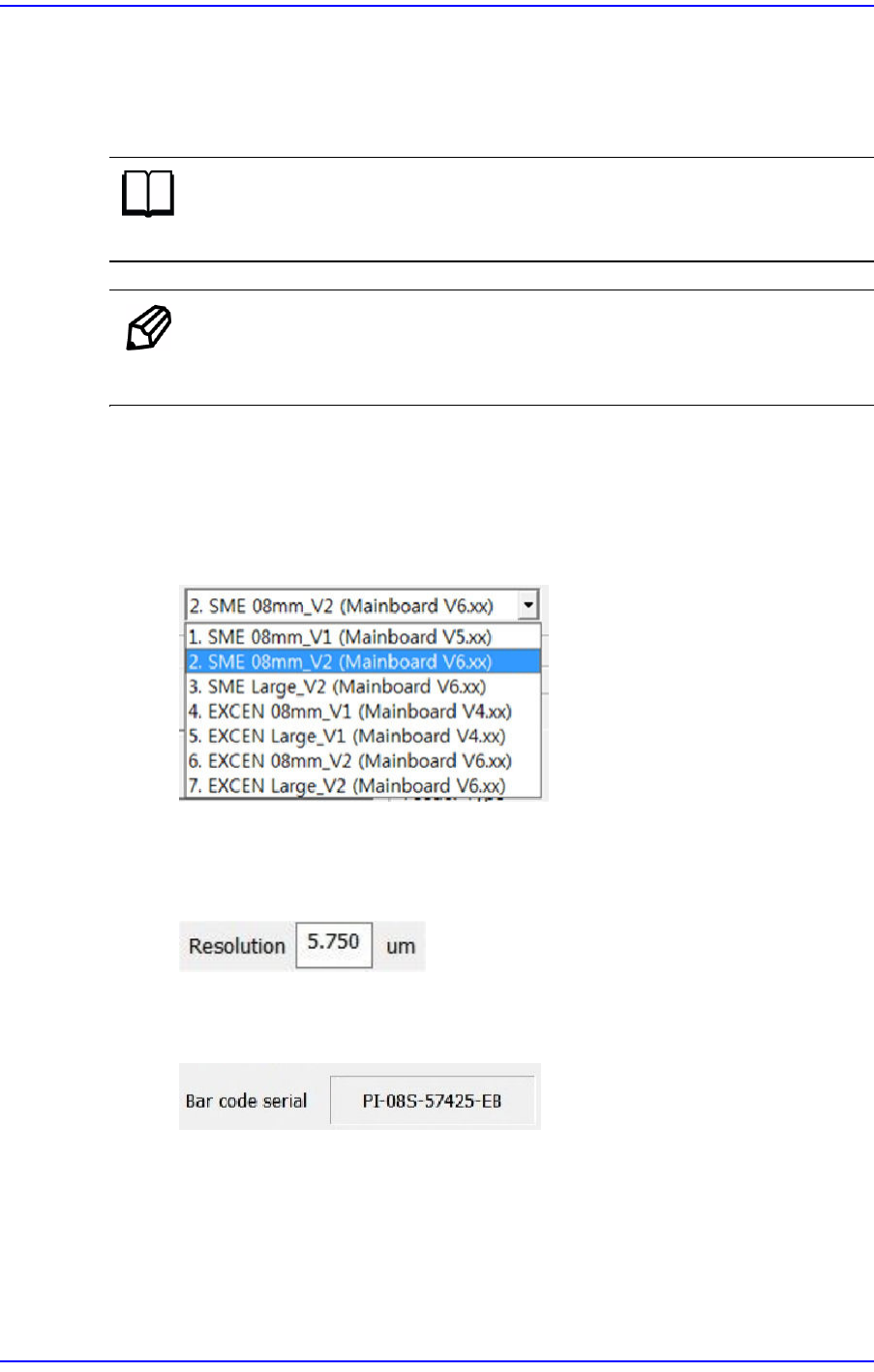
§Combo Box
Selects one of several values that appear when clicking the corresponding button.
§Edit Box
Values are inputted in the box. Clicking the mouse with the cursor on the white
area will turn the state of the edit box to that available for inputting a value.
§Caption Box
Displays text information. (Unable to modify)
Preface
vii
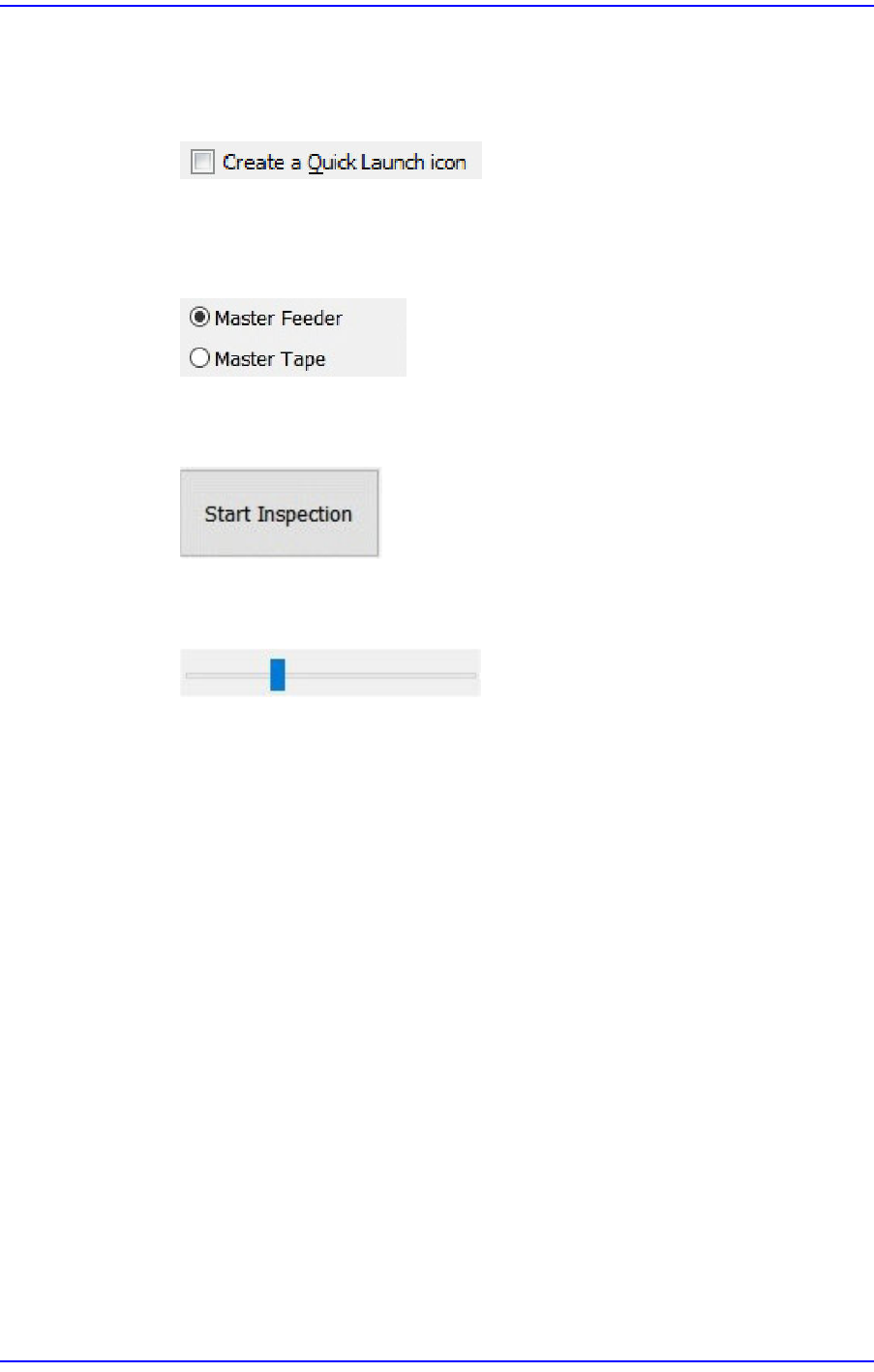
§Check Box
Allows the user to decide whether to use the function presented or make multiple
selections of options from various options.
§Option Button
Used when selecting only one option from many options. If one button is clicked
on, another one is unselected.
§Button
Clicking this button will perform a specific operation.
§Slider Bar
Adjusts a set value using the slider bar.
User's Guide For Tape Feeder Calibration Jig
viii
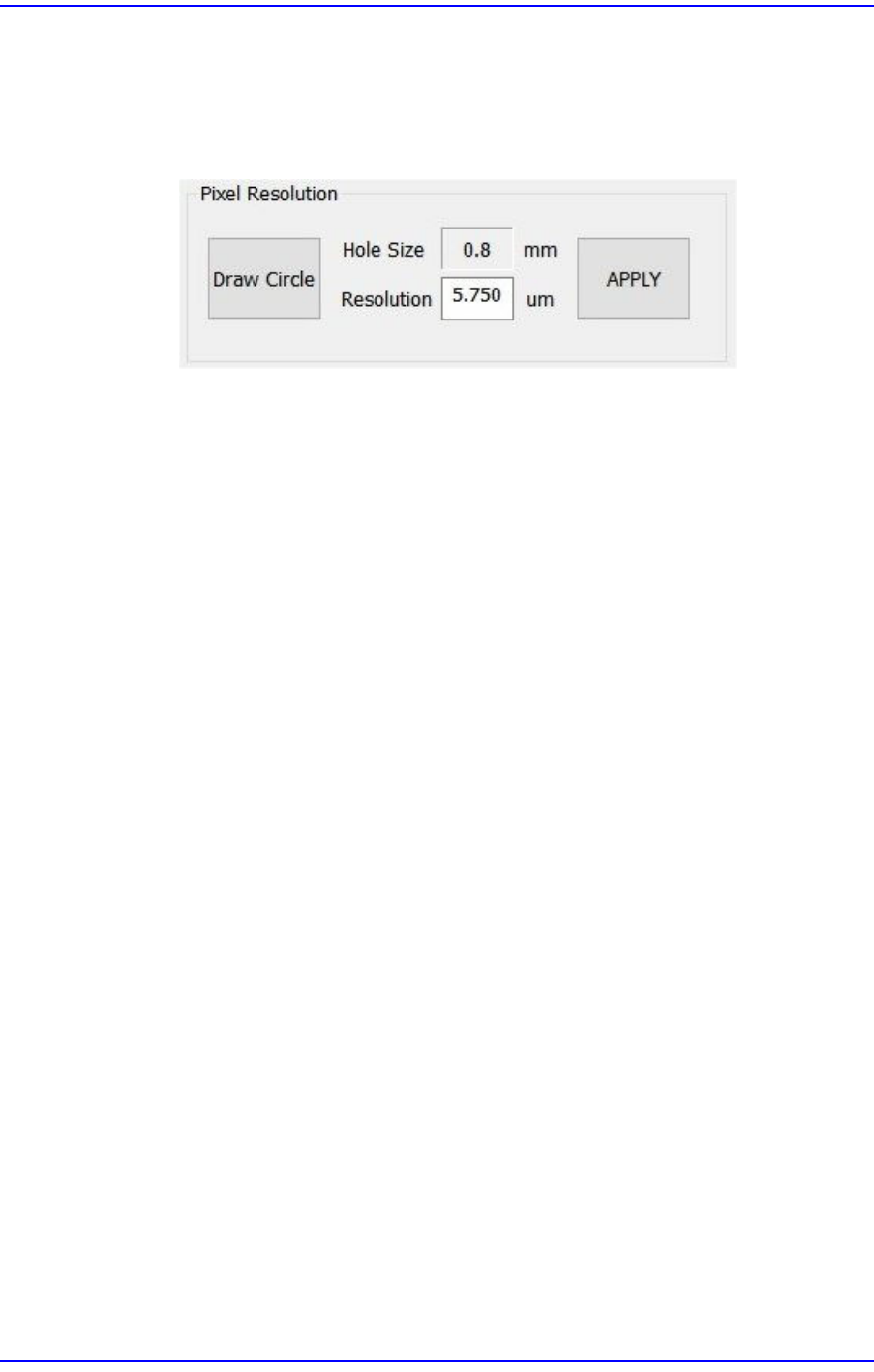
§Area
The above items are gathered into this area. In this manual, it is called “<XX>
Area" based on the name above the area.
Example: <Pixel Resolution> area
w Mouse manipulation
The following terms are related to mouse manipulation.
§Click or select
Move the mouse pointer and left click the corresponding item once.
§Double click
Move the mouse pointer and left click the corresponding item twice quickly in
succession.