SME_Jig_User_Guide(Eng_Ver1).pdf - 第23页
1-3 Overvie w of Pr oduct Caution When using a USB hub, instal l a USB hub in the left USB 3.0 port of a laptop c omputer. Installing a USB hub in the right USB 2.0 port may cause de fective camera operation and defectiv…
1-2
User's Guide For Tape Feeder Calibration Jig
1.1.2. Minimum PC Specifications for the Use of Calibration Jig
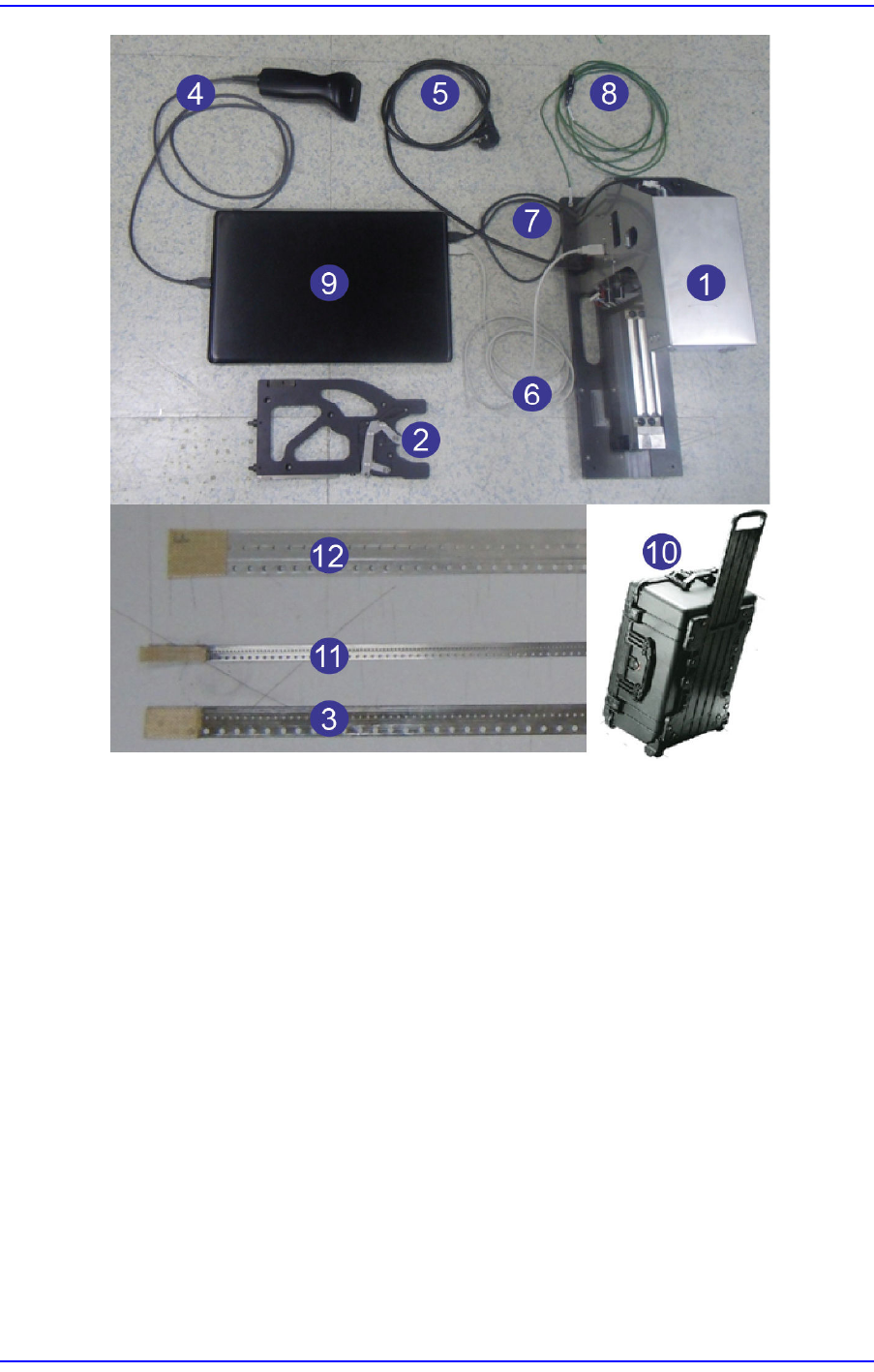
1.1.3. Product Configuration
The product configuration is as follows.
Barcode
Reader
1D barcode reader, general commercial product
Item Description
Item Description
Operating System WINDOWS 7 or above / 32bit / English Version
CPU Third generation Intel core processor or above
Memory 2GB RAM or greater
HDD 500GB or greater
Graphic Card Built-in type or above
Display Resolution 1920*1080 and higher
NO
.
PART NAME PART NO.
Option
Division
Reference
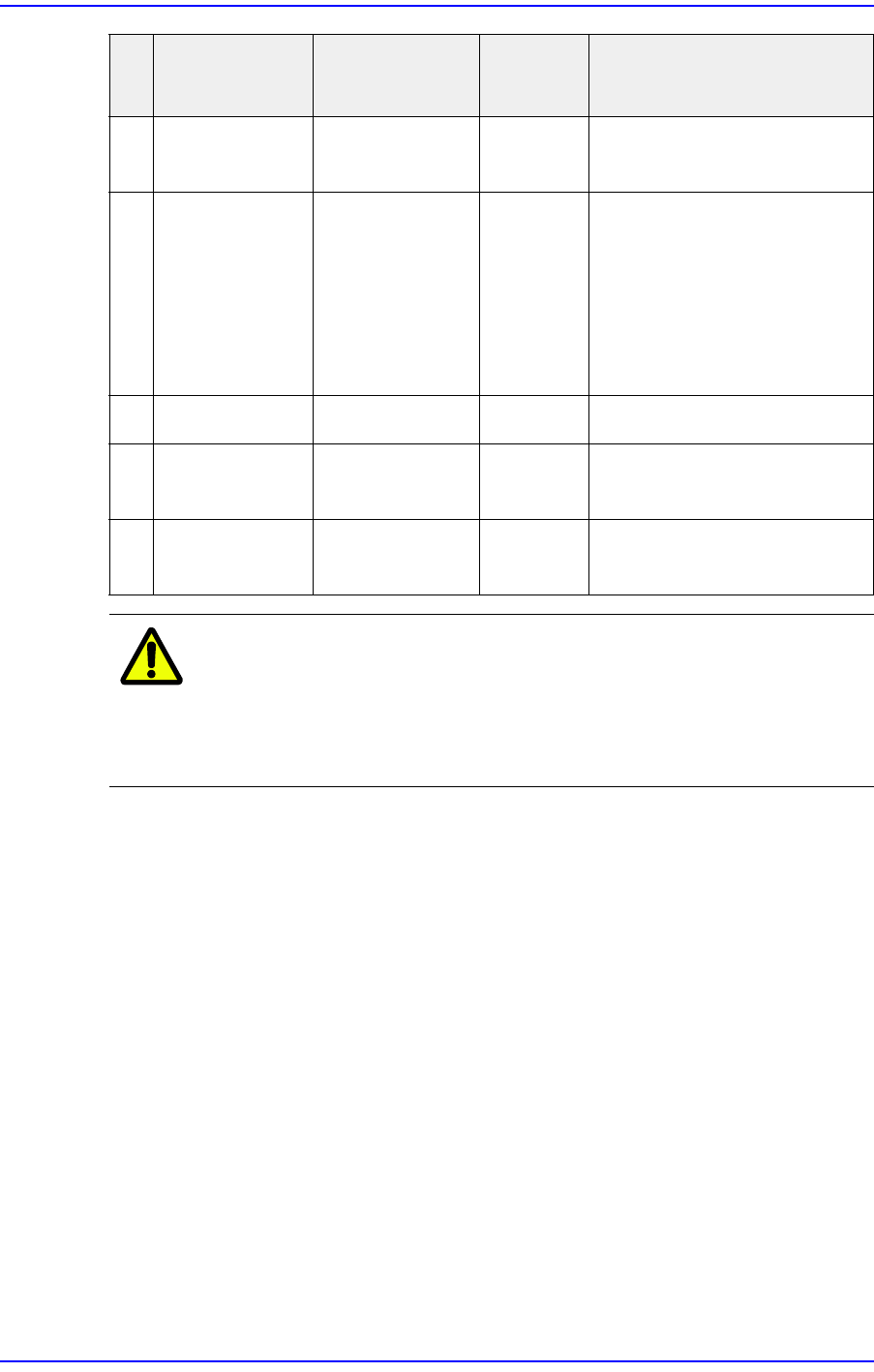
1 Calibration Jig AM03-020529A Default
2 Master Feeder AM03-020549A Default
3 SME 8mm
Master Tape
AM03-018988A Default 8mm/0402 for feeder
calibration
4 Barcode
Scanner
CD04-001012 Default
5 220V Power
Cable
EP02-000461 Default Adapter needs to be
connected for each country
6 USB-to-USB
Cable
EP02-001074 Default Connection between PC and
calibration jig
7 5 Pin-to-USB
Cable
EP02-001075 Default Connection between PC and
camera
1-3
Overview of Product
Caution
When using a USB hub, install a USB hub in the left USB
3.0 port of a laptop computer. Installing a USB hub in the
right USB 2.0 port may cause defective camera operation
and defective CAN communication.
8 Grounding
Cable
AM16-001582A Default Refer to "6.2 Use of
Grounding Cable"
9 Laptop
Computer
CD02-001006 Option When using a USB hub, use
the left USB port.
w Left USB port (one): USB
3.0
w Right USB ports (two):
USB 2.0
10 Pelican Case FC29-001155 Option Carrier Type
11 SME W4P1
Master Tape
AM03-021437A Option For W4P1 feeder calibration
12 SME 12mm
Master Tape
AM03-018989A Option For 12mm/16mm feeder
calibration
NO
.
PART NAME PART NO.
Option
Division
Reference
1-4
User's Guide For Tape Feeder Calibration Jig