1OPERATION_.pdf - 第8页
© D ^ Ti ^ m Page Chapter 2 Before Automatic Operation 2 - 1 2.1 Hierarchical Structure of Operation Displays 2.2 Notes on Handling Touch Screen 2.3 Power Supply 2.4 Thorough Procedures ( from starting through ending ope…
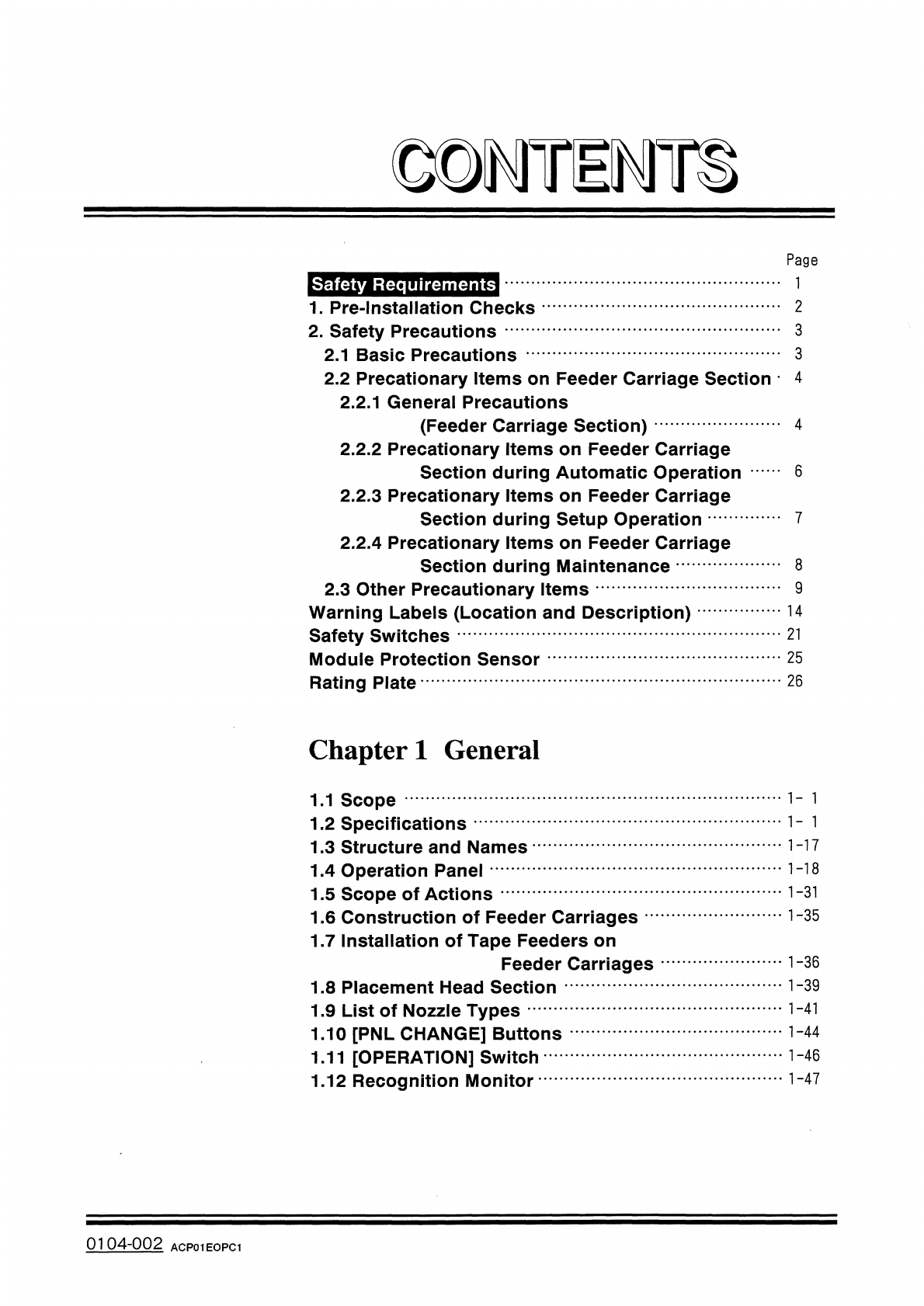
Page
Safety
Requirements
2
1
.
Pre
-
Installation
Checks
2
.
Safety
Precautions
2.1
Basic
Precautions
…
2.2
Precationary
Items
on
Feeder
Carriage
Section
4
2.2
.
1
General
Precautions
(
Feeder
Carriage
Section
)
2.2
.
2
Precationary
Items
on
Feeder
Carriage
Section
during
Automatic
Operation
2.2
.
3
Precationary
Items
on
Feeder
Carriage
Section
during
Setup
Operation
2.2
.
4
Precationary
Items
on
Feeder
Carriage
Section
during
Maintenance
2.3
Other
Precautionary
Items
Warning
Labels
(
Location
and
Description
)
Safety
Switches
Module
Protection
Sensor
Rating
Plate
3
3
4
6
8
9
14
21
25
26
Chapter
1
General
1.1
Scope
1.2
Specifications
1.3
Structure
and
Names
1
-
17
1
-
18
1.4
Operation
Panel
1.5
Scope
of
Actions
1.6
Construction
of
Feeder
Carriages
1.7
Installation
of
Tape
Feeders
on
Feeder
Carriages
1
-
31
1
-
35
1
-
39
1.8
Placement
Head
Section
1
-
41
1.9
List
of
Nozzle
Types
1.10
[
PNL
CHANGE
]
Buttons
1.11
[
OPERATION
]
Switch
1.12
Recognition
Monitor
•
•
…
1
-
44
0104
-
002
ACP
01
EOPC
1
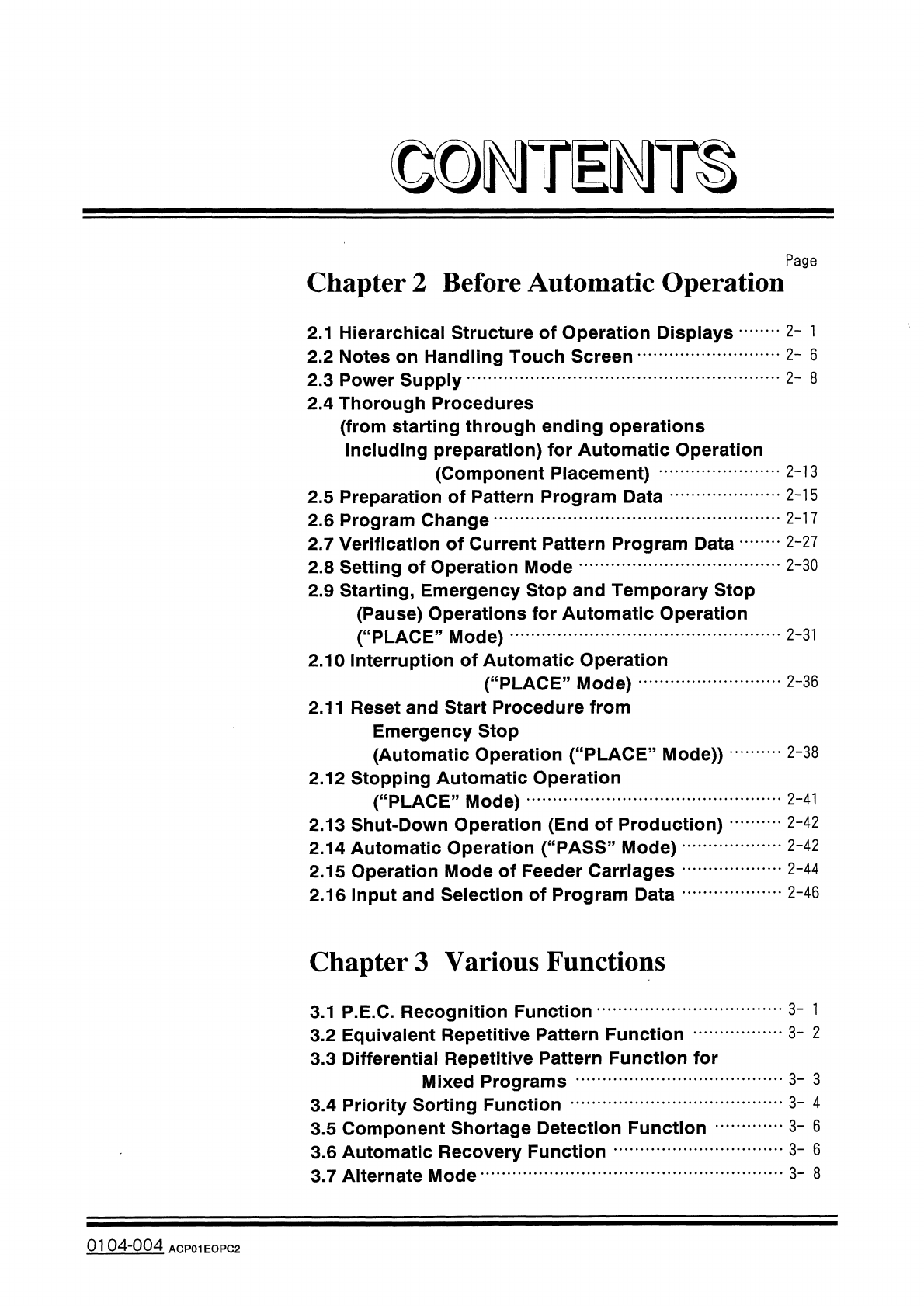
©
D
^
Ti
^
m
Page
Chapter
2
Before
Automatic
Operation
2
-
1
2.1
Hierarchical
Structure
of
Operation
Displays
2.2
Notes
on
Handling
Touch
Screen
2.3
Power
Supply
2.4
Thorough
Procedures
(
from
starting
through
ending
operations
including
preparation
)
for
Automatic
Operation
(
Component
Placement
)
2.5
Preparation
of
Pattern
Program
Data
2.6
Program
Change
2.7
Verification
of
Current
Pattern
Program
Data
•
•
…
2.8
Setting
of
Operation
Mode
2.9
Starting
,
Emergency
Stop
and
Temporary
Stop
(
Pause
)
Operations
for
Automatic
Operation
(
“
PLACE
”
Mode
)
2.10
Interruption
of
Automatic
Operation
(
“
PLACE
”
Mode
)
2.11
Reset
and
Start
Procedure
from
Emergency
Stop
(
Automatic
Operation
(
“
PLACE
”
Mode
)
)
2.12
Stopping
Automatic
Operation
(
“
PLACE
”
Mode
)
2.13
Shut
-
Down
Operation
(
End
of
Production
)
2.14
Automatic
Operation
(
“
PASS
”
Mode
)
2.15
Operation
Mode
of
Feeder
Carriages
2.16
Input
and
Selection
of
Program
Data
2
-
6
2
-
8
2
-
13
2
-
15
2
-
17
2
-
27
2
-
30
2
-
31
2
-
36
2
-
38
2
-
41
2
-
42
2
-
42
2
-
44
2
-
46
Chapter
3
Various
Functions
3
-
1
3.1
P
.
E
.
C
,
Recognition
Function
3.2
Equivalent
Repetitive
Pattern
Function
3.3
Differential
Repetitive
Pattern
Function
for
Mixed
Programs
3.4
Priority
Sorting
Function
3.5
Component
Shortage
Detection
Function
3.6
Automatic
Recovery
Function
3.7
Alternate
Mode
3
-
2
3
-
3
3
-
4
3
-
6
3
-
6
3
-
8
0104
-
004
ACP
01
EOPC
2
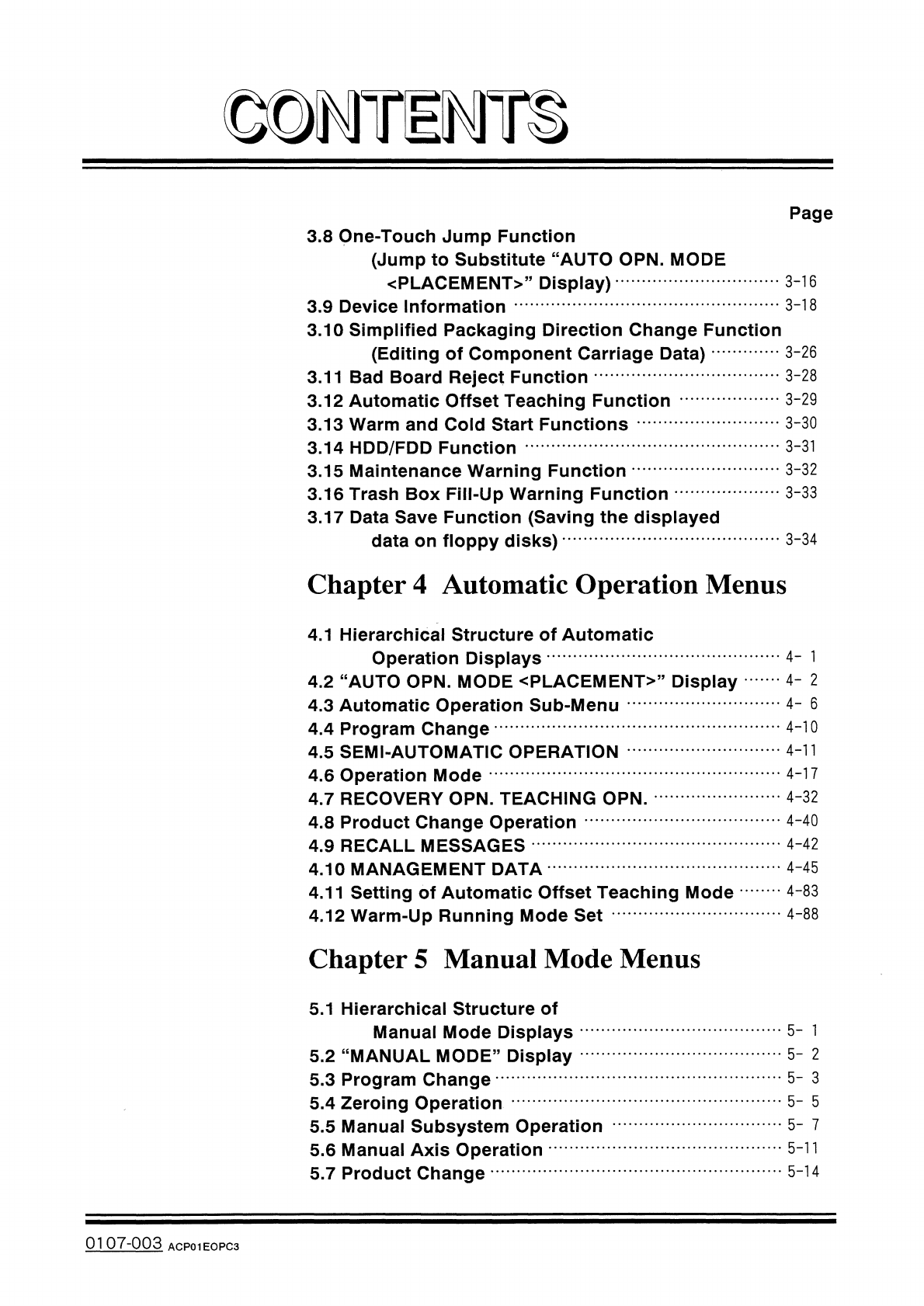
©
DMTE
T
^
Page
3.8
One
-
Touch
Jump
Function
(
Jump
to
Substitute
“
AUTO
OPN
.
MODE
〈
PLACEMENT
〉
,
,
Display
)
3.9
Device
Information
3.10
Simplified
Packaging
Direction
Change
Function
(
Editing
of
Component
Carriage
Data
)
3.11
Bad
Board
Reject
Function
3.12
Automatic
Offset
Teaching
Function
3.13
Warm
and
Cold
Start
Functions
3.14
HDD
/
FDD
Function
3.15
Maintenance
Warning
Function
3.16
Trash
Box
Fill
-
Up
Warning
Function
3.17
Data
Save
Function
(
Saving
the
displayed
data
on
floppy
disks
)
3
-
16
3
-
18
3
-
26
3
-
28
3
-
29
3
-
30
3
-
31
3
-
32
3
-
33
3
-
34
Chapter
4
Automatic
Operation
Menus
4.1
Hierarchical
Structure
of
Automatic
Operation
Displays
4.2
“
AUTO
OPN
.
MODE
<
PLACEMENT
>
”
Display
4.3
Automatic
Operation
Sub
-
Menu
4.4
Program
Change
4.5
SEMI
-
AUTOMATIC
OPERATION
4.6
Operation
Mode
4.7
RECOVERY
OPN
.
TEACHING
OPN
.
4.8
Product
Change
Operation
4.9
RECALL
MESSAGES
4.10
MANAGEMENT
DATA
4.11
Setting
of
Automatic
Offset
Teaching
Mode
4.12
Warm
-
Up
Running
Mode
Set
4
-
l
4
-
2
4
-
6
4
-
10
4
-
11
4
-
17
4
-
32
4
-
40
4
-
42
4
-
45
4
-
83
4
-
88
Chapter
5
Manual
Mode
Menus
5.1
Hierarchical
Structure
of
Manual
Mode
Displays
5.2
“
MANUAL
MODE
”
Display
5.3
Program
Change
5.4
Zeroing
Operation
5.5
Manual
Subsystem
Operation
5.6
Manual
Axis
Operation
5.7
Product
Change
5
-
1
5
-
2
5
-
3
5
-
5
5
-
7
5
-
11
5
-
14
0107
-
003
ACP
01
EOPC
3