印刷机通用说明书(中英文版) 450+.pdf - 第72页
- 72 - 4.22 主工具栏 2 功能解释及其操作 The ex planation and opera tion of the functions in main tool bar 2 1 . :新建工程。新建一个印刷程序,点击该按钮在图 3-6 界面上输入工 程的代号点击 [ 确定 ] 然后按第三章讲的内容做程序即可; : New p roject. Create a new printing p rogram. Click t…
- 71
-
.
6
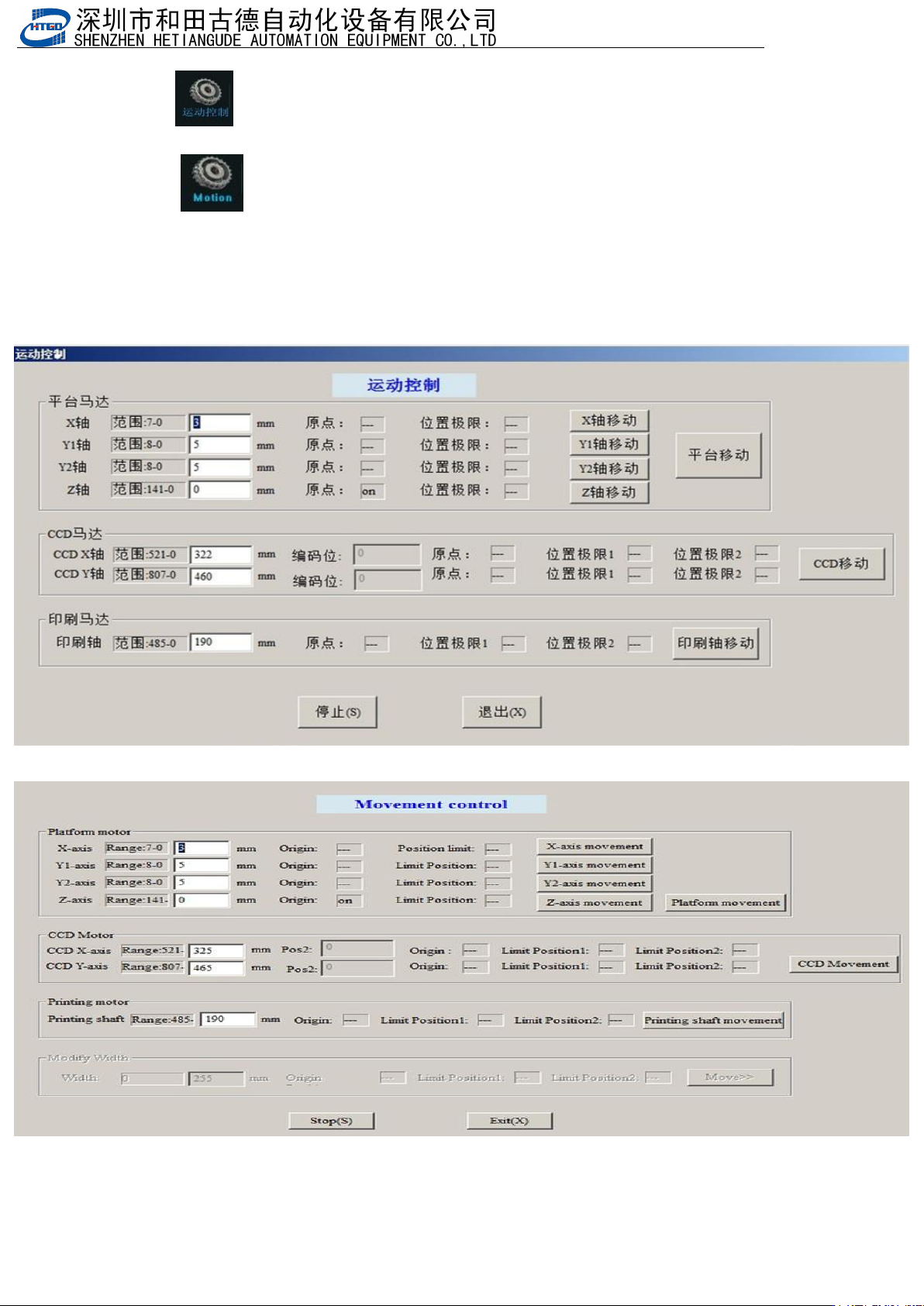
:运动控制。该功能主要用在调试机器或检查机器故障上。点击该按钮
后出现图
4-4
界面。在该界面上对应空白的格子里填上数据,
点击右边的[I]按钮,对应的轴会移动到所设置的数据处。
: Movement control. This function is used to check or
resolve the faults of the printer. Clicking this button will
display the interface of pix 4-4. Input the data in the
corresponding blank in the interface and click the “I” button
and the corresponding axis will remove to the setup position.
图
4-4
(运动控制)
Pix 4-4 (movement control)
- 72
-
4.22
主工具栏
2
功能解释及其操作
The explanation and operation of the functions in main tool bar 2
1. :新建工程。新建一个印刷程序,点击该按钮在图 3-6 界面上输入工
程的代号点击[确定]然后按第三章讲的内容做程序即可;
: New project. Create a new printing program. Click this buttonin the
interface of pix 3-6. Input the project name and click “确定” (ok)
button and program it according to the introduction in chapter 3
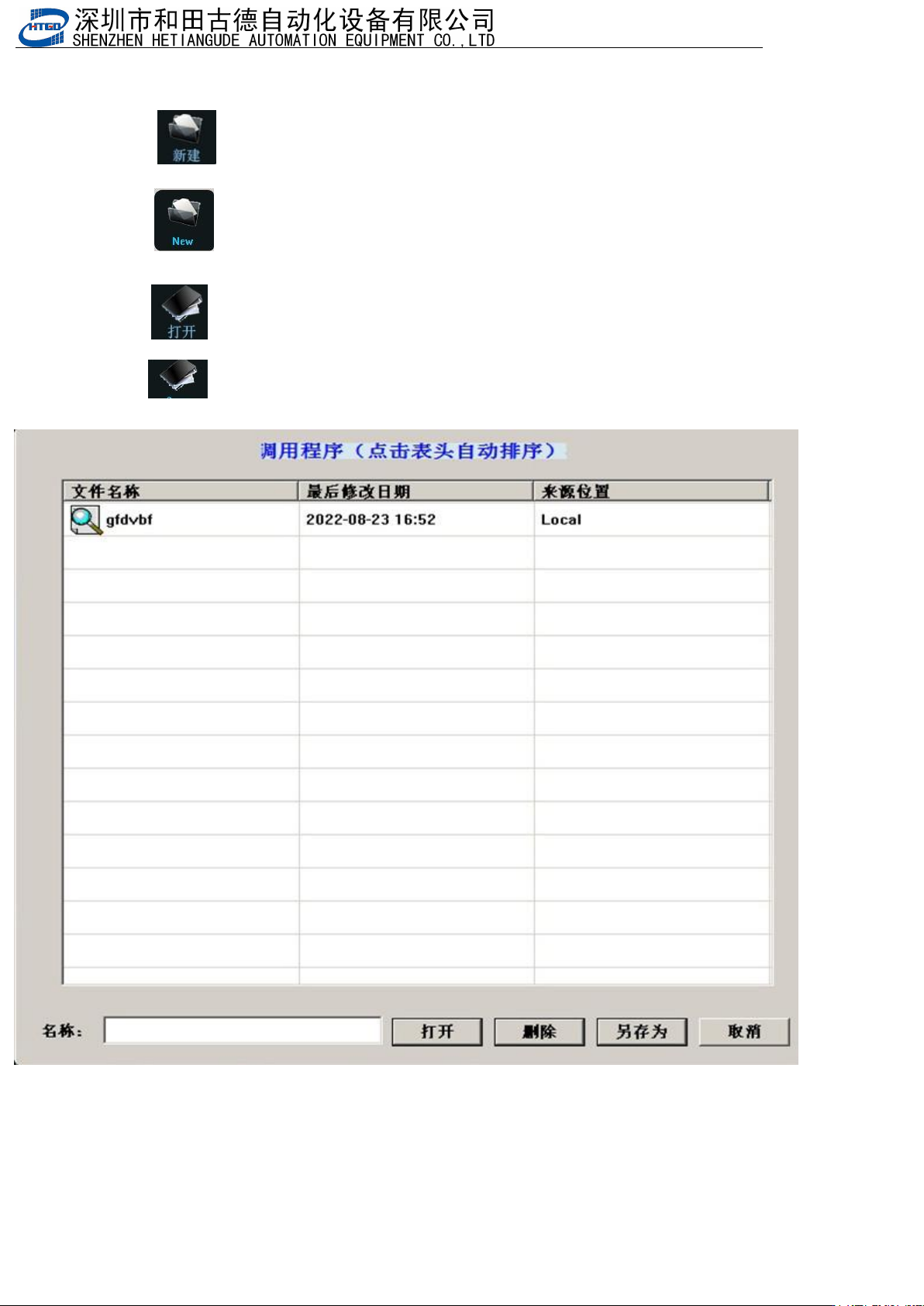
2. :打开工程文件按钮。打开一个之前建立好的程序。如图 4-5,选择
要打开的工程,点击[打开]即可;
: Open project file. Open a program which has been done before.
Select the project and click “
打开
”
(
open
)
button. See pix 4-5.
图
4-5
(打开工程)
- 73
-
Pix 4-5(open project)
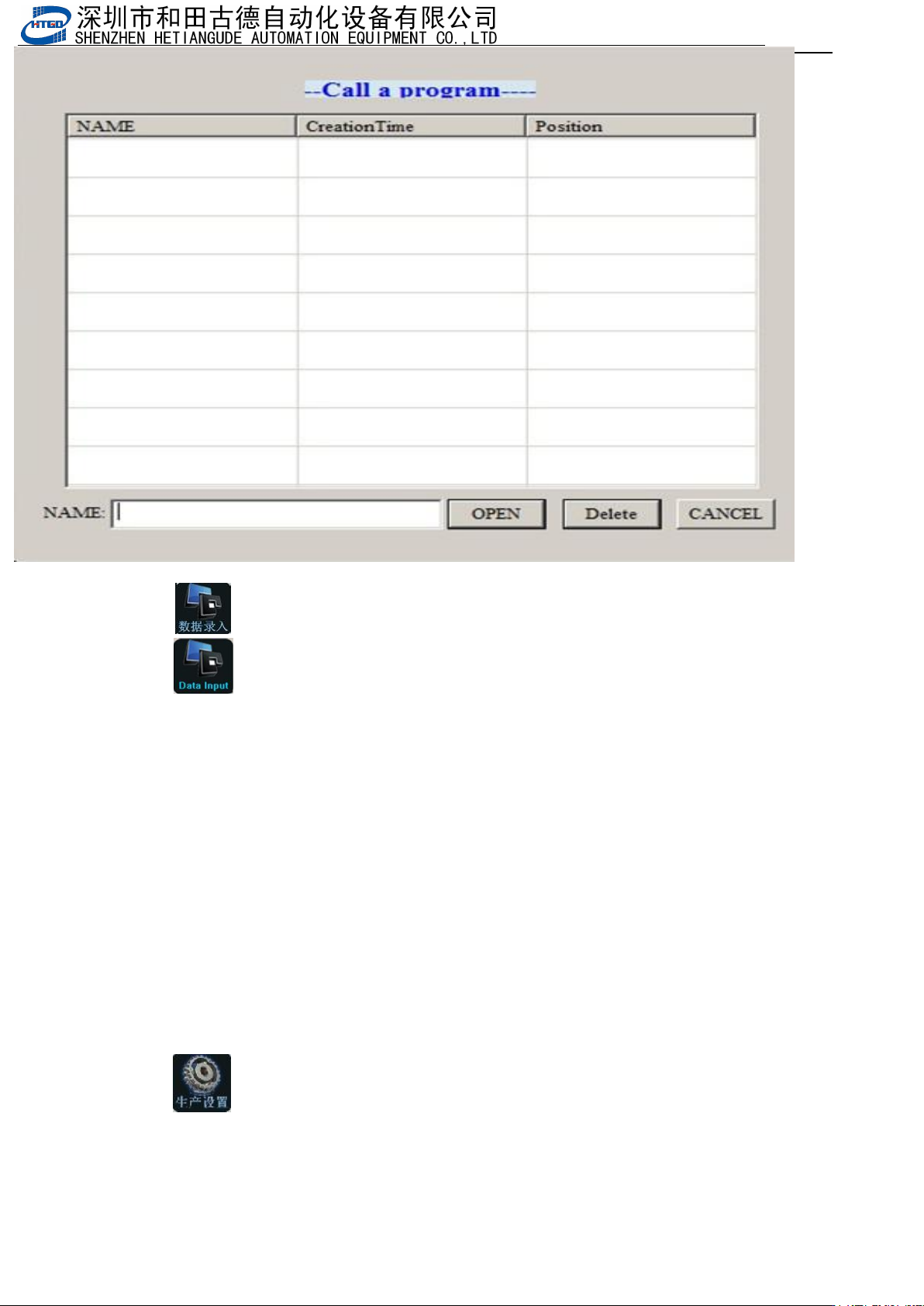
3. :数据录入按钮。该按钮在两种状态下使用。
: Data input. Use this button under the following two conditions:
一.打开工程或新建工程时
该状态下单击该按钮出现图 3-7 所示的界面。该界面下的设置请参照第三章。
Open project or create new project.
The interface in the pix 3-7 will display under the above conditions. Please refer
to the chapter 3 to set this interface.
二.在生产过程中按机器外壳上的
“
Start/Stop
”
按钮后
该状态下单击该按钮出现图 3-7 界面,相关设置请参考第三章。
Press the “Start/Stop” button on the shell of the printer during the production.
The interface in the pix 3-7 will display under the above condition. Please refer to the
chapter 3 to set this interface.
4. :生产设置按钮。点击该按钮后出现图 3-18 界面。在该界面下可设置的