印刷机通用说明书(中英文版) 450+.pdf - 第85页
- 85 - 13 : :界面切换按钮。单击该按钮进行生产界面与主界面的切换; : I nterface sh ift. Do the shift of t he p roduction int erface and main interface b y clicking this button. 14 : :退出按钮。单击该按钮退出系统; : Exit. Exit the system by clicking this bu tton…
- 84
-
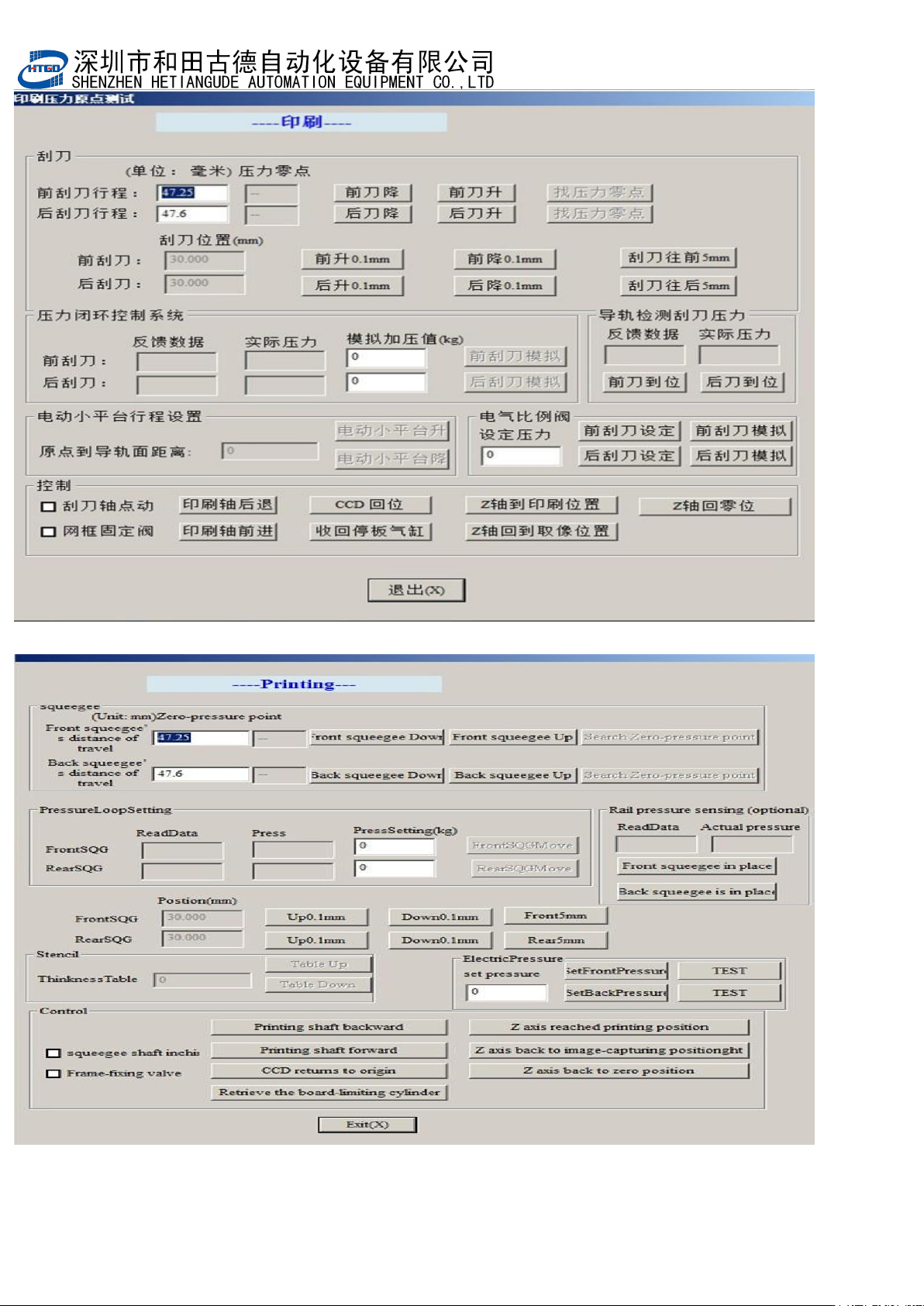
图 4-13(刮刀设置)
Pix 4-13(scraper setting)
- 85
-
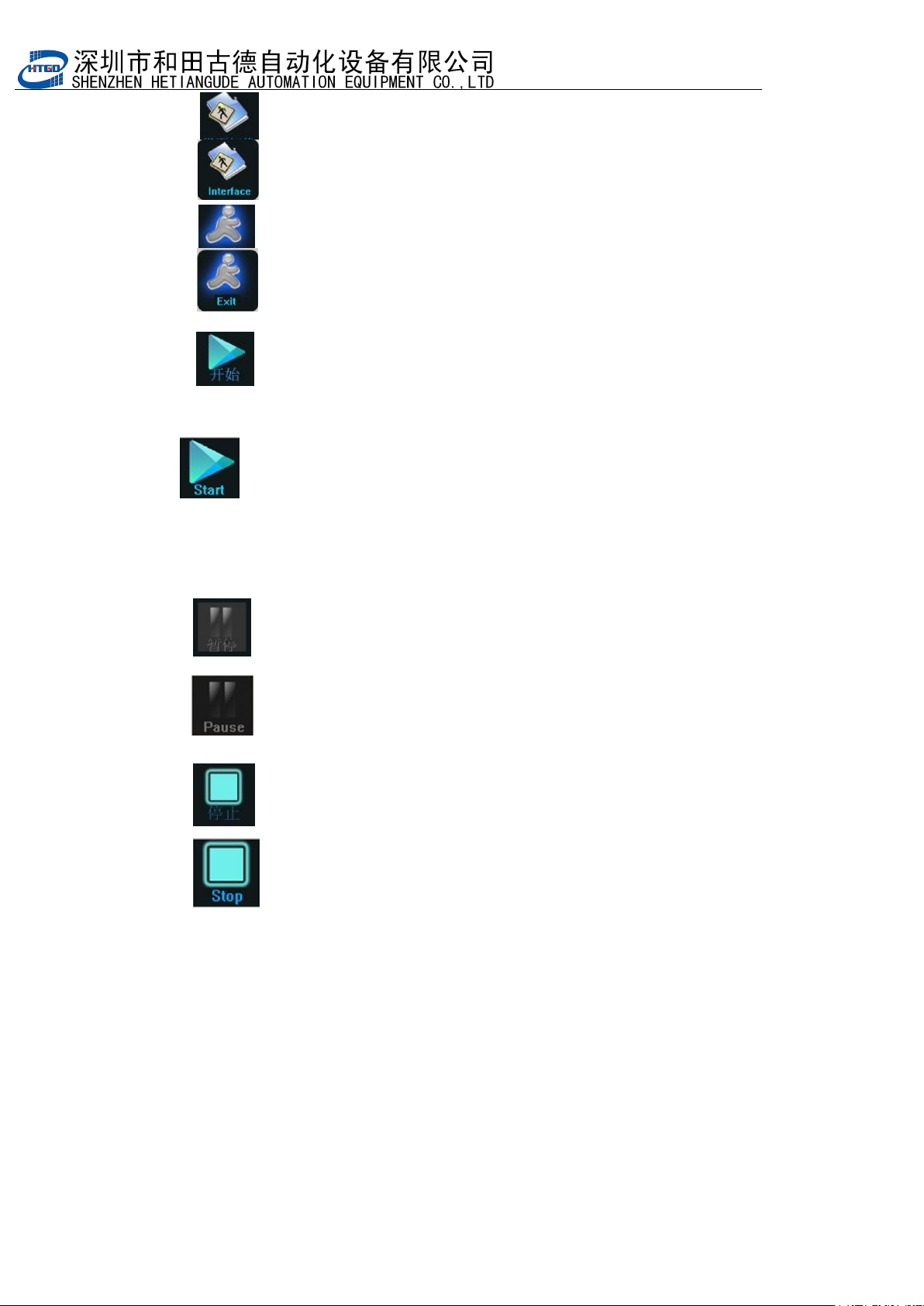
13: :界面切换按钮。单击该按钮进行生产界面与主界面的切换;
: Interface shift. Do the shift of the production interface and main
interface by clicking this button.
14: :退出按钮。单击该按钮退出系统;
: Exit. Exit the system by clicking this button.
15: :开始按钮。单击该点击该按钮后系统会执行“判断运输导轨上有 PCB
板”、以及“提示是否调整运输导轨的宽度”等操作,依次点击是或否后机器执行印
刷
操作。
: Start. After clicking this button, the system will judge whether there
is PCB board on the transmission rail and will indicate whether it needs to adjust
the width of the transmission rail etc. The equipment will do the printing operation
by clicking “
是
”
(
yes
)
button or “
否
”
(
no
)
button .
16
: :暂停按钮。此按钮只作为状态提示;
: Pause. This button is only used as the notes for the state.
17
: :停止按钮。点击该按钮并确认后机器会停止生产动作;
: Stop. The printer will stop production by clicking this button.
4.22附属菜单解释及其操作 Function explanation and operation of attached
menu
- 86
-
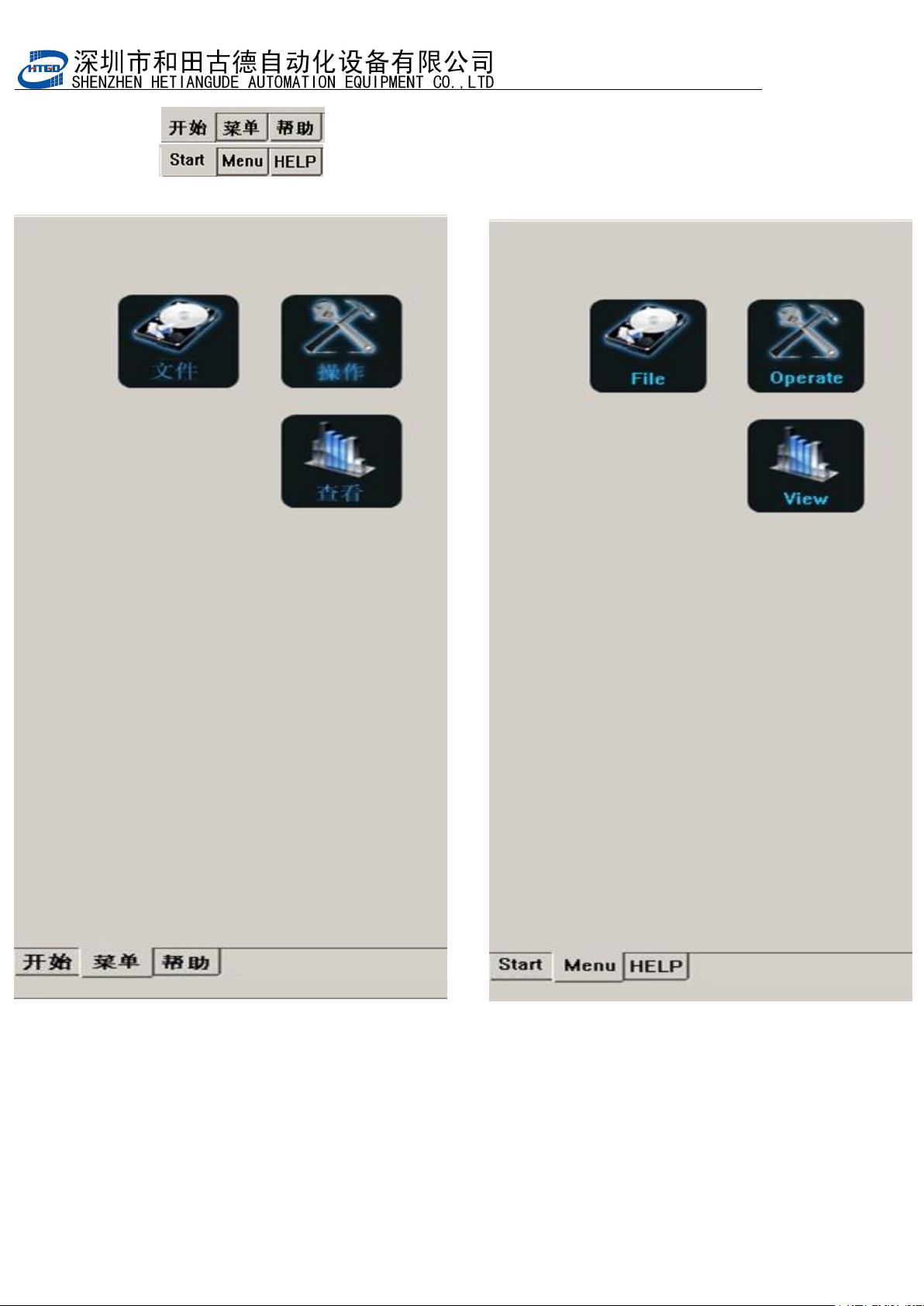
1: : 主界面点击菜单进入如图 4-14
:Click “menu” button in the main interface to enter the
interface in the pix 4-14
图
4-14
(附属菜单)
Pix 4-14(attached menu)