Printer 710_810 v8 Transportation.pdf - 第76页
TRANSPORT ATION MAJOR RE LOCATION 34.76 Technical Reference Manual Chapter Issue 7 Oct 06 Fitting o f MMI Assembly (Sh utter Cover) 1. Position the monit or centrally on top of the machine. 2. Connect t he cable s to the…
TRANSPORTATION
MAJOR RELOCATION
Chapter Issue 7 Oct 06 Technical Reference Manual 34.75
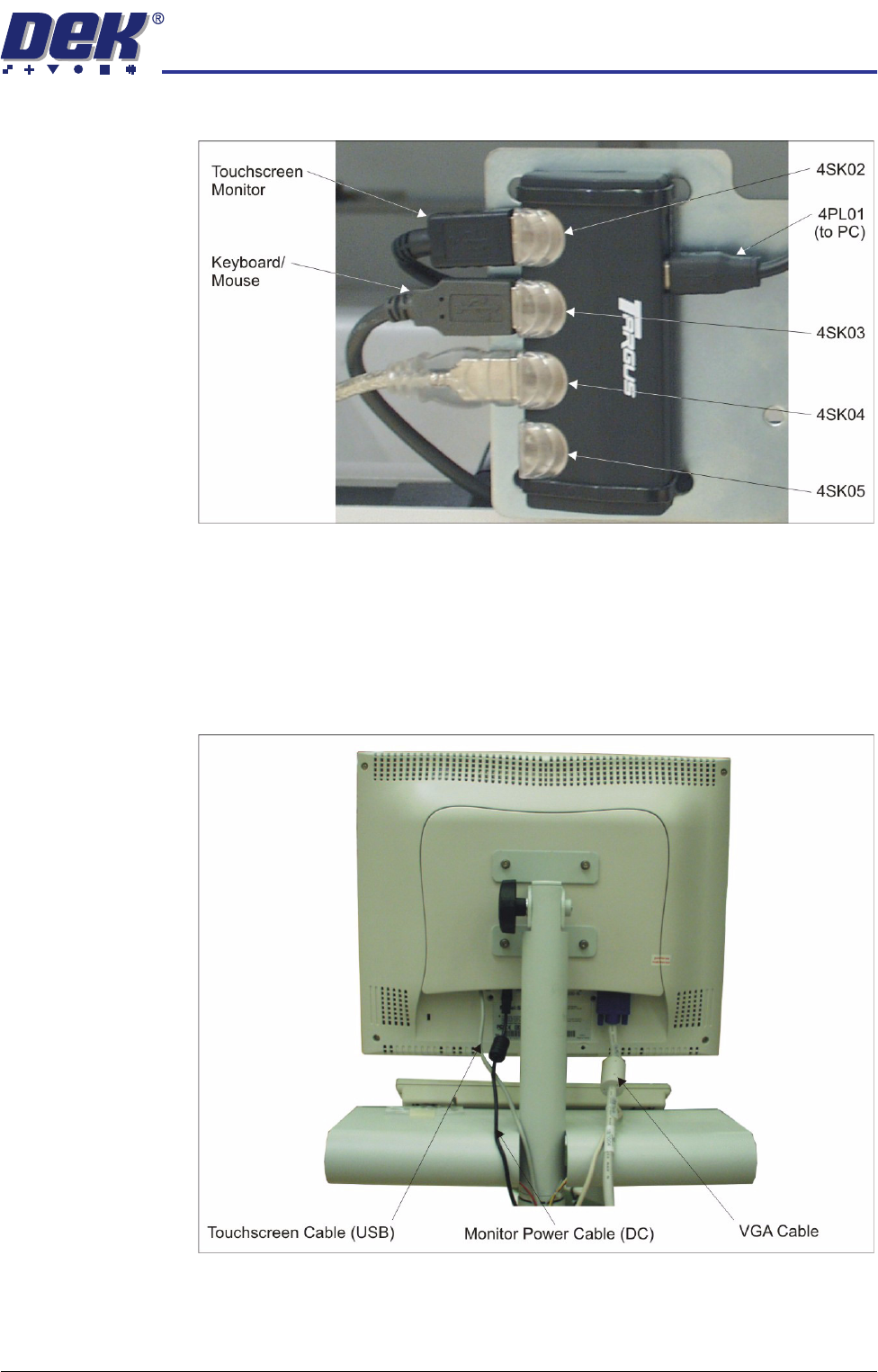
12. Connect the keyboard/mouse to 4SK03 of the 4 port USB hub.
13. Cable tie the cables inside the machine ensuring that the cables do not
come into contact with any moving parts.
14. Connect the cables to the following connections on the rear of the monitor:
• Monitor Power Cable (DC)
• VGA Cable
• Touchscreen Cable (USB)
TRANSPORTATION
MAJOR RELOCATION
34.76 Technical Reference Manual Chapter Issue 7 Oct 06
Fitting of MMI
Assembly (Shutter
Cover)
1. Position the monitor centrally on top of the machine.
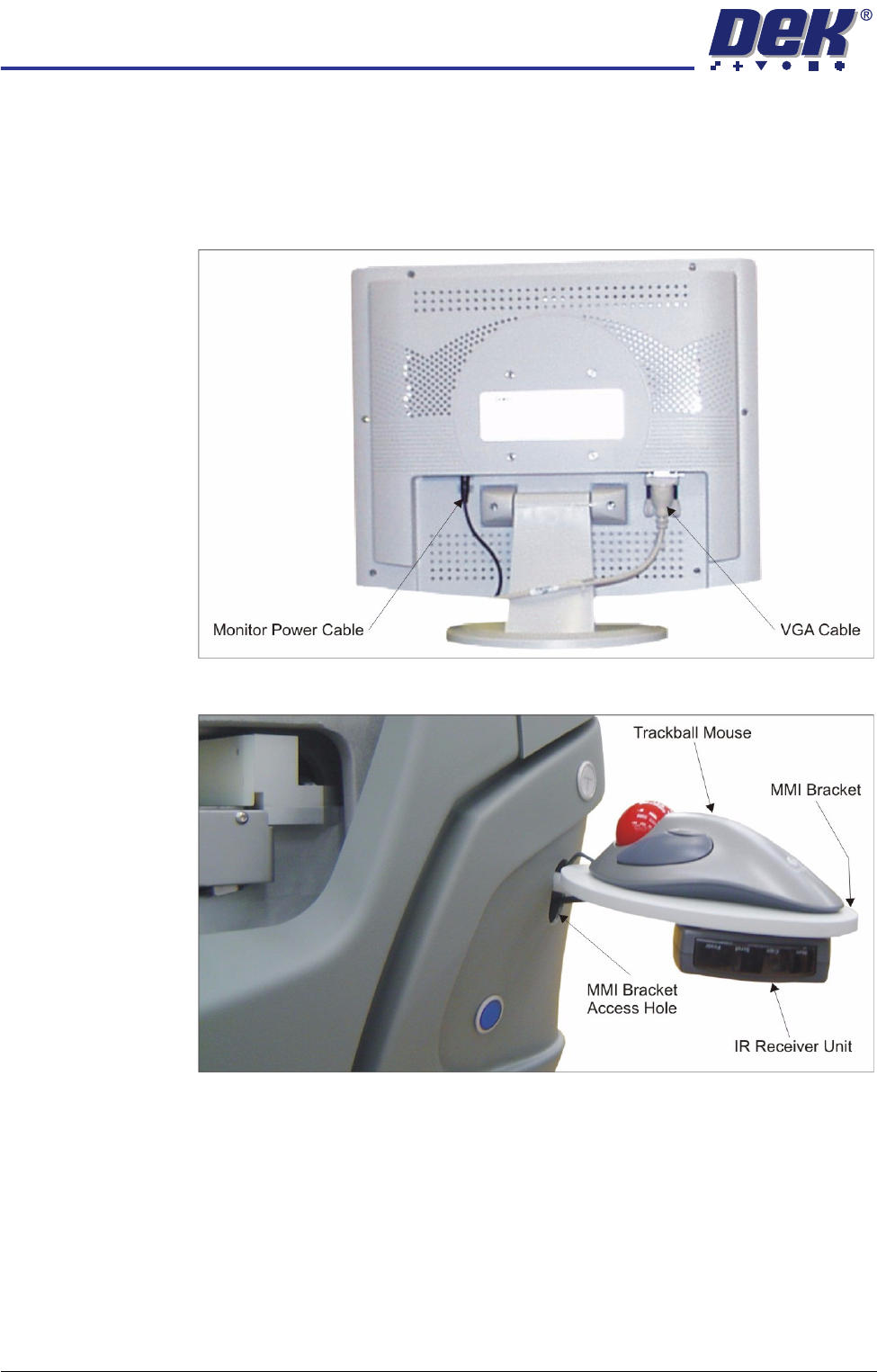
2. Connect the cables to the following connections on the rear of the monitor:
• Monitor Power Cable (DC)
• VGA Cable
3. Place the trackball mouse on the MMI bracket.
4. Feed the trackball mouse cable through the MMI bracket access hole.
5. Attach the IR receiver unit to the underside of the MMI bracket using the
velcro fastener.
6. Feed the IR receiver unit cable through the MMI bracket access hole.
7. Locate the 4 port USB hub secured to the left side of the mains isolator
switch bracket.
TRANSPORTATION
MAJOR RELOCATION
Chapter Issue 7 Oct 06 Technical Reference Manual 34.77
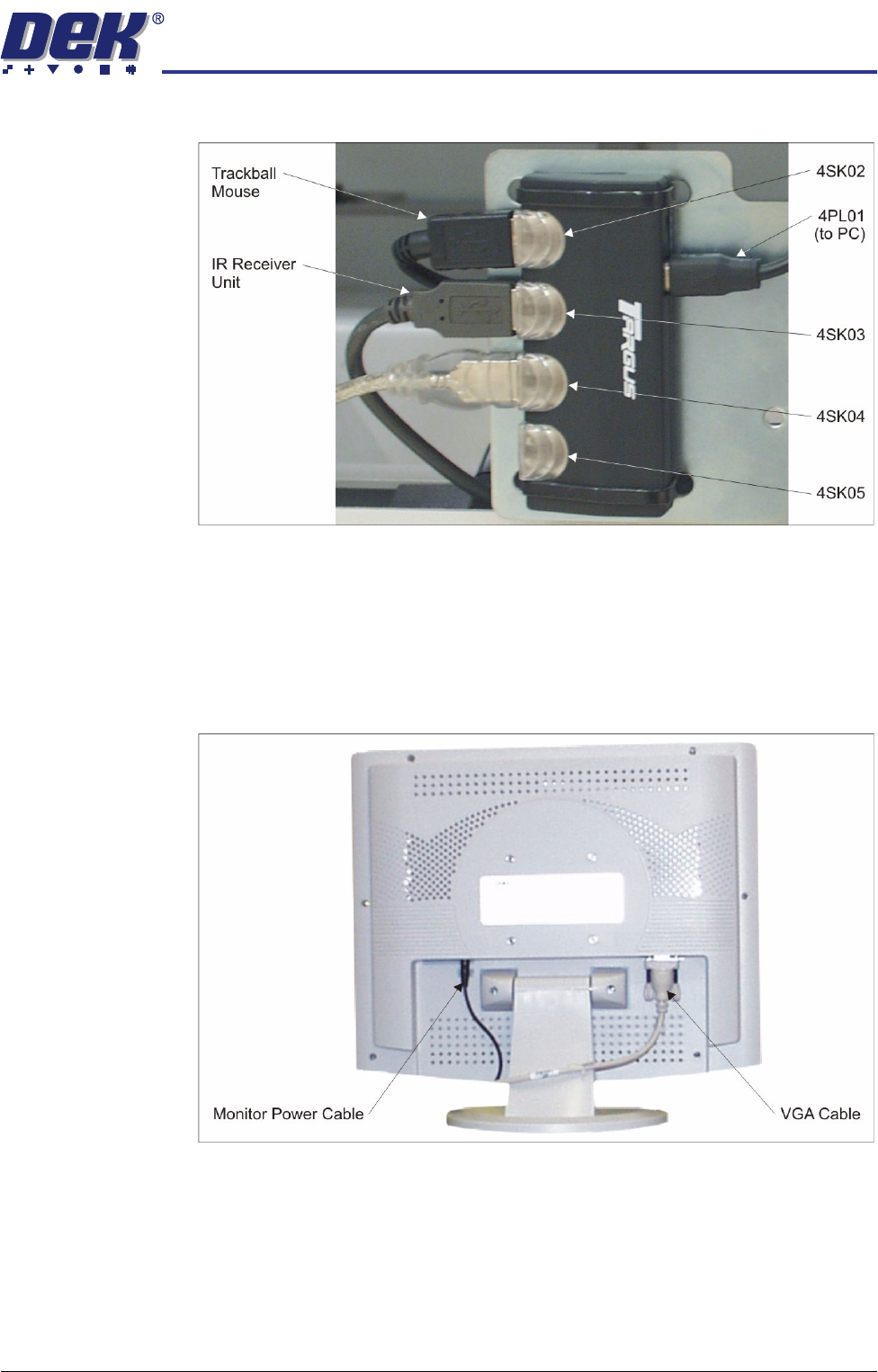
8. Connect the trackball mouse to 4SK02 on the 4 port USB hub.
9. Connect the IR receiver unit to 4SK03 on the 4 port USB hub.
Fitting of MMI
Assembly (Metal
Cover)
1. Position the monitor centrally on top of the machine.
2. Connect the cables to the following connections on the rear of the monitor:
• Monitor Power Cable (DC)
• VGA Cable
3. Locate the 4 port USB hub secured to the left side of the mains isolator
switch bracket.