80S-2080F480F5.pdf - 第144页
3 Placement Functions SIPLACE 80S-20/F4 /F5 User Manual 3.1 Overview 05/99 Issue from Software Version SR.405.xx 3 - 4 3.1.1 General The plac ement func tions of th e SIPL ACE 80F 4 or F 5 are ide ntical to those of th e…
SIPLACE 80S-20/F4/F5 User Manual 3 Placement Functions
05/99 Issue from Software Version SR.405.xx 3.1 Overview
3 - 3
3.1 Overview
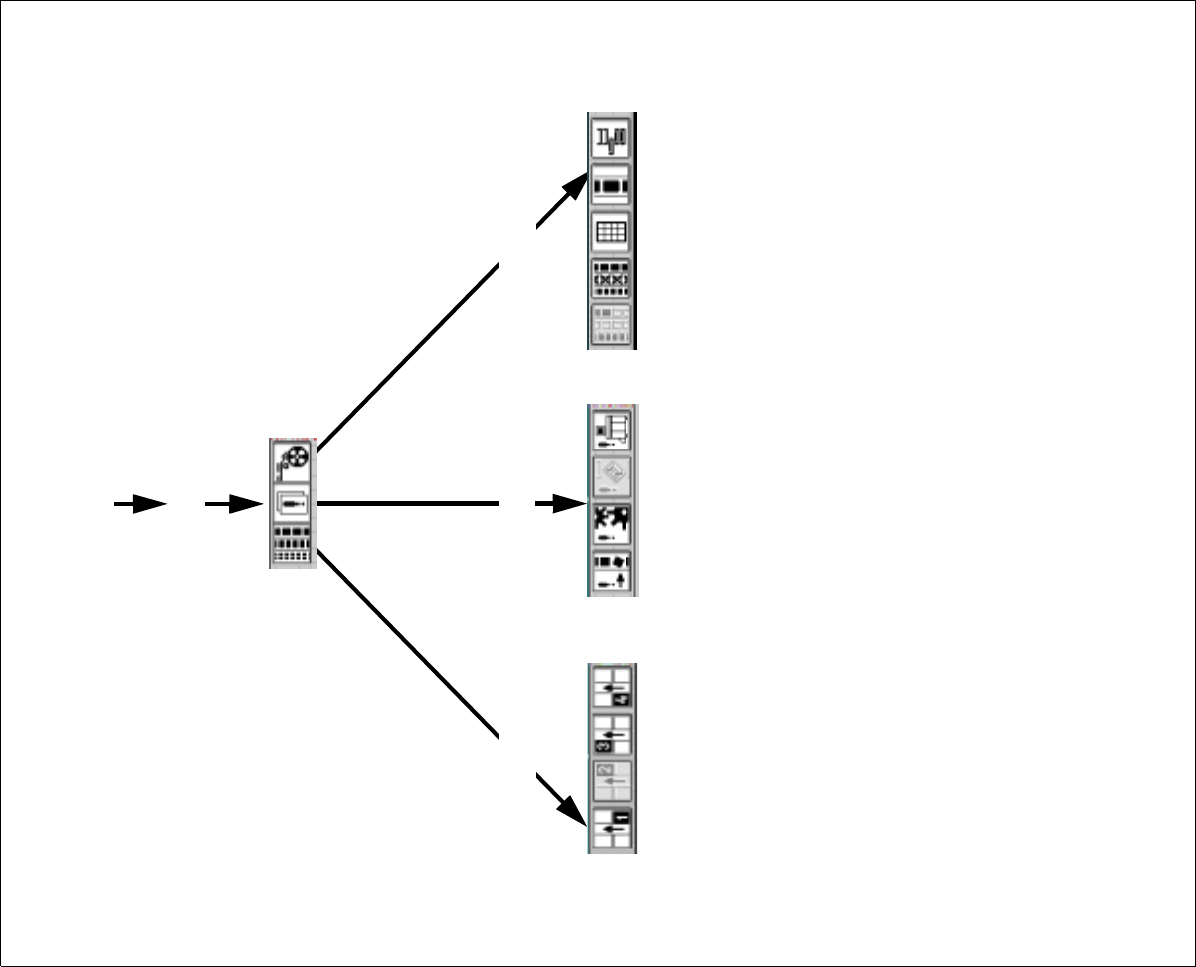
Fig. 3.1.1 Overview - Placement functions
Placement functions
Execute wafflepack changer functions
Display and vibrate linear feeders
Display magazine and change inventory levels
Omit components
Display and fill empty tracks
Display general errors
Display transport errors
Display machine errors
Display track errors
Display set-up for location 4
Display set-up for location 3
Display set-up for location 2
Display set-up for location 1
From flow chart 2.3.2
Feeders
Errors
Set-up
3 Placement Functions SIPLACE 80S-20/F4/F5 User Manual
3.1 Overview 05/99 Issue from Software Version SR.405.xx
3 - 4
3.1.1 General
The placement functions of the SIPLACE 80F
4
or F
5
are identical to those of the SIPLACE80S-20. On the
SIPLACE 80F
4
the only additional functions for the wafflepack changer are those that are described in this
User Manual. Accordingly, Chapter 3 ’Placement Functions’, of the User’s Manual, 05/99 issue, will apply to
both machine types. However, the screen will show the actual designation of the machine. In the case of addi-
tional functions or differences in the functions of the SIPLACE 80S-20 the corresponding section will include
the additional information.
If at a later point in time there are further functional changes or additions which differ from the SIPLACE
80S-20, Chapter 3 ’Placement Functions’
,
will be revised accordingly.
SIPLACE 80S-20/F4/F5 User Manual 3 Placement Functions
05/99 Issue from Software Version SR.405.xx 3.2 Set-Up
3 - 5
3.2 Set-Up
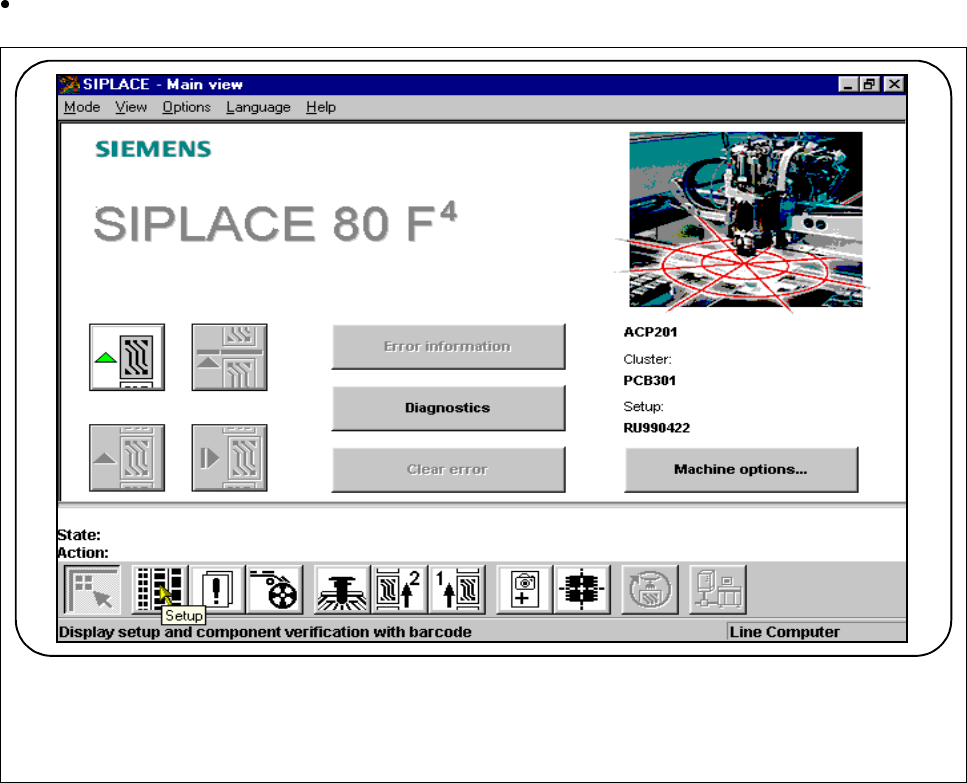
If the cluster with its corresponding set-up has been specified, the set-up for every location can be displayed
in this menu.
Click on the
Set-up
button in the Main view.
Fig. 3.2.1 Display set-up
The following window will open:
F