80S-2080F480F5.pdf - 第56页
1 Operational Safety SIPLACE 80S-20/F4/F5 User Manual 1.1 Information on safety 05/99 Issue from Softwar e Version SR.405.xx 1 - 18 1.1.9 Safety instructions for the PCB barcode reader (option) Fig. 1.1.10 PCB barcode re…
SIPLACE 80S-20/F4/F5 User Manual 1 Operational Safety
05/99 Issue from Software Version SR.405.xx 1.1 Information on safety
1 - 17
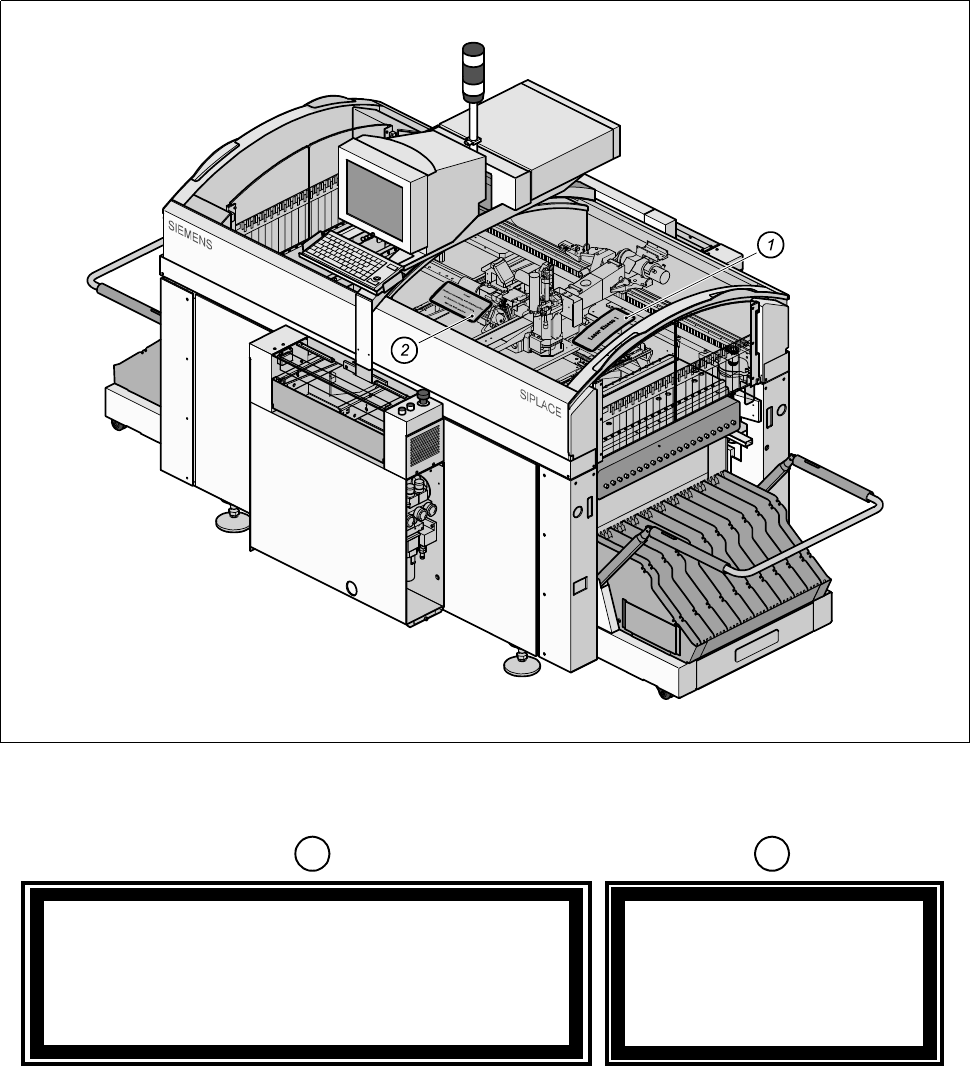
The illustration below shows the location of the safety information for operating the coplanarity laser module of
the SIPLACE 80F
4
or 80F
5
. This information must be glued onto the cover in the places which are indicated
by arrows so that it is clearly visible (see Fig. 1.1.9).
Fig. 1.1.9 Safety instructions on the SIPLACE 80F
4
or F
5
- Key to Fig. 1.1.9
Laser Class 1
Caution
Invisible laser radiation if the cover is opened
and safety interlock is bypassed
Do not stand in front of the beam
1
2

1 Operational Safety SIPLACE 80S-20/F4/F5 User Manual
1.1 Information on safety 05/99 Issue from Software Version SR.405.xx
1 - 18
1.1.9 Safety instructions for the PCB barcode reader (option)
Fig. 1.1.10 PCB barcode reader (bottom)
- Key to Fig. 1.1.10
1 PCB barcode reader (bottom) 2 Label: ’laser radiation...’ (Fig. 1.1.11)
3 Label: ’Caution ...’ (see Fig. 1.1.12)
CAUTION
The radiant power of the barcode reader‘s scanning beam is less than 1mW. This means that the barcode
reader conforms to laser class 2 and, according to DIN EN 60825-1, requires no special safety equipment or
protective measures. NEVER look into the laser beam. There is also a safety circuit that switches off the laser
diode if the polygon wheel stops or turns too slowly.
SIPLACE 80S-20/F4/F5 User Manual 1 Operational Safety
05/99 Issue from Software Version SR.405.xx 1.1 Information on safety
1 - 19
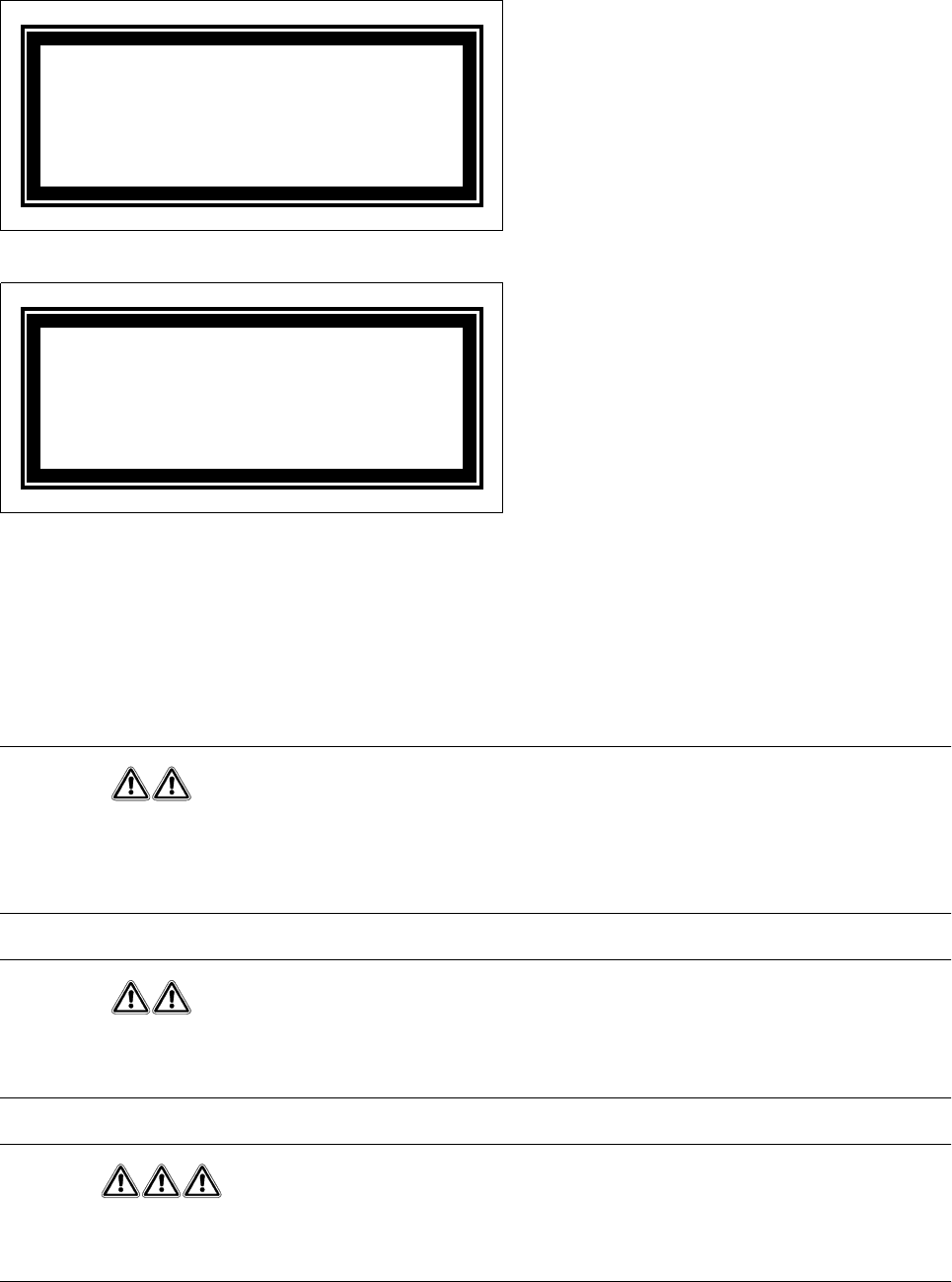
Fig. 1.1.11 Label: ‘Laser radiation...’
Fig. 1.1.12 Label: ’Caution ...’
1.1.10 Safety instructions for changing the component table
Changing the component table is described in section 10. Always obey the following safety instructions to pre-
vent injury or damage to the automatic placement system.
WARNING
When you change the component table, always follow the sequence for removing the plugs from the commu-
nication unit and then connecting them again as described below. If you do not follow the specified order, faults
may occur in the component table.
WARNING
Move the portal out of the range of the component table over the PCB transport. This will prevent the possibility
of a head crash.
DANGER
Press the emergency stop mushroom-head push-button. The gantry axes are switched off and isolated.
This will prevent the gantries starting up accidentally, thus preventing the associated risk of injury or damage.
Laser radiation
Do not look into the beam
Laser class 2
Caution
Laser radiation if the cover is opened
and the safety interlock is bypassed
Do not look into the beam