80S-2080F480F5.pdf - 第286页
5 Vision Functions SIP LACE 80S-20/F4/F5 Us er Manual 5.5 Teach Fiducial 05/99 Issue from Software Version SR.405.xx 5 - 54 Line en gineer 5.5.4 .2 High, Middle and Low Resolution Options When yo u selec t one of thes e …
SIPLACE 80S-20/F4/F5 User Manual 5 Vision Functions
05/99 Issue from Software Version SR.405.xx 5.5 Teach Fiducial
Line engineer 5 - 53
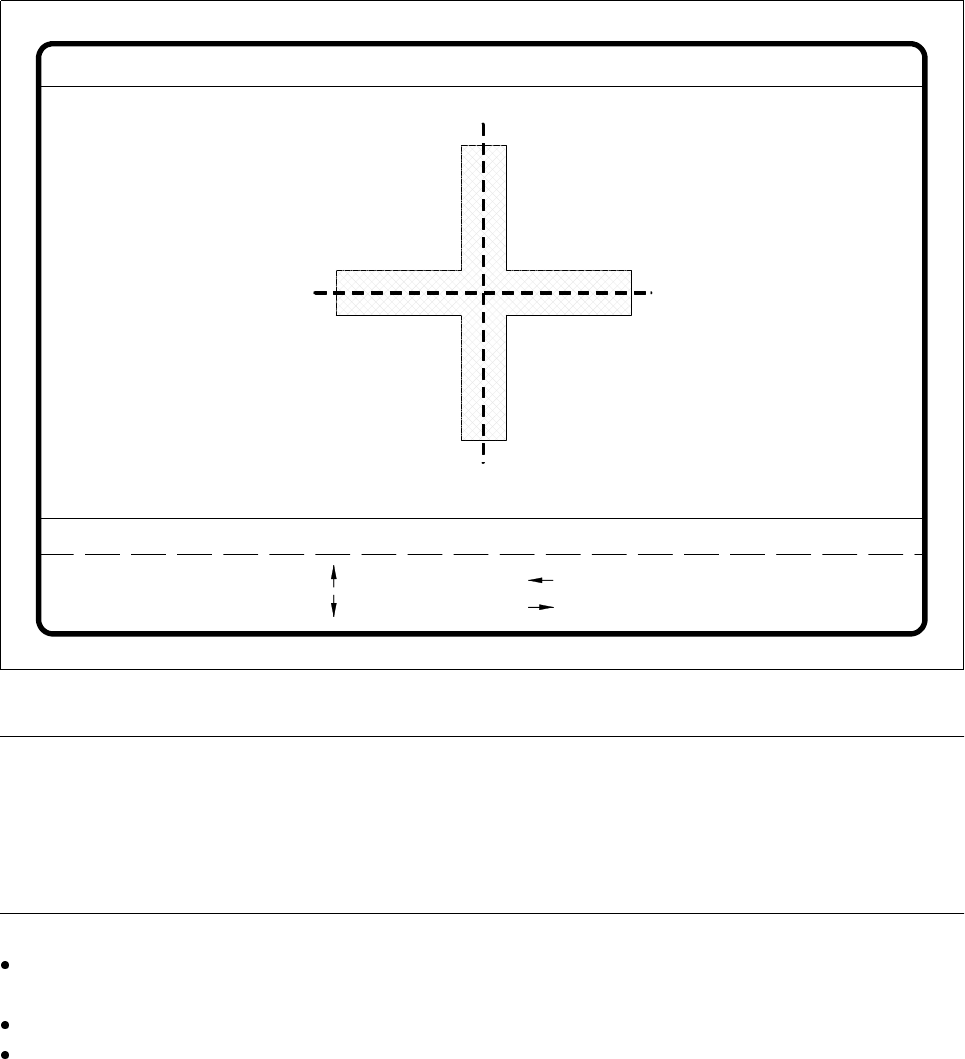
Fig. 5.5.14
Teach fiducial
menu,
Teach with standard values
video image
NOTE
However, if you wish to use a fiducial despite the fact that it has a low uniqueness value, you should ensure
that the fiducial has a good quality value (see ’Test Option’, Page 5 - 67.)
If the quality is bad as well, it would be better to select another fiducial (see ’Criteria for Creating Fiducials’ in
Section 5.2.5 from Page 5 - 19).
Use the arrow keys to change the camera position. You can vary the step width by entering a number in
the range 1 - 6.
Press the
Return
key to repeat the teaching process.
Press
Esc
to quit the teaching process. The video image disappears and the
Teach fiducial
menu is dis-
played once more.
teach
1..6 : x/y step
Fiducial No. = 8 Uniqueness = 70
Ret :
Standard values
x/y step width = ...
: x axis +
: x axis -
: y axis +
: y axis -
5 Vision Functions SIPLACE 80S-20/F4/F5 User Manual
5.5 Teach Fiducial 05/99 Issue from Software Version SR.405.xx
5 - 54 Line engineer
5.5.4.2
High, Middle and Low Resolution
Options
When you select one of these options,
– the menu closes,
– the video image is shown with fiducial and search area, and
– header and footer with commentary, measurement results, key assignments and command sequences are
displayed.
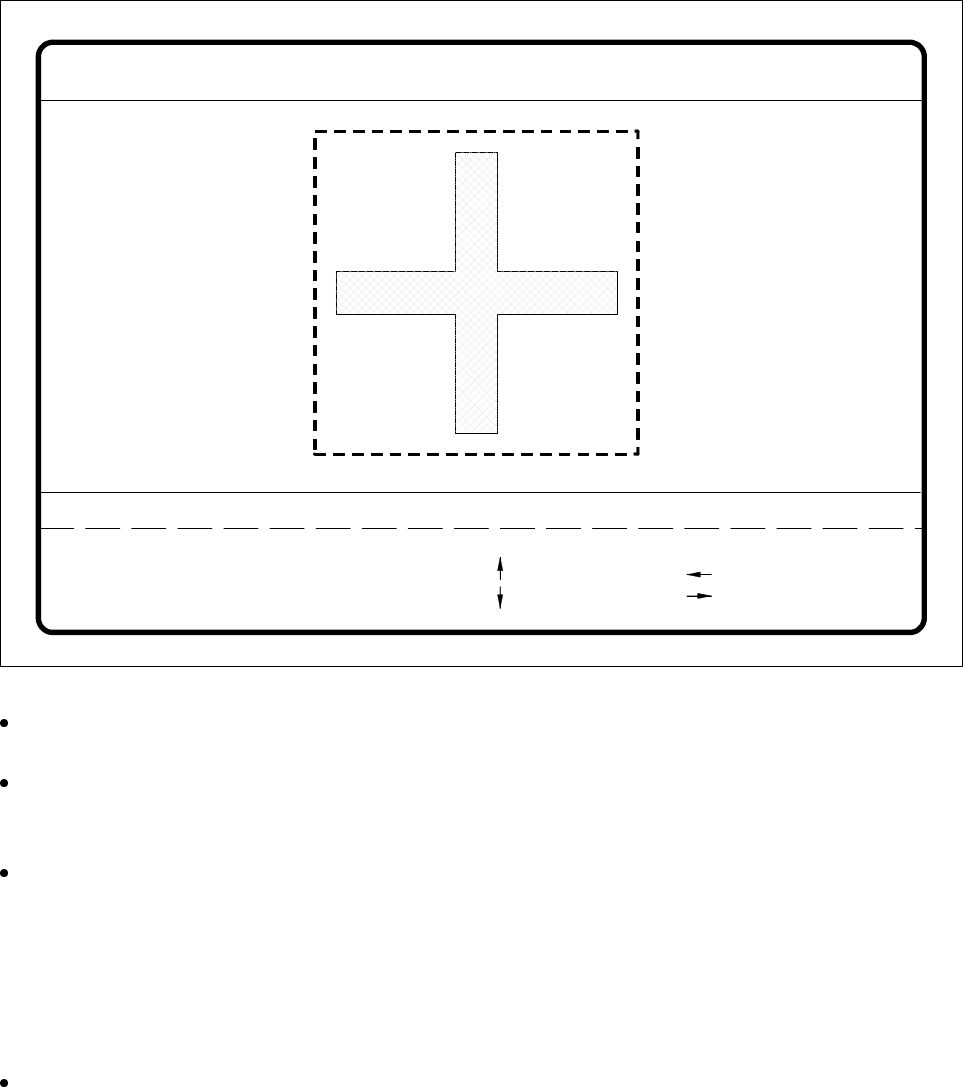
Fig. 5.5.15
Teach fiducial
menu,
Change search area
video image
Use the arrow keys to change the camera position. You can specify the step width by entering a number in
the range 1 - 6.
Use the
+
and
-
keys to move the fiducial boundaries and teach them at the same time. With the space bar
you can toggle between horizontal and vertical directions. With the
Tab
key you can toggle the field step
width between 1 pixel and 10 pixels.
Press
Return
to launch the teaching process.
The unique value appears on the screen as the measurement result. This may vary between
0 = unsatisfactory and
100 = very good differentiation capability.
Practice shows that a uniqueness value of at least 60 must be achieved.
Repeat the teaching process a number of times with changed field sizes. In this way you can optimize the
uniqueness value. Reducing the size of the search area to dimensions which are less than those of the
fiducial itself will increase the uniqueness value since the fiducial ends will for example when wetted with
Fiducial No. = 8 Uniqueness = 70
Blank: hor./vert.
Tab : field step
Template high res.
1..6 : x/y step
: x axis +
: x axis -
: y axis +
: y axis -
x/y step width = ...Direction = ...
Field step = ...
Ret: teach
- : smaller
+ : larger

SIPLACE 80S-20/F4/F5 User Manual 5 Vision Functions
05/99 Issue from Software Version SR.405.xx 5.5 Teach Fiducial
Line engineer 5 - 55
solder-stop lacquer will exhibit poor reflection characteristics. However you should not select too small a
field as this may impair the uniqueness of the fiducial among other things.
Press
Esc
to quit this option.
NOTE
However, if you wish to use a fiducial despite the fact that it has a low uniqueness value, you should
ensure that the fiducial has a good quality value (see ’Test Option’, Page 5 - 67.)
If the quality is bad as well, it would be better to select another fiducial (see ’Criteria for Creating Fiducials’
in Section 5.2.5 from Page 5 - 19.
Changing existing fiducials
During each teaching process the centering offsets are set to zero. If this is not done, optical centering with
the fiducial structure field boundaries will not be correct, the measurement results would be distorted.
5.5.4.3
Search Area
Option
The search area is a freely selectable field within the field of view of the camera.
NOTE
– Always select a size for the search area which will still also take into account tolerances in board
positioning.
– Make sure that there are no other structures within the search area as otherwise fiducial re-identification
could unnecessarily be made more difficult.
– Repeat the tests with different search area sizes. It may also be appropriate to optimize
the uniqueness value.
When you select the
Search area
option
– the menu closes,
– the teaching process is launched,
– the video image is shown with fiducial and search area, and
– header and footer with commentary, measurement results, key assignments and command sequences are
displayed.