80S-2080F480F5.pdf - 第389页
SIPLACE 80S-20/F4/F5 User M anual 5 Vision Func tions 05/99 Issue from Software Vers ion SR.405.xx 5.8 Recommenda tion for visually centering c omponents Line en gineer 5 - 157 5.8 Recommendation for visually centering c…
5 Vision Functions SIPLACE 80S-20/F4/F5 User Manual
5.7 Guidelines for Describing Package Forms 05/99 Issue from Software Version SR.405.xx
5 - 156 Line engineer
SIPLACE 80S-20/F4/F5 User Manual 5 Vision Functions
05/99 Issue from Software Version SR.405.xx 5.8 Recommendation for visually centering components
Line engineer 5 - 157
5.8 Recommendation for visually centering compo-
nents
5.8.1 Visually centering flip-chips
5.8.1.1 Entering the data on the line computer
Described the ball radius.
Select tolerances of between 10 % and 20 %.
5.8.1.2 Setting the parameters on the station computer
Under the ’Illumination’ option in the ’Test component’ menu, select the flat illumination plane and set the
brightness values to between 200 and 255. Do
NOT
use transformation tables to do this.
Select a positive ball contrast under the ’Ball image’ option.
PLEASE NOTE:
If a lot of ’non-ball structures’ are identified as ball structures (they can be recognized by the small
crosses), increase the ball contrast. The number of crosses can be estimated in the ’Measure’ menu dur-
ing the grid measurement.
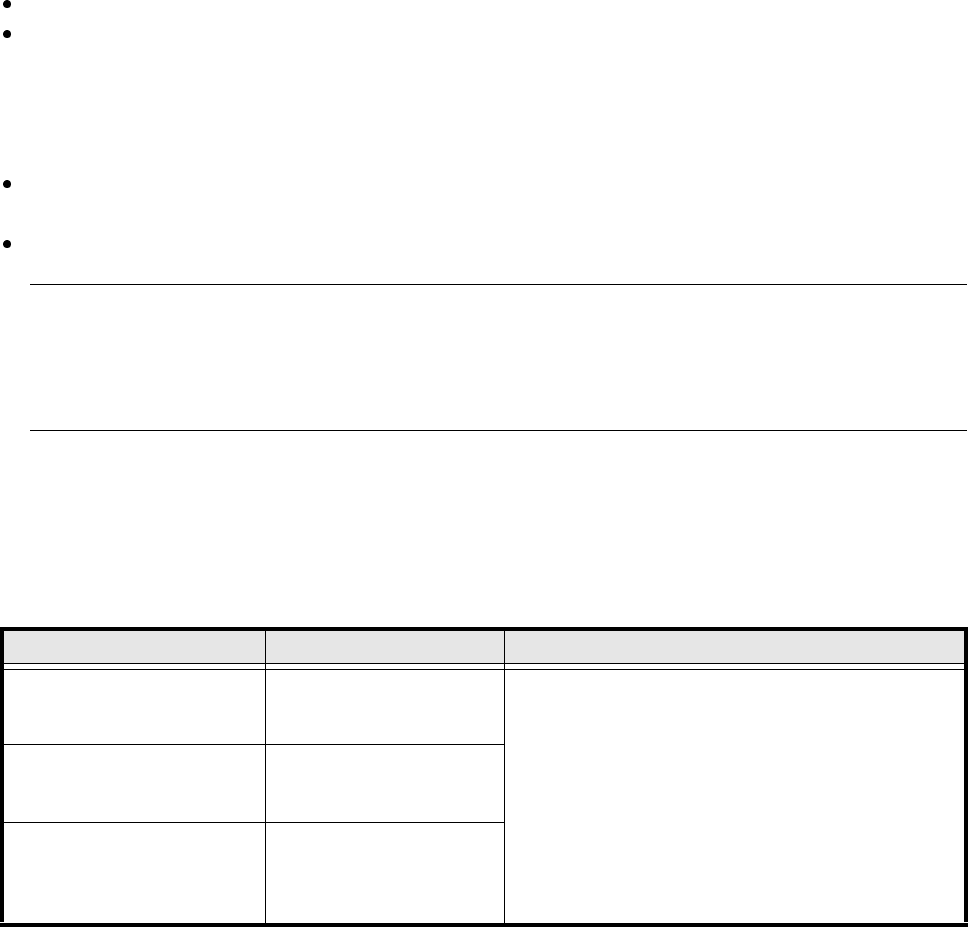
5.8.1.3 Recommended sequence of measurements for flip-chips
Recommended sequence of measurements for visually centering flip-chips
Size measuring mode Grid measuring mode Ball measuring mode
Resolution for calculating the
angle:
low resolution
For single measurement:
3 balls per corner
Standard
ball detection:
Hex value P1 = 80
Fast
ball detection:
Hex value P1 = A0
PLEASE NOTE:
Switch Ball mode off if it is not necessary to measure all
the balls.
In this case, P1 must be set to 80 in Grid mode.
Resolution in the measuring
direction:
medium
For multiple measurement:
5 balls per corner
Resolution
in the integration direction:
medium
Hex value P1 = 80
Tab. 5.8.1 Recommended sequence of measurements for visually centering flip-chips
5 Vision Functions SIPLACE 80S-20/F4/F5 User Manual
5.8 Recommendation for visually centering components 05/99 Issue from Software Version SR.405.xx
5 - 158 Line engineer
5.8.2 Visually centering screening plates
PLEASE NOTE:
Screening plates must not be described as BGAs unless their dimensions exceed 32 mm x 32 mm. This is the
maximum admissible size for single measurements. If BGA mode is used to describe screening plates, the
holes are measured as well.
5.8.2.1 Entering the data on the line computer
Describe the radius of the holes.
Select tolerances of between 10% and 20 %.
5.8.2.2 Setting the parameters on the station computer
Under the ’Illumination’ option in the ’Test component’ menu, select the flat, medium and steep illumination
planes.
Select a negative ball contrast under the ’Ball image’ option in the ’Test components’ menu.
PLEASE NOTE:
If a lot of ’non-ball structures’ are identified as ball structures (they can be recognized by the small
crosses), reduce the negative value. The number of crosses can be estimated in the ’Measure’ menu dur-
ing the grid measurement.
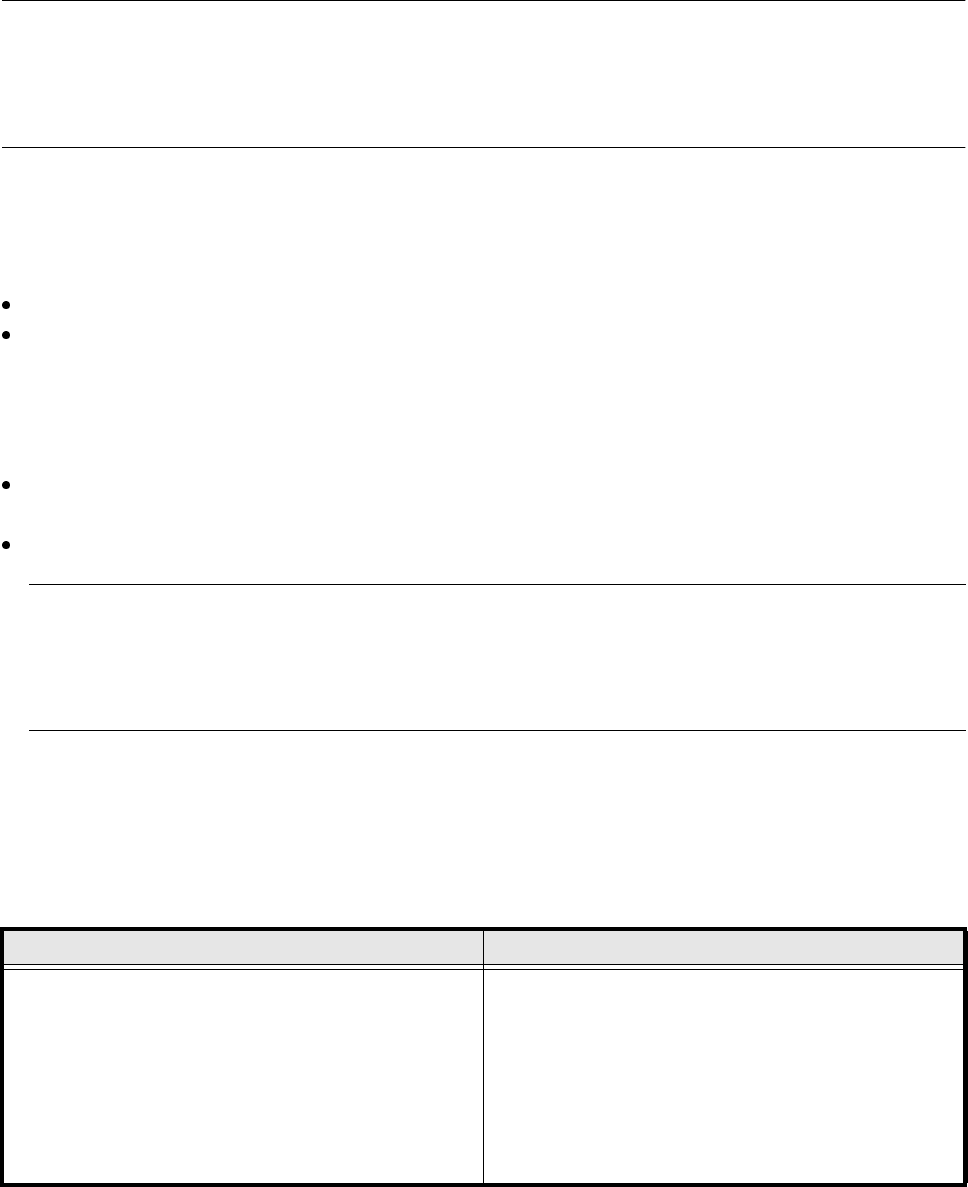
5.8.2.3 Recommended sequence of measurements for screening plates > 32 mm x
32 mm
Grid measuring mode Ball measuring mode
Multiple measurement:
5 balls per corner
Hex values for small holes:
P1 = 80 (full resolution)
Standard ball detection:
Hex value P1 = 80
Fast ball detection:
Hex value P1 = A0
PLEASE NOTE:
Switch Ball mode off if it is not necessary to measure all
the balls.
In this case, P1 must be set to 80 in Grid mode.
Tab. 5.8.2 Recommended sequence of measurements for visually centering screening plates