Portal-Operation-Manual-REV-I.pdf - 第59页
PVA Portal Manual Revision I / Janua ry 2022 Page 59 of 106 9.3 Terminal The Terminal tab is used to communic ate with the controller and as a debug tool. Figure 57 : Termin al Tab
PVA Portal Manual
Revision I / January 2022
Page 58 of 106
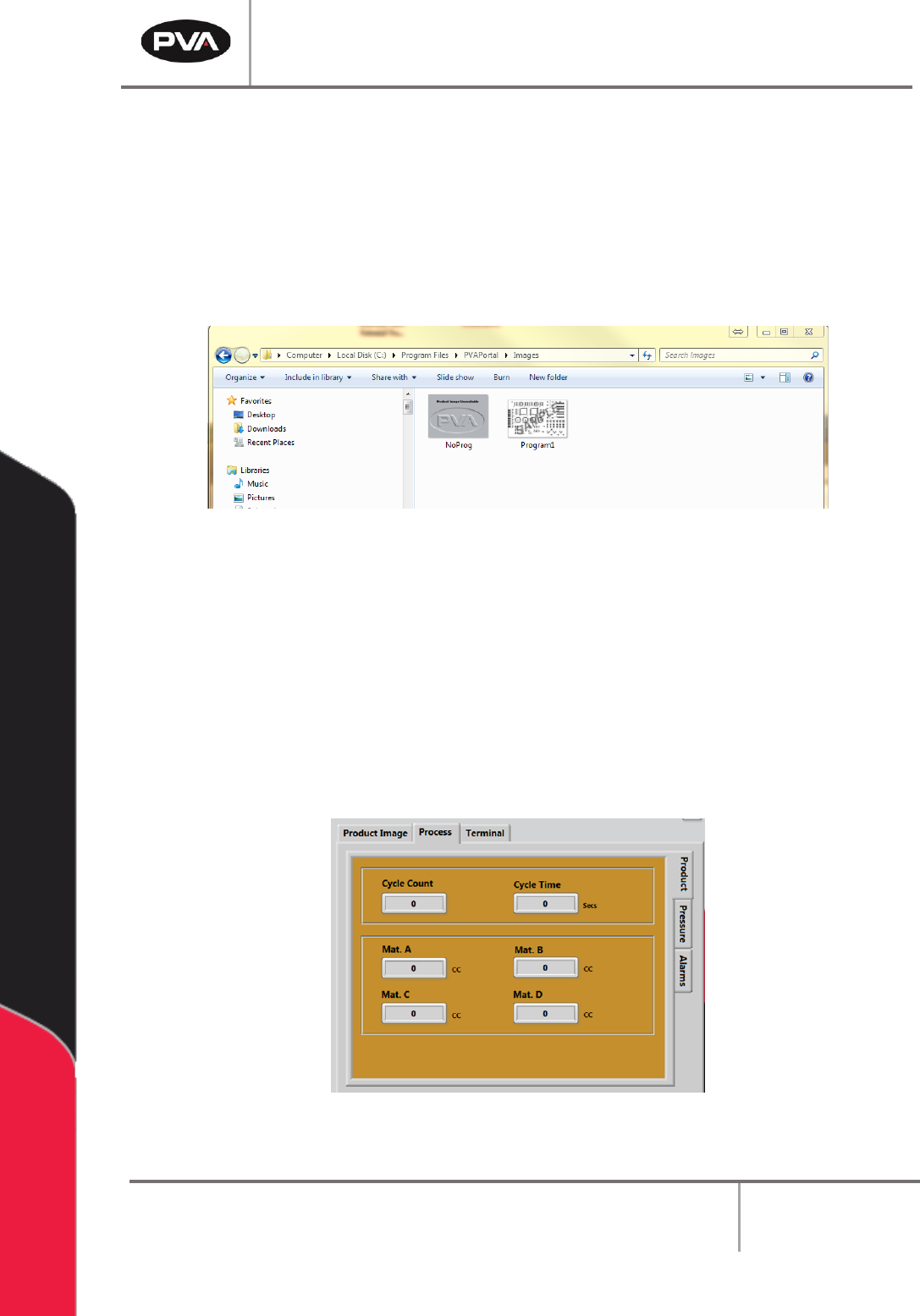
9.1.1 Adding Product Images
1. Copy and paste the Product Image to the following directory:
C:\Program Files\PVAPortal\Images
Note: The Product Images must be a JPEG/JPG file.
2. Rename the file to match the PathMaster® Program Name.
Figure 55: Product Image Directory
9.2 Process
9.2.1 Product
The Product tab is on the right-hand side of the System Tabs screens within the Process
tab. This screen shows the Cycle Count and Cycle Time as well as the Material Volume
from the previous Auto Cycle or One Shot Run. The data in this screen is updated after
every run.
Figure 56: Process Product Tab
PVA Portal Manual
Revision I / January 2022
Page 59 of 106
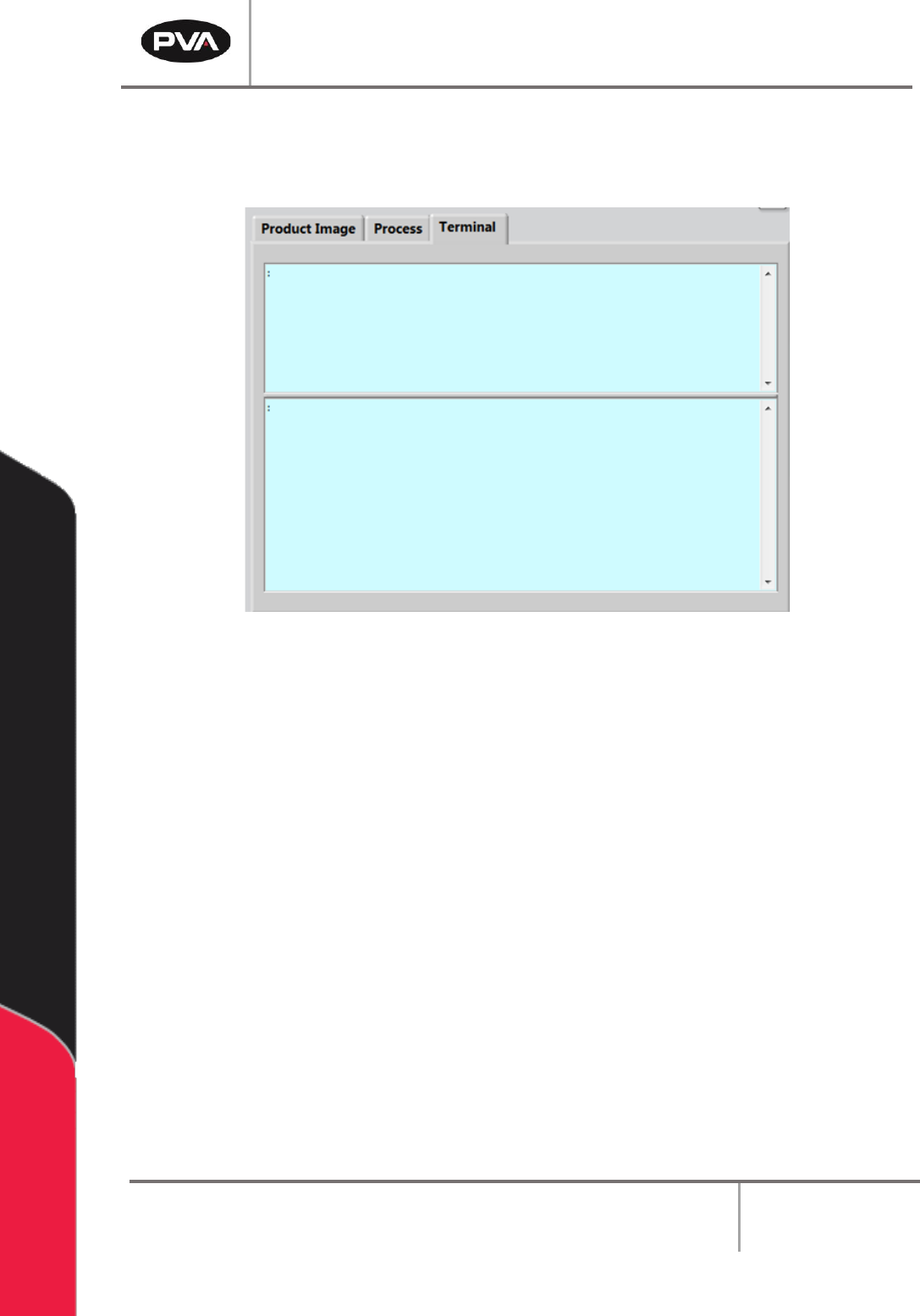
9.3 Terminal
The Terminal tab is used to communicate with the controller and as a debug tool.
Figure 57: Terminal Tab
PVA Portal Manual
Revision I / January 2022
Page 60 of 106
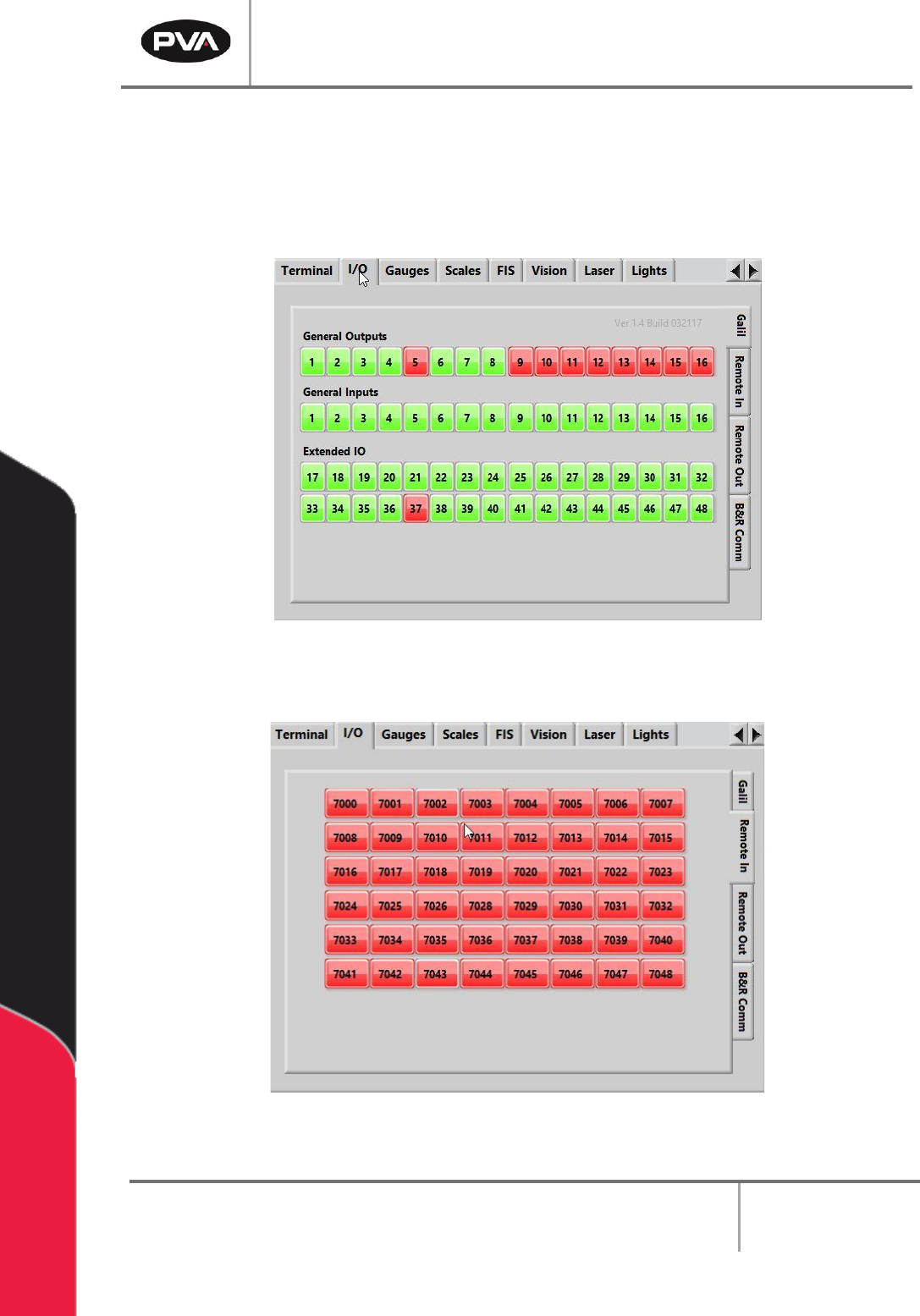
9.4 I/O
The I/O tab contains the Galil, Remote In, Remote Out, and B&R Comm tabs that allow
the Inputs to be verified and the Outputs to be toggled on or off. Refer to the electrical
schematics for I/O designation.
Figure 58: I/O Galil Tab
Figure 59: Remote Inputs Tab