MD600 Series Compact AC Drive Hardware Guide-EN-B06.PDF - 第84页
Unpacking and Handling ‑83‑ 9 Unpacking and Handling Unpacking 1. Open the package of the AC drive (①). 2. Take out the cushion (②). 3. Take out the AC drive (③) and the accessory kit (④). Figure 9‑1 Unpacking Table 9–1 …
Power Supply Compatibility Check
‑82‑
8 Power Supply Compatibility Check
Check and ensure that the voltage of the mains power is compatible with the voltage of
the AC drive power supply.
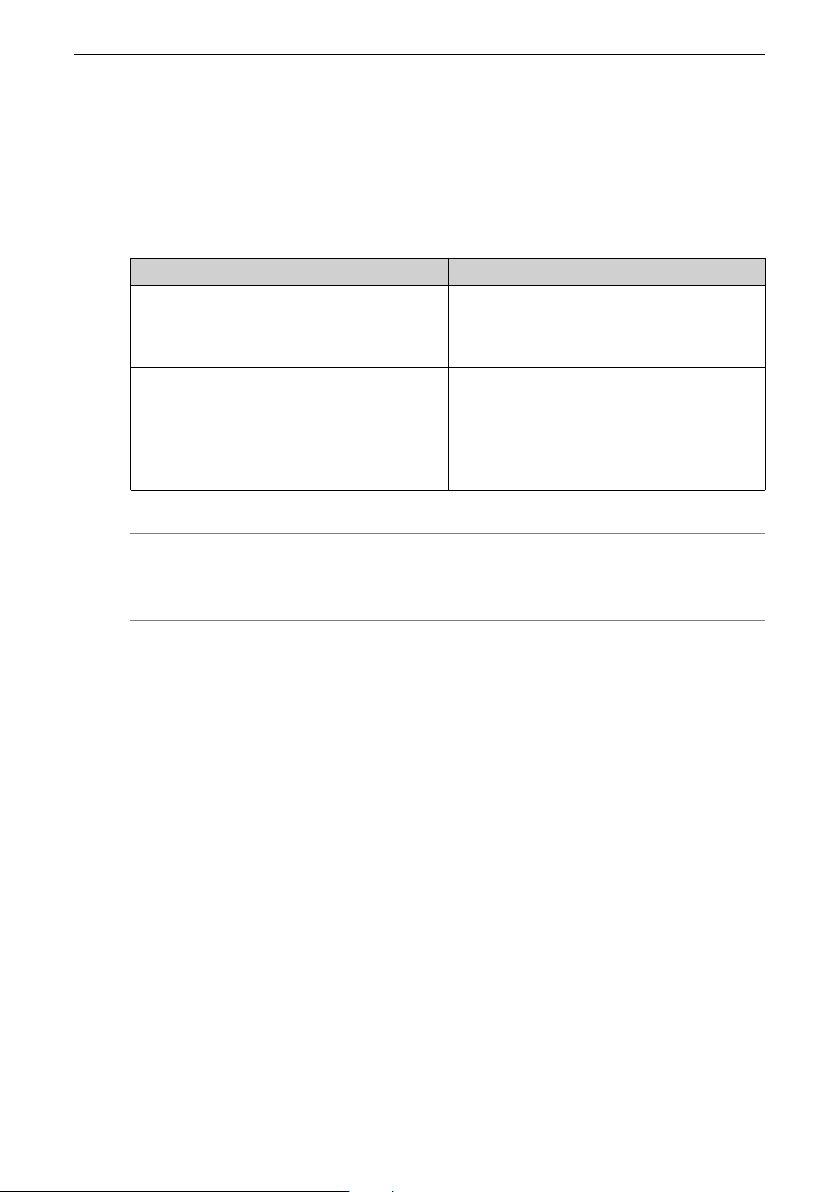
The following table describes the AC drive models and power supply voltage.
Table 8–1 AC drive models and power supply voltage
Rated voltage
AC drive model
Single-phase 200 V to 240 V
MD600S/A-2S2R8
MD600S/A-2S4R6
MD600S/A-2S7R5B
MD600S/A-2S010B
Three-phase 380 V to 480 V
MD600S/A-4T1R6
MD600S/A-4T2R3
MD600S/A-4T4R8
MD600S/A-4T5R5B
MD600S/A-4T9R5B
MD600S/A-4T013B
Note
MD600S indicates the RS485 model, and MD600A indicates the CAN model.
Unpacking and Handling
‑83‑
9 Unpacking and Handling
Unpacking
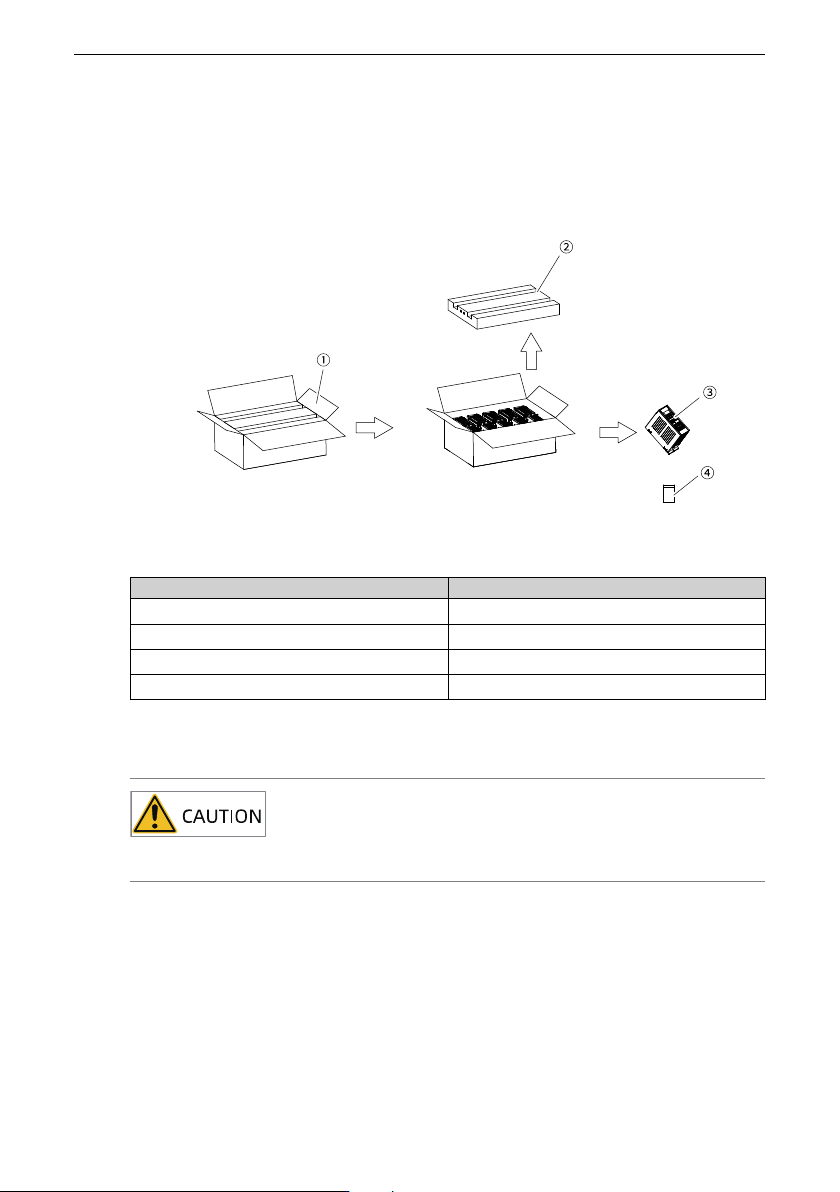
1. Open the package of the AC drive (①).
2. Take out the cushion (②).
3. Take out the AC drive (③) and the accessory kit (④).
Figure 9‑1 Unpacking
Table 9–1 Unpacking list
No. Name
①
AC drive package
②
Cushion
③
AC drive
④
Accessory Kit
Storage
Store and transport the equipment as required to prevent damage.
● The drive must be stored in a clean and dry room, where the temperature ranges from
-20°C and +60°C and temperature change rate is smaller than 1°C/min.
● Do not store or transport the equipment in locations where the equipment may be
exposed to splashing water or rain, direct sunlight, strong electric field, strong
magnetic field, or strong vibration.
● Do not expose the drive to environments with moisture, high temperature, or strong
sunlight for a long time.

Unpacking and Handling
‑84‑
● If the drive needs to be stored for a long period of time, cover it or take other
appropriate measures to keep it from contamination and adverse environmental
impacts.
● Pack the drive with the original packing box provided by Inovance.
● Store the equipment for up to three months. Take stricter protective measures and
carry out the necessary inspections for a longer storage time.
● The electrolytic capacitor will deteriorate after long-term storage. Therefore, switch
on the drive once for at least 5 hours every 6 months. Increase the input voltage
slowly to the rated value by using a voltage regulator. Contact Inovance for technical
support if necessary.
● Pack the equipment securely and properly before transportation. Use a fully enclosed
container for long-distance transportation.
● Never transport the drive with other device or materials that may harm or have
negative impacts on the drive.
Handling
Note
● Large-scale or heavy equipment must be transported by qualified professionals
using specialized hoisting equipment. Failure to comply may result in personal
injuries or equipment damage.
● Before hoisting the equipment, ensure the components such as the front cover
and terminal block are secured firmly with screws. Loosely-connected
components may fall off and result in personal injuries or equipment damage.
● Never stand or stay below the equipment when the equipment is being hoisted
by the hoisting equipment.
● When hoisting the equipment with a steel rope, ensure the equipment is hoisted
at a constant speed without suffering from vibration or shock. Do not turn the
equipment over or let the equipment stay hanging in the air. Failure to comply
may result in personal injuries or equipment damage.
● When carrying the equipment with bare hands, hold the equipment casing firmly
with care to prevent parts from falling. Failure to comply may result in personal
injuries.
● Handle the equipment with care during transportation and mind your steps to
prevent personal injuries or equipment damage.