00191913-01.pdf - 第513页
User Manual SIPLACE 80S-20/F4 11 Station extensions / hardware Software vers ion SR.406.xx 0 2/2000 Issue US 11.10 PCB data transfer 511 1 1.10.2 Activating the PCB dat a transfer option Å Clic k on th e ‘Machi ne option…
11 Station extensions / hardware User Manual SIPLACE 80S-20/F4
11.10 PCB data transfer Software version SR.406.xx 02/2000 Issue US
510
11.10 PCB data transfer
11.10.1 Functional description
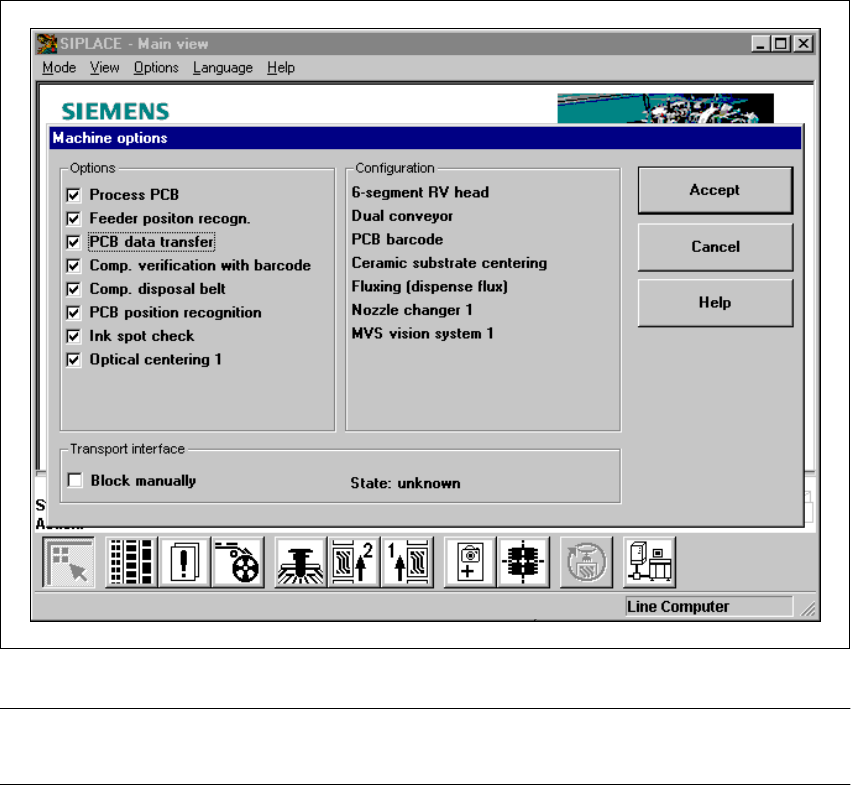
The ‘PCB data transfer’ option has been included in the ‘Machine options’ menu. The aim of this
function is to increase the line performance of your placement system by fully measuring a PCB
at the
first
placement machine, determining the associated fiducial, subpanel, ink spot, etc, data,
saving this data and then sending it to the next machine. At the next machine, it is then only nec-
essary to determine the data for two fiducial positions. These two fiducial positions are then used
to correct the position of each subsequent machine for the PCB to be placed. It is thus not neces-
sary to measure the entire PCB, together with its subpanels, ink dots, etc. 11
Fig. 11.10 - 1 Machine option: PCB data transfer
PLEASE NOTE: The PCB data transfer function can only be used if a PCB barcode reader is in-
stalled. 11
User Manual SIPLACE 80S-20/F4 11 Station extensions / hardware
Software version SR.406.xx 02/2000 Issue US 11.10 PCB data transfer
511
11.10.2 Activating the PCB data transfer option
Å Click on the ‘Machine options’ button from the main view.
The ‘Machine options’ window will appear.
Å Select the ‘PCB data transfer’ option from the ‘Options’ box at the machine concerned.
Å Click on the ‘Accept’ button. The ‘PCB data transfer’ option is now active.
11 Station extensions / hardware User Manual SIPLACE 80S-20/F4
11.11 Feeder position recognition Software version SR.406.xx 02/2000 Issue US
512
11.11 Feeder position recognition
11.11.1 General
A feeder can be measured if it is equipped with position fiducials. 11
This function can also be used with the waffle tray holder (manual tray) if it has position fiducials. 11
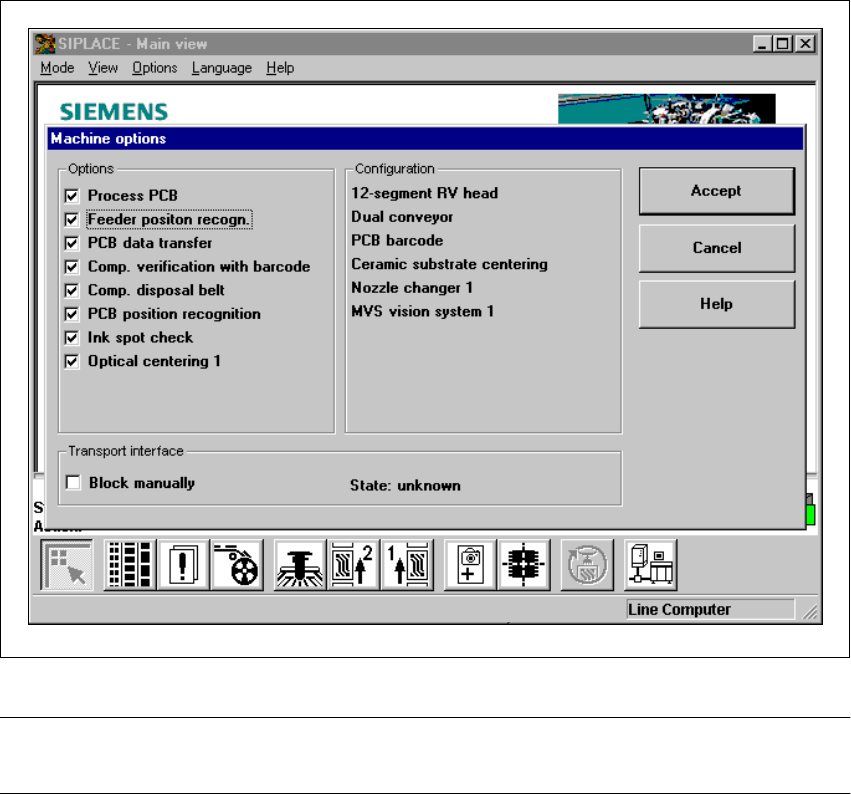
If the ‘Feeder position recognition’ function is selected on the line computer, this function will ap-
pear in the machine options. 11
You can then activate or deactivate feeder position recognition at each station from the machine
options. 11
.
Fig. 11.11 - 1 Feeder position recognition
PLEASE NOTE:
The ‘feeder position recognition’ function is always inactive when the station is switched on. 11