4OM-1345-009_w.pdf - 第229页
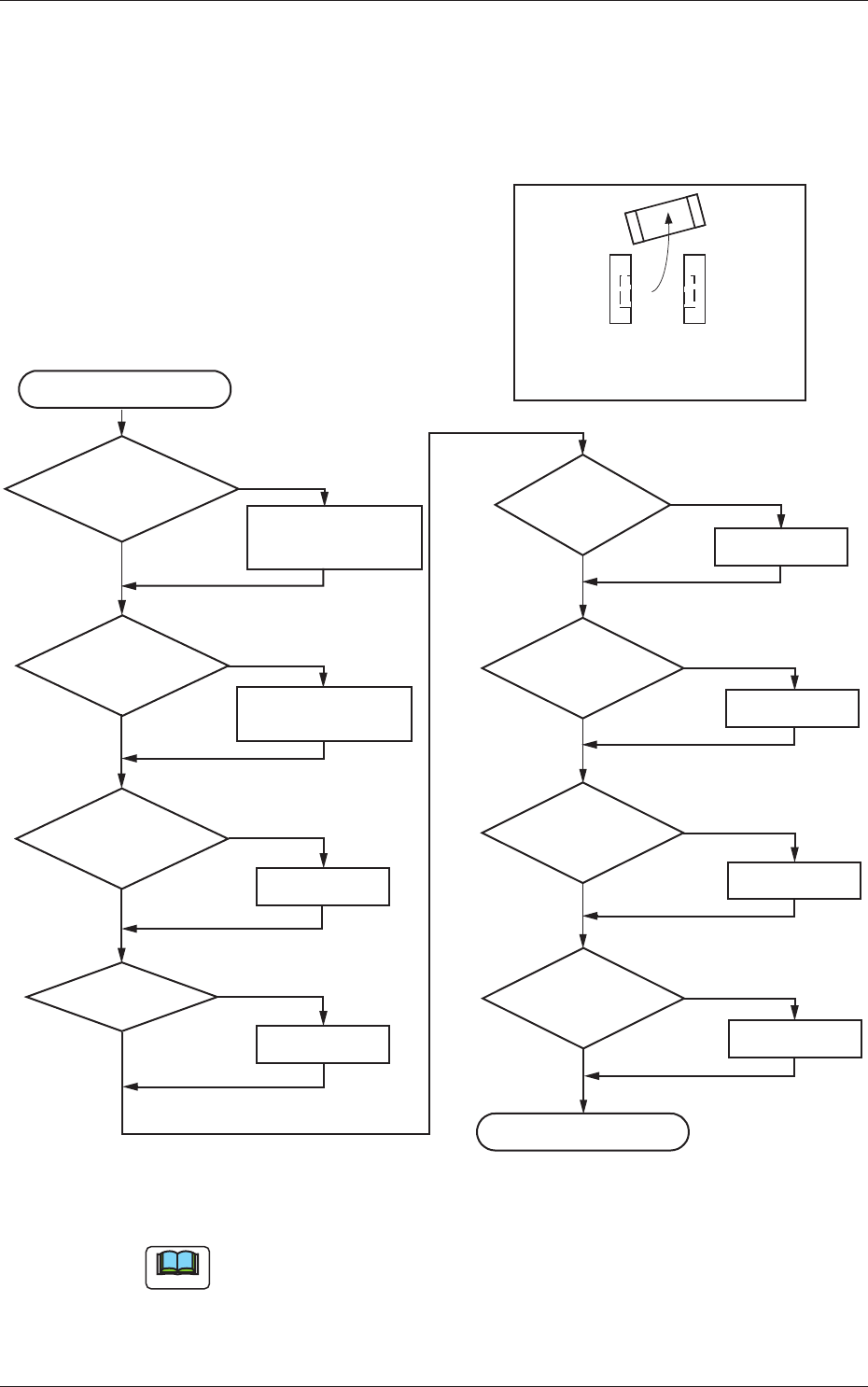
5-12 AKHEMT -ID 3.2 Symptom-Based T roubleshooting (1) Component Placement Marks at Speci fi ed Positions on PCB Lands NG OK OK OK NG NG OK NG END OK OK NG NG Correction OK NG Replacement NG Note OK Dirt, Magnetization, a…

5-11
AKHEMT-ID
3.1 Cause and Remedy of Placement Errors
0605-001
(2-2) Machine-Based Factors
Shown below are the assumable main factors based on the machine.
When trouble occurs in some of the components (the components of the
same type that have been used in the past actual production), check for
the following factors.
•
W
orn, Clogged, or Dirty Vacuum Nozzle
•
Vacuum Nozzle Up/Down Movement Error
•
Flow Rate of Broken Vacuum and Performance Error
•
Improper Placement Height Level
•
Imperfect Holding Power for Z Clamping
•
Dirt and/or Nicks on Linear Measure Sensor
(3) Other Factors
The factors other than the machine-based ones are assumed to be the
shape of the component, the condition of the PCB, or the condition of
solder paste or glue.
The factors are shown in the table below.
Check each item and take measures if necessary.
If no quick improvement can be made due to the condition of the PCB
or solder paste, failures can be avoided by slowing down the speed of
the component placement or the PCB transfer.
Table 4E2
Component
A foreign substance exists on the upper surface
of a component and adheres to the vacuum
nozzle.
There is a protruding portion on the upper
surface of a component, causing the lower
surface of the vacuum nozzle to wear out and
an error during the teaching operation through
component recognition lighting.
Oil or mold lubricant adheres to the lower
surface of a component.
PCB
Some PCBs vibrate during component placement
because the warpage is great.
Some PCBs are fi xed imperfectly due to
variations in shape.
Glue
Shortage of Applied Glue
Solder Paste
Shortage of Applied Solder Paste
Shortage of Adhesion
5-12
AKHEMT-ID
3.2 Symptom-Based Troubleshooting
(1) Component Placement Marks at Specifi ed Positions on PCB
Lands
NG
OK
OK
OK
NG
NG
OK
NG
END
OK
OK
NG
NG
Correction
OK
NG
Replacement
NG
Note
OK
Dirt, Magnetization,
and/or Electrification
on Vacuum Nozzle
Cleaning,
Demagnetization,
and/or Deelectrification
Dirt on Vacuum
Filter and Attachment
Cleaning,
Replacement, or Repair
Verification of PCB
Thickness Data
Z Clamping
Correction
Adjustment
PCB Positioning
Vacuum Valve
ON/OFF
Switching
Component
Library Data
Improvement
Adhesion of
Solder Paste
Re-Setting
START
Component Placement Marks on
Solder Paste at Specified Positions
on PCB Lands
Fig. 4E10
Note
Check the vacuum ON/OFF switching in the "Output Chk" tab sheet in the
"I/O DIAG" window. (Operation Sequence: [MAINT] Button
→
[DVC
CHK] Button
→
"Output Chk" Tab)
3.2 Symptom-Based Troubleshooting
0605-001
5-13
AKHEMT-ID
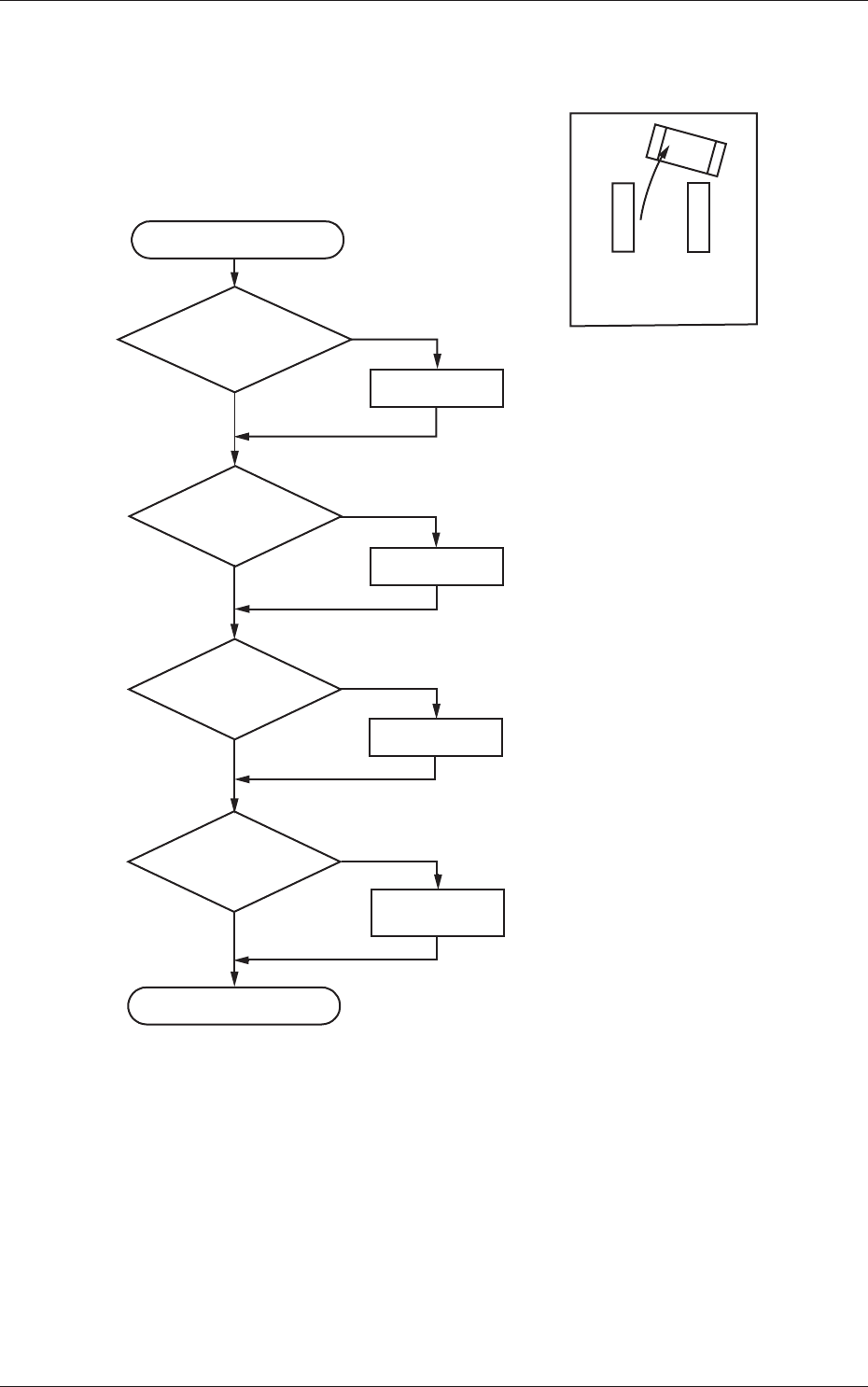
(2) No Component Placement Marks at Specifi ed Positions on PCB
Lands
NG
OK
OK
OK
NG
NG
OK
NG
END
Z Clamping
Correction
START
Verification of PCB
Thickness Data
Correction
Adjustment
Component
Library Data
Air Joint
Disconnected
Replacement
or Repair
No Trace on
Solder Paste
Fig. 4E11
3.2 Symptom-Based Troubleshooting
0605-001