AltaPail II Bulk Melters Product Manual.pdf - 第105页
Advanced Software Me lter Configuration 7 -19 Part 1121836_03 E 1 1/2014 Nordson Corporation System Settin gs The following se ctions detail t he following: S Defining format a nd units S Defining the data and time S Def…
Advanced Software Melter Configuration
7-18
Part 1121836_03
E 11/2014 Nordson Corporation
Default Input Settings
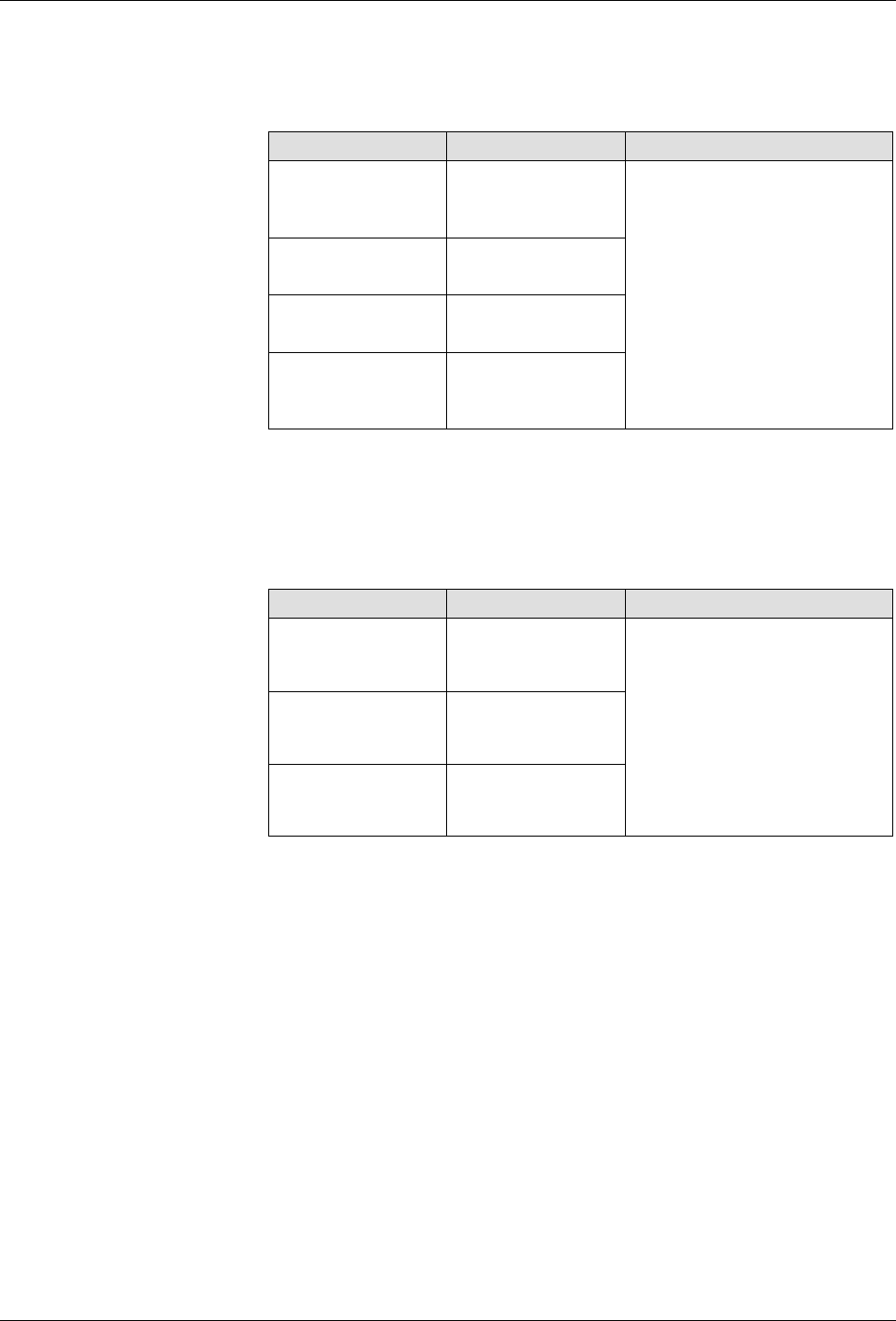
By default, all four inputs are pre-configured for you. The following table
details the defaults and available input options.
Input # Default Available Options
Input 1 Automatic
Standby
S
Disabled
S
Heater Control
S
Standby
S
Pump (Control)
S
External Zone# A/B
S
Automatic Standby
(only available for
Input 1)
Input 2 Standby
Input 3 Heater Control
Input 4 External Zone
1A/1B
Default Output Settings
By default, all three outputs are pre-configured for you. The following table
details the defaults and available output options.
Output # Default Available Options
Output 1 Ready
S
Disabled
S
Ready
S
Ready-Pump On
S
Fault
S
Tank Low
S
Alert
S
Service
Reminder
Output 2 Fault
Output 3 Tank Low
Advanced Software Melter Configuration
7-19
Part 1121836_03
E 11/2014 Nordson Corporation
System Settings
The following sections detail the following:
S
Defining format and units
S
Defining the data and time
S
Defining service intervals
S
Defining language preferences
S
Defining display options
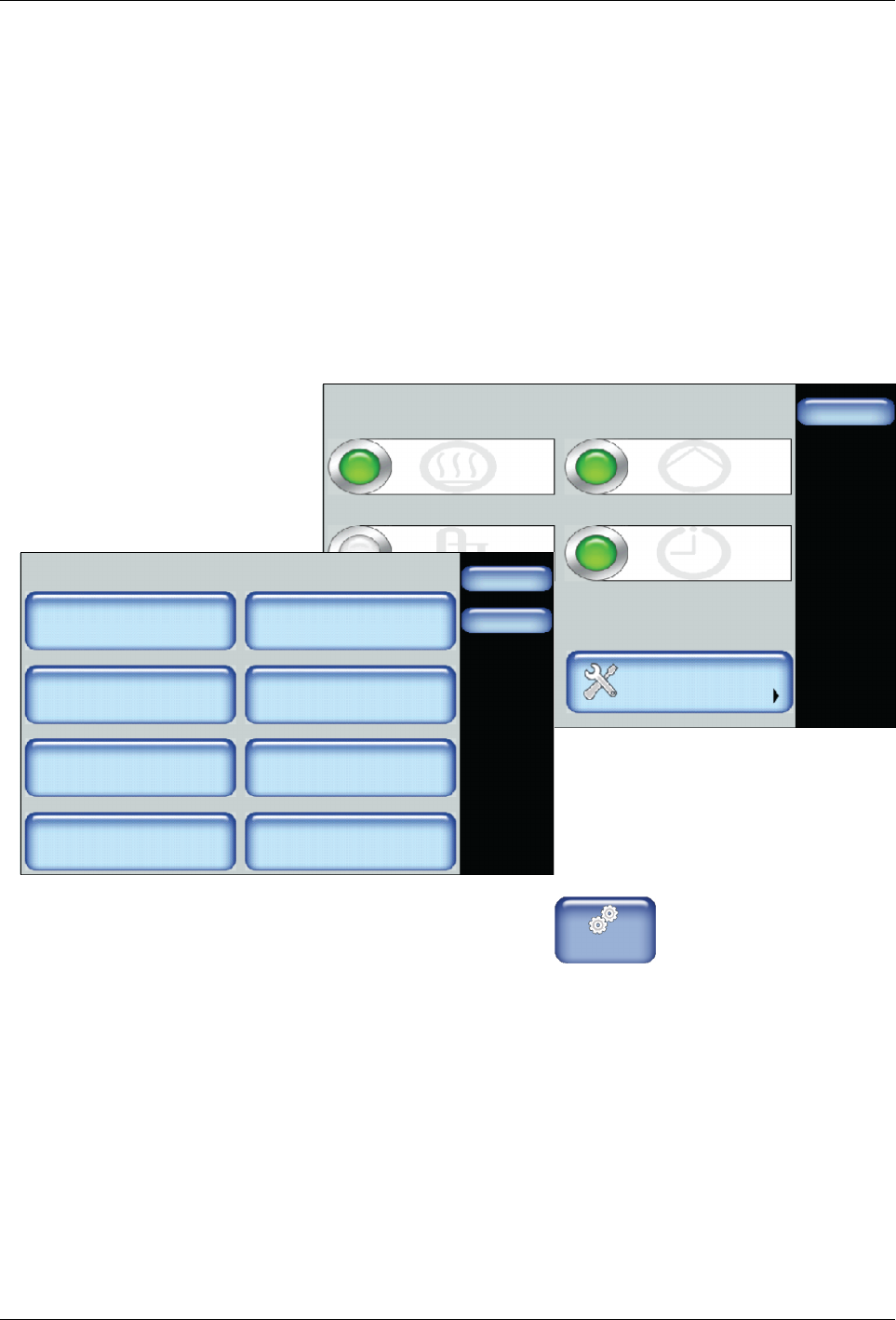
Accessing System Settings
Done
Scheduler
Pump ControlHeater Control
Standby
Settings System
Master Controls
Scheduler: Off
Pump: OnHeaters: On
Standby: Off
System
Done
Home
Formats/Units
Date/Time
Password
Display
Service Interval Administration
Scheduler Language
03/20/2014 4:40PM
500 Hours
1. From the Home Display touch
Master
Controls
2. Touch System.
Refer to the following sections for more information.
Advanced Software Melter Configuration
7-20
Part 1121836_03
E 11/2014 Nordson Corporation
Defining Formats and Units
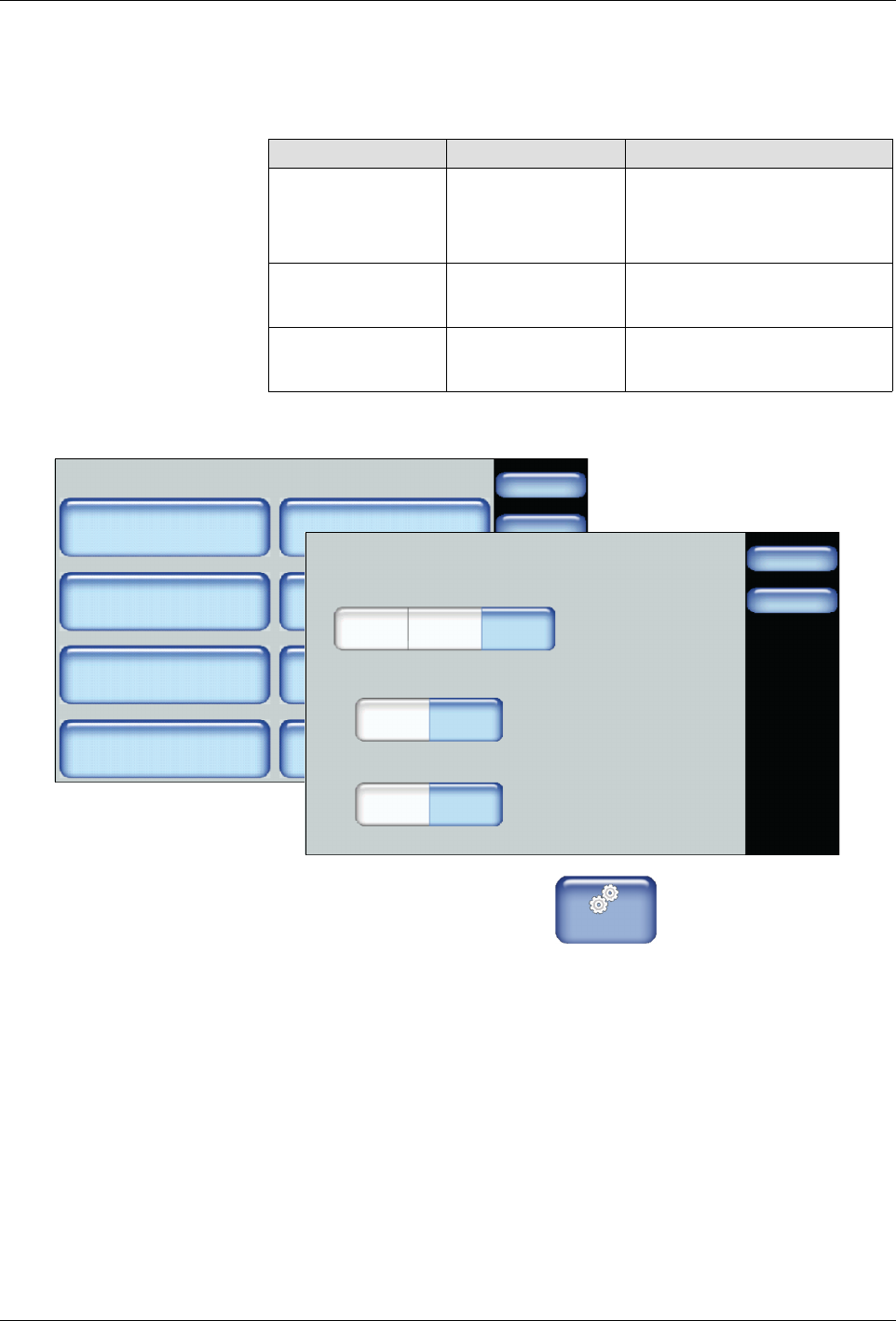
The following table details the default selection for each system-wide
format/unit, as well as its available options.
Item Default Available Options
Date Format mm/dd/yy
S
yy/mm/dd
S
dd/mm/yy
S
mm/dd/yy
Time Format 24
S
12
S
24
Temperature
Format
°C
S
°C
S
°F
System
Done
Home
Formats/Units
Date/Time
Password
Display
Service Interval Administration
Scheduler Language
03/20/2014 4:40PM
500 Hours
Formats/Units
Done
Home
Date Format
yy/mm/dd
Time Format
Temperature Format
dd/mm/yy mm/dd/yy
12 24
_C _F
1. From the Home Display touch
Master
Controls
2. Touch System, then Formats/Units.
3. Touch the selection you want to use for each format/unit.
4. Touch Done.