AltaPail II Bulk Melters Product Manual.pdf - 第116页
Advanced Software M elter Configuration 7 -30 Part 1121836_03 E 1 1/2014 Nordson Corporation Step 1: Access the Scheduler a nd ver ify that th e system date, time and day of week are correct System Done Home Formats/Unit…

Advanced Software Melter Configuration
7-29
Part 1121836_03
E 11/2014 Nordson Corporation
Configuring Scheduled Events
Use the scheduler to time daily heater and standby events. The following
figure illustrates a typical daily schedule.
Heaters On
Enter Standby - break
Heaters Off
Exit Standby
Enter Standby - shift change
Exit Standby
NOTE: About scheduling events:
S
Define up to 12 events per day.
S
Each day can have its own unique schedule.
S
Copy and paste schedules to other days of the week.
S
Scheduled events cannot cross over to the next day.
Creating a Schedule of events is a 3-step process
Step 1: Access the Scheduler and verify that the system date, time and day
of week are correct.
Step 2: Define the first work day of the week that you want to start
scheduling events.
Step 3: Switch On the Scheduler control.
Advanced Software Melter Configuration
7-30
Part 1121836_03
E 11/2014 Nordson Corporation
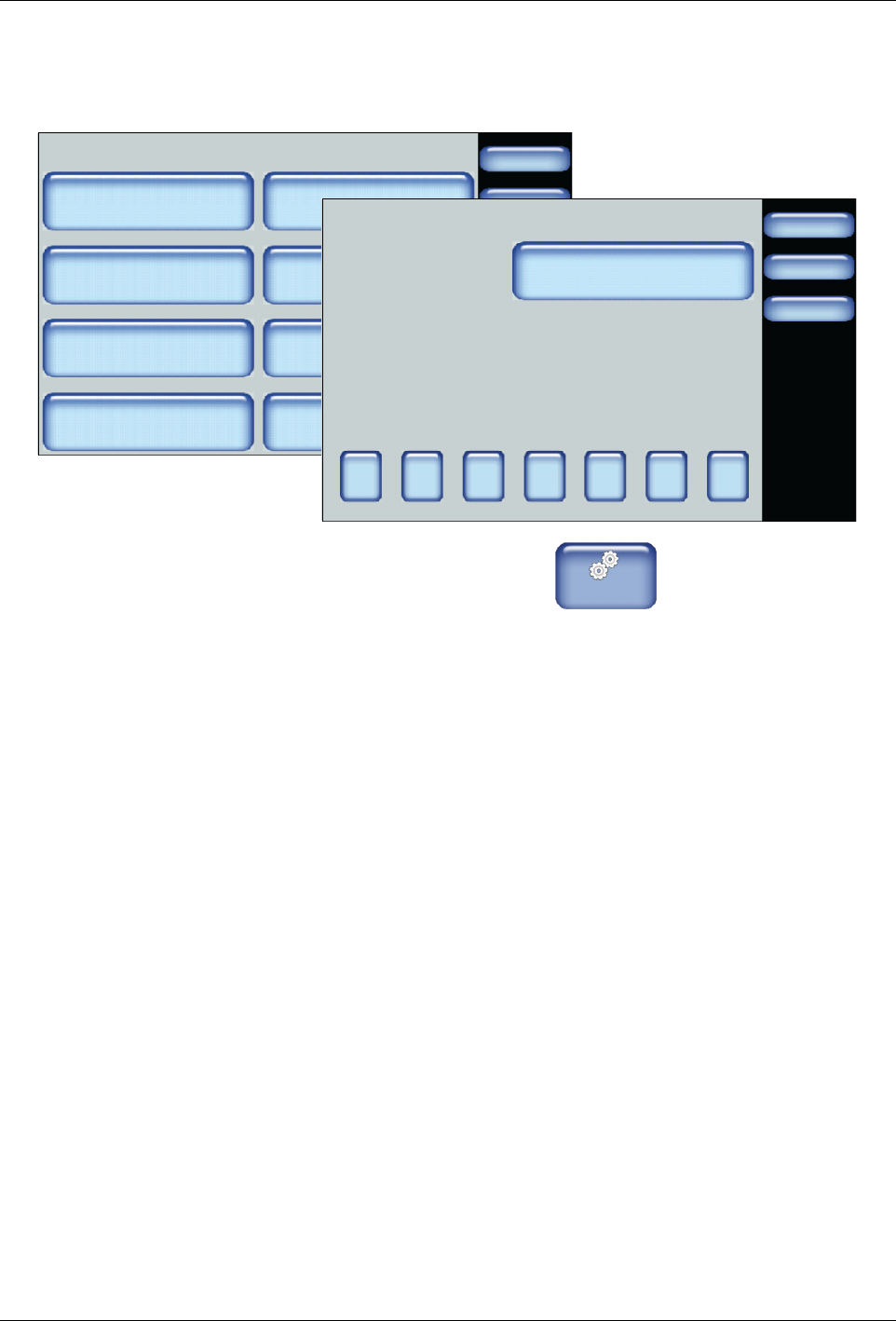
Step 1: Access the Scheduler and verify that the system date, time and
day of week are correct
System
Done
Home
Formats/Units
Date/Time
Password
Display
Service Interval Administration
Scheduler Language
03/20/2014 4:40PM
500 Hours
Done
Cancel
Sun
Scheduler
Update System Settings
Home
Current System Settings:
Sunday
03/20/2014
14:40
Mon Tue Wed Thu Fri Sat
1. From the Home Display touch
Master
Controls
2. Touch System, then Scheduler.
3. Make sure the Current System Settings are correct.
S
If the Day of the Week, Date and Time are incorrect, touch Update
System Settings and enter the correct information.
4. Touch the day of the week button that you want to schedule events. It is
recommended that you start with the first working day of the week, for
example Monday, and work forward. You can only copy/paste schedules
from one day to the next, but not backwards.
5. Proceed to the step 2.
Advanced Software Melter Configuration
7-31
Part 1121836_03
E 11/2014 Nordson Corporation
Step 2: Define the first work day of the week that you want to start
scheduling event
Done
Cancel
Scheduler:Monday
Add Heat Event
Home
Add Standby Event
Heat
Standby
Heat
06:00 11:30
11:31 13:00
13:01 18:30
Done
Cancel
7 8 9
4 5 6
1 2 3
0
Add Heat Event
Date:
Home
/:
Time:
Day of the Week:
03/20/2014
14:40
Tuesday
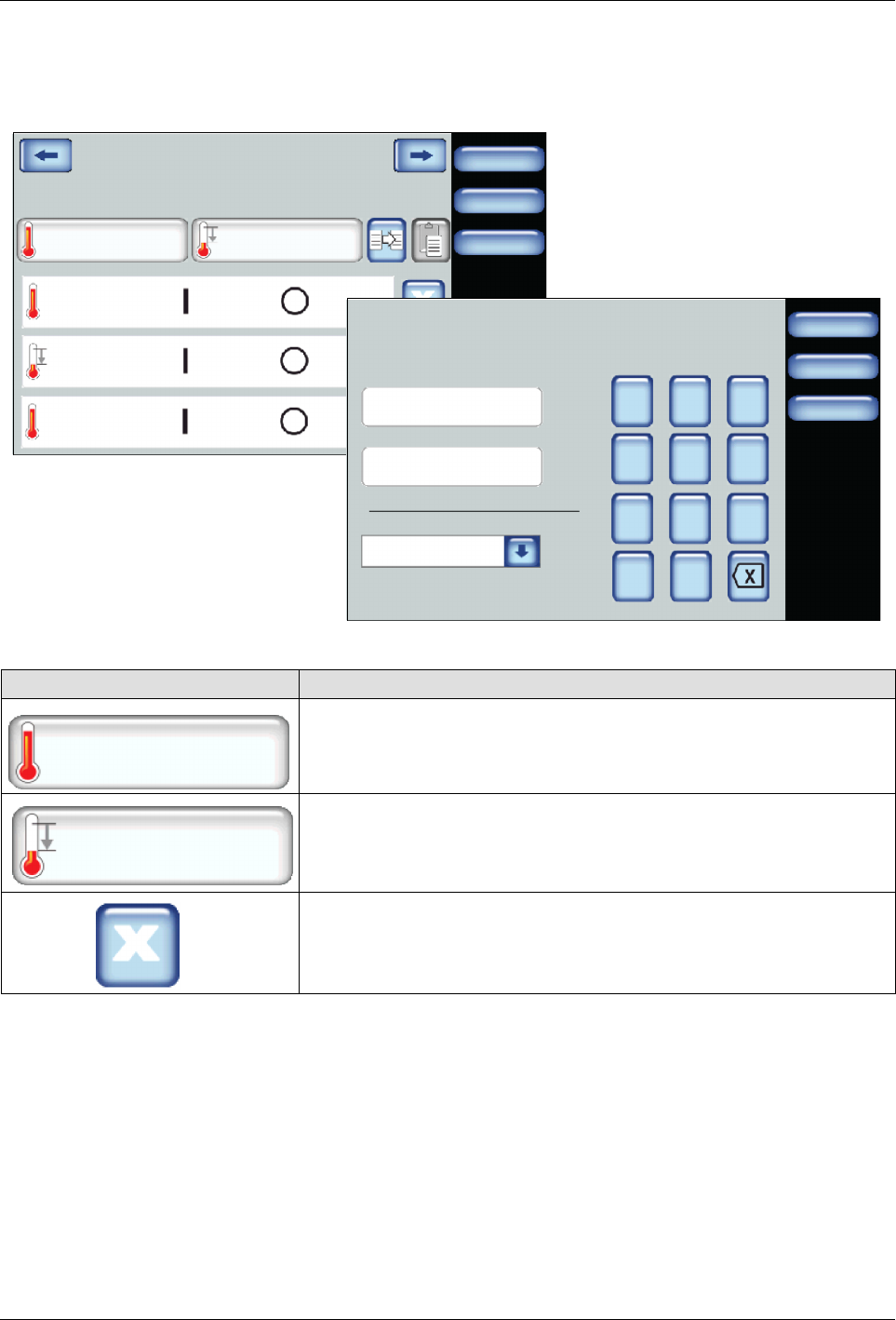
1. Do the following to continue:
Touch Description
Add Heat Event
Enter the time when you want the heaters to switch On and Off.
Typically, you would have only one heat event per day.
Add Standby Event
Enter the time when you want the system to enter, then exit Standby
Mode.
You can include multiple Standby events to include lunch breaks, shift
changes and so on.
To remove the event.