AltaPail II Bulk Melters Product Manual.pdf - 第79页
Basic Software Melter Configuration 6 -10 Part 1121836_03 E 1 1/2014 Nordson Corporation NOTES: S It is recommended tha t you power down the melter whe n you change external zone c omponents. S You cannot mix handguns an…
Basic Software Melter Configuration
6-9
Part 1121836_03
E 11/2014 Nordson Corporation
Modifying External Zone PID Types
You would only change an external zone PID Type association if you make
use of a different hardware component. Selecting the appropriate PID Type
provides optimum component performance.
NOTE: The Home screen displays the type of applicator this is currently
connected to the melter. The graphic does not change based on PID Type
selection.
Zone Default Options
Internal Zone You cannot modify the internal zone PID Type association.
External Zones
S
Zones ending with a letter A are associated with
a Hose
S
Zones ending with a letter B are associated with
a Standard Applicator
S
Hose
S
Large Hose
S
Standard applicator
S
Large applicator
S
Hand applicator
S
Air Heaters
S
Platen
S
Custom PID Values
Zone 1A
Done
Zone State: Enabled
Adjust Set Point
Zone 1A
Change PID Type
Create/Modify Name
Hose
176_C
Zone 1A
Standard Applicator Large Applicator
Hose Large Hose
Custom PID Values
Hand Applicator Air Heater
Custom
PID
Home
Done
Platen
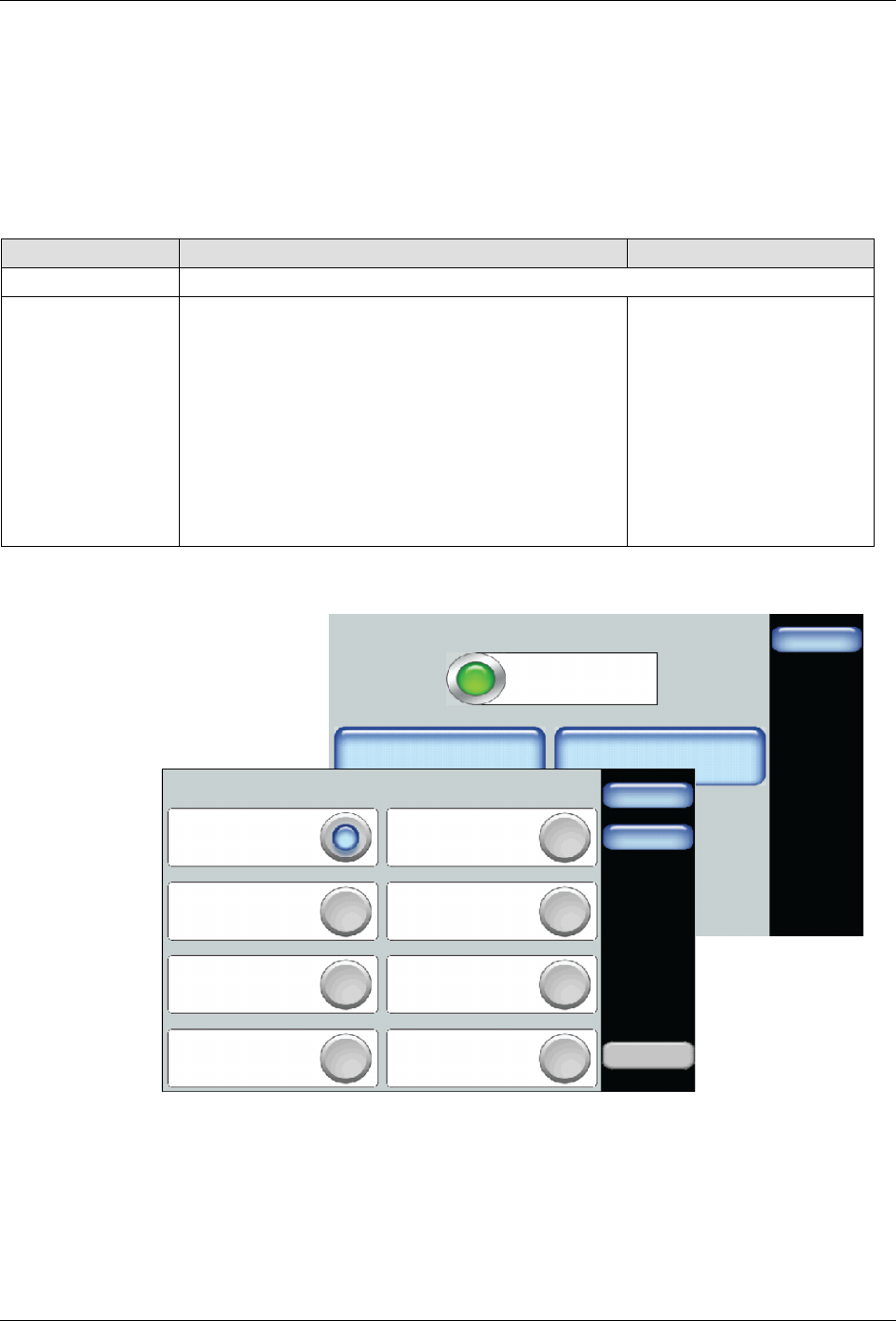
1. Access the Home screen and touch the external zone that you want to
change its PID type.
2. Touch Change PID Type and select the appropriate button
corresponding to the installed component for the selected zone.
3. Touch Done.
Basic Software Melter Configuration
6-10
Part 1121836_03
E 11/2014 Nordson Corporation
NOTES:
S
It is recommended that you power down the melter when you change
external zone components.
S
You cannot mix handguns and automatic applicators.
S
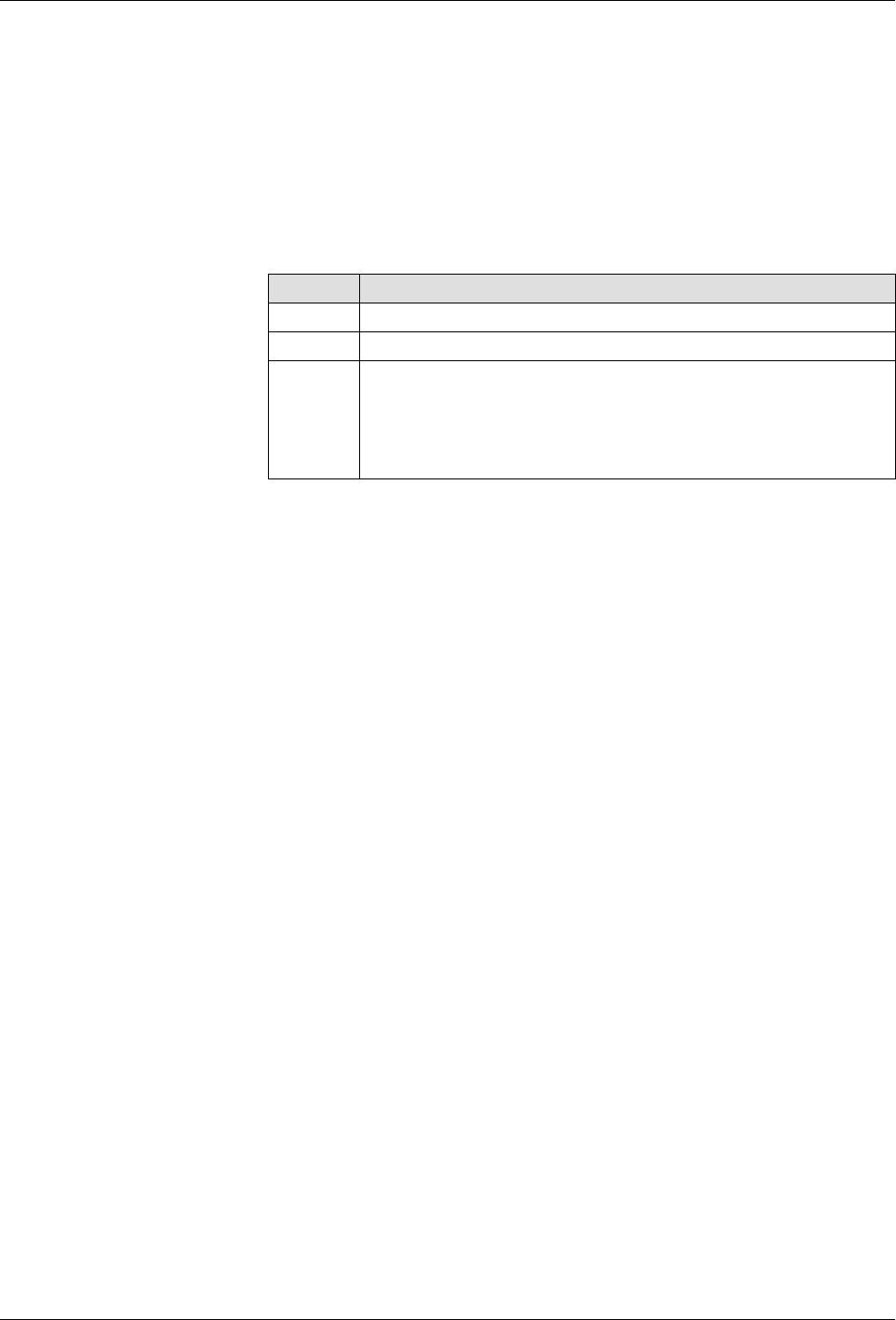
Touch Custom PID to enter your own PID values. PID is an acronym
for Proportional, Integral, Derivative, which is a continuous feedback
loop that ensures optimum performance and accuracy. Refer to
textbooks or the Internet for proportional integral derivative or PID
Control for additional information
Term Description
P Controls how fast the system responds to changes.
I Controls the offset error between the set point and the actual.
D
Used
to
optimize
the
system
response
-
but
only
if
the
feedback signal is stable.
Note: Always leave the Derivative constant set to zero unless
the feedback signal is very stable and noise free; otherwise,
you
may
experience
unstable
system
response.

Basic Software Melter Configuration
6-11
Part 1121836_03
E 11/2014 Nordson Corporation
Configuring the Pump
By default, you should be able to Enable/Disable the pump, change its
Operation mode (Manual or Gear-to-Line) and adjust its speed (RPM).
Use the Advanced pump settings to Calibrate the pump, enable/disable the
Auto Pump option, define Low Adhesive Timeout and hand applicator/pump
settings. Refer to the next chapter for more information.
Requirements for Running the Pump
The following lists the system requirements before you can run the pump:
S
The melter status must indicate Ready/OK.
S
The pump must be On.
S
In addition to the Platen, at least one external zone must be enabled.
S
The Master Heater Control must indicate On.
S
The Master Pump Control must indicate On.
NOTES:
S
The Master Pump and Heater Controls automatically switch Off,
when the melter is in a Fault condition.
S
You must wait until the melter status indicates Ready\OK before you
can manually or remotely switch On the Pump.
S
Use the Auto Pump option to automatically switch On the Pump
once the melter status indicates Ready\OK.
S
The state of a pump is independent of the overall status of the melter.
S
Make sure to save your changes to a recipe. Refer to Managing
Recipes for more information.
S
You can make use of standard or hand applicators in Manual or
Gear-to-Line pump operation modes.
S
If you connect a standard (automatic) applicator to one external zone
and a handgun to a different external zone, regardless of which you
connect first, the pump will operate in hand applicator mode. The
Home screen also displays both zones with a handgun icon,