AltaPail II Bulk Melters Product Manual.pdf - 第99页
Advanced Software Me lter Configuration 7 -13 Part 1121836_03 E 1 1/2014 Nordson Corporation Using the Auto Pump Op tion The Auto Pump option a llows you to touch the P ump button at any time while the melter i s heating…
Advanced Software Melter Configuration
7-12
Part 1121836_03
E 11/2014 Nordson Corporation
Modifying the Pump and Hand Applicator Usage
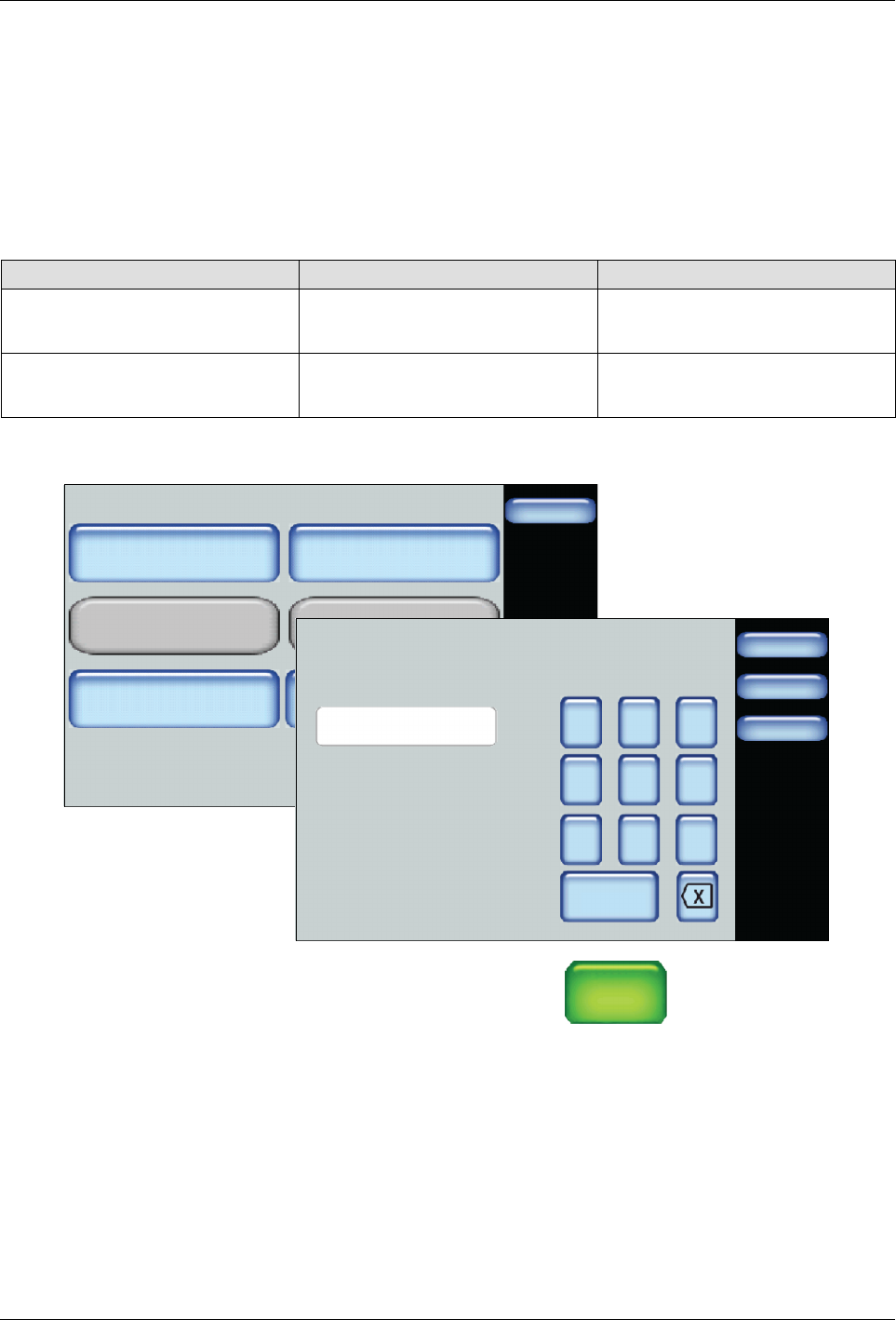
By default, when a handgun is connected to an external zone, the pump will
only run when the hand applicator trigger is engaged, and when released, the
pump will stop running. However, you can configure the pump to continue to
run for a predefined amount of time, after the trigger is released or keep the
pump running, regardless if the hand applicator trigger is engaged or not.
NOTE: The Pump Off Delay Infinite and the Pump Off Delay Time
buttons are available only when a hand applicator is connected and enabled.
Setting Default Options
Pump Off Delay Infinite Off
S
On
S
Off
Pump Off Delay Time 0 Seconds
S
Minimum: 0 Seconds
S
Maximum: 360 Seconds
Pump - Advanced
Done
Pump Off Delay Infinite
Off
Pump Off Delay Time
0 Sec.
Pump Calibration
On
Container Low to Empty
Timer
0 Sec.
Auto Pump
Off
Remote Control
Done
Cancel
7 8 9
4 5 6
1 2 3
0
Pump Off Delay Time Settings
0
Home
min
1. Access the Home screen, touch
Pump
GTL
45 RPM
then the Advanced button
2. Touch Pump Off Delay Time and enter how long you want the pump to
continue running after the trigger is released.
3. Touch Done.
NOTE: Touch the Pump Off Delay Infinite button located on the Pump
Advanced screen to prevent the pump from switching Off when you release
the trigger.
Advanced Software Melter Configuration
7-13
Part 1121836_03
E 11/2014 Nordson Corporation
Using the Auto Pump Option
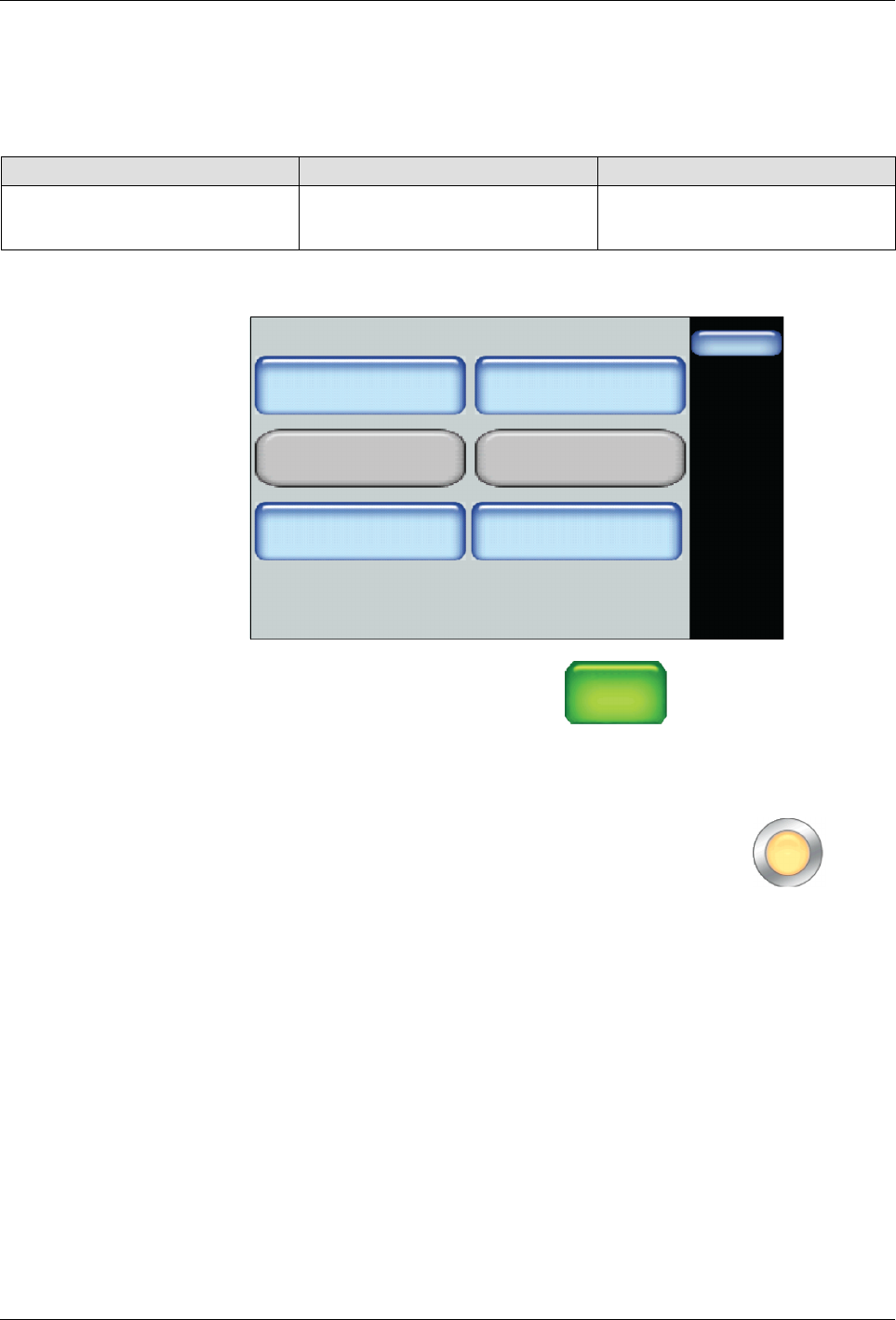
The Auto Pump option allows you to touch the Pump button at any time while
the melter is heating up to normal operation temperature, thereby allowing
the Pump to automatically start when the melter status indicates Ready/OK.
Setting Default Options
Auto Pump Off
S
On
S
Off
Pump - Advanced
Done
Pump Off Delay Infinite
Off
Pump Off Delay Time
0 Sec.
Pump Calibration
On
Container Low to Empty
Timer
0 Sec.
Auto Pump
Off
Remote Control
1. Access the Home screen, touch
Pump
GTL
45 RPM
then the Advanced button
2. Touch Auto Pump to switch this option On or Off.
3. Touch Done.
NOTE: The Pump Control button changes to the following (light
orange) indicating the Auto Pump option is switched On.
Advanced Software Melter Configuration
7-14
Part 1121836_03
E 11/2014 Nordson Corporation
Modifying the Low to Empty Container Timer
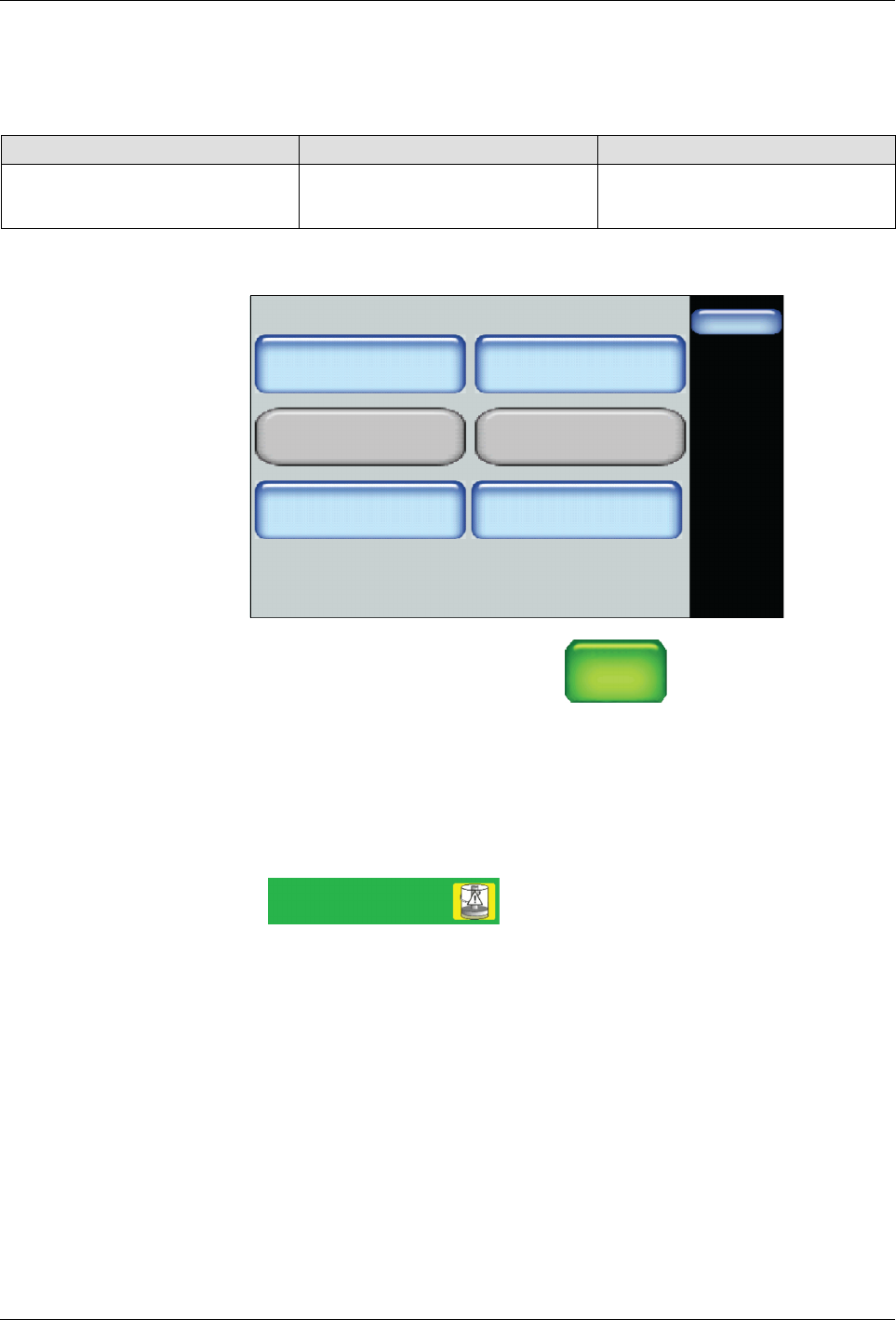
You can configure the melter to switch the pump Off, after a predefined
number of seconds when the Low Level indicator appears.
Setting Default Options
Container Low to Empty Timer 0 Seconds
S
Minimum: 0 Seconds
S
Maximum: 120 Seconds
Pump - Advanced
Done
Pump Off Delay Infinite
Off
Pump Off Delay Time
0 Sec.
Pump Calibration
On
Container Low to Empty
Timer
0 Sec.
Auto Pump
Off
Remote Control
1. Access the Home screen, touch
Pump
GTL
45 RPM
then the Advanced button
2. Touch Container Low to Empty Timer and the number of seconds you
want to continue production before switching the pump Off.
3. Touch Done.
NOTE: When the melter detects a Low Level, the following melter status
appears:
System Status:
Ready Low Level
When time elapses, the pump switches off, and although the heaters remain
On, the Platen and all enabled external zones cool to their Standby
temperatures.