AltaPail II Bulk Melters Product Manual.pdf - 第121页
Advanced Software Me lter Configuration 7 -35 Part 1121836_03 E 1 1/2014 Nordson Corporation Locating the Customer and Interna l SD C ards The LCD M odule includes two SD Card slots: S Customer SD Card - Conta ins a \bac…
Advanced Software Melter Configuration
7-34
Part 1121836_03
E 11/2014 Nordson Corporation
Administrative Options and Settings
The following sections detail the following:
S
Managing recipes
S
Viewing the event log
S
Resetting to System Defaults
S
Resetting password level codes
S
Viewing system information
S
Locking out melter communication
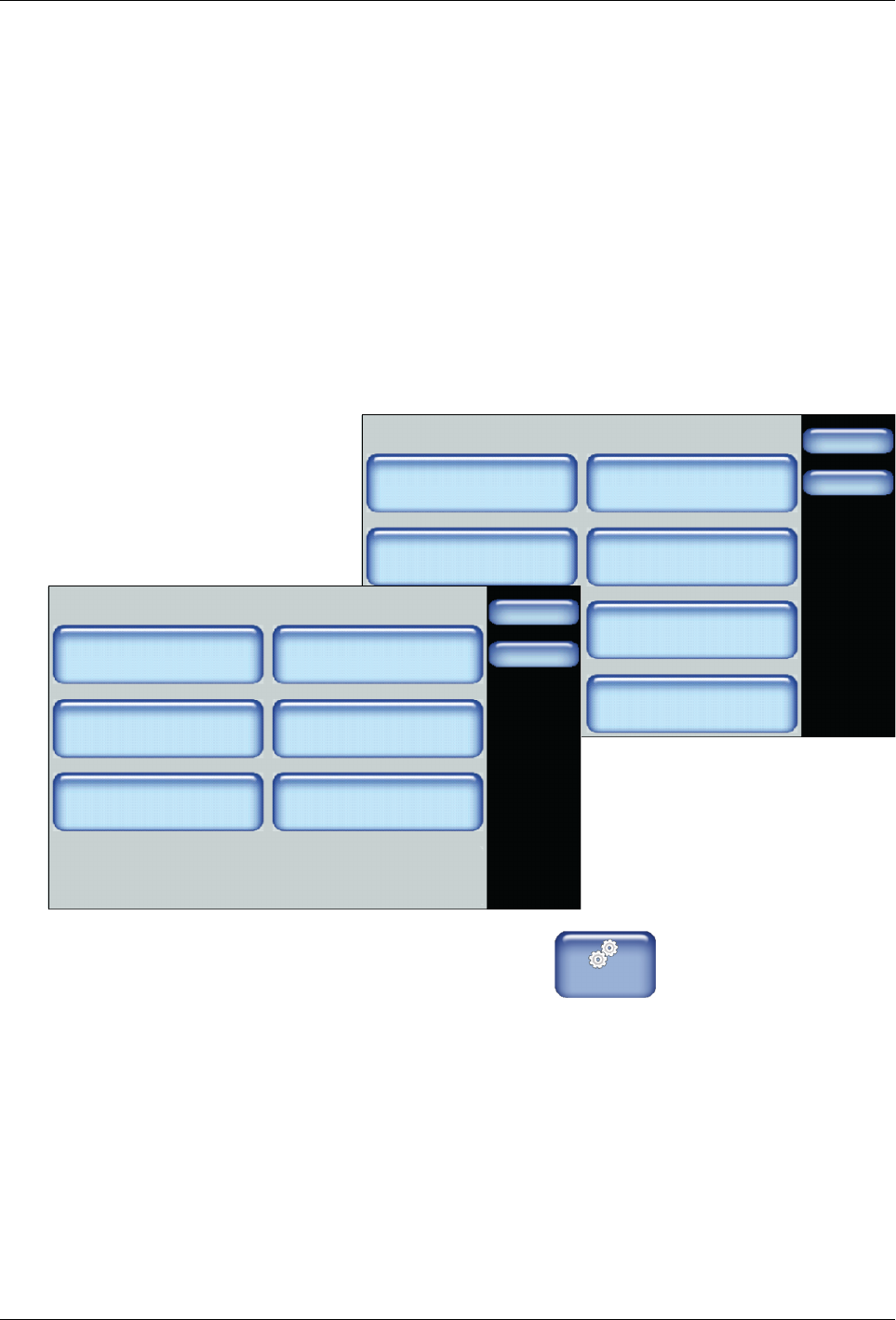
Accessing Administration Settings and Options
System
Done
Home
Formats/Units
Date/Time
Password
Display
Service Interval Administration
Scheduler Language
03/20/2014 4:40PM
500 Hours
Administration
Done
Home
System Reset
Display/Save Diagnostics
Recipes
Lockout Communication
Reset Password Display System Data
Off
1. From the Home Display touch
Master
Controls
2. Touch the System, then Administration.
Refer to the following sections for more information.
Advanced Software Melter Configuration
7-35
Part 1121836_03
E 11/2014 Nordson Corporation
Locating the Customer and Internal SD Cards
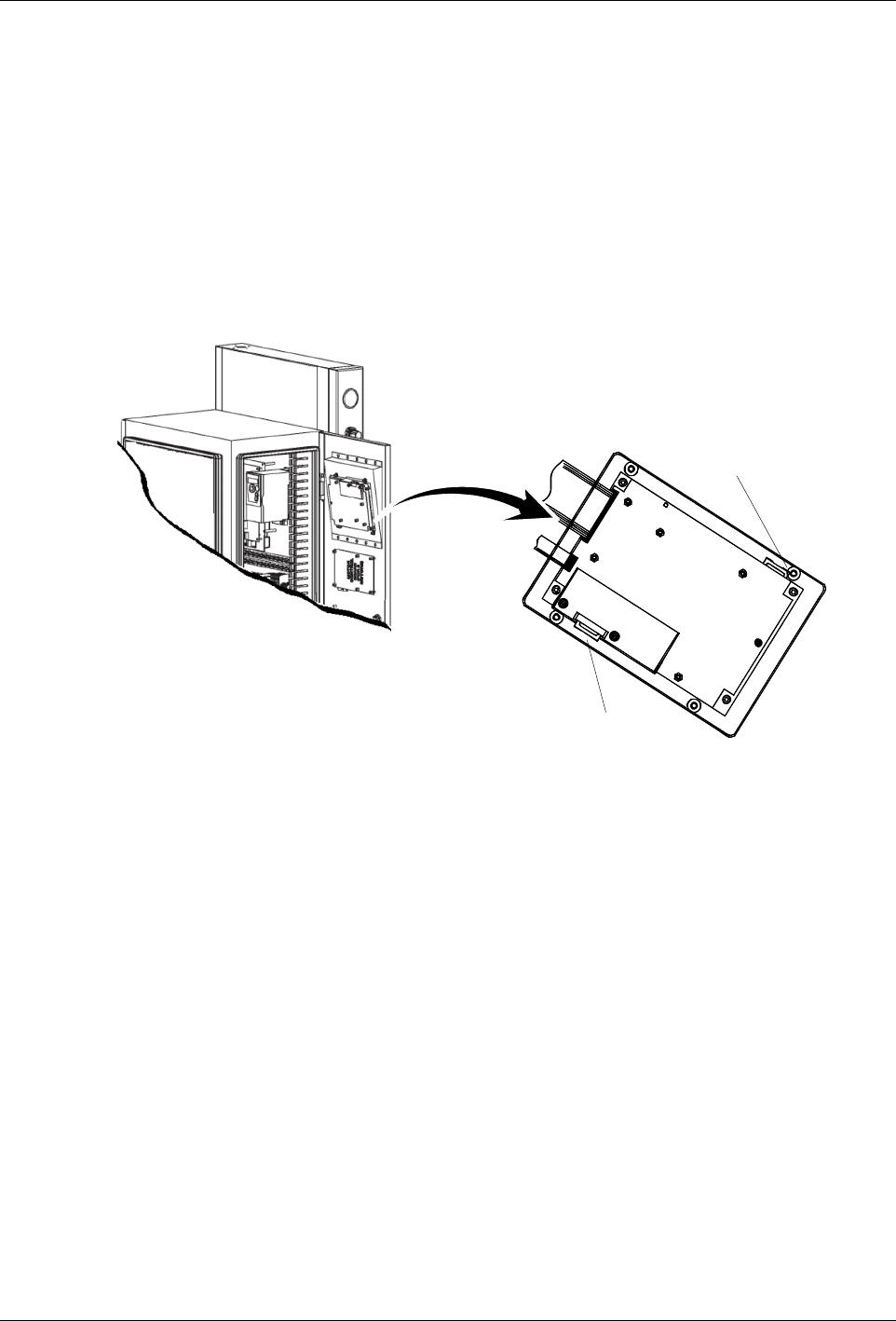
The LCD Module includes two SD Card slots:
S
Customer SD Card - Contains a \backup folder for when you want to
revert back to a previous working version of the software, as well as the
EventLog.csv and the diagnostic.nor files.
S
Internal SD Card - Contains system files and a \Recipes folder where all
recipes are stored. Refer to Distributing Recipes with other AltaPail II
Melters for more information.
NOTE: You must switch the melter off, and disconnect the electrical power to
the melter at the local power source before accessing either SD Card.
Customer SD Card
Internal SD Card
Figure 7-1 Location of the Customer and Internal SD Cards.

Advanced Software Melter Configuration
7-36
Part 1121836_03
E 11/2014 Nordson Corporation
Reverting back to a Previous Version
As part of the upgrade process, the current *.dat file is automatically copied
into the \backup directory of the Customer SD Card.
Before attempting to revert to a previous version, make sure of the following:
S
You have a computer with an SD Card device with Read/Write
capabilities.
Starting
Entering Flash
Loader Version: 01.05
Found Upgrade File
Updating Firmware
Percent Complete: 40
Figure 7-2 The upgrade process.
1. Switch the melter off, and disconnect the electrical power to the melter at
the local power source. Open the door to access the CPU board.
2. Locate and remove the Customer SD card. Refer to Figure 7-1.
3. Using your PC, do the following:
S
Navigate to the \backup directory and copy the *.dat file you want.
S
Navigate to the root of the SD Card and paste the *.dat file.
4. Replace the Customer SD Card, close the access door, reconnect the
local power source, and switch the melter On. Refer to Figure 7-2.
5. The system automatically detects a new *.dat file and does the following:
S
A copy of the current *.dat file is copied into the \backup directory on
the SD Card.
S
The CPU board is upgraded first, followed by the Motor Control
board.
S
The entire upgrade process should take approximately 10 minutes.
When done, the software automatically reboots the melter. The
upgrade is complete.